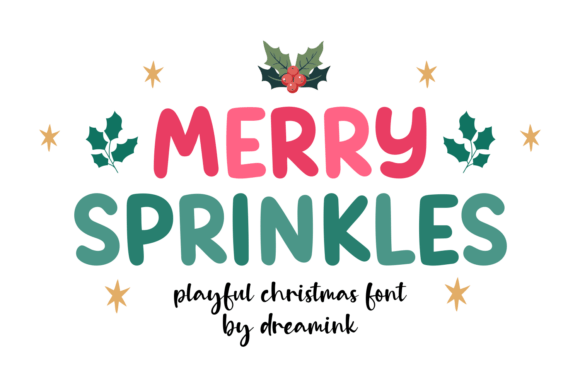
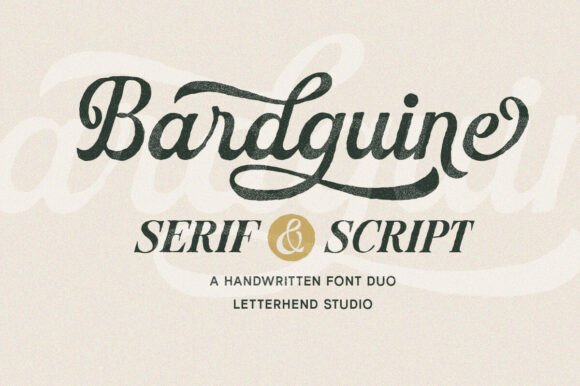
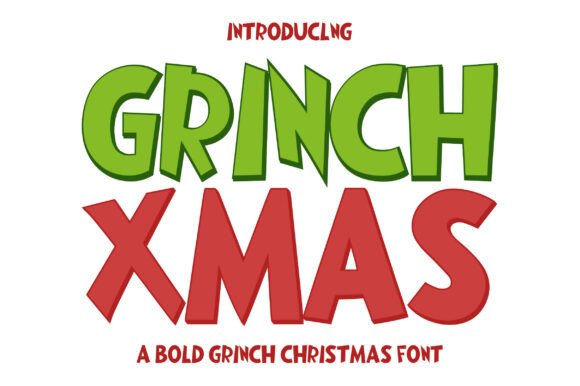
You open a font list, type “display”, and four hundred names come back, none of which looks like the Playfair Display you actually had in mind. I have lost an afternoon to that scroll more than once, and the problem was never a lack of fonts. A display font is a job, not a shape, and the word tells you almost nothing about the letters.
Below I sort bold serif fonts and display fonts by the three shapes you really search for: a Playfair-style contrast serif, a curvy one, and a chunky one, with names you can try today.
Quick answer: The bold serif fonts closest to Playfair Display are high-contrast display serifs such as DM Serif Display, Abril Fatface, Bodoni Moda and Fraunces. If you want the same elegance but rounder, look at curvy display faces; if you want it heavier, pick a chunky one with a real heavy style rather than a bold button.
When the free names run out, browse display fonts with a commercial license on Creative Fabrica.
What Makes a Bold Serif Font Look Like Playfair Display
Before you look for a lookalike, you need to know what you are copying. Playfair Display is a serif drawn for large sizes, and you can recognize it by three things:
- High contrast. The thick strokes are heavy and the thin strokes are almost hairlines. That contrast is the whole look.
- Sharp, thin serifs. The feet of the letters are flat and fine, so they need size to survive.
- Teardrop terminals. The ends of a, c, r and f finish in small drops, which gives the face its editorial warmth.
I check a candidate against exactly these three, in this order, before I even look at the name. If a font has soft, rounded serifs or even strokes, it will never read as Playfair, whatever the list says.
A font is like Playfair Display when the thick and thin strokes differ sharply, the serifs are fine, and the ends are drop-shaped. Everything else is a different font.
For the long version of how to choose heavy faces for headlines, see bold heading fonts vs bold text fonts. And if you are already sure a free file will not do, look at display serif fonts with a commercial license.
Bold Serif Fonts Like Playfair Display
These are the names I reach for first when a client wants the Playfair mood and you cannot get the original. All of them are released as open fonts through Google Fonts, but you should still read the license file that comes with your download.
- DM Serif Display. The closest in spirit: high contrast, fine serifs, built for large headlines. Sturdier than Playfair at medium sizes.
- Abril Fatface. The heavy cousin. Contrast is extreme and the thick strokes are fat, so it works for one short word on a poster.
- Bodoni Moda. Sharper and more fashion-like. It has a lot of hairline, so keep it big.
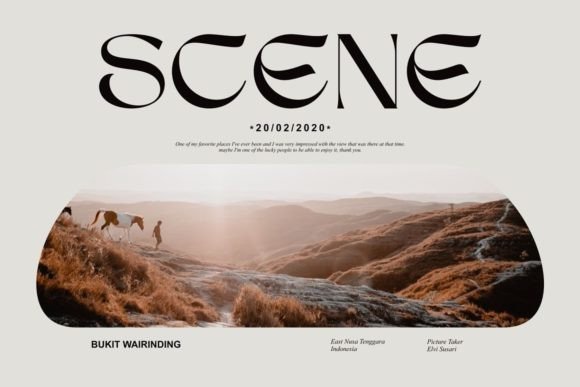
- Fraunces. Softer and warmer, with a slightly quirky shape. Choose it when Playfair feels too formal.
- Cormorant. Delicate and tall, made for headlines, not paragraphs. It is lighter than Playfair, not heavier.
By job: for a headline pick DM Serif Display or Bodoni Moda, for one short word on a poster pick Abril Fatface, and for bold text that still has to be read at paragraph size pick Merriweather Black or Lora Bold.
You can tell the first group apart in a minute by setting the same word, “Reserve”, in each at 72 px. The one whose hairlines vanish when you shrink the preview to a phone width is the one you should not use for a logo. For the next step, font pairing: two fonts, one job each shows what to place beside it.
When you need the same mood in a family with several weights and a license you can hand to a client, browse elegant display fonts and check the styles list first.
Display Is a Tag, Not a Shape

Search the Display tag in a font marketplace and you will see why the scroll never ends. The tag is a job: the font is meant to be seen big, and you learn nothing from it about contrast, weight or curves.
Go through a page of listings under the Display tag and you will find almost no contrast serif in the Playfair mold. Most are handwritten or script, a few are thick lettered, and the rest are playful retro faces. So if you type “display font” and hope for a Playfair, you are searching in the wrong place.
My rule is to search by shape and use the tag only as a filter. You put the shape in the query: serif, rounded, chunky, condensed, script. Then you decide the job. The same advice applies to bold letters that hold their shape at a big size, where the shape decides everything and the name decides nothing.
To start from shapes instead of tags, scan display fonts and read the preview, not the label.
Curvy Display Fonts
“Bold curvy fonts” is what people type when they want soft, round, friendly letters and do not know the word for it. Three things sit under the word, and you should name which you mean.
- Rounded sans. Even strokes with round ends, such as Quicksand or Baloo 2. Friendly, clear at small sizes, and the safest for an app or a kids’ brand.
- Bouncy display. Letters that jump on the baseline. Fun on a poster, tiring on a paragraph.
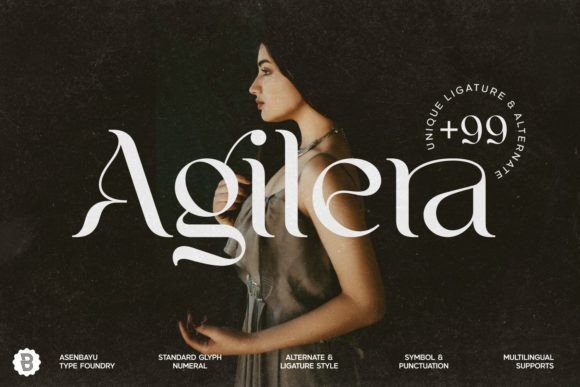
- Script curves. Connected, flowing letters. These are elegant and are the one group that goes cursive, so they need a longer word to show off the line.
I treat a curvy font as the opposite of Playfair: where Playfair is sharp and contrasty, curvy is even and soft. You can pair the two, a curvy word beside a contrast serif line, and you let the contrast between shapes do the work.
The test I run is to type a word with o, e and g in the preview. The round letters should look like one family; if the o is a perfect circle and the e is squashed, the font has no system. For a ready set, see curvy fonts with a commercial license.
Chunky Display Fonts
Chunky means heavy strokes with big, simple counters. You want it for a sticker, a kids’ label, a sale banner or a retro poster. You do not want it for a wedding invitation, however thick it is.
When I pick a chunky font I check three things on the preview:
- The counters stay open. Look at e, a and g. If they close up at headline size, the font will clog the moment it shrinks.
- The spacing is already opened up. A good chunky face is spaced for its weight. If the letters touch in the preview, you will be fixing spacing in every layout.
- It has a real heavy style. One heavy file with no lighter partner means you will be tempted to fake a weight with the bold button.
Free options to try are Lilita One, Titan One and Bowlby One. Each ships one heavy style, so plan a plain sans beside it. For the poster rules, bold fonts that still read clearly at poster size has the size and spacing numbers.
When one style is not enough, browse chunky fonts with several styles before you start faking weights.
Three Display Fonts to Start From
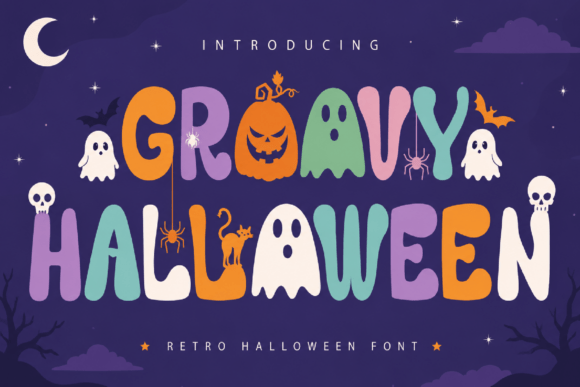
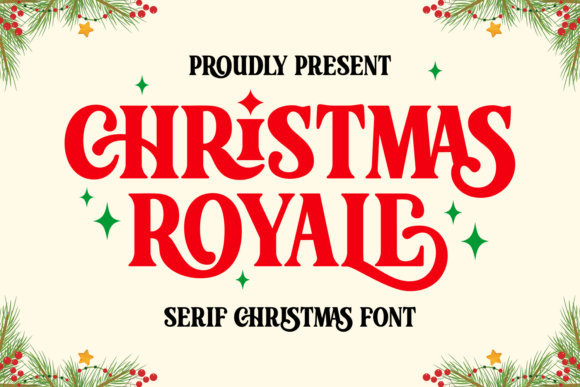
These three ship with a commercial license through Creative Fabrica. They are two chunky shapes and one flowing one, so read the line under each before you click.
Unlimited creative assets. Access to AI tools.
Commercial licence included.
Browse allCommercial license included
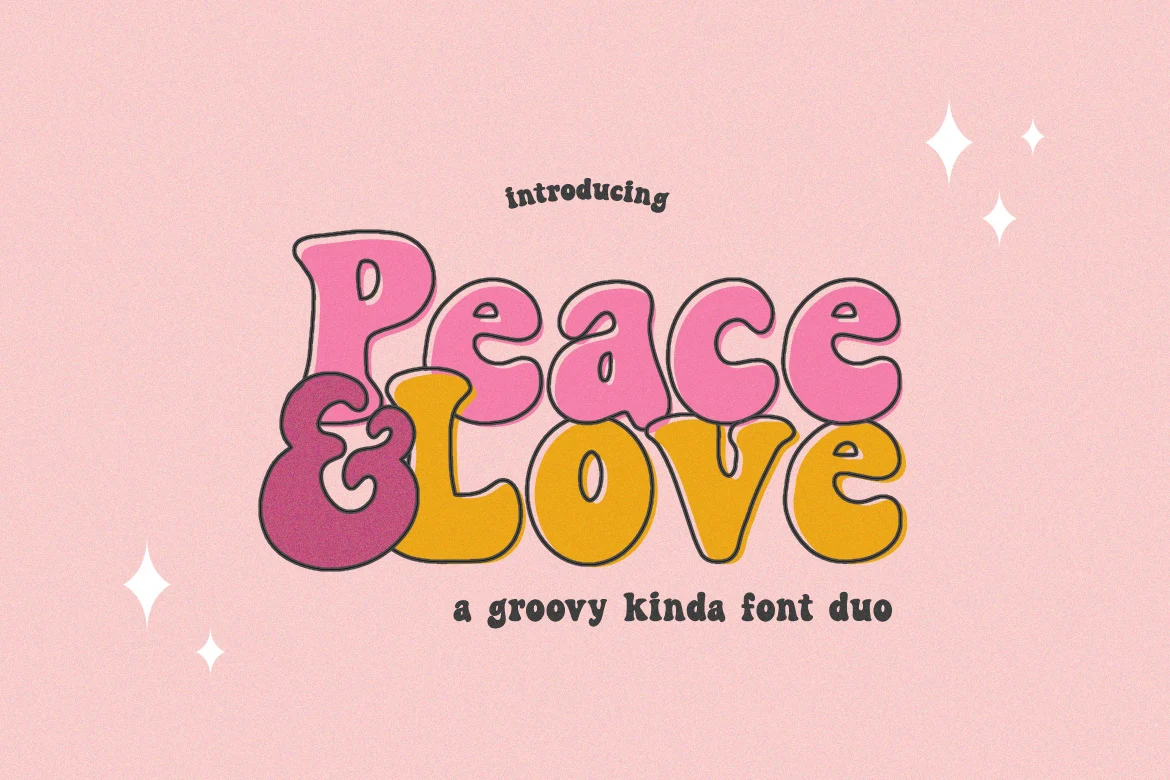
Peace and Love
A fun, retro styled chunky display font. Best for children-themed designs, stickers and bright labels, where heavy, round and friendly is the whole brief.
Commercial license included
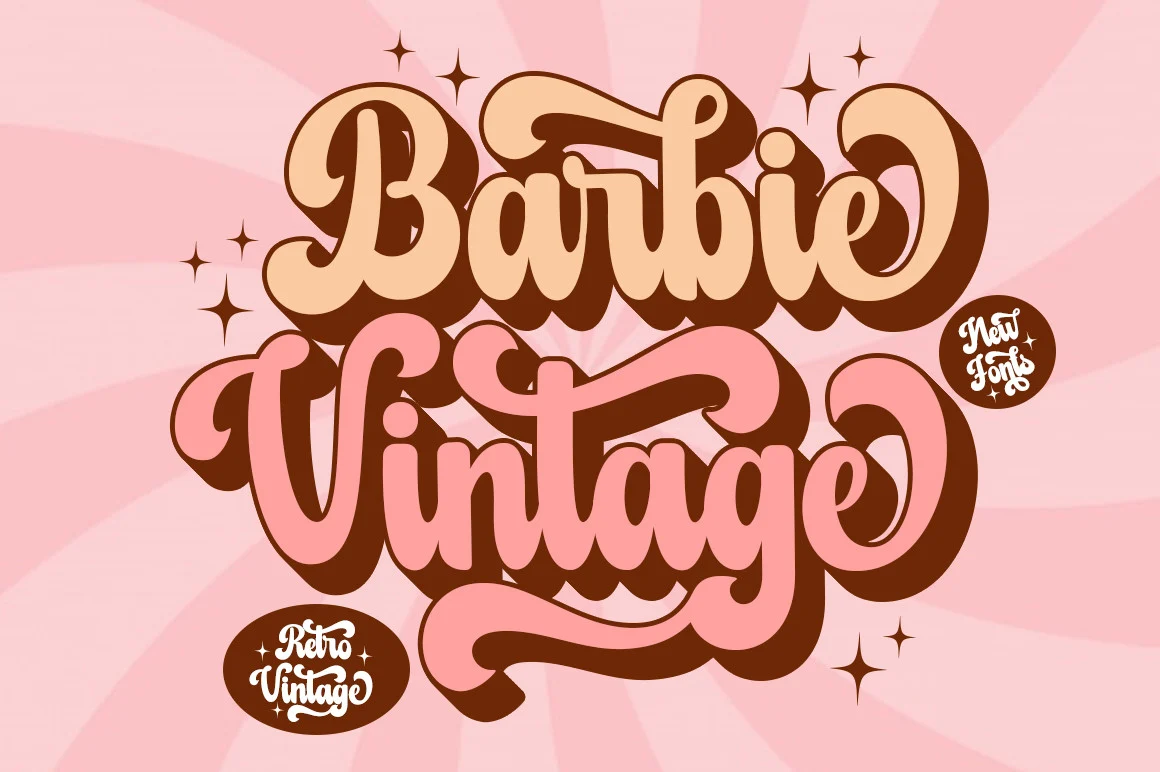
Barbie Vintage
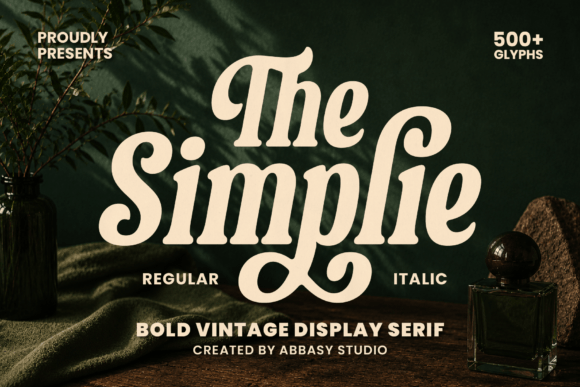
A playfully nostalgic display font with a retro touch. Suits a poster headline or a packaging label where a vintage note is the point.
Commercial license included

Thunder
A modern handwritten font with a flowing line and swashes. This is the curvy partner for a heavy line, one expressive word, not a full headline.
None of these is a Playfair copy, and I would not pretend otherwise. For that mood, you stay with the serif names above and use these when your brief says round or heavy. A wider range is here on Creative Fabrica.
Display Fonts in Canva
In Canva you can search the font menu by name, so you should type the name from the lists above before you scroll the whole library. Two habits save the most time:
- Search by name, not by tag. Typing “DM Serif Display” gets you there in one step; scrolling the display list does not.
- Use the heavy line for one or two words. A full paragraph in a chunky face is what makes a template look cheap.
An uploaded font is a paid-plan feature in Canva, so you should check what your plan allows before you design around a font you cannot upload. For pairs that survive an export, see Canva font combinations, or choose a display font you can license first.
License and Logo Use
I never assume that a font that works on your screen is allowed on your logo. Open fonts are usually fine for commercial work, and many free ones on dafont and similar sites are personal use only. When you put a font on a logo, a shopfront or packaging, that counts as commercial use.
Before a font goes on anything you sell, I open the license file in the download and look for one of three outcomes:
- Commercial use allowed. It says so in plain words, and you are clear.
- Personal use only. A separate commercial license has to be bought from the author. Plan for the wait before the client call.
- No license file. Treat it as personal use, because silence is not permission.
For the wider logo picture, see best fonts for business logos. A logo is also the one place where you want a real family, because you will need a lighter weight for the tagline. If you need that and a license in one place, choose a display font with the license included.
Mistakes With Display Fonts
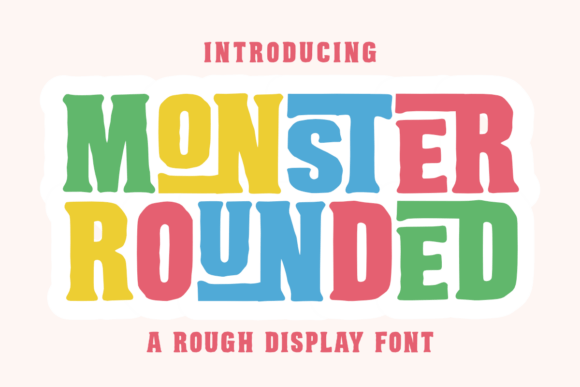
- Trusting the name. You should check the letterforms in the preview, not the label or the “like Playfair” tag.
- Pressing bold on a single style. If a family has no heavy style, pick another family.
- Setting paragraphs in display. Keep display for the headline and one subline.
- Two display faces on one page. One carries the page, the other is a quiet sans.
- Installing before reading the license. A font that installs is not a font you may sell on.
For a second pair of eyes on the heavy shapes, modern bold fonts without the cheap look covers the five things that make heavy type look cheap. And to skip the free-file risks entirely, pick a display font with the commercial license cleared.
Key Takeaways
- Playfair Display is defined by high contrast, fine serifs and teardrop terminals; check those first.
- The closest free names are DM Serif Display, Abril Fatface, Bodoni Moda and Fraunces.
- Display is a tag for a job; search by shape: serif, rounded, chunky, script.
- Curvy is the opposite of Playfair: even and soft instead of sharp and contrasty.
- Read the license file before a font goes on a logo or anything you sell.
FAQ
What font is similar to Playfair Display?
DM Serif Display is the closest in spirit, with high contrast and fine serifs. Abril Fatface is the heavier relative, Bodoni Moda is sharper, and Fraunces is softer.
What are the best bold rounded fonts?
Quicksand and Baloo 2 are common rounded sans choices, and Lilita One or Titan One are heavier, chunkier options. Pick by the job: even strokes for clarity, heavy for a sticker or label.
What are the best bold cursive fonts?
A bold cursive font is a script with a heavy stroke, so it needs a longer word and a large size to stay readable. Use one expressive word beside a plain headline.
What font is bold?
A bold font is any face that ships a real heavy style. If the family has only a regular style, pressing the bold button makes a faux bold that smears the outline.
Can I use a display font in a logo?
Only if the license allows commercial use. A personal-use font on a logo needs a separate commercial license from the author first.
Are Playfair-like fonts free to use?
Many are available as open fonts, and some are personal use only. The license file in the download decides, not the download button.
Which display fonts work in Canva?
Search the font menu by name. Any font with its own heavy style works well; avoid faking weight with the bold button.
Ready to set the headline? Pick a display font with the license already cleared and run the shape checks above before you place it.