You search for elegant fonts in Canva, pick the one everybody recommends, and the invitation still looks cheap. The font is fine. The spacing is default, the headline is too small, the script runs across a whole paragraph, and the same name appears on a hundred other designs.
I wrote this for a wedding card, a boutique logo or a brand post made on the free plan. You get named fonts by form, a test that changes six things without changing the font, a few pairs, the places where elegant goes wrong, and an honest answer for the moment the free library starts to look familiar.
Quick answer: Cheap comes from the layout, not the font name. Use a high-contrast serif such as Playfair Display or Prata for the headline, a script only for a name or a short line, and open the letter spacing. When the free library feels familiar, upload a font with a commercial license.
When the free library does not have what you need, browse elegant fonts with a commercial license on Creative Fabrica.
Why Free Fonts Look Cheap, and It Is Rarely the Font
Most elegant Canva fonts are already in the free library, and elegant Canva fonts free of charge cover nearly every common job. Pick by the job, not by the name, and the cheap look usually goes away without spending anything.
An expensive layout has four things in common. The letters have room to breathe. The headline is clearly bigger than everything else. The colours are few and deep. And only one element is fancy. You break one or more of them in a cheap layout: tight capitals, a script set as a paragraph, five fonts on one card, or pure black on pure white.
A font looks expensive when the layout around it looks calm.
The sections below sort the best-known elegant names by form, then show the changes that do most of the work. If you are choosing between several styles first, Canva font combinations covers safe pairs, and you can see luxury fonts for the upper end.
Elegant Serif Fonts in Canva
Elegant serif fonts Canva offers are the safest place to start. I begin with a serif whenever the brief says classy. You will get a safe result in a minute.
High-contrast serifs carry the “expensive” look better than any other form, because the thick and thin strokes read as fashion print.
- Playfair Display. A classic high-contrast serif that is easy to read and works for luxury headers.
- Prata. Sharp serifs with teardrop terminals. A strong pick for a logo or a statement heading.
- Antic Didone. Extreme contrast between thick and thin lines, with a high-fashion feel.
- Cormorant Garamond. Delicate and traditional. Ideal for subtitles and body text.
- Cinzel. Inspired by classical Roman inscriptions. It suits capitals on a sign or a certificate.
- Radley. Understated elegance for invitations and polished accent text.
You can use one of them for the headline and a lighter one for the lines underneath. I pick the lighter one by squinting at the preview.
Extreme contrast fonts such as Antic Didone look best large, because the thin strokes fade at a small size. You should check each name in your own account, because Canva marks some fonts as Pro and the status depends on your plan. For more on picking a serif, serif fonts: how to pick the right style goes deeper, and elegant serif fonts show what sits beyond the library.
Elegant Script and Cursive Fonts in Canva

Scripts are where cheap creeps in fastest. You should treat them as jewellery, and I wear one piece at a time.
- Parisienne. A flowing cursive that stays balanced and easy to read.
- Moontime and Signature. Thin, swift handwritten styles that work as a signature or an accent.
- Castro Script and Halo Handletter. Fluid calligraphy options that mimic brush ink.
- Great Vibes. A flowing script with dramatic capitals, best for names or a short romantic title and not for a paragraph.
- Alex Brush. Classic brush calligraphy with relatively readable letterforms.
The rule is simple: a script carries a name or a short line, and a serif carries everything else. If you put two scripts on one card, they fight each other, and a whole sentence in script is tiring to read. For a printed-looking signature on a wedding card, the free scripts above are enough. For a different personality, elegant script fonts offer finer detail than the common ones.
Modern Elegant Fonts: Display and Minimal
Not every elegant design is traditional. A modern brand can feel just as upscale without a single curl.
- Black Mango. A popular aesthetic font with sleek curved lines. A good fit for a logo.
- Hatton. Slightly structural, and clean and premium in lighter weights. Pick the Light or Thin weight, because the regular weight loses the effect.
- TAN Mignon and TAN Mon Cheri. Part of the TAN family, with a retro-chic charm that suits beauty and boutique work.
- Cedra. A sans serif with stretched letterforms for a contemporary take on elegance.
I check these four at the size of a phone screen before I trust them. Modern elegant fonts depend even more on spacing than serifs do, because they have no contrast to lean on. Wide letter spacing in capitals gives you the quiet, expensive feel. If you need a heavier modern face, modern bold fonts without the cheap look works the same way, and Canva sans serif fonts lists plain options for the supporting text.
You can also compare modern elegant fonts with a commercial license when the free names feel too familiar. If your brief leans old-fashioned instead, vintage fonts in Canva covers the other end of the range.
Same Text, Six Changes: The Test That Makes a Font Look Expensive
This is what I run on a design that looks cheap. You can do it inside Canva in a few minutes, and the font stays the same.
- Open the letter spacing. In the Canva spacing panel, add space between letters in capital headlines. Wide capitals are the quickest route to a boutique look.
- Make the headline much bigger than the rest. A clear jump in size reads as confident. Two sizes that are almost the same look like a mistake.
- Use capitals on short lines only. A name or a title in capitals looks deliberate. A sentence in capitals looks like shouting.
- Cut the colours. Replace pure black with a deep charcoal, navy or dark green, and keep to two colours in total.
- Add empty space. Move the text away from the edges and from other elements. A crowded card looks cheap, and empty space looks costly.
- Limit the fancy part to one element. If the headline is a script, everything else is a plain serif or sans.
You change one thing at a time and compare, and I do the same. Spacing and the single-fancy-element rule do most of the work, so I start there. After the six changes, look at the result at a small size, such as a phone preview. If the thin strokes vanish, move up one weight or switch to a font with a sturdier line. Run the same test on a font from elegant display fonts if the library choice still fails it.
Elegant Font Pairs for Canva
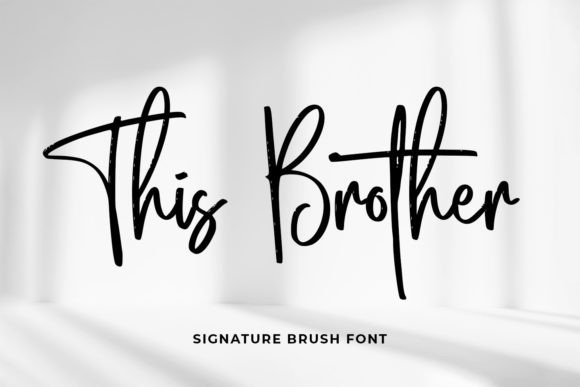
Elegant Canva fonts combinations work when you pick the headline first and the body second. Keep the number of fonts to two, and you will not need a third.
Mix a high-contrast header with a cleaner, simpler subheader. The header carries the mood, and the second font stays out of its way.
| Headline | Body | Best for |
|---|---|---|
| Playfair Display | Lora | Wedding invitations and events |
| Antic Didone | Tenor Sans | High-fashion and beauty branding |
| League Spartan | Libre Baskerville | Editorial layouts |
| Black Mango | Montserrat Light | Modern lifestyle and Instagram content |
| Playfair Display | Josefin Sans | Minimal fashion or beauty |
Two rules keep any pair working. Change at least two things between the fonts, such as shape and weight. And never pair two scripts. For the logic behind it, read font pairing: two fonts, one job each. A duo that ships both halves together, such as those in elegant font duos, removes the guesswork.
Where Elegant Goes Wrong: Wedding, Logo and Small Sizes
These three jobs are where a good font still fails. You can check each one before you export.
Wedding. The common mistake is a script for every line. Use script for the couple’s names and a serif for the date, the place and the details. Your guests read the details, so you should make them easy to read. A font made for weddings, such as Themysion, still needs a plain partner.
Logo. A logo is seen small more often than large. Prata and Playfair Display hold up. A hairline script does not, so test it at the size of a social avatar. If the strokes disappear, use a heavier cut.
Small sizes. Thin, high-contrast fonts lose their strokes at a caption size. Set the body in Cormorant Garamond at a comfortable size, or switch to a sturdier serif for anything under a headline.
Whatever the job, keep the elegant font to the part people see first. If you need a font made for names, wedding fonts are a quick comparison, and the license question in the next section applies to all of them.
When the Free Library Starts to Look Familiar
The library is the same for every user. Playfair Display, Great Vibes and Parisienne are on a huge number of designs, and that is why a design made only from them can look generic, whatever your taste.
Some thin scripts and display faces are available only with Canva Pro. Names such as Abril, Pierson and Snell Roundhand require it. Check the label in Canva before you build the layout around one.
You can go beyond the library. On a paid plan you can upload your own font file to a Brand Kit, with common formats such as OTF and TTF, and the file has a size limit. Two conditions matter:
- The plan. Uploading your own fonts needs a paid Canva plan. The free plan stays with the library.
- The license. The font must allow commercial use. A font that is “free” on a download site is often personal use only, and a card for a client or a product you sell is commercial.
Read the license before you upload anything. A font that opens in Canva is not automatically one you may use for a paying client.
Elegant is also a label almost every font carries. Of 27104 elegant fonts on Creative Fabrica, 1048 have confirmed buyer demand, and among those that mention Canva the figure is 87 of 3027. A small share is worth buying, and a large share is not. When you reach this point, look at elegant fonts that include a commercial license, so the license comes with the file.
Elegant Fonts With a Commercial License to Upload
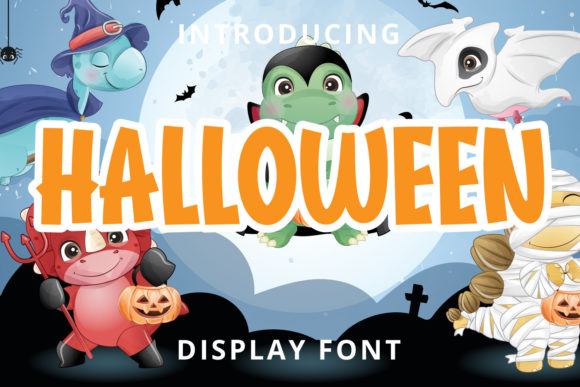
You are looking for a license you can show a client, and I check that first. The same applies to templates, funeral programs and any print job where a client signs off on the type.
These come with a commercial license on Creative Fabrica. Run the test from earlier on the preview before you buy anything, and you will see the weak ones fast, and read the license text on the product page.
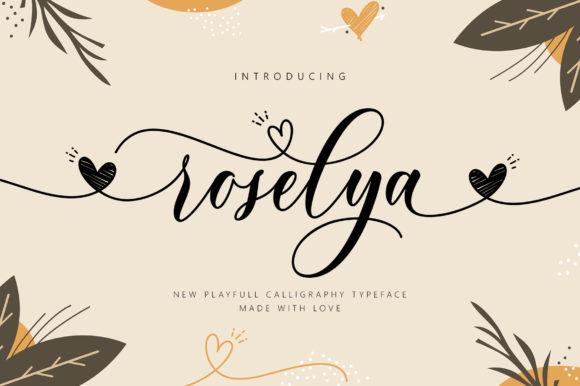
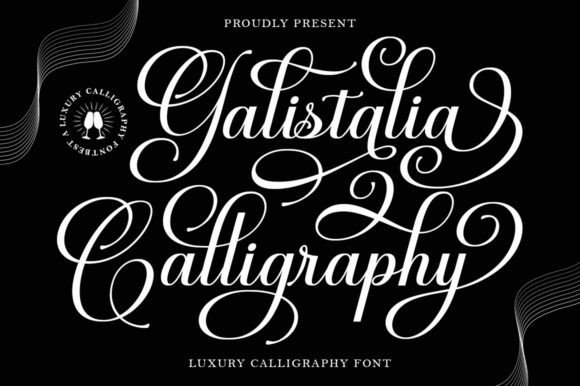
First, three scripts for names and short lines. Set each one over a plain serif.
Unlimited creative assets. Access to AI tools.
Commercial licence included.
Browse allCommercial license included
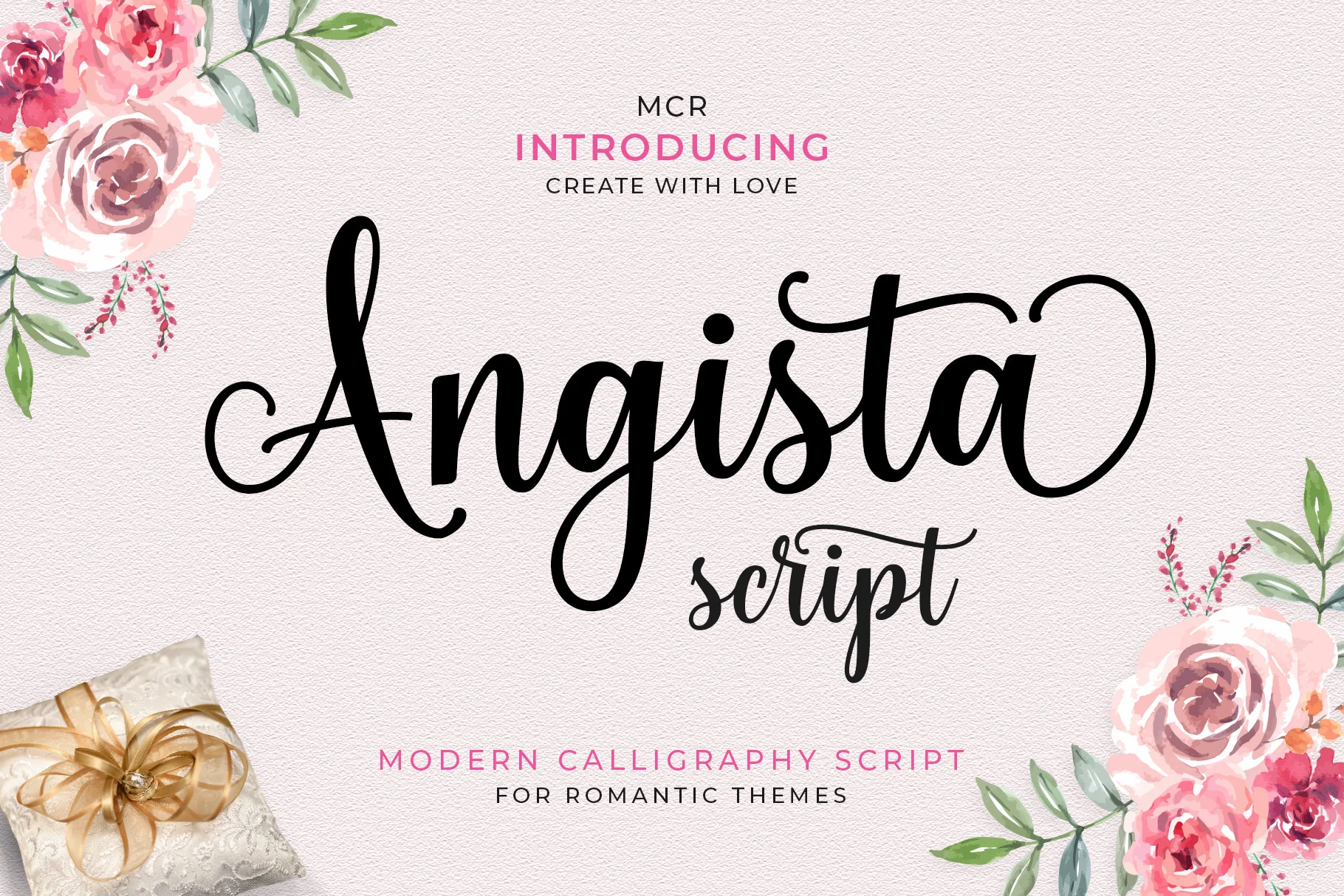
Angista Script
A delicate script with characters that dance along the baseline and swashes you reach through the glyph set. Best for a name or a single line on an invitation, set large over a quiet serif.
Commercial license included
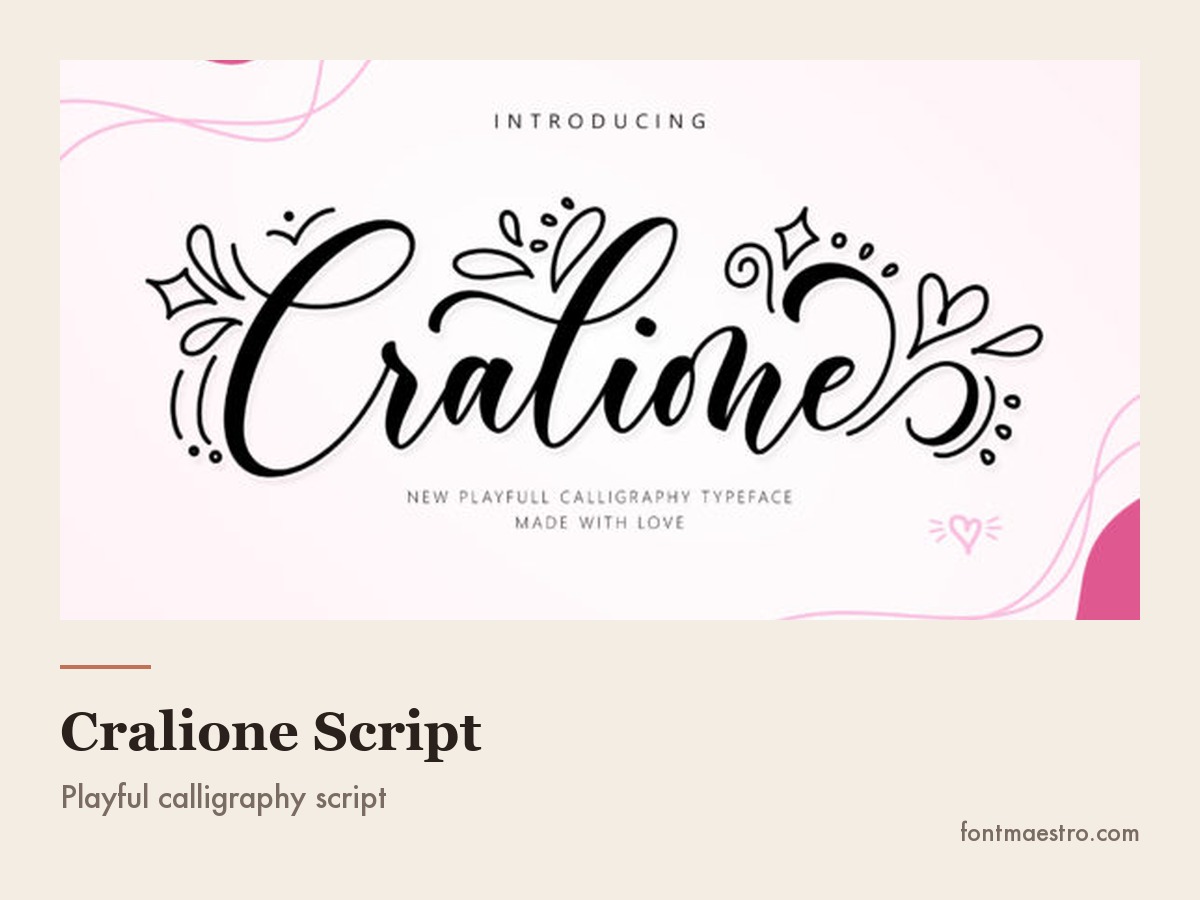
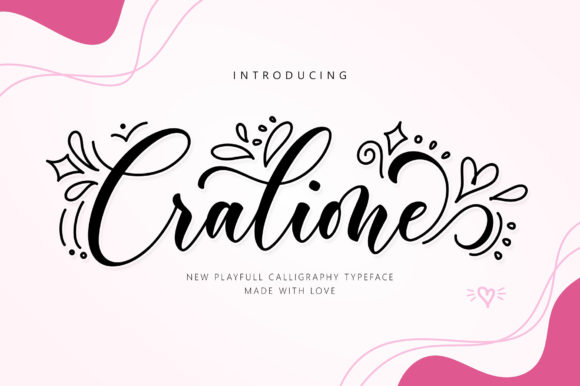
Cralione Script
A detailed, dazzling script that suits a short logo line or a signature mark. Keep it to two or three words.
Commercial license included

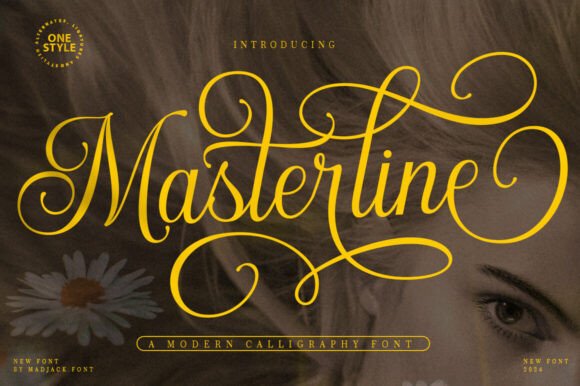
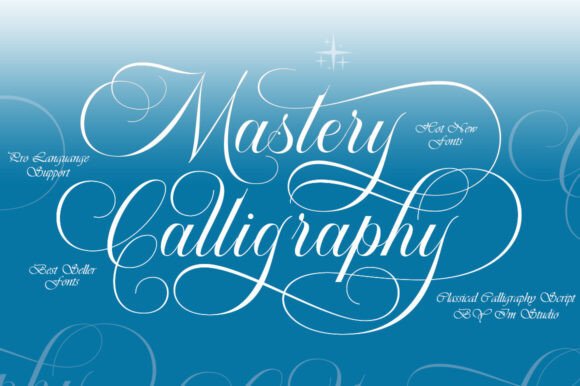
Masterline Calligraphy
A modern calligraphy design in one regular style. Best for a brand name on a card where you want a pen feel without a heavy flourish.
Next, three handwritten and calligraphy options with a softer voice.
Unlimited creative assets. Access to AI tools.
Commercial licence included.
Browse allCommercial license included
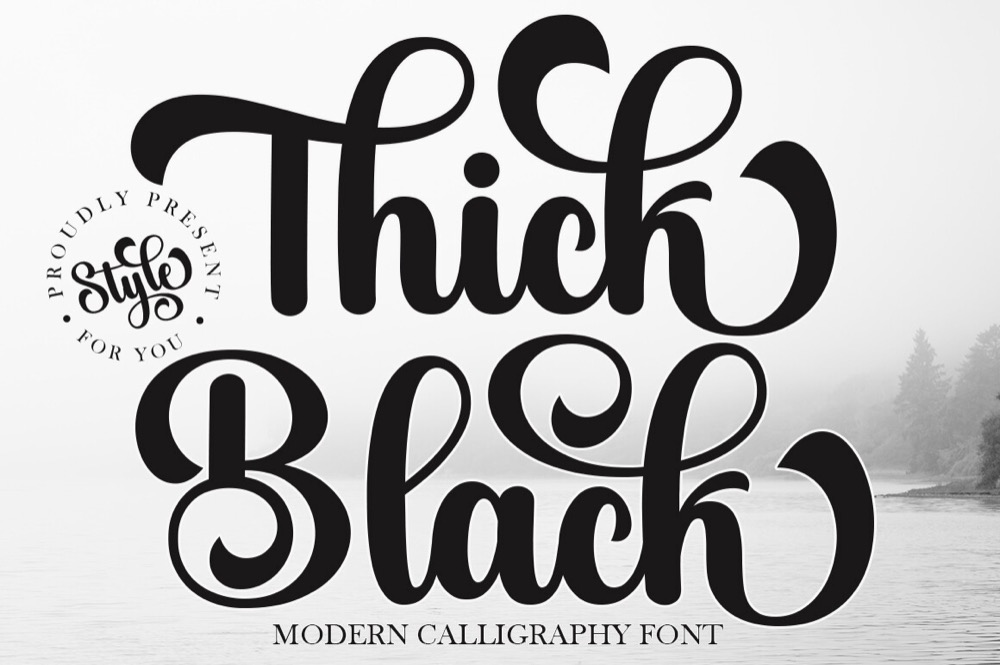
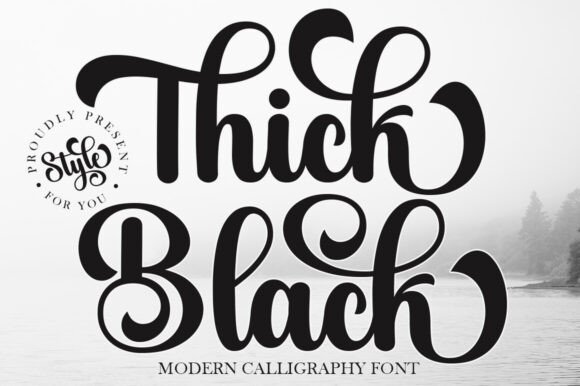
Thick Black
The name says heavy, the listing says soft and elegant, with graceful strokes and a feminine touch. Test it at a medium size on a beauty or boutique header.
Commercial license included

Simple Handwriting
A fluid, contemporary script that mimics relaxed handwriting. Best for a friendly but polished accent line, such as a thank-you card or a post caption.
Commercial license included
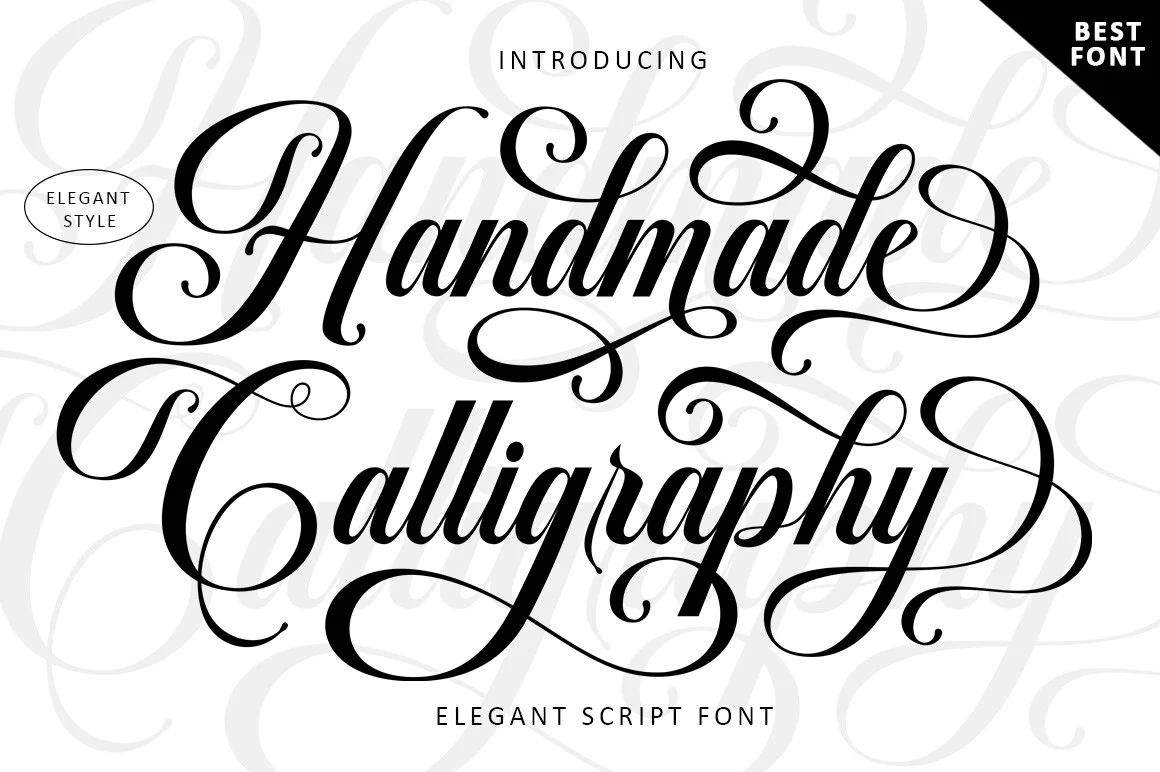
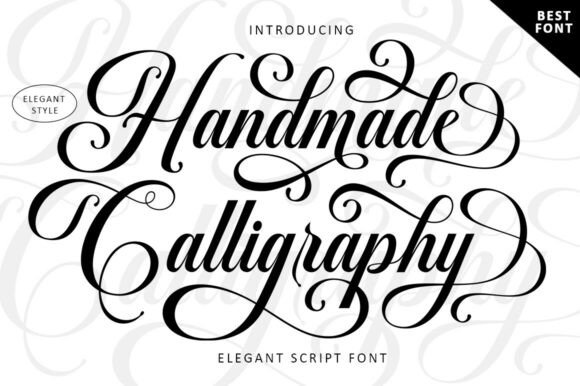
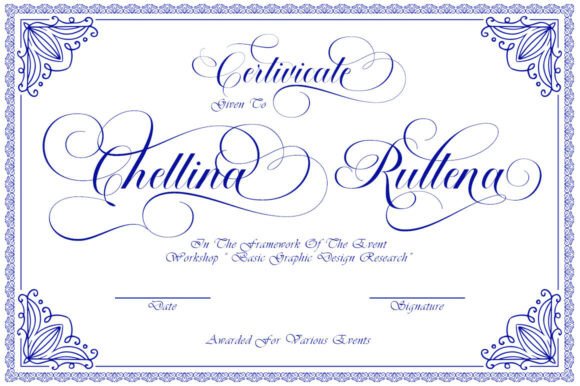
Handmade Calligraphy
An elegant script with character variations, so repeated letters do not look stamped. Best for wedding names and place cards.
Last, a thin script, a bundle and a clean modern face.
Unlimited creative assets. Access to AI tools.
Commercial licence included.
Browse allCommercial license included

Almond Script
A thin-lettered, graceful script. Very light strokes need a large size and a dark colour, so keep it for a title and not for a caption.
Commercial license included

The Handwriting Bundle
Eight handwriting styles in one purchase. Best when you want a few related voices for a brand set and prefer one license for all of them.
Commercial license included

Photography Font
A versatile, modern typeface made to sit next to visual work. Best for a photographer or studio logo where the picture does the talking.
None of these replaces a good serif. You place them next to it, which is exactly where an elegant design reads as expensive. For a wider range, see elegant font bundles on Creative Fabrica and apply the same two filters: the preview first, the license second.
Key Takeaways
- Cheap comes from spacing, size, colour and clutter, not from the font name.
- High-contrast serifs such as Playfair Display and Prata carry the expensive look best. Scripts carry only a name or a short line.
- You should run the six changes on your own text before you swap the font.
- Pair one bold headline with one clean body font, and never two scripts.
- The free library is shared and some names are Pro. Uploading your own font needs a paid plan and a commercial license.

FAQ
What is the most elegant font in Canva?
For a headline, Playfair Display and Prata are the safest choices, and Antic Didone gives the most fashion-like contrast. For a name, Parisienne and Great Vibes work. The most elegant font is the one set with space and one fancy element.
What are some elegant fonts in Canva for free?
Playfair Display, Cormorant Garamond, Cinzel, Parisienne and Alex Brush are common picks. Check the free or Pro label in your own account, because you may see a different label on your plan.
Can you add fonts in Canva?
Yes, on a paid plan you can upload your own font file to a Brand Kit. The free plan keeps you in the Canva library, so you pick from what is already there.
Why does my design look cheap with an elegant font?
Usually your layout is the cause: tight capitals, a script used as a paragraph, too many fonts or colours, and no empty space. Fix spacing, size, colour and clutter first.
Which elegant fonts work for a wedding invitation?
A serif such as Playfair Display for details and a script such as Great Vibes or Parisienne for the names. You keep the script to the names and one short line.
Can I use any font I upload to Canva for a client?
Only if the license lets you use it commercially. A font that installs and opens is not automatically licensed for client work, so read the license first.
Ready to go past the library? Pick an elegant font with the license already cleared and run the six changes before you upload.