You open a Canva design, see a font you like, and want its name. Or you are looking at the Canva logo and wondering what it is set in. Both are fair questions, and they have different answers, which I sort out below in plain words.
Below you get the short answer, why a template has no single font, a ten-second way to read the name of any font in a design, the truth about the logo, and what changes when you want to use a font beyond the Canva library.
Quick answer: Canva uses its own typeface, Canva Sans, for its interface and text, and Canva Sans Display for larger headings.
Inside a design there is no single font: each text box has its own, and you read it in the font panel. For a font you can upload and use for clients, pick one with a commercial license.
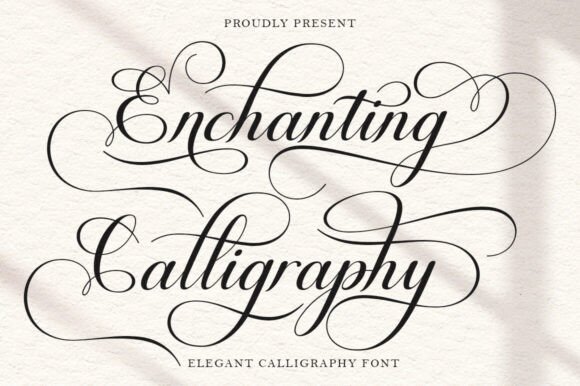
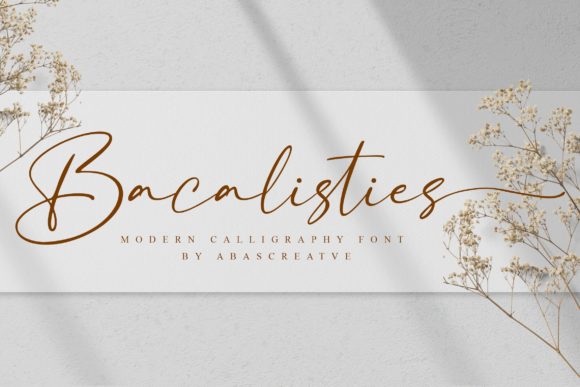
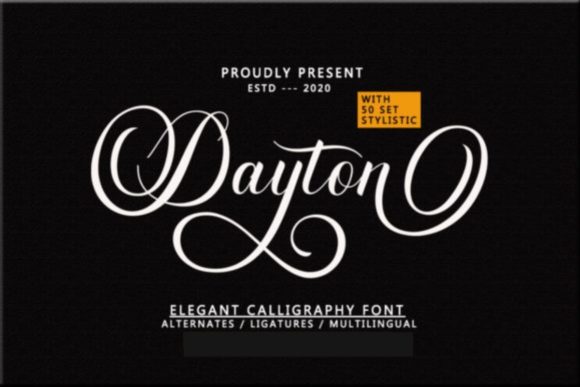
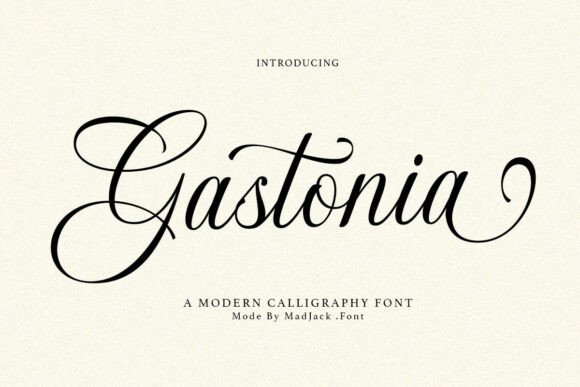
If the library does not have the face you want, browse Canva-ready fonts with a commercial license on Creative Fabrica.
What Font Does Canva Use Itself
Canva uses a typeface of its own, called Canva Sans.
It sets the interface, the buttons and most of the text you see on the Canva site. For larger titles and headings the company uses Canva Sans Display, a heavier and more expressive cut of the same family.
So when someone asks what font Canva uses, the answer is two names: Canva Sans for reading size, Canva Sans Display for big headings.
Both are made for Canva’s own brand and screens. For a similar clean look in your own file, clean sans fonts with a commercial license are the place to compare.
Canva Sans is the font of Canva itself; the font of your design is whatever the text box says.
That is where the simple part ends. The font of Canva itself is not the font of your design. What you put on your own page comes from the library, and the library is a different story.
Why a Canva Design Has No Single Font

I open a lot of templates, and each one is a stack of text boxes, and every box carries its own font, size, weight and spacing.
A headline may be one face, a subtitle another, a small label a third. The person who made the template chose each one separately.
That is why asking what font a template uses rarely has one answer. I never expect one.
A typical design holds two or three, and a busy one holds more. The library behind them is large, and it mixes popular open fonts such as Montserrat, Poppins, Lato and Open Sans with licensed partner faces and Canva’s own.
The useful question is therefore narrower: what is the font in this one text box? You can answer that in seconds, and the next section shows how.
You can also browse font pairs made for Canva. To see how designers combine the faces they find, Canva font combinations covers the pairs that work.
How to Find the Font in Any Canva Template in Ten Seconds
Canva shows the name of the font for any text you can select. You do not need an outside tool for a design that is open in your account.
- Open the design in the editor, not in a preview.
- Click the text box whose font you want. One click selects the whole box.
- Read the font name in the toolbar above the page. It sits at the left of the size field.
- Repeat for each box. A headline and a subtitle are almost never the same face.
- Click the name to open the font panel. The font is highlighted in the list, and you can see what sits nearby.
I check this on every template before I borrow an idea from it. Two cases do not work this way.
Text that was flattened into an image shows no name, because it is a picture of letters. And a shared template link that you cannot edit hides the toolbar until you make your own copy.
When the text is an image, treat it as a logo: you match it by eye, not by name.
That is the next section. To judge a face you found, clean sans serif fonts with a commercial license are an easy comparison.
The Canva Logo Is Not a Font You Can Pick
The Canva logo font is not a font at all: the word Canva in the logo is a drawn wordmark, a flowing script made for the brand.
It is not a font in the library, and there is no file you can type with. Designers adjust the letters of a logo by hand, so no ordinary font matches it exactly.
For that feel in your own project, aim for the same type of face rather than the same letters: a smooth, connected script with a friendly slant.
Set it large, keep the line short, and give it room. A script over a plain sans label looks close to that style.
- Do not try to copy a trademarked wordmark for your own brand. Take the style, not the letters.
- Use a script for one word only. A whole sentence in script is hard to read.
- Check the license before you put a script on anything you sell.
For script options that were picked for Canva, script fonts for Canva on Creative Fabrica lists many styles to compare. For a wider look at quiet, expensive-looking lettering, elegant fonts in Canva that read expensive on a free plan is the next stop.
Free Canva Fonts That Come Closest to Canva Sans
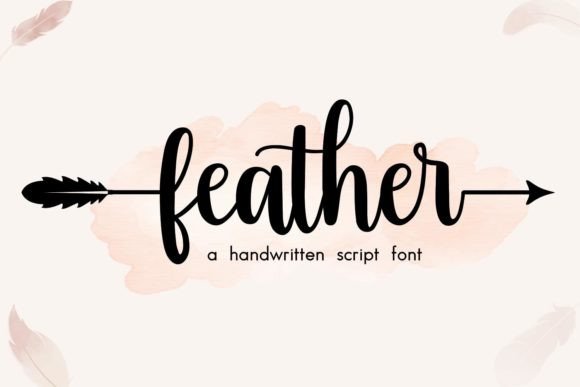
Canva Sans itself stays inside Canva, but its style is common: a clean, friendly, neutral sans. The library has several free faces with the same feel. None is identical, and all of them work for small business posts.
- Open Sans. Neutral and readable. The closest for body text.
- Lato. Warm and sleek, with a little more personality in the curves.
- Poppins. Geometric and clean. A good match for headings.
- Montserrat. A contemporary geometric face, strong for titles.
- Public Sans. Structured and neutral, close to the interface look.
Availability depends on your plan, and some fonts carry a Pro label, so check each one in your own account. To see modern sans serif fonts beyond the library, or how to make a plain sans look chosen rather than default, read Canva sans serif fonts that do not look like the default.
Can You Use Canva’s Own Fonts Outside Canva
For Canva Sans the answer is no. It is Canva’s own typeface, and it lives inside Canva. There is no font file to download and install on your computer, and Canva does not sell one.
The fonts from the library follow the same pattern. They work inside a design.
Many are open fonts that you can also get from their authors, but others are licensed to Canva and stay in the editor. A font that you see in a template is not automatically a font you may install and hand to a client.
My rule is simple.
Inside Canva, use what the library gives you. For anything outside, such as a printed menu in another program or a font file for a client, you need a font with its own license that covers that use.
That is the moment to look beyond the library. Fonts that include a commercial license keep the paperwork inside the purchase, so you have nothing to track down later.
What Changes When You Upload a Font to Canva
Canva allows you to bring your own font. I always check three conditions first.
- The plan. Uploading fonts needs a paid Canva plan. The free plan stays with the library.
- The format. Canva accepts common formats: OTF, TTF and WOFF. The files go into your Brand Kit, which can hold many fonts.
- The license. The font must allow embedding in designs. For client work or anything you sell, it must also allow commercial use.
The third point is where people get caught. A font can open in Canva and still be licensed for personal use only. I take a minute to read it, and it saves a takedown after a post is live.
Once uploaded, the font appears in the font list for your team and works like any library font.
Your own designs keep it, and you can read its name with the method from earlier. If you need to compare a few before you choose, Canva font bundles on Creative Fabrica show previews first.
Fonts With a Commercial License to Upload Instead
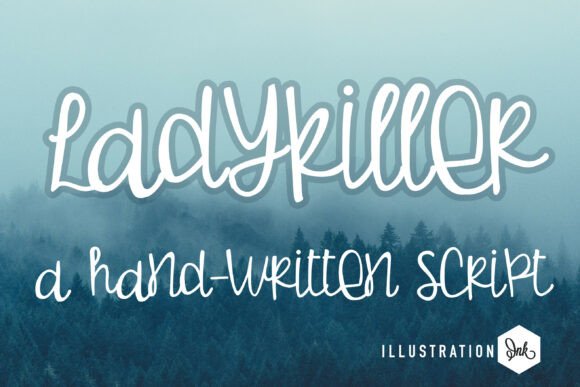
These come with a commercial license on Creative Fabrica. I run one check on the preview before I buy: type your real headline and see if it still reads at a small size.
First, three display and branding faces. Each is set for one short line, and a plain sans carries the rest.
Unlimited creative assets. Access to AI tools.
Commercial licence included.
Browse allCommercial license included
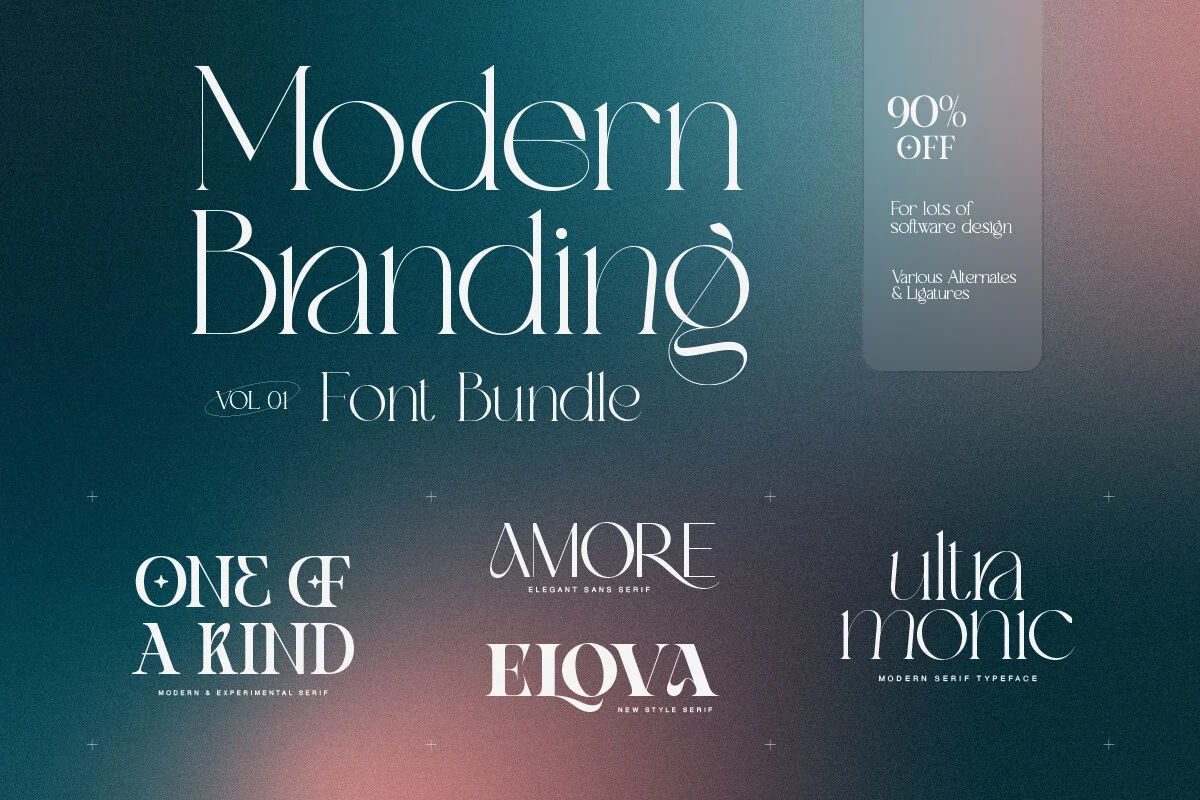
Modern Branding Bundle
A branding font collection listed for logotypes, social media, posters and magazines. Best for a logo word that has to feel designed, set beside a plain sans for the body.
Commercial license included

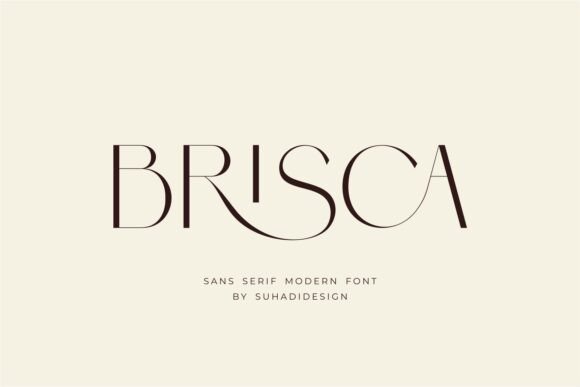
Brisca
A bold display face with contrast, listed for advertising, banners and captions. Best for one strong headline over a quiet Canva Sans paragraph.
Commercial license included

Thunder
A modern handwritten font with a flowing style and swashes reachable through its glyph set. Best for a signature line or a boutique label.
Next, three script and handwritten options. They give a sans headline a human second voice, the way a signature does on a letter.
Unlimited creative assets. Access to AI tools.
Commercial licence included.
Browse allCommercial license included
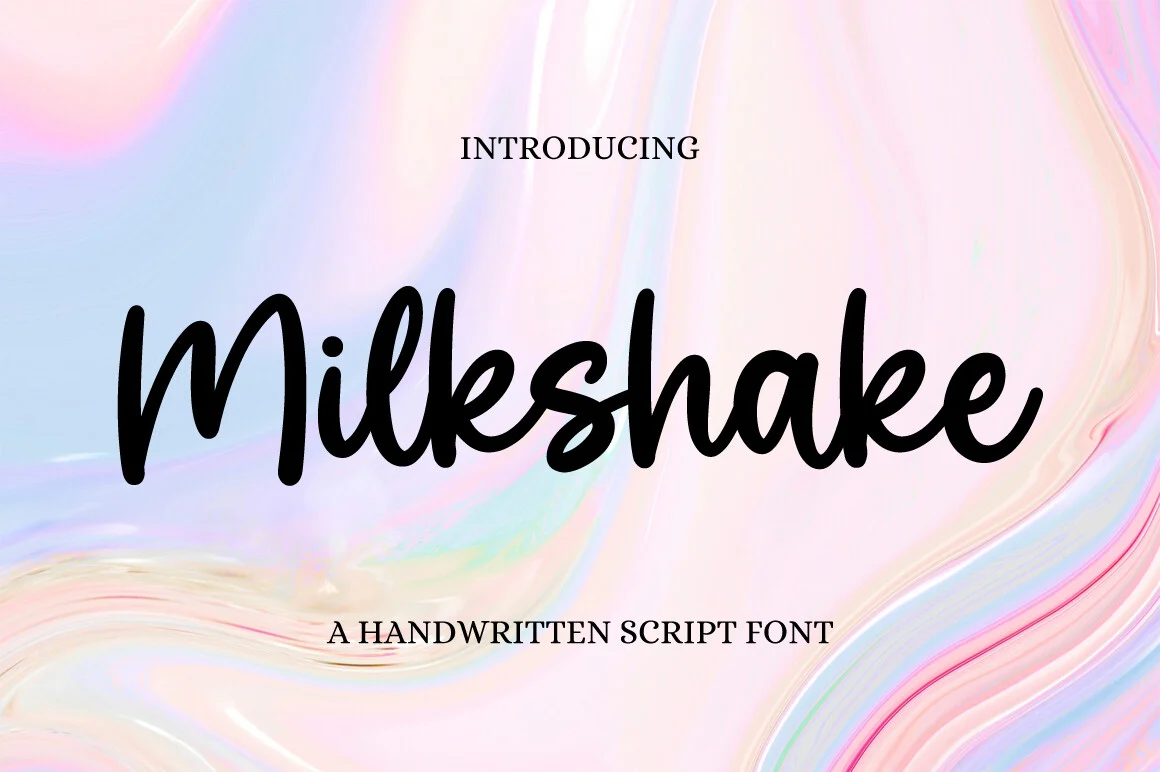
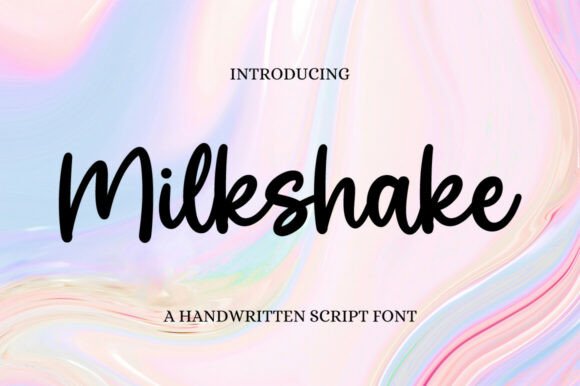
Milkshake
A delicate, refined script listed for invitations, stationery and social media posts. Best for a short accent line, never for a paragraph.
Commercial license included
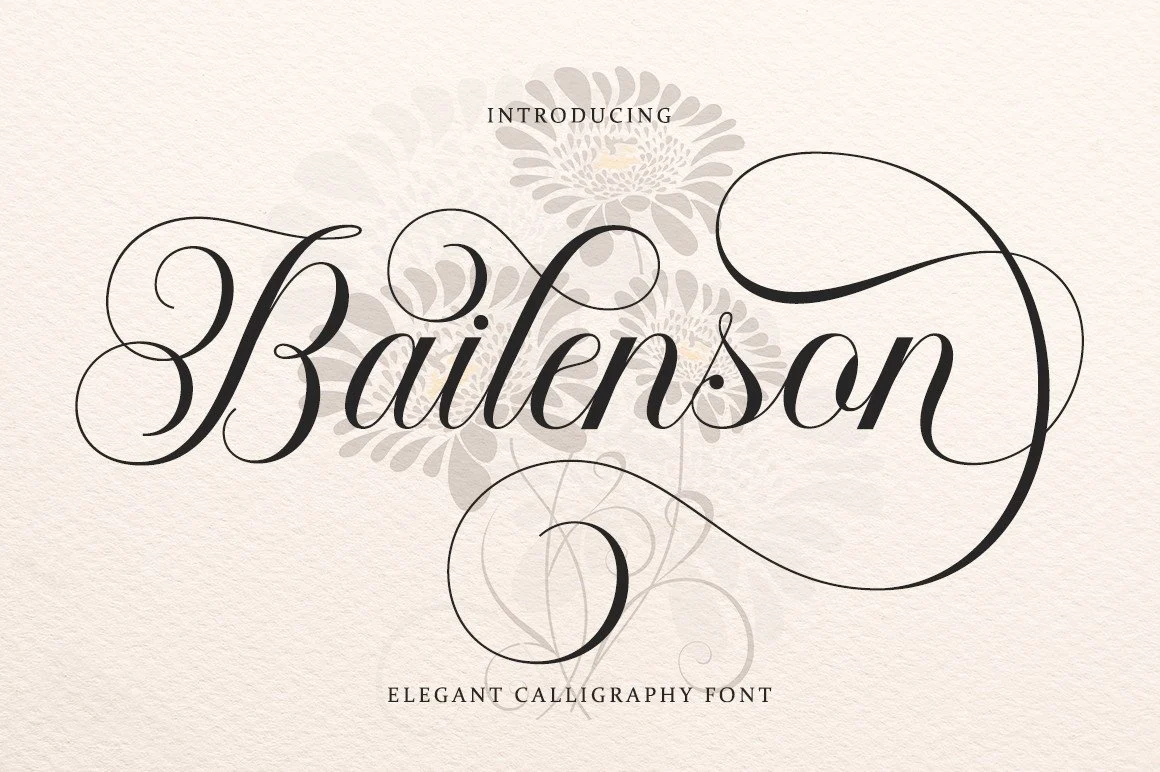
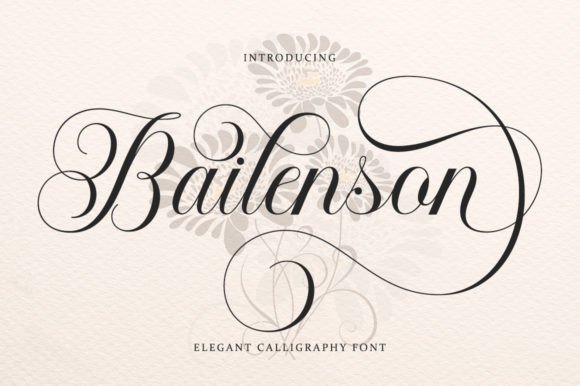
Bailenson
A calligraphic font with a classic touch, listed for logos, business cards and certificates. Best for a name or a title on a formal layout.
Commercial license included

Display Memories
A sweet handwritten trio that the listing tags for Canva. Best for captions and quotes where a handmade voice sits next to a sans.
None of these replaces Canva Sans or a library sans.
I use them beside it, which is where a design stops looking like the template. For more styles, see more Canva-ready font bundles and apply the same two filters: the preview first, the license second.
Key Takeaways
- Canva uses its own typeface, Canva Sans, with Canva Sans Display for larger headings.
- A design has no single font: click a text box and read the name in the toolbar.
- The Canva logo is a drawn wordmark, not a font from the library.
- Canva Sans cannot be downloaded for use outside Canva.
- Uploading your own font needs a paid plan, an OTF, TTF or WOFF file, and a license that allows commercial use.

FAQ
What font does Canva use?
Canva uses its own typeface, Canva Sans, for the interface and text, and Canva Sans Display for larger headings. Designs inside Canva use whatever fonts their makers chose from the library.
What is the Canva logo font?
The logo is a custom wordmark, a flowing script drawn for the brand. It is not a font you can select, so the closest you can get is a similar smooth script.
How do I find the font in a Canva template?
Open the template in the editor, click a text box and read the font name in the toolbar. Repeat for each text box, since one design often holds several fonts.
Can you add fonts in Canva?
Yes, on a paid plan you can upload your own OTF, TTF or WOFF file to your Brand Kit. The font must allow embedding, and for client work it must allow commercial use.
Can I download Canva Sans?
No. Canva Sans is Canva’s own typeface and is not offered as a font file for other programs.
Can I use fonts from Canva for my clients?
Inside Canva, library fonts work in your designs under Canva’s terms. For a font file you hand over or install elsewhere, you need a font with its own commercial license.
Ready to go past the library? Pick a font with the license already cleared and test it on your real headline before you upload.