Type “free Cricut fonts” and you get pages of pretty script previews with no mention of what the download actually contains. Some of those are real fonts you install once and reuse for anything. Others are a single AI or SVG file holding one pre-set word: cut it once, and there is nothing left to type with. Neither the thumbnail nor the file size tells you which one you got, and that matters twice as much the moment you plan to sell what you cut instead of keeping it.
Quick answer: most “free Cricut fonts” listings are one of two different things: an installable OTF/TTF font you can type freely in Design Space’s text tool, or an AI/SVG cut file that holds a fixed word or alphabet with no font behind it. In this niche, true installable fonts are the minority of what “free” actually ships — most free-tier listings are cut files, not fonts. Both can be free to download, and both can carry a commercial license, but only the real font goes in your font folder and works the next time you need different letters. Check the File Formats line on the product page before you download, then check the License tab before you sell.
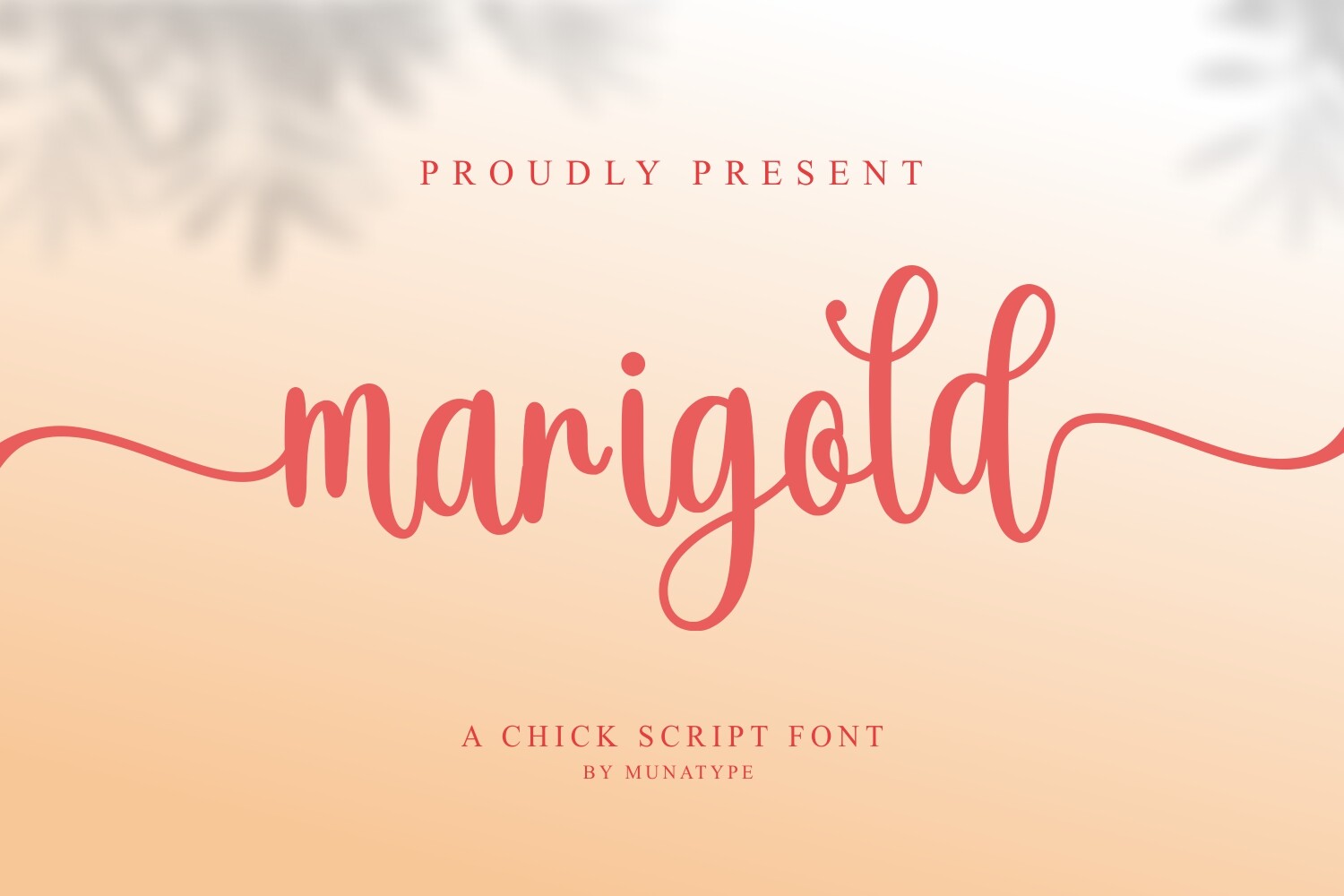
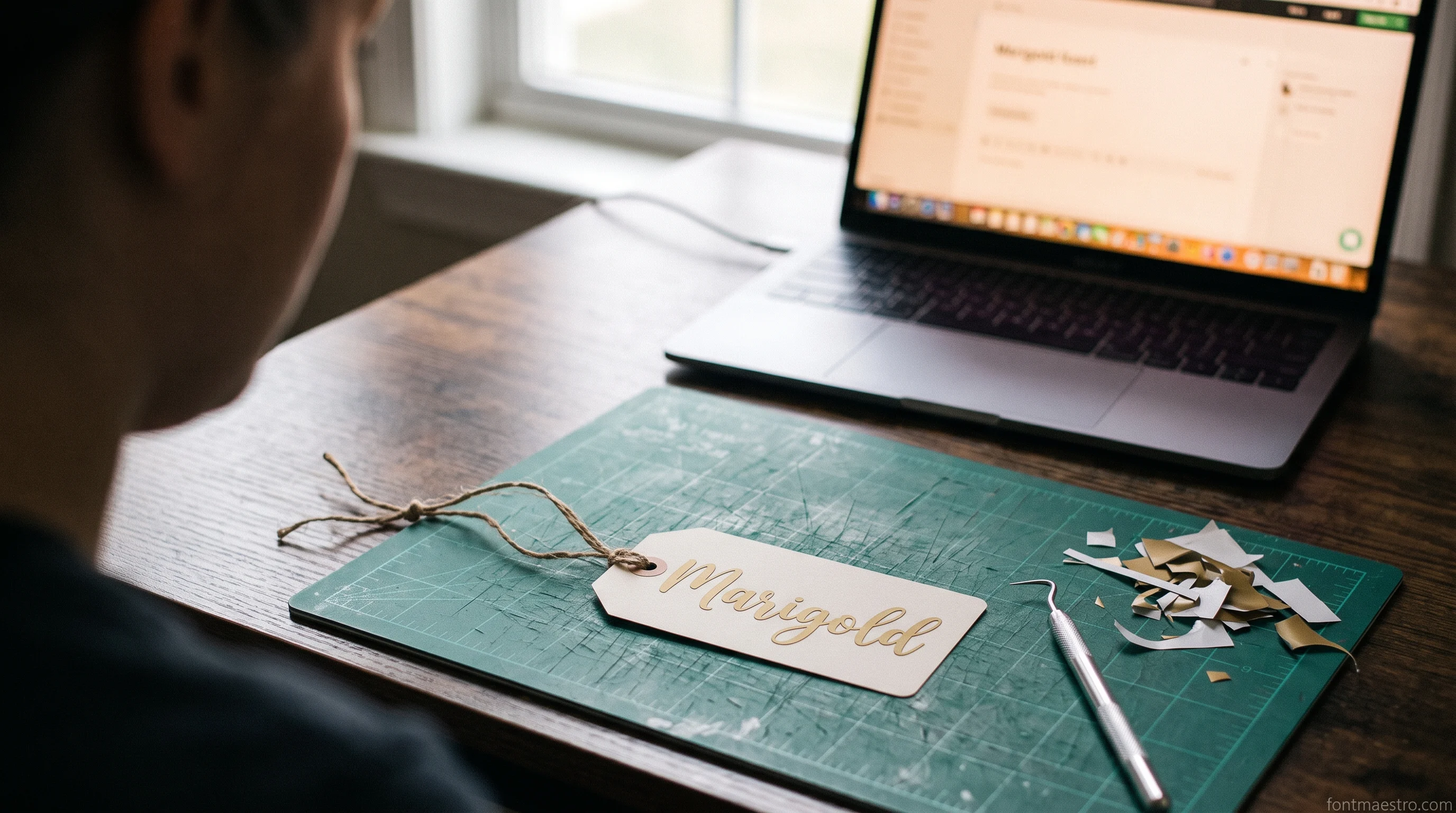
Start with a free one: Marigold
The free-tier cut file the cheat sheet below starts with. Grab it now, check its License tab before you sell.
Of the twelve “free Cricut fonts” checked for this guide, ten were not fonts at all: they were AI or SVG cut files holding a fixed word or alphabet. Only two shipped an OTF alongside, and nothing in the listing thumbnail told them apart.
The Free Cricut Fonts Cheat Sheet
The gap in most free-font roundups is the file type and the license, not the look. Here is what actually decides whether a “free Cricut font” behaves like a font at all, checked across twelve picks in the Cricut Fonts and SVG Lettering niche.
| Font | File type | Behaves as | Access |
|---|---|---|---|
| Sunshine & Lemons | SVG, AI, OTF | Installable font | Subscription (All Access) |
| Boyfriends Handwriting | AI, OTF, TTF | Installable font | Subscription (All Access) |
| Hey Magnolia | AI | Cut file | Subscription (All Access) |
| Wonderful Vintages | AI | Cut file | Subscription (All Access) |
| Heartbeat | SVG, AI | Cut file | Subscription (All Access) |
| Marigold | AI | Cut file | Free collection |
| Trendy Festive | SVG, AI | Cut file | Free collection |
| My Love | AI | Cut file | Free collection |
| Fun Cat | AI | Cut file | Free collection |
| Elegant Party | SVG, AI | Cut file | Free collection |
| Cozy Sprout | SVG, AI | Cut file | Free collection |
| Ballon Arches | SVG, AI | Cut file | Free collection |
Access, in plain terms: “Free collection” means the font is part of Creative Fabrica’s free tier and downloads with an active free account, no subscription needed. “Subscription” means it downloads as part of an active All Access plan. Neither line is a commercial license by itself, so check the product’s own License tab before you cut anything you plan to sell, since the unit limit and what counts as a “finished item” is set per product, not per account tier.
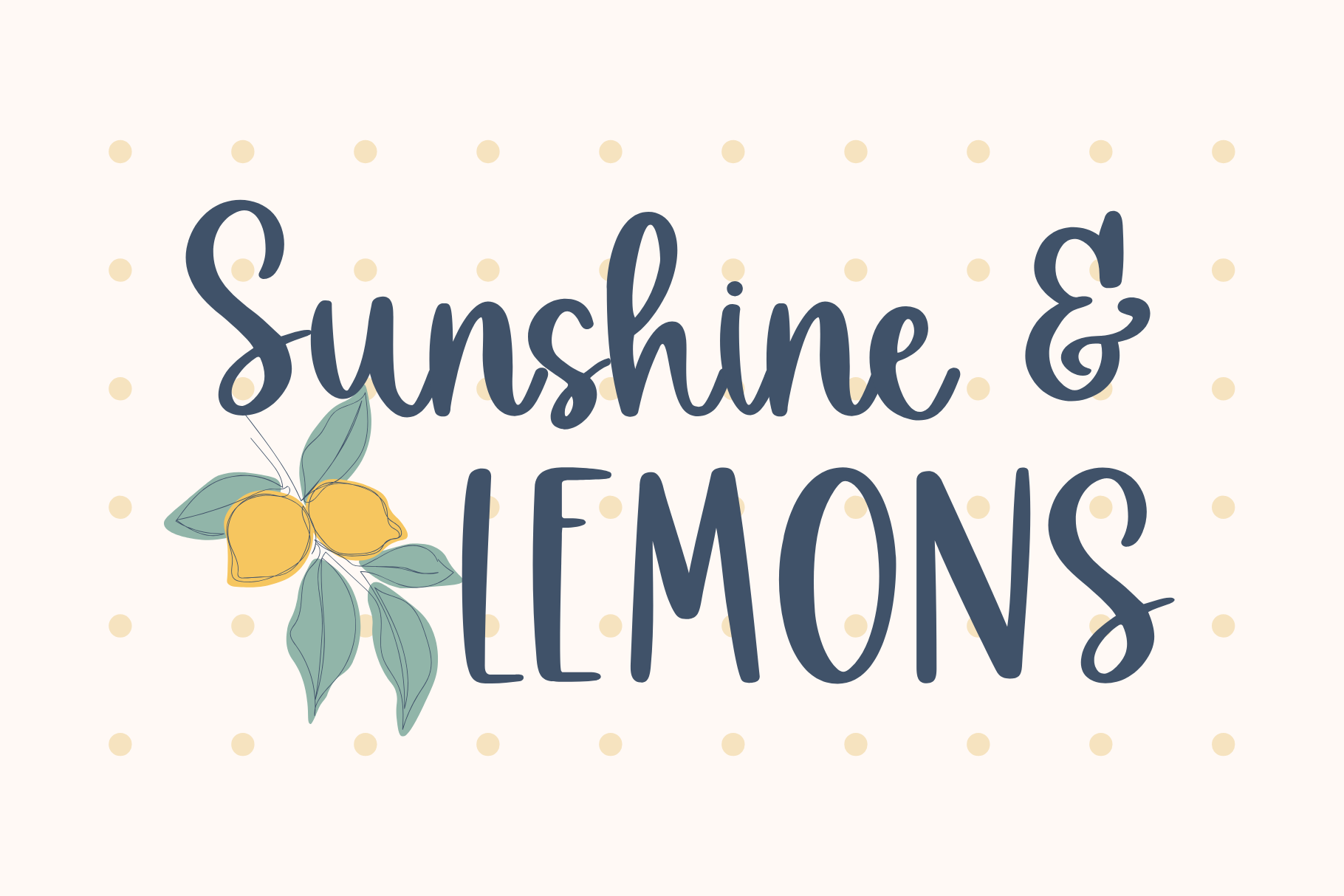
Sunshine & Lemons
One of the two picks in the table that ships an OTF. Type any word with it, not just the one drawn for you.
Free Fonts for Cricut Design Space: Upload Image vs Upload Font
Design Space has two separate upload paths, and a free “font” download only fits through one of them. An installable OTF or TTF goes through Manage Fonts → System Fonts → Upload and then shows up in the font list of the Text tool, ready to type any word with. An AI or SVG cut file goes through Upload → Upload Image instead, and what you get is whatever letters or words the designer already drew, so you can resize and recolor them, but you cannot type a name that wasn’t part of the original file.
The step count for the font-upload route is where a lot of tutorials disagree with each other: across four independent walkthroughs of the same System Fonts upload, the steps ranged from 3 to 7 depending on which OS and Design Space version the writer was on. The extra steps are almost always about locating the downloaded .otf/.ttf file on the device first, not about Design Space itself. Once the file is found, the actual upload is two taps: Upload, then confirm the font name.
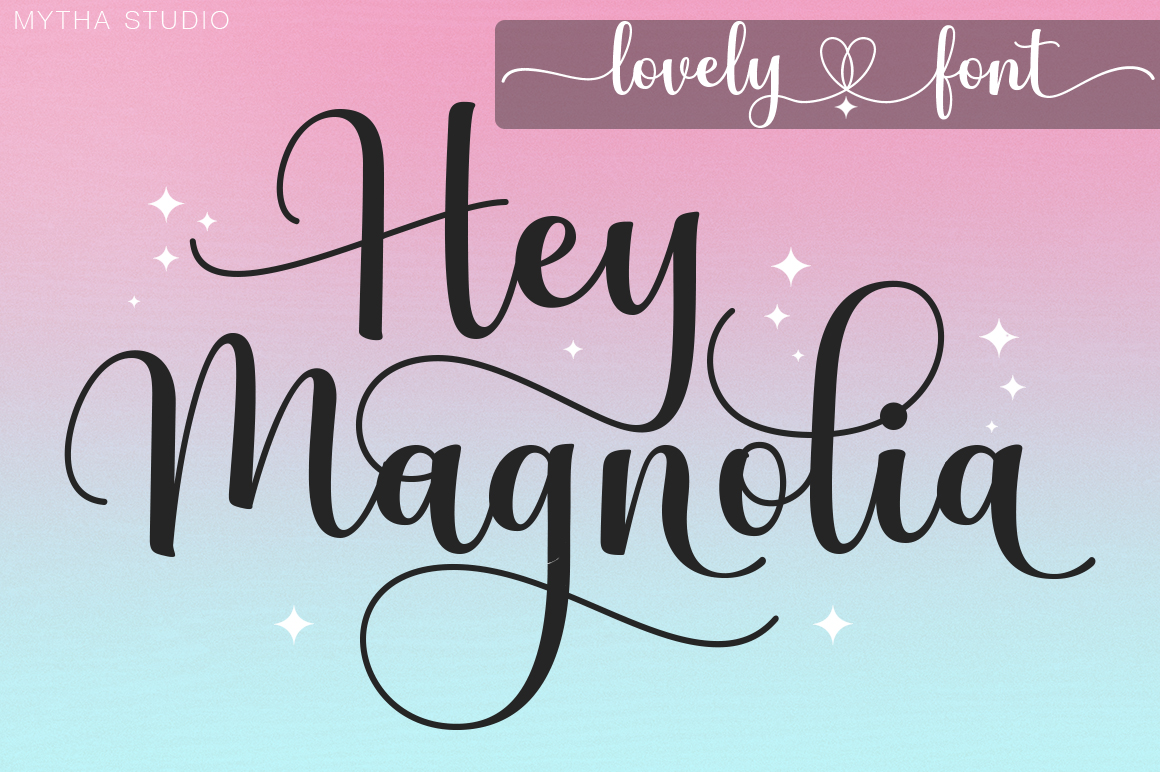
Hey Magnolia is a clean example of the image route: its file format is AI only, so it never appears in the System Fonts list no matter how the upload is attempted. That is not a bug in Design Space; it is the product being a cut file, not a font.
Before any of that, the font has to be installed on the device itself, and this is where most of the “it downloaded but nothing happened” reports actually come from. A downloaded font arrives as a .zip, and a .zip is not a font: open it first, and look inside for the .otf or .ttf. Many bundles hide the usable file two folders down, next to a licence text file and a preview image. On Windows, right-click the .otf and choose Install for all users rather than plain Install — the plain option installs it for the current user only, and Design Space on a machine with more than one profile will sometimes miss it. On a Mac, double-click the file and confirm in Font Book. Either way the font is now a system font, which is what Design Space reads from.
Then restart Design Space. Not refresh, not switch tabs — close it completely and open it again. Design Space builds its font list when it launches, so a font installed while the app was open stays invisible until the next start, and that single step resolves the majority of missing-font cases before anything else gets touched.
Two smaller traps are worth knowing. The first: the name in the font list is the font’s internal family name, not the file name you downloaded. A file saved as sunshine-lemons-regular.otf can list itself under an entirely different word, so search the list by the name shown on the product page, not by the filename — the listing for Sunshine & Lemons is where that name is stated. The second: on iPad and Android, Design Space does not read system fonts the same way a desktop does, and font installation goes through a separate profile step at the OS level. If a project has to use an installed font and only a tablet is available, expect to do the typing on desktop and open the finished project on the tablet, rather than fighting the mobile font list.
Hey Magnolia
The upload-image route in practice: an AI cut file, so it never shows up in the System Fonts list.
SVG Free Fonts for Cricut: Cut File or Real Font?
“SVG font” is the phrase that causes the most confusion in this niche, because an SVG can be either a real font’s vector export or a flat cut file with no font behind it at all. Of the twelve free-tier picks checked for this guide, ten shipped as AI or SVG cut files and only two (Sunshine & Lemons and Boyfriends Handwriting) included an OTF alongside the SVG, meaning only those two install as fonts you can type freely.
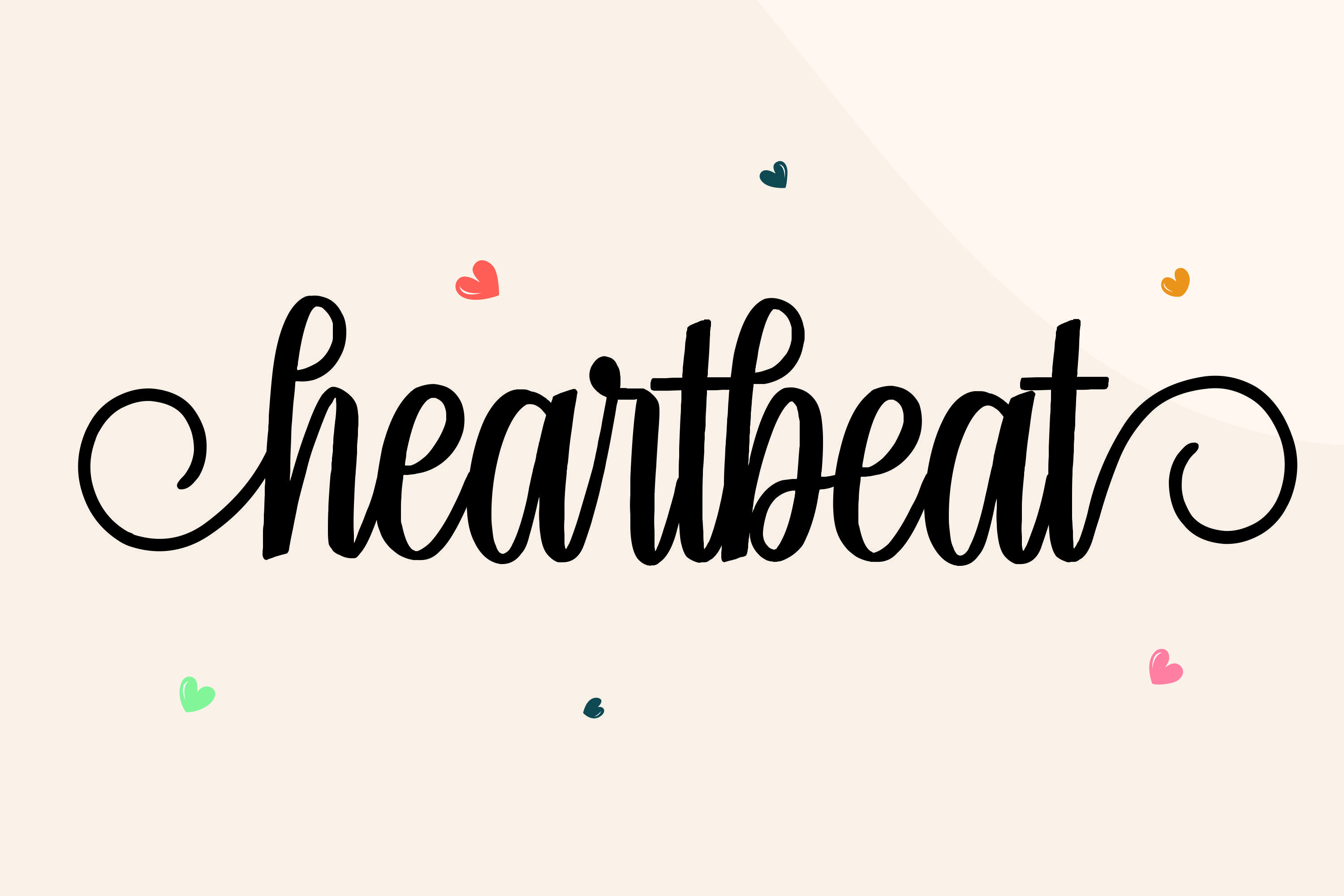
The practical difference: a cut file’s SVG opens with whatever word, phrase, or fixed alphabet the designer set: resize it, recolor it, weld pieces of it, but you cannot type a name it doesn’t already contain. An OTF or TTF installs once and gives you every letter, so you can type any word, any time, without going back to the product page. Heartbeat is the SVG-only case worth knowing before checking out: its file formats are SVG and AI with no OTF, so it behaves as a cut file even though “font” is in the product title.
Free Fonts for Cricut Maker, Checked for Resale Rights
Every font, one commercial licence
The bundles I test at logo size live in one subscription — commercial use included, no per-font checkout.
The Maker cuts more materials than the Explore line, which is why sellers gravitate to it for vinyl, iron-on, and thicker cardstock orders, and why the resale question matters more here than on a font used for a one-off gift. Hey Magnolia is the pick most often reached for on Maker projects in this niche: it cuts cleanly at signage and tumbler scale as an AI cut file, and its license is tied to the active subscription that downloaded it, not to the individual finished item, so confirm the subscription stays active for as long as you’re still selling pieces cut with it. Iron-on spirit wear runs into the same weeding limits at small letter sizes — covered in our guide to cheer fonts for Cricut that weed clean on spirit wear.
Free Fonts for Cricut Explore Air 2 That Cut Clean
The Explore Air 2 is the machine most home sellers actually own, and it struggles with the same thing every Cricut struggles with at small sizes: thin strokes tear before the blade finishes the pass, and joined script welds into a blob if the join is too thin. Sunshine & Lemons is the one true installable font in this checked set (SVG, AI, and OTF together), which matters here specifically because a real font lets you test the exact word at the exact size in Design Space’s preview before committing vinyl to the mat. A cut file locks you into whatever size the designer rendered it at.
The number that decides whether a word survives the mat is stroke width, not point size. Zoom the typed word until one thin connector fills the screen and compare it against the width of the vinyl you plan to cut: anything thinner than roughly a millimetre at final size is the part that will lift with the weeding hook and tear. Point size is only a proxy for that, which is why the same font can be fine at three inches on a mug wrap and shred at one inch on a place card. Scaling the whole word up thickens the connector along with everything else, so when a thin join fails, the first thing to try is a larger cut, not a heavier material setting.
Run the word once before running the order. Cut a single copy of the actual word, at the actual size, on the actual material, and weed it. It costs a few centimetres of vinyl and it catches every problem that the preview hides: torn joins, tails that stayed on the backing, a counter inside an a that lifted with the waste. On an Explore Air 2 that has been through a few hundred cuts, a failed pass is as likely to be a dulled blade as a thin font, so change the blade before deciding the font is at fault. If the test cut is clean but the edges look ragged, the fix is a slower speed or the More pressure setting for that material, both of which are set per project and forgotten between sessions. Poster-scale text has the opposite problem — strokes thick enough to survive at three feet can still blur at a glance if the letterform itself is too heavy; see our picks for bold fonts that still read clearly at poster size.
Free Cricut Fonts Cursive: Where the Letters Actually Join
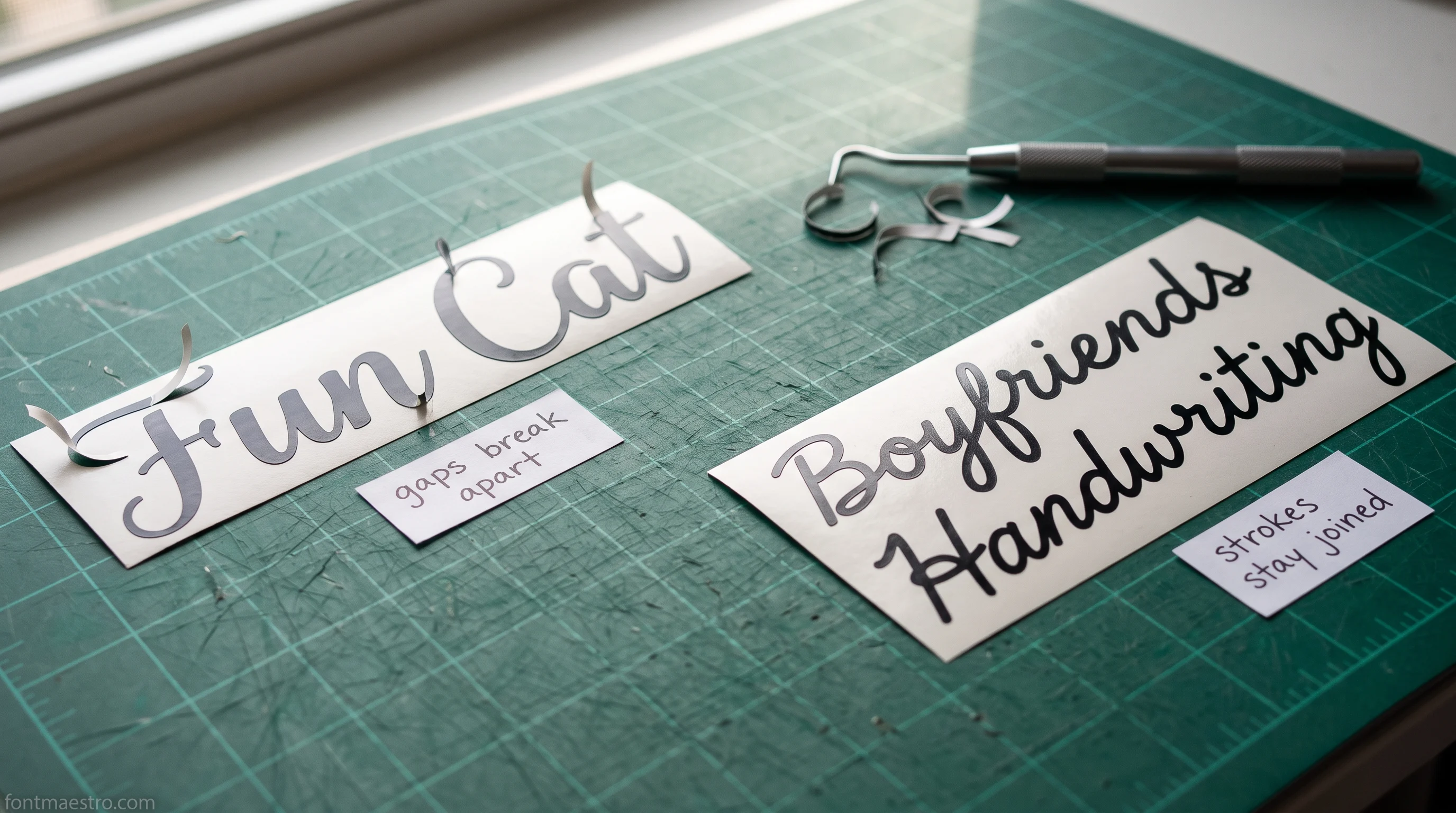
A script font can look connected in the preview image and still print with visible gaps once it hits the cutting mat, because the preview is rendered at a size where thin joins hold and the actual cut is not. Boyfriends Handwriting installs as a real font (AI, OTF, TTF), so the fastest check before committing vinyl is typing your actual word in Design Space and welding it there: if the letters merge into one clean path with no floating gaps, it will weld the same way on the mat.
Most scripts need help to get there. Type the word, select the text, and pull the Letter Space slider into negative numbers until the strokes physically overlap rather than merely touch — a hair of overlap is what welding needs, and a join that only kisses at one point will still cut as two pieces. Nudge in small steps and watch the tightest pair in the word, usually a letter with a low exit stroke followed by a tall one; when that pair overlaps, the rest already has.
Then be deliberate about which command finishes it. Weld fuses the letters into a single shape permanently, which is exactly what a cursive name needs and exactly what you cannot undo later without retyping. Attach only holds pieces in position on the mat so they cut where you arranged them, leaving each letter a separate cut — useful for layout, useless for connected script. Weld last, after the spacing is right and the size is final: welding first and resizing after is how a word ends up with joins that thinned back out. The full weld-without-gaps checklist, including which join widths hold on each material, is in our guide to cursive fonts for Cricut that weld without gaps.
The joining problem is the same one that decides a script on paper, and the rules for it are in our guide to script fonts that stay readable.
Free Cricut Fonts with Tails That Survive Welding
Swash tails and flourishes are the first thing to break when a script font gets small: the tail thins out past what the blade can hold, and it either tears off the vinyl or disappears in cardstock. Hey Magnolia’s tails are drawn as part of a pre-set cut file rather than a font’s live glyphs, which cuts one variable out of the problem: the tail is already sized the way the designer tested it, so there is no font-rendering step where a thin swash could shrink further than intended.
Where tails do break is at the point where they leave the letter. A swash usually starts wide at the stem and tapers to a point, and the failure is never at the wide end — it is a centimetre or two along, where the taper crosses the width the blade and the weeding hook can still hold. That is why a tail can survive on cardstock and tear on thin vinyl at the identical size: the material, not the drawing, sets the limit. On glitter or textured vinyl, which is the least forgiving of the common materials, budget for the tail being noticeably thicker than it looks in the preview.
Two moves buy back most of it. Extend the tail so it overlaps the letter beside it and weld, which converts a lone thin spur into part of a larger closed shape with something to hold on to. Or, when the tail has to run free, tuck it back under the word rather than trailing it into empty space — a curl that returns to the body of the lettering is supported at both ends, and the same swash that tore straight will hold curled. Neither move changes the font; both change what the blade is asked to cut.
Hey Magnolia
Tails drawn once, at a width the designer already cut: no font-rendering step to thin them further.
Cricut Pen Fonts Free: Single-Line vs Outline
Every font, one commercial licence
The bundles I test at logo size live in one subscription — commercial use included, no per-font checkout.
This is the one distinction that has nothing to do with cutting. A regular font, free or paid, is built from outlines: the Cricut blade cuts around the shape’s edge, same as it would cut around any letterform. A single-line font is built from one continuous stroke down the center of each letter, the way handwriting actually moves a pen. That is what the Pen tool needs, because a pen draws a line, it cannot fill a shape. Load a regular outline font into the Pen tool and it either draws a hollow, doubled-back outline of every letter or fails to draw at all, depending on the Design Space version.
Wonderful Vintages is worth checking specifically before a pen project: its file format is AI only with no line-weight metadata visible on the product page, so test one word with the Pen tool selected before committing a full card run. If Design Space renders it as an outline instead of one continuous stroke, it is not a single-line file regardless of how the preview looks.
There is a way to tell before you load anything. Zoom the product preview until a single stroke fills the screen. A single-line font has strokes of one even width all the way along, because that width is the pen tip, not a drawn shape. An outline font shows a thin closed loop with a hollow middle — two edges running parallel with white between them. Once you have seen the hollow once you cannot unsee it, and it is the fastest filter there is for a font sold as “pen ready”.
The other half of a pen project is running order. When a card gets both drawn and cut, set the text to Draw and the card shape to Cut, then select both and Attach — without that, Design Space treats them as separate jobs and the drawn word lands somewhere other than where it was placed on the card. The machine draws first and cuts second, which is the order you want anyway: a cut piece can shift, and a shifted piece drawn on is scrap.
Twelve Free Cricut Fonts, Sorted by What You Can Do With Them
Every pick below was checked for file format and access tier before it made this list. “Free collection” downloads with an active free Creative Fabrica account; “subscription” needs an active All Access plan. Read the current License tab on the product page before your first paid piece: the unit limit is set per product, not printed here. Cutting a wedding order specifically, not just a gift? The vinyl-scale license checks are covered in our guide to Cricut fonts for wedding signs.
Unlimited creative assets. Access to AI tools.
Commercial licence included.
Get downloads
Cute gift tags and party favors → Marigold
A rounded, playful cut file (AI, free collection) sized for small tags and favor labels rather than a full font. Check the License tab before cutting a batch to sell rather than gift.
Western-style signage without slivers → Cozy Sprout
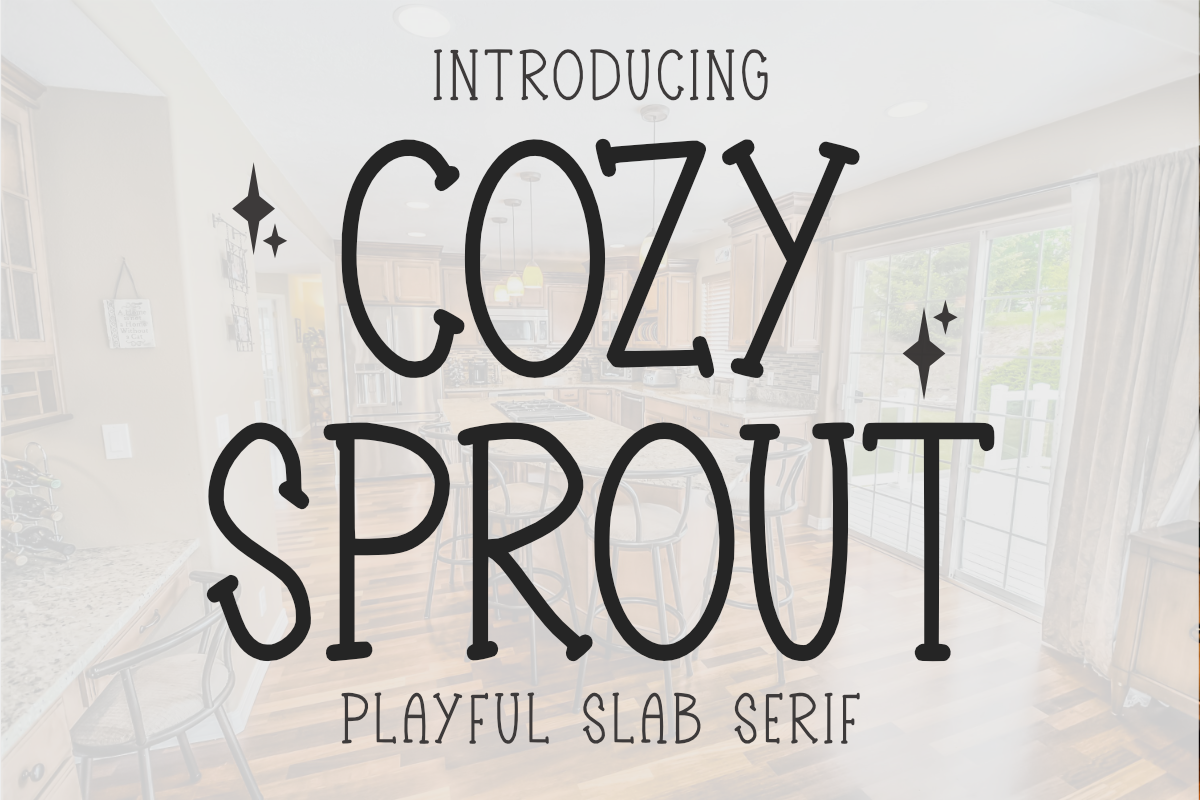
Thicker strokes than a typical western serif, which is exactly what keeps small vinyl lettering from leaving slivers behind when weeded (SVG/AI, free collection).
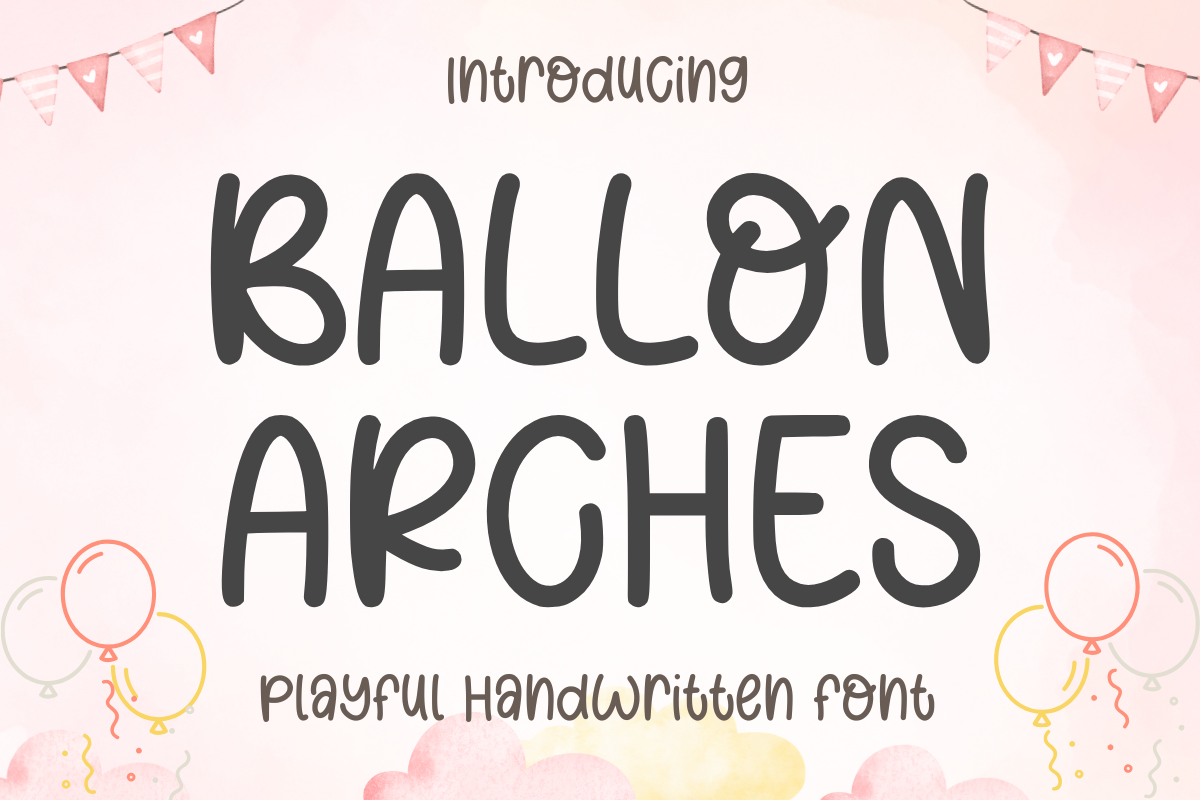
Writing-style pieces, sorted by license → Ballon Arches
A looser handwritten-style cut file (SVG/AI, free collection). The distinction that matters is in the license, not the look: it decides gift, sell, or client hand-off, not the preview image.
Unlimited creative assets. Access to AI tools.
Commercial licence included.
Get downloads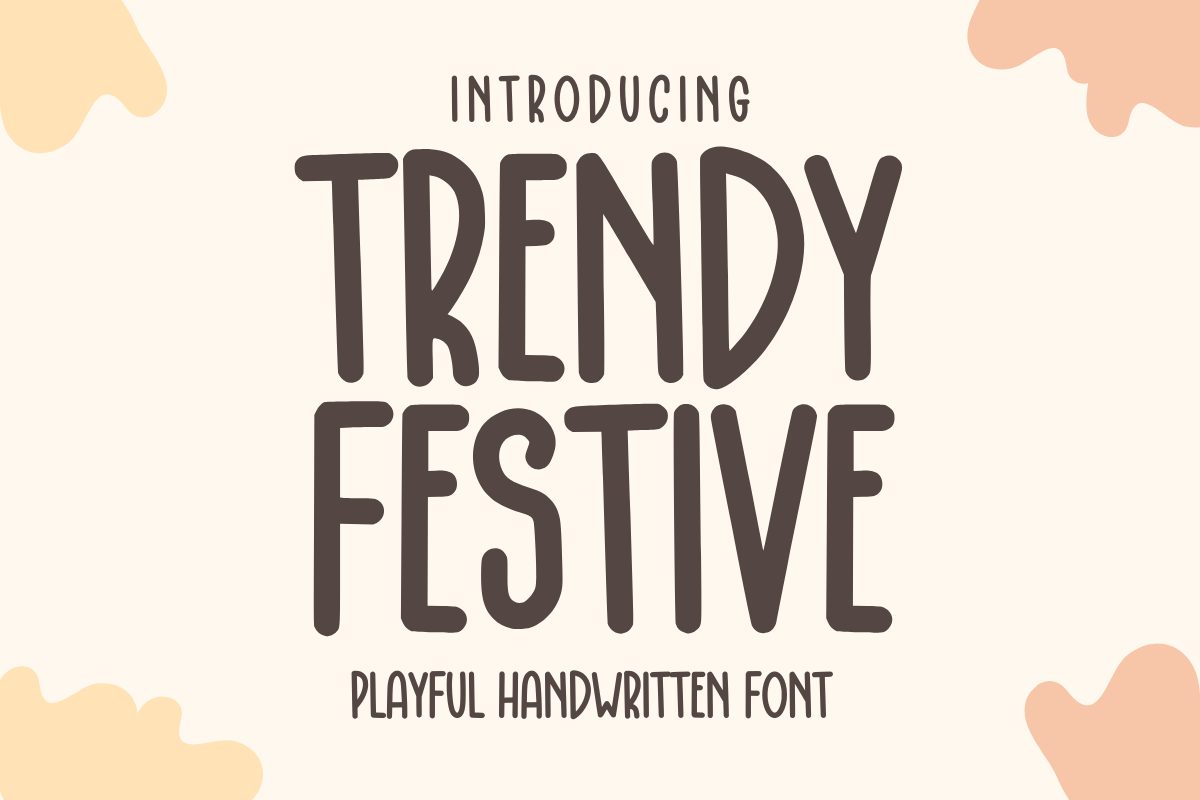
Retro lettering without the personal-use trap → Trendy Festive
Retro-leaning free cut file (SVG/AI, free collection) with no personal-use-only line buried in its terms. Still worth a License tab check before a paid order.
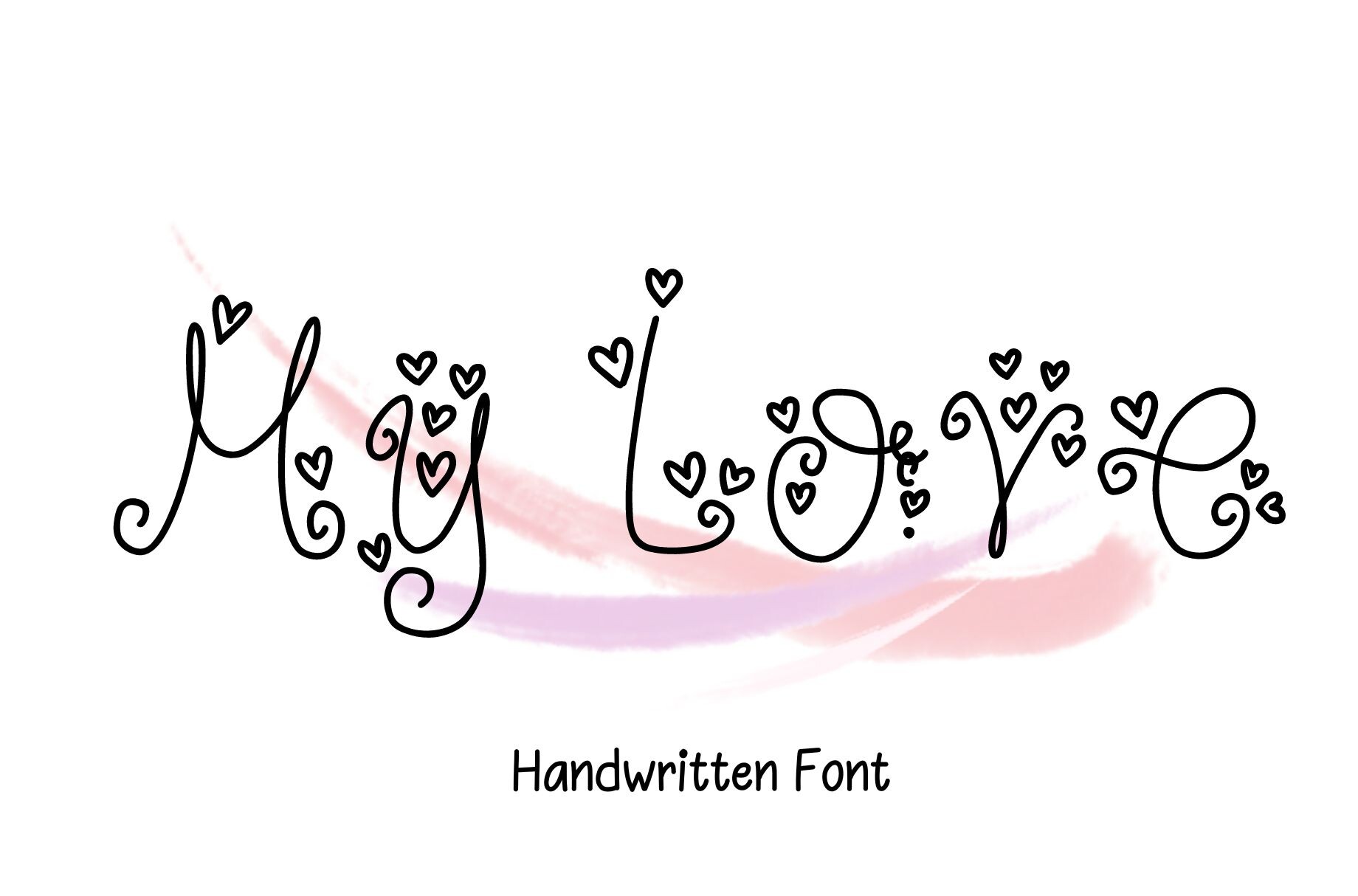
Wedding place cards and client orders → My Love
A soft script cut file (AI, free collection) sized for place cards and signage. Invitations go to print once, so confirm the license before a client wedding order specifically, not after.
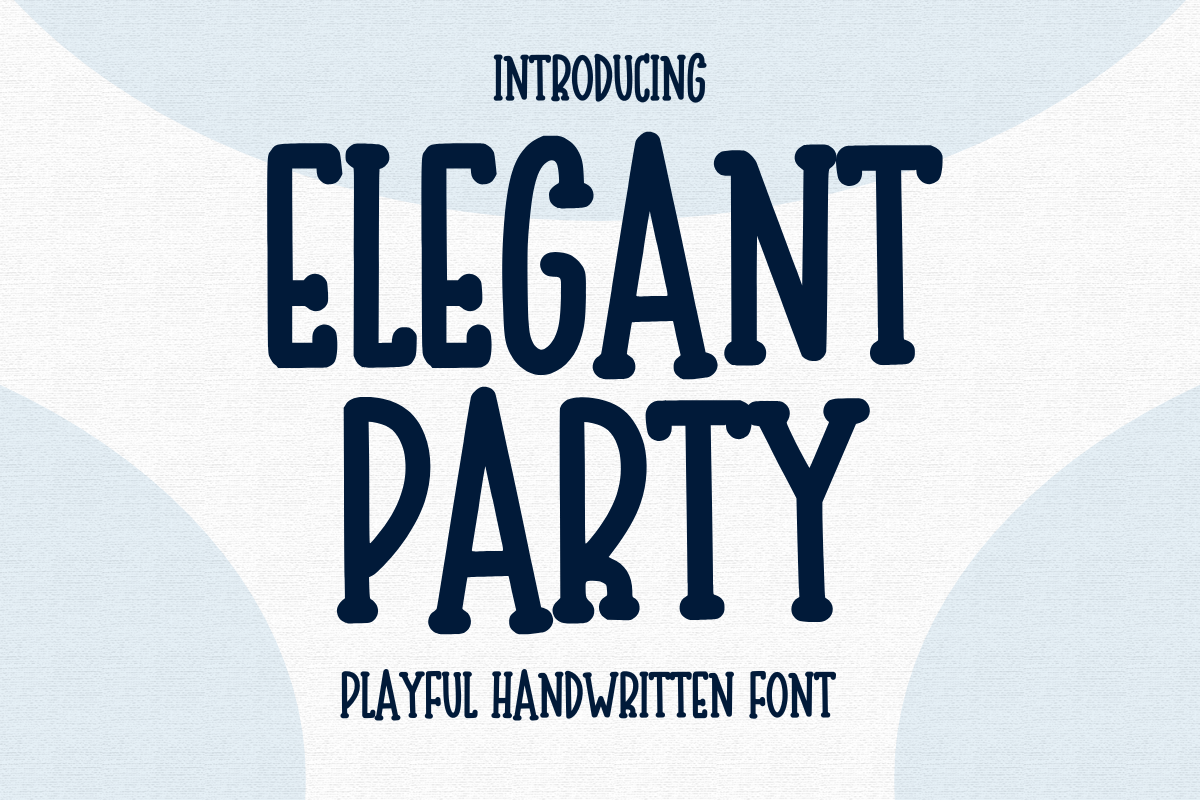
Party lettering, SVG cut file → Elegant Party
SVG/AI cut file (free collection), fixed word set built for party signage. A good example of “SVG font” meaning cut file, not installable typeface — it won’t show in System Fonts.
Unlimited creative assets. Access to AI tools.
Commercial licence included.
Get downloads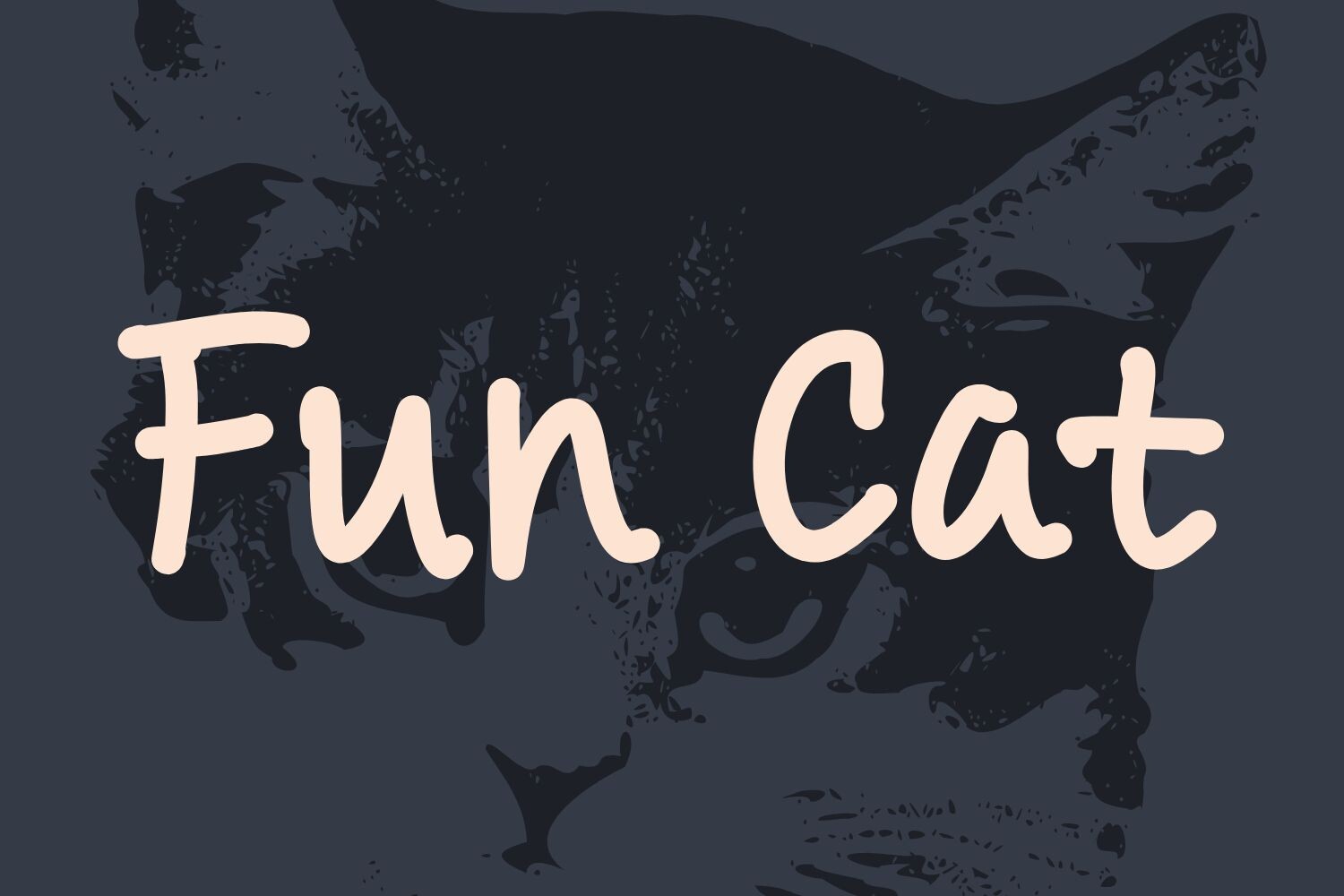
Playful, everyday cut lettering → Fun Cat
A rounded, casual cut file (AI, free collection) that reads well at Explore Air 2 vinyl sizes without losing its shape, one of the free-tier picks that holds up small rather than only in the preview.
Any word, typed and resized → Sunshine & Lemons
Installs as a true OTF font, so it types any word rather than a fixed set — reach for it when the project needs a word the designer didn’t already draw.
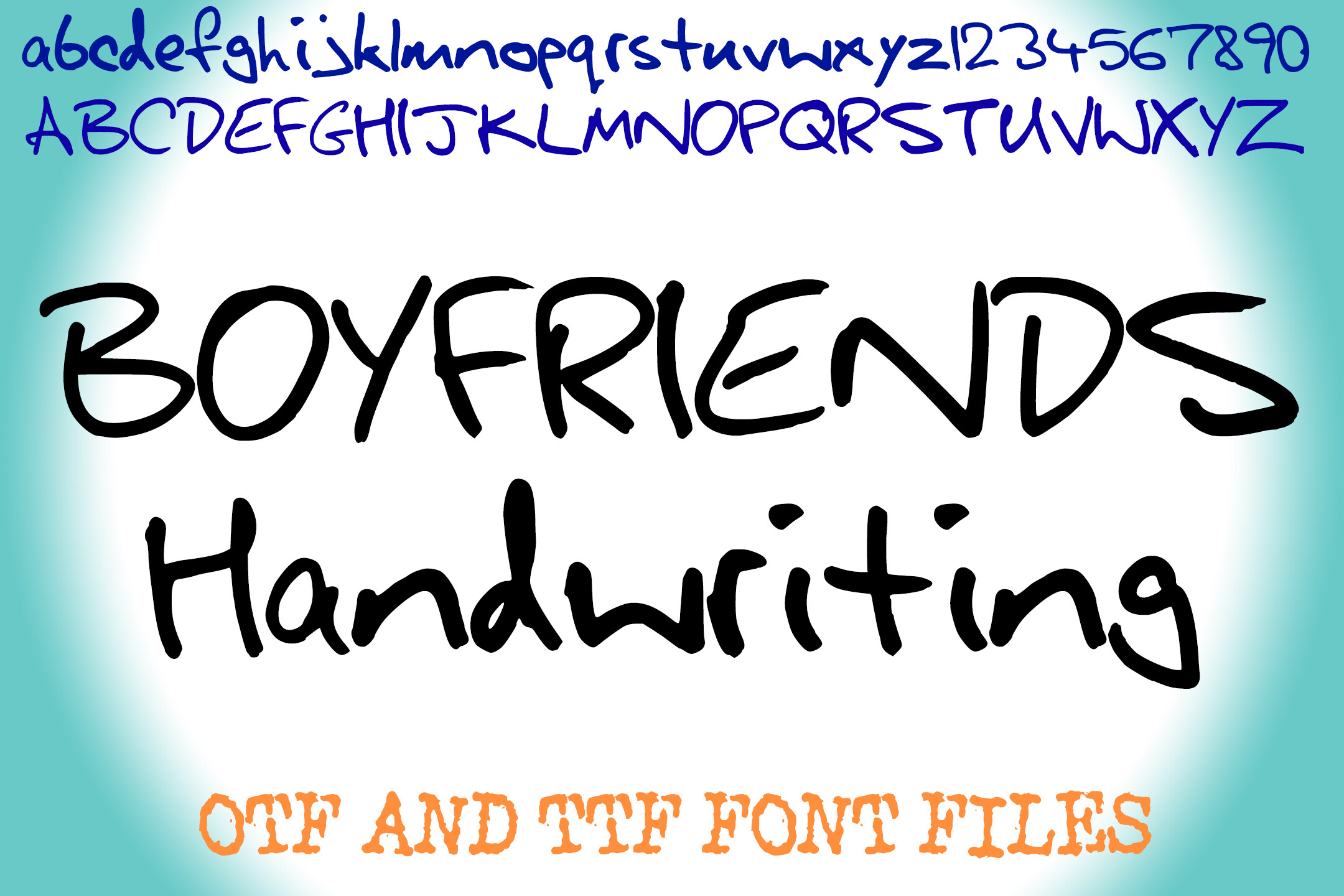
Cursive that actually welds → Boyfriends Handwriting
The second true installable font in this set (AI, OTF, TTF). The join between letters holds through Design Space’s weld tool instead of leaving hairline gaps.
Unlimited creative assets. Access to AI tools.
Commercial licence included.
Get downloads
Maker-scale cuts with swash tails → Hey Magnolia
An AI cut file built for Maker-scale material, tails included as part of the drawn file rather than a font glyph, steadier at the tail than a rendered script would be at the same size.
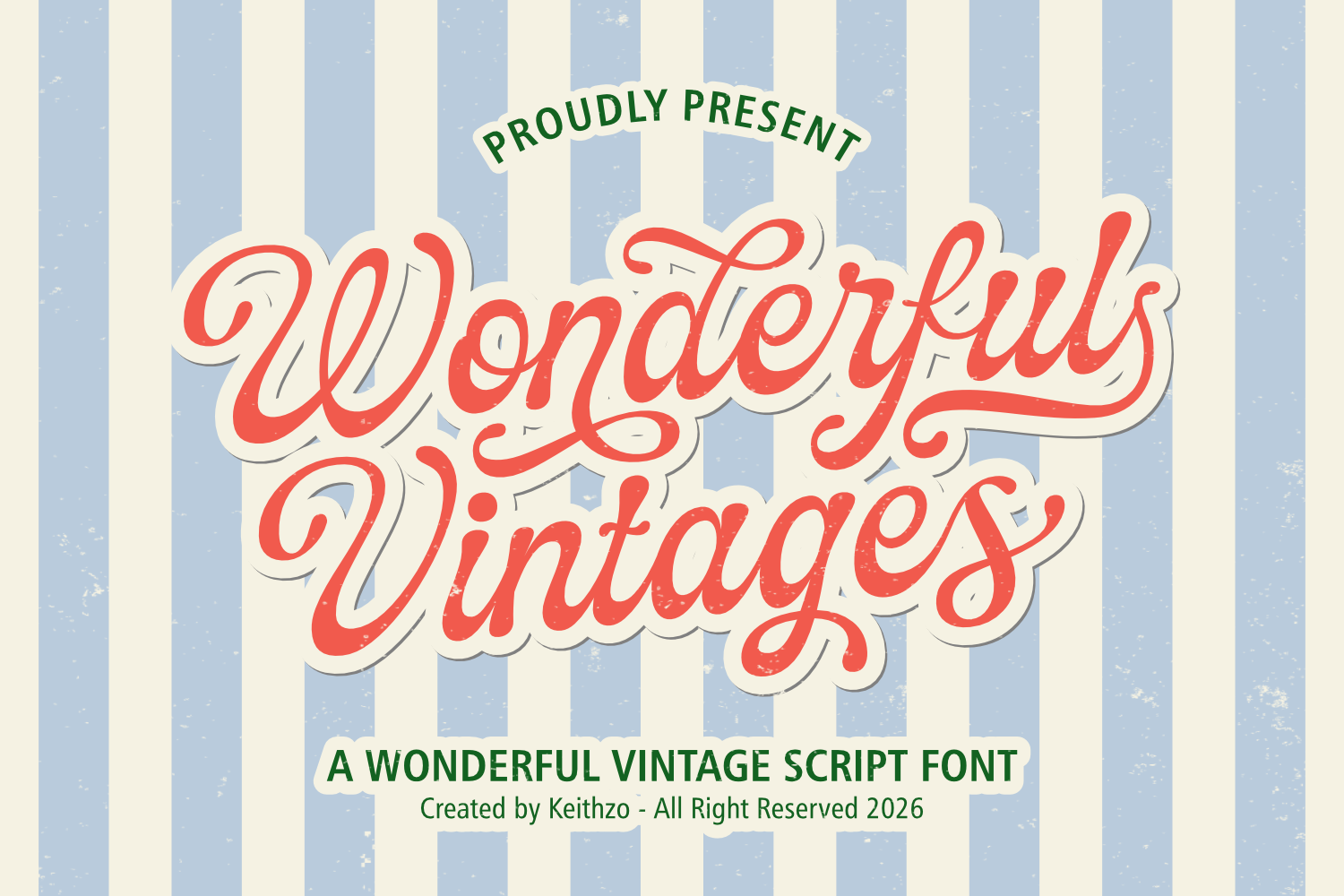
Pen-drawn cards, tested first → Wonderful Vintages
AI cut file with a vintage feel. Test one word in the Pen tool before a full run, since the product page doesn’t state single-line vs outline behavior directly.
Calligraphy-style cut lettering → Heartbeat
SVG/AI cut file, thin-stroke calligraphy look. Thin upstrokes are already baked into the vector at a size that survives vinyl, unlike a live font rendered smaller than it was tested.
For invitations and stationery cut on the same machine, the small-size test matters more than the weld. See elegant fonts that hold at small sizes.
Match the Font to the Project, Not the Preview
The preview image is rendered at whatever size makes the font look its best. Your project rarely matches that size, and that gap is where free Cricut fonts fail sellers most often.
Small text, tags, and labels need either a true installable font tested at the actual point size in Design Space, or a cut file the designer explicitly sized for small work. Check the product photos for a small-scale example, not just the hero image.
A free cut file rarely has to carry a project alone — pairing it with a second, paid installable font for body text is what keeps a piece from reading like a single downloaded freebie. Our rules for that pairing are in font pairing without the mess.
Vinyl and iron-on for sale need the license checked specifically for resale, since “free” and “free to sell” are two different claims, and only the product’s own License tab settles which one applies.
Pen-tool cards and signs need a single-line file confirmed before a full run, which is the check to run on Wonderful Vintages before a card batch. Load one test word with the Pen tool selected and watch whether Design Space draws an outline or a single stroke.
Anything welded (cursive, script, tails) needs the actual word tested and welded in Design Space before cutting, since a clean preview and a clean weld are not the same check.
Reading the licence takes under a minute once you know which four phrasings do the work. Personal use only means exactly what it says: make it for yourself or as a gift, and stop there — this is the wording on the majority of free script downloads, and it covers none of what a seller does. Commercial use permits selling the physical thing you cut. Extended or POD terms go further and cover print-on-demand listings, where the design sits on a supplier’s product rather than one you cut yourself. And nearly every licence, free or paid, forbids redistributing the font file — you can sell the sign, never the .otf that made it.
Where to find those words depends on the source. On a marketplace, it is a License tab on the product page, and it is the only version that counts — a designer’s Instagram caption does not override it. On a download from a font catalogue, the terms travel inside the .zip as a text file, usually OFL.txt or a file with “licence” in the name, and it is worth opening even when the listing looked clear: open-licensed families are broadly safe for selling makes, but individual releases add limits of their own, most often a cap on how many finished items may be sold. Public-domain material carries no restriction at all, which makes it the calmest option for anything going into a shop.
Two labels mislead often enough to name. “100% free” on a catalogue usually does mean free for commercial work, and that is what the phrase is there to signal. “Free for personal use” on the same catalogue means the opposite, and the two sit side by side in the same list. Read the tag, not the price. And take a screenshot of the licence page on the day you download — terms change, listings disappear, and an order placed a year from now is easier to defend with the version you actually agreed to.
Hey Magnolia
Match by project: the Maker pick, resale rights checked.
Cutting a shop logo rather than a make? The licence question changes shape. how to choose a logo font.
Key Takeaways
- Most free-tier Cricut “font” listings are actually AI/SVG cut files with a fixed word or letter set, not installable OTF/TTF fonts.
- “Free collection” and “subscription” describe how you download a font, not whether you may sell with it. The License tab on each product is the only place that’s confirmed.
- A cut file goes through Design Space’s Upload Image path; only a true font goes through System Fonts and shows up in the Text tool.
- Single-line files for the Pen tool and outline fonts for the blade are not interchangeable. Test one word before committing a run either way.
- A clean preview image doesn’t guarantee a clean weld or a clean small-size cut. Test the actual word at the actual size in Design Space first.
Download Marigold Free →
Still deciding? Start with the free one. Nothing to cancel.
FAQ
Can I sell things I make with a free Cricut font?
Only if the font’s license says so in writing. “Free” describes the download cost or access tier, not the resale permission. Check the product’s own License tab before cutting anything you plan to charge for.
Why doesn’t my downloaded font show up in Design Space’s font list?
It’s probably a cut file, not a font. AI and SVG-only downloads load through Upload → Upload Image and never appear in Manage Fonts → System Fonts, since there’s no installable font file behind them, only a pre-drawn shape.
What’s the difference between an SVG cut file and an SVG font?
An SVG cut file is a flat vector of a specific word or letter set the designer already drew; you can resize and recolor it but not type new words. An installable font (OTF/TTF, sometimes bundled with an SVG export) lets you type any word freely once it’s added to System Fonts.
Can I use a regular font with the Cricut Pen tool?
Not the way it’s meant to look. A regular font is built from outlines, so the Pen tool either draws a hollow double outline or fails to draw depending on the Design Space version. Pen work needs a single-line font built from one continuous stroke per letter.
What are the best free Cricut fonts to start with?
Of the twelve free-tier picks checked here, the two that install as real fonts (Sunshine & Lemons and Boyfriends Handwriting) do the most work, because they type any word instead of one drawn phrase. The best free fonts on Cricut Design Space, in practice, are the ones that reach the Text tool at all; a cut file only ever gives you the letters the designer already set.
What are the best free Cricut fonts for wedding signs and invitations?
For wedding signs, the file has to hold at large scale and weld cleanly: Hey Magnolia and Bella Rosia are the two picks in this set drawn for signage and place cards. The best free Cricut wedding fonts are the ones whose License tab clears client work, since a wedding order is a hand-off, not a personal make.
What are the best free Cricut fonts for pen and writing projects?
Pen work needs a single-line file, and none of the twelve picks here states line-weight on the product page, so the best free Cricut writing fonts are whichever ones pass your own test: load one word with the Pen tool selected and watch whether Design Space draws a stroke or a hollow outline. Wonderful Vintages is the one worth testing first for a vintage card run.
What are the best free Cricut cursive fonts for t shirts?
For t shirts the join matters more than the flourish, because iron-on vinyl weeds badly where a script pinches. Boyfriends Handwriting holds its joins through the weld tool; the best free fonts for Cricut cutting on fabric are the ones you weld and inspect at the actual shirt size before pressing.
How do I find and download free Cricut fonts, and can I add fonts to Cricut?
You can add fonts to Cricut, but only real ones: install the OTF or TTF on your device, then Design Space picks it up under Manage Fonts → System Fonts. Where to download free Cricut fonts matters less than what you check once you get there, so read the File Formats line before the download and the License tab before the first sale.
Related reading: free fonts worth downloading (tested for real.
Related reading: logo fonts.
Related reading: cricut writing fonts that draw cleanly with a pen, procreate fonts you can legally sell client work with, cricut fonts you can legally sell with.