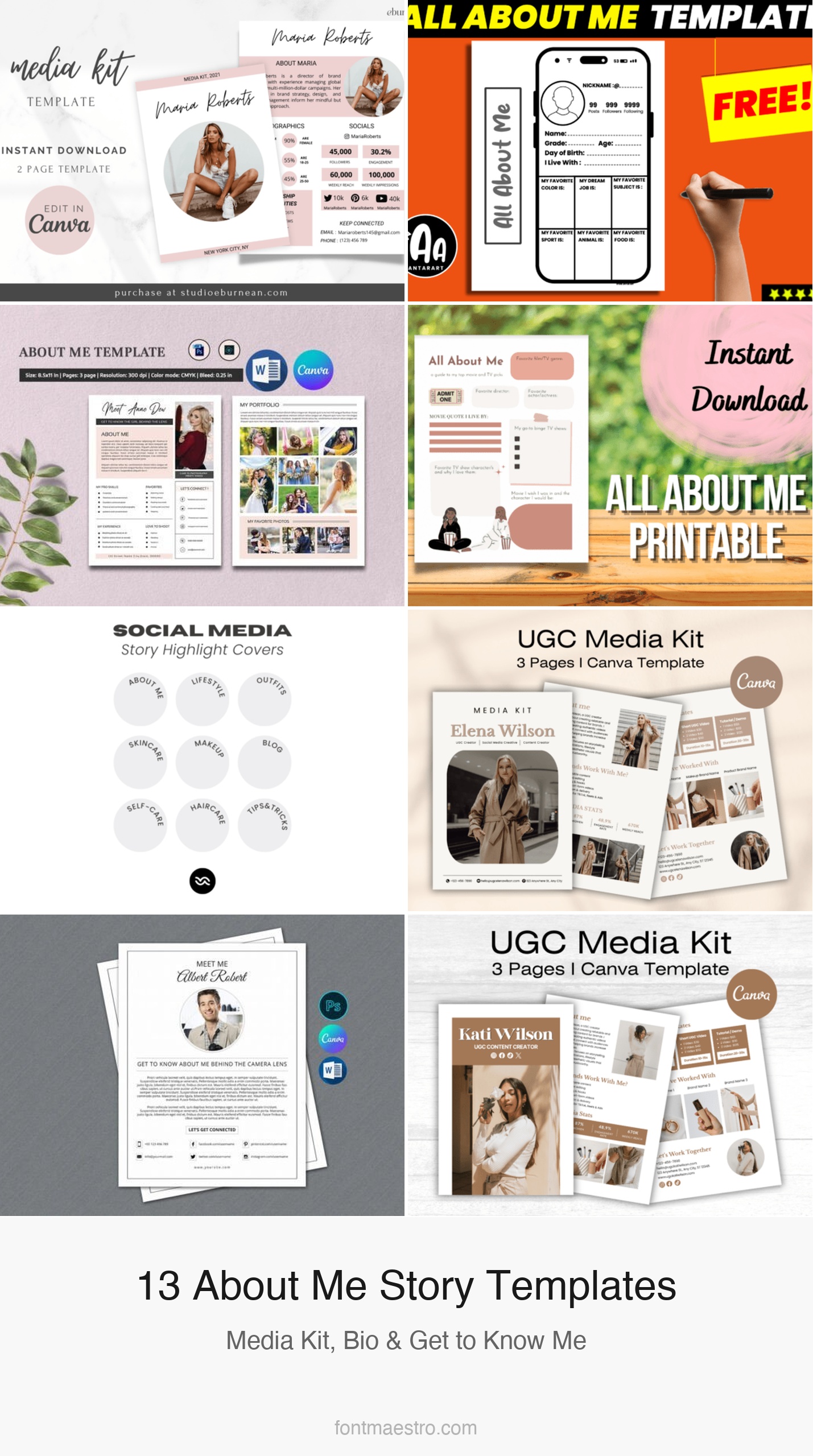
An instagram story template about me solves a recurring problem for creators: new followers land on your profile and have no quick way to understand who you are, what you post, and why they should stay. An ‘about me’ story slide — pinned as a highlight — answers that question before they have to scroll the feed. The templates below cover every format: single-slide poster, media kit, photographer bio, UGC pitch kit, and highlight cover icons.
See also: instagram story quiz templates and birthday instagram story templates.
Every template below is an instant download — edit in Canva, export as a story slide or highlight cover, done. Click any image to view the full product.
Media Kit Template Canva
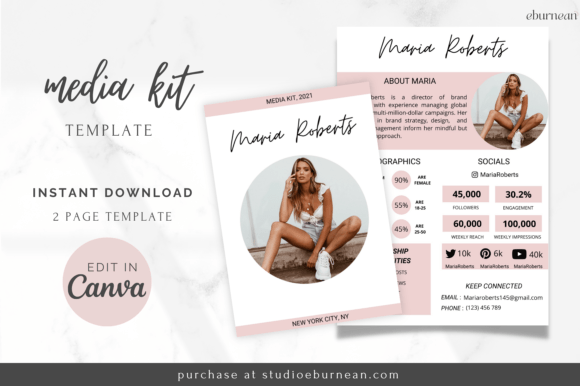
A professional media kit template in Canva — includes a bio section, statistics page, audience demographics, services/rates, and brand partnership terms. Designed for creators pitching to sponsors. The ‘about me’ page is the centrepiece: photo slot, platform handles, niche description, and one-line value proposition. Editable in Canva with swappable fonts and brand colours.
All About Me Instagram Template Poster
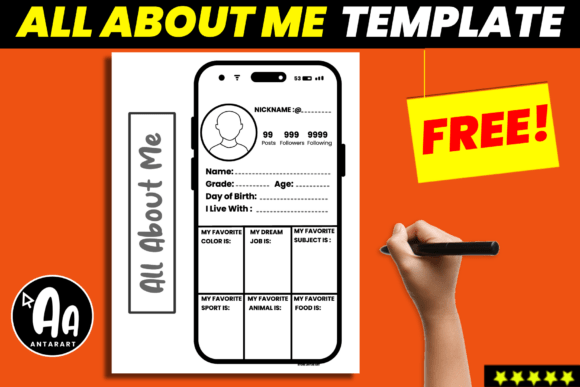
An ‘All About Me’ poster template designed specifically for Instagram — single-page layout with name, bio, favourite things, personality tags, and a photo slot. The poster format works as both a feed post and a printed physical item. Multiple background colour options included.
Photographer About Me Page — Set 2
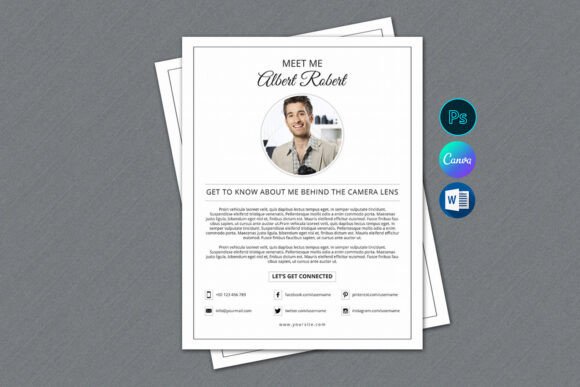
A photographer-specific ‘About Me’ page template — includes a professional portrait slot, specialities list, equipment tags, booking CTA, and social handles. Built for service-based creators who need a polished introduction slide for new followers. Editable in Canva.
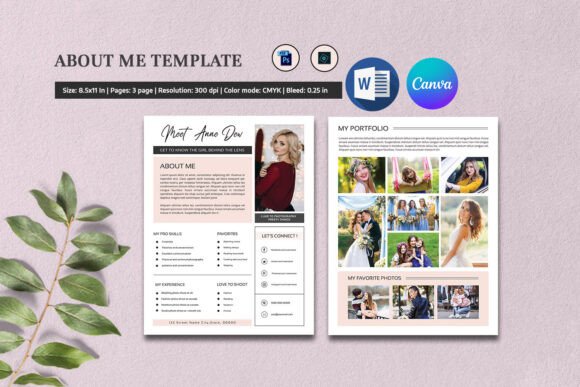
All About Me — Cinema Style
An ‘All About Me’ template with a cinema aesthetic — film strip borders, retro typography, and a movie-poster layout that frames the creator’s information as a movie character introduction. Works well for entertainment, film, and pop-culture accounts.
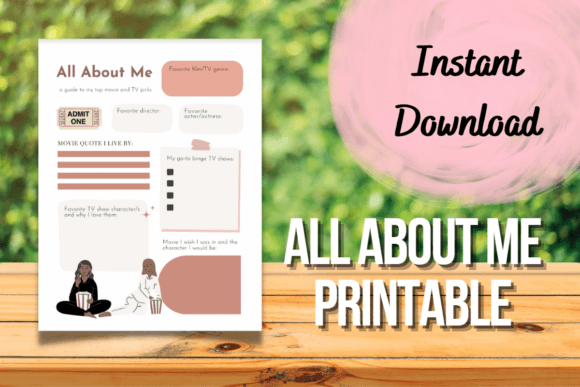
Instagram Highlight Covers Icons
An Instagram highlight cover icon set — includes ‘About Me’, ‘My Story’, ‘Q&A’, ‘Get To Know Me’, and 40+ category icons. The highlight covers function as the permanent ‘about me’ section on your profile, visible before anyone reads a story. Consistent icon style across all covers.
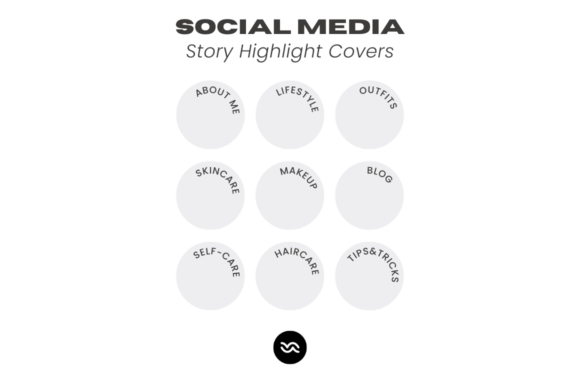
UGC Media Kit Canva Template
A UGC creator media kit template — rate card, content categories, platform statistics, and a personal bio section designed for the UGC pitch context. The ‘about me’ section emphasises content style and audience trust metrics rather than follower count. Editable in Canva.
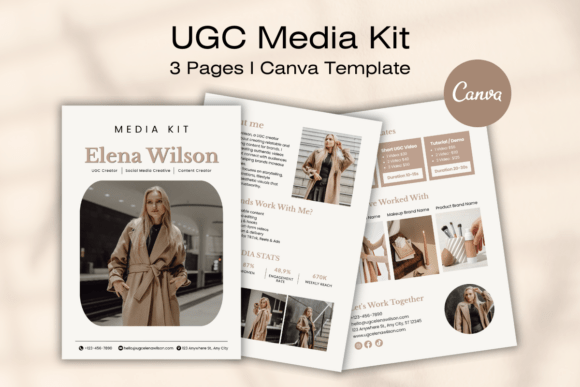
Photographer About Me Page
A second photographer ‘About Me’ page — softer aesthetic than set #2, with a floral accent and a warmer colour palette. Better suited for portrait, wedding, and lifestyle photographers than commercial or product photography niches.
Browse All About Me Story Templates →
UGC Media Kit Canva Template — Set 2
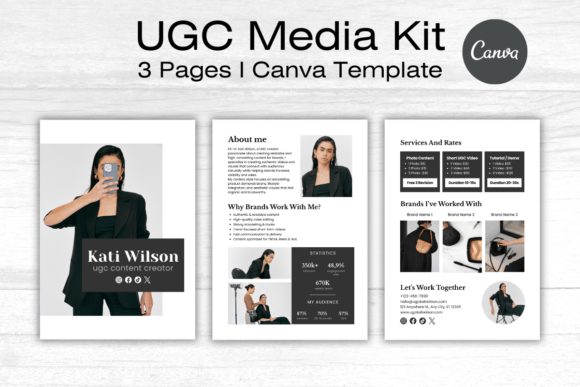
A second UGC media kit set with a darker, more premium visual style — navy and gold palette, bold typography, and a layout that emphasises content examples alongside the bio. Better for established UGC creators with a portfolio than for those pitching for the first time.
UGC Media Kit Canva Template — Set 7
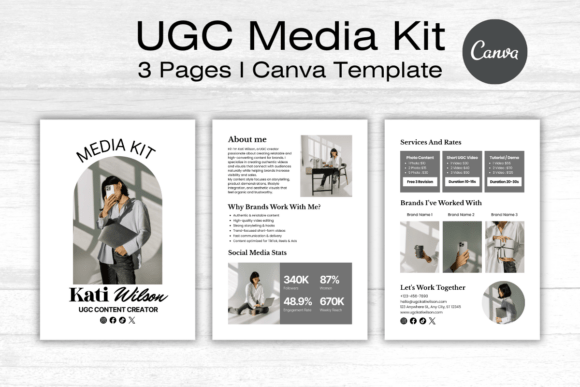
A seventh UGC media kit set with a neutral, minimal aesthetic — white background, thin typography, and content-first layout. The minimal approach lets portfolio examples and statistics carry the page rather than the design itself.
UGC Media Kit Canva Template — Set 5
A fifth UGC media kit set with a warm terracotta palette — distinctive colour choice that stands out from the predominantly neutral and dark UGC kit market. Good for lifestyle, food, and home decor niches where warm tones align with the content aesthetic.
UGC Media Kit Canva Template — Set 3
A third UGC media kit set with a clean pastel layout — soft sage and blush palette with a friendly, approachable visual tone. Performs well for beauty, wellness, and parenting niches where the audience expects warmth over corporate polish.
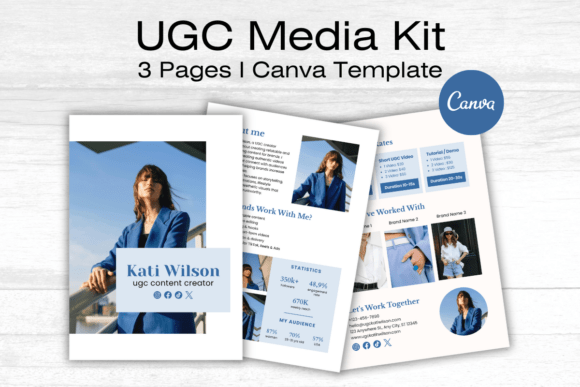
UGC Media Kit Canva Template — Set 6
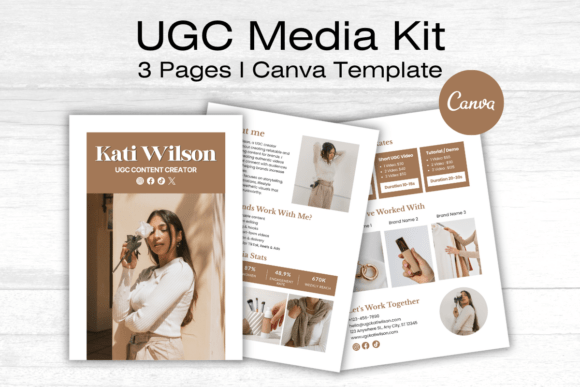
A sixth UGC media kit set with a bold editorial style — oversized typography, asymmetric layout, and a high-contrast colour treatment. Designed to read as a premium pitch document rather than a template. Best for creators targeting high-budget brand partnerships.
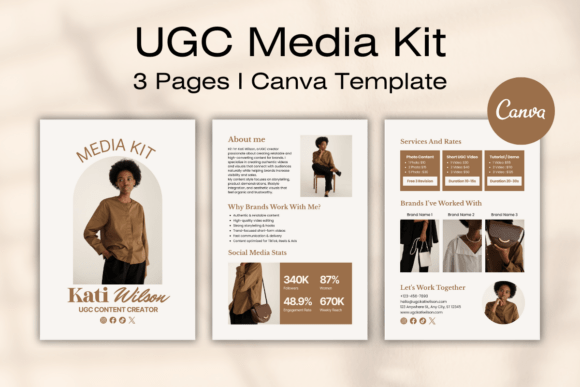
UGC Media Kit Canva Template — Set 4
A fourth UGC media kit set with a structured grid layout — content examples in a 3-column grid alongside statistics and rates. The grid format lets brands scan content output quickly without reading through paragraph descriptions.
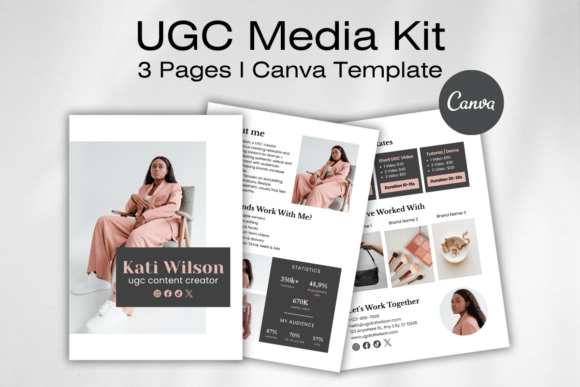
How to Use an About Me Instagram Story Template
An instagram story template about me works best when it’s saved as a highlight — the permanent story collection visible on your profile above the feed grid. A highlight named ‘About Me’ or ‘Start Here’ is the first thing many new followers tap when they want to decide whether to follow. The single most important element is a clear statement of what you post and who it’s for, not just your name and location.
For the photo slot: use a photo where your face is clearly visible and you’re looking toward the camera. Profile photos that work on the feed don’t always work on a story slide — the vertical crop on a story is more forgiving than the square crop on a post, so you can include more context around the subject. Update the ‘about me’ highlight every 3–6 months as your content direction evolves; a stale intro slide undermines the first impression it’s trying to make.
Media Kit vs About Me Story: When to Use Each Format
An ‘about me’ story slide and a media kit serve different audiences. The about me story is for followers — it answers ‘who are you and why should I keep watching?’. The media kit is for brand partners — it answers ‘what can you deliver, to how many people, at what rate?’. The UGC media kit templates (#5 and #7–13 above) blend both: they have a personal bio section for context and a statistics/rates section for the commercial pitch.
If you’re a creator approaching brand partnerships for the first time, build the ‘about me’ story slide first to establish your profile’s first impression, then adapt a media kit template to pitch outreach. The media kit bio section can reuse most of the same content as the story slide, so the two documents reinforce each other rather than presenting different versions of your creator identity.
The ‘about me’ highlight is often the first thing a brand manager checks before reading a media kit — make sure the story slide and the kit tell the same story about who you are and what you create.
Frequently Asked Questions
What should I include in an about me instagram story?
At minimum: your name, what you post (niche in one sentence), who your audience is, and a photo. Optional but useful: your location if it’s relevant to your content, your platform handles, and a CTA (follow for X, link in bio for Y). Keep it to one or two slides — a three-slide ‘about me’ highlight that requires tapping through is too long for most new visitors.
What is a UGC media kit template?
A UGC (user-generated content) media kit is a pitch document that creators send to brands when offering to produce content for the brand’s own channels — not for posting on the creator’s account. It includes a bio, content examples, rates, and contact information. Templates #5 and #7–13 above are designed specifically for this UGC pitch context.
How do I pin an about me story as a highlight on Instagram?
Post the story normally, then go to your profile, tap the story in the ‘Your Story’ ring, and select ‘Highlight’. Name the highlight ‘About Me’ or ‘Start Here’. You can add multiple slides to one highlight and reorder them by editing the highlight.
Can I use these templates for a photographer portfolio intro?
Yes — templates #2 and #6 above are specifically designed for photographer bios with portfolio photo slots, speciality tags, and booking CTAs. Both include commercial licences covering professional use.
What size should an about me instagram story be?
1080×1920 pixels (9:16 aspect ratio) — the standard Instagram story size. All Canva templates above are pre-sized to these dimensions. Export as PNG for maximum quality on text-heavy slides.
Key Takeaways: Instagram Story Template About Me
- Pin the ‘about me’ story as a highlight — it’s the first thing new followers and brand managers check on your profile
- One clear sentence about what you post and who it’s for is worth more than a full biography
- Media kit templates (#5, #7–13) double as about me slides for brand outreach — bio and statistics in one document
- Update the highlight every 3–6 months as your content direction evolves
- Use a face-forward photo — vertical crop on a story slide gives you more room than a square post crop