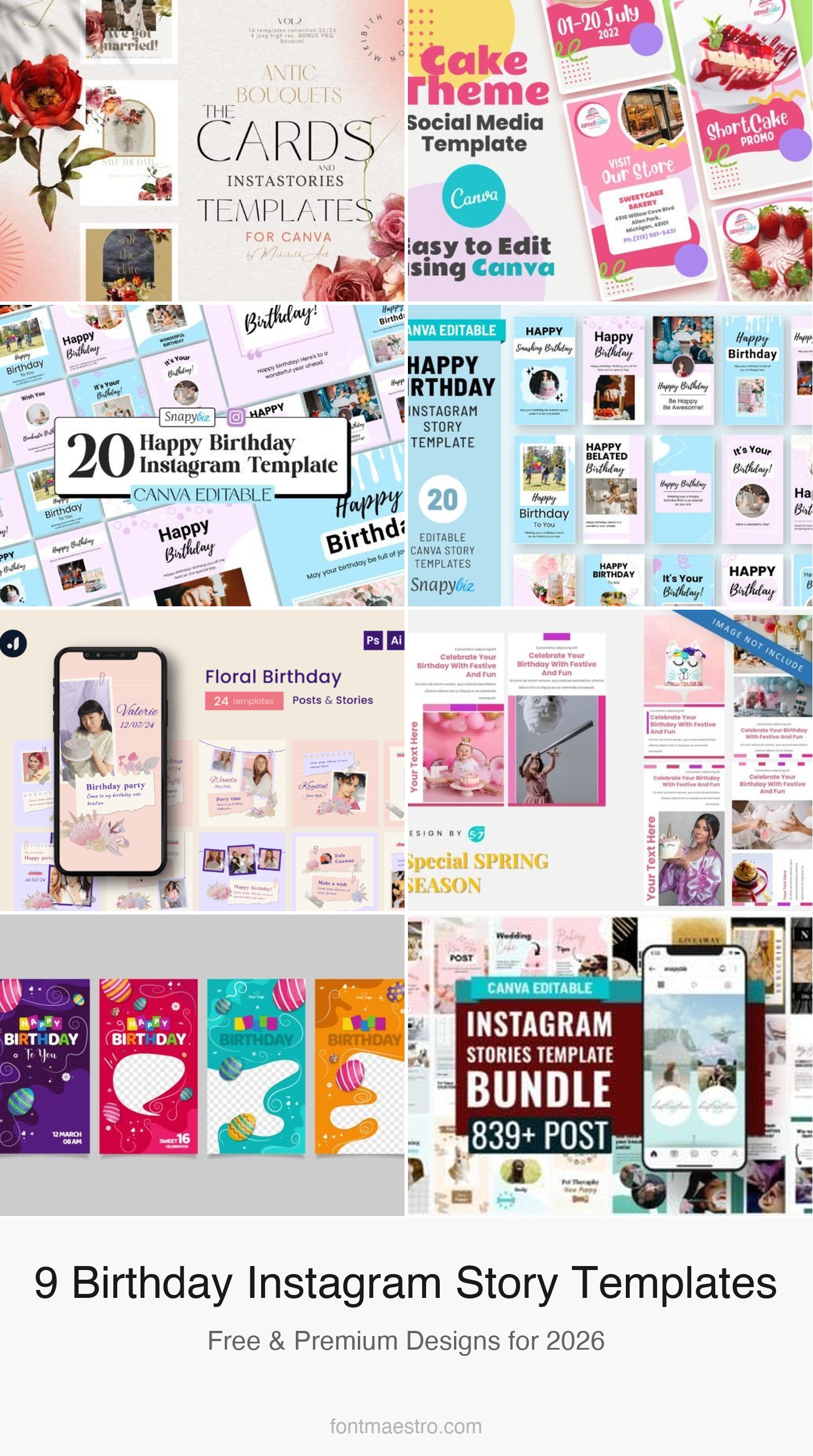
A birthday instagram story template solves a specific problem: you want to post something that actually gets reshared by the birthday person, not just seen. The templates below are chosen for that goal — each has a clear photo slot, an editable name field, and a visual style that puts the birthday person front and centre rather than the design itself.
See also: birthday story templates for best friends and aesthetic birthday story backgrounds.
Every template below is an instant download — edit directly in Canva, no design software required. Click any image or button to view the full product on Creative Fabrica.
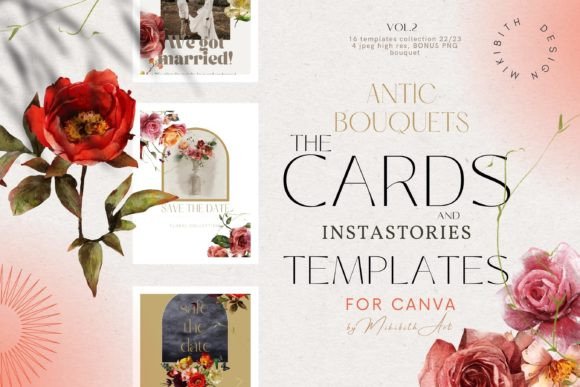
Antic Bouquets Cards and Instagram Templates
A bouquet-themed kit combining greeting card layouts with Instagram story frames — soft floral watercolour backgrounds with hand-lettered ‘Happy Birthday’ text overlays. Works equally well as a printed card design and a digital story post. The botanical style suits adult birthdays, bridal celebrations, and spring-season posts.
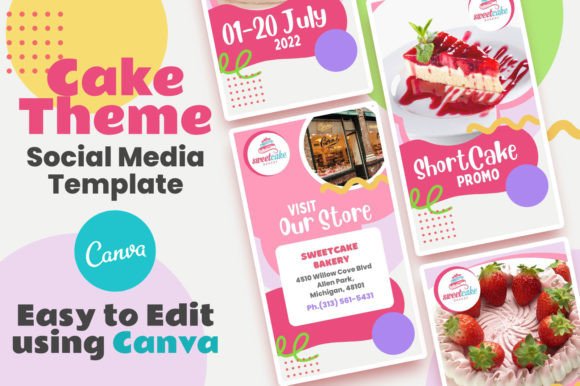
Canva Social Media Template — Cake Theme
A cake-forward social media pack with story, post, and highlight cover formats — warm pastel palette with illustrated cake graphics and bold celebration typography. Designed specifically for Canva with drag-and-drop placeholder slots for the birthday person’s photo and name. Good fit for bakery accounts or personal birthday story posts.
Free Canva Happy Birthday IG Template
A free-tier Canva template with a clean bright layout — pink and yellow palette, confetti graphic elements, and a large centred ‘Happy Birthday’ headline. No Pro subscription required to edit. A solid starting point if you want to customise fonts and colours without paying for a premium template.
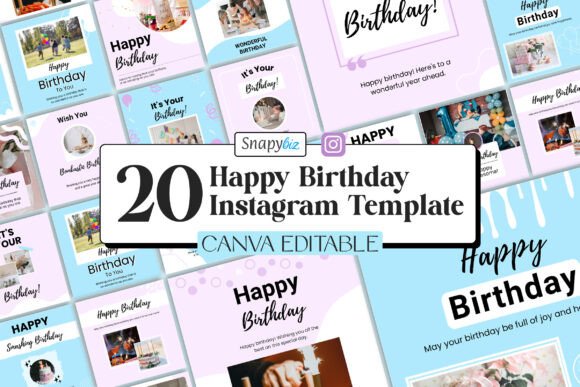
Aesthetic Birthday Instagram Story
A minimal-aesthetic story template with a soft gradient background and a photo slot sized for a full-face portrait. The typography is restrained — name field and a short message, leaving the caption to carry the personal weight. Two colour variants included: blush and sage.
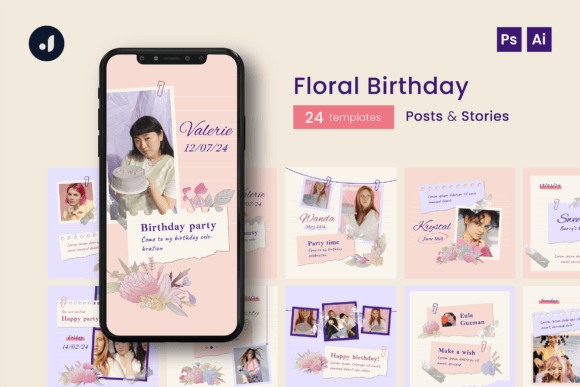
Floral Birthday Instagram Template
A floral-border birthday story template with a botanical watercolour frame around a central photo slot. The design leans romantic and feminine — well matched to milestone birthdays, garden party themes, and spring celebrations. Available as a PNG and Canva-editable file.
Browse All Birthday Story Templates →
Instagram Story — Collect Birthday
A multi-slide birthday story set designed around a ‘collecting memories’ concept — includes a photo collage slide, a countdown slide, and a birthday greeting slide in a cohesive pastel visual system. All three slides are editable in Canva. Tag the birthday person on the greeting slide to trigger a one-tap reshare.
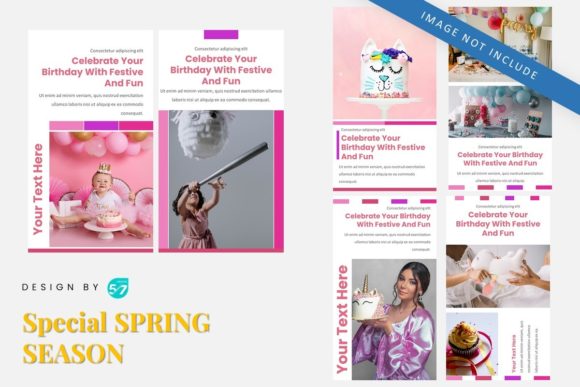
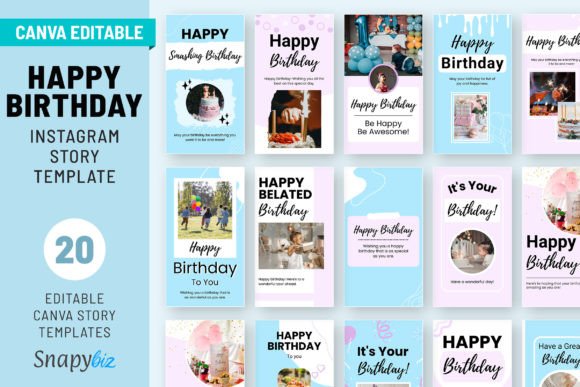
Happy Birthday Instagram Story Template
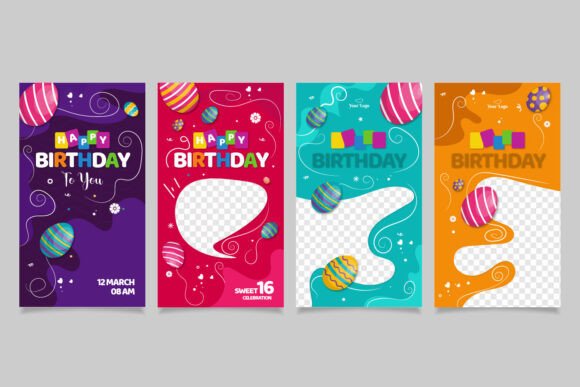
A versatile birthday story template with bold block typography and a hero photo slot — designed to work across a wide range of personal and business birthday posts. Five colour themes included. The layout is clean enough that the birthday person’s photo, not the design, becomes the focal point.
Instagram Story Canva Template Bundle
A broad-coverage bundle of story templates including birthday, announcement, countdown, and thank-you slides — 30+ formats in one download. The visual system is consistent across all slides so the birthday content thread reads as a designed sequence rather than a patchwork of unrelated posts. Canva-editable with commercial licence.
Happy Birthday Instagram Story Template — Set 2
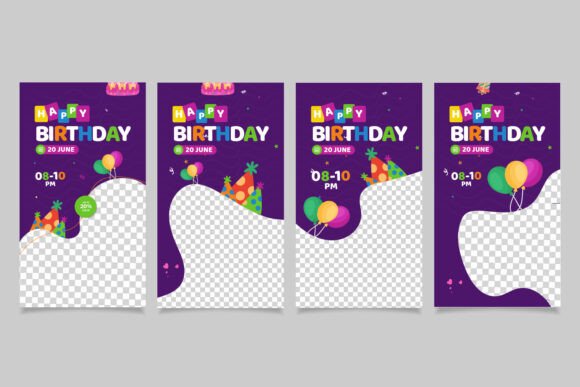
A companion set to template #7 with a different colour treatment — deeper jewel tones and a more grown-up typography pairing. The photo slot framing shifts from centred portrait to a slightly off-centre editorial crop. Both sets can be layered across a single birthday posting campaign for visual variety.
How to Choose a Birthday Instagram Story Template
The best birthday instagram story template is the one the birthday person wants to reshare to their own story — not the one that looks most impressive in your archive. Three things determine reshareability: the photo slot is large enough to feature the birthday person’s face clearly at thumbnail size; their name is readable without zooming in; and the design makes them the focal point rather than the template itself.
Before you post, run a three-point check: face visible at thumbnail? Name readable? Design serves the photo rather than competing with it? If any answer is no, simplify the layout or switch to a template with a larger photo area. Aesthetic matters, but reshare potential matters more.
Why Canva Birthday Story Templates Work Better Than Custom Graphics
A birthday instagram story template in Canva takes three minutes to personalise: swap the photo, change the name, adjust one colour if needed. A custom graphic from scratch takes thirty minutes and rarely looks more polished. The templates here are built by professional designers — the typography spacing, colour balance, and layout proportions are already optimised. Your contribution is the personal content: the right photo, a specific caption, and tagging the birthday person so they can reshare with one tap.
Tag the birthday person directly in the story — when they reshare your birthday template to their own story, it reaches their entire following automatically. A well-chosen birthday instagram story template that gets reshared effectively doubles its reach without any additional effort.
The birthday person reshares a story template when it makes them look good, not when it shows off the design. Pick the template where their face is the largest element on the slide.
Frequently Asked Questions
Are these birthday instagram story templates free?
Template #3 is fully free — no Creative Fabrica subscription needed. The others are available on Creative Fabrica’s free trial (10 premium downloads, commercial licence included) or with a paid subscription. All include commercial licences covering personal and business use.
Do I need Canva Pro to edit birthday story templates?
Most templates work with the free Canva plan. Templates that use Pro-only elements show a crown icon in Canva. Those can be worked around by substituting a free font or background, or by upgrading to Canva Pro.
Can I use these birthday story templates for a business account?
Yes — Creative Fabrica’s commercial licence covers business Instagram accounts. Client birthday posts, team celebration stories, and branded birthday content are all permitted without additional licensing fees.
What size should a birthday instagram story template be?
Instagram stories display at 9:16 aspect ratio — 1080×1920 pixels is the standard size. Canva templates are pre-sized to these dimensions. When you download and upload to Instagram, no resizing is needed.
How do I make a birthday story template more personal?
Change at minimum three elements: the photo, the name, and one piece of text (a specific memory or detail only you would know). Two changes reads as generic; three changes reads as genuinely personal. The caption below the story adds further personalisation without touching the template design.
Key Takeaways: Birthday Instagram Story Template
- Tag the birthday person directly — the tag converts your post into a one-tap reshare that doubles reach
- Choose a template where their face is the dominant visual element — design should frame the photo, not compete with it
- Template #3 is fully free — no subscription needed to download and edit
- The bundle (template #8) covers 30+ slide formats — announcement, countdown, greeting, and thank-you in one download
- Edit in Canva in under 5 minutes — change photo, name, and one personal text element