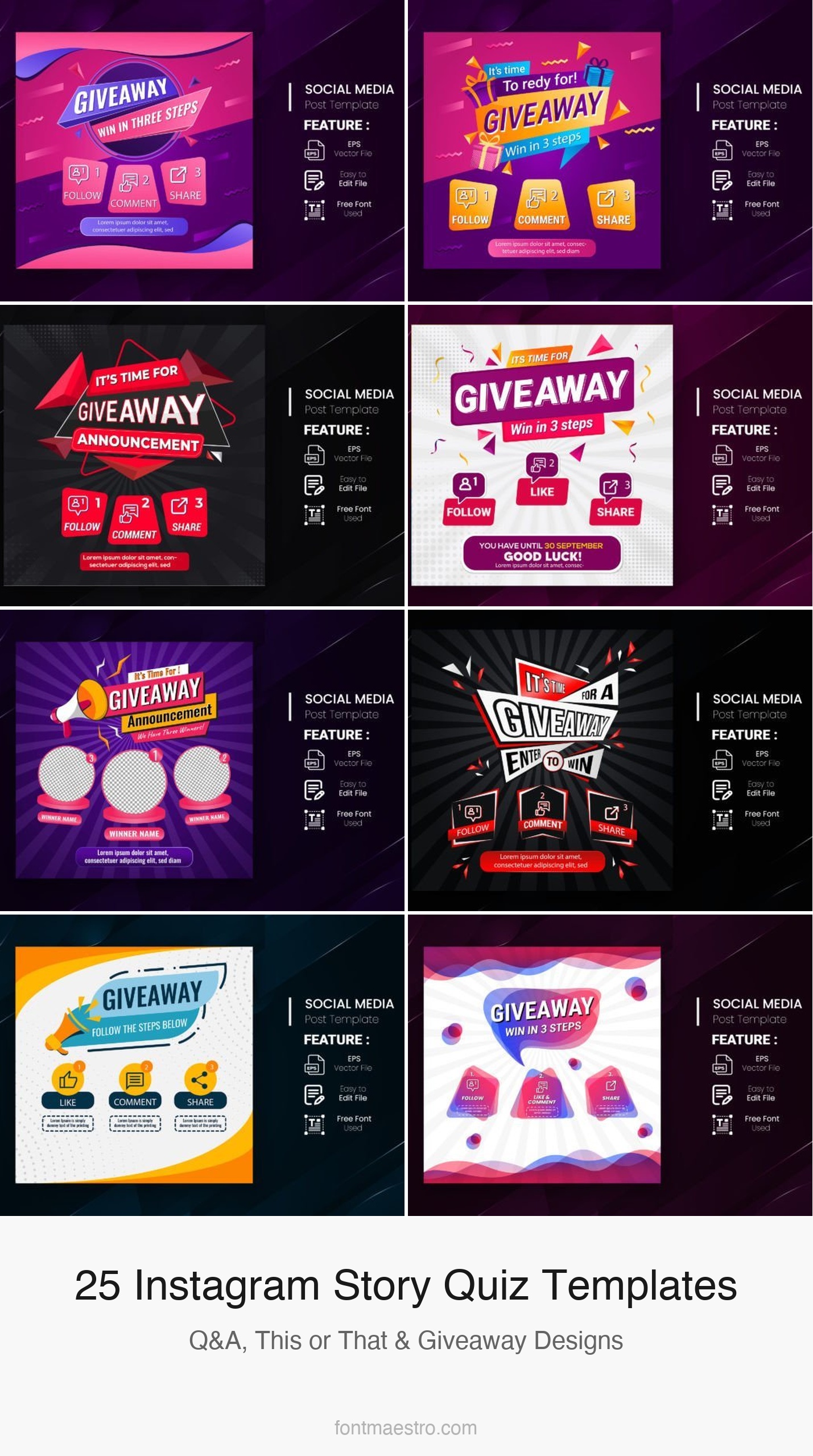
An instagram story template quiz works because it turns passive viewers into active participants — a well-designed question slide gets taps, screenshot shares, and comment responses that the algorithm reads as engagement signals. The templates below cover quiz questions, giveaway contests, this-or-that formats, and Q&A slides for every niche and aesthetic.
See also: polaroid instagram story templates and birthday instagram story templates.
Every template below is an instant download — edit in Canva, export, post. Click any image to view the full product on Creative Fabrica.
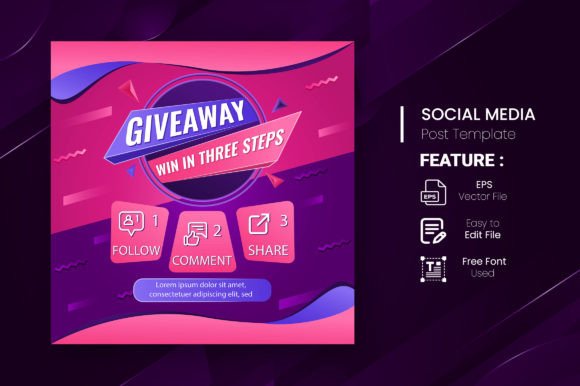
Giveaway Quiz Contest for Social Media — Set 15
A quiz and giveaway story template with a bright, high-contrast colour palette — bold question typography over a vivid background with clear A/B/C/D answer slots. The design signals ‘interactive post’ immediately at thumbnail size, which increases tap-through on stories. Editable in Canva with swappable colours and text.
Giveaway Quiz Contest for Social Media — Set 8
A second quiz contest template with a different colour treatment — darker background with neon accent colours. The high-contrast approach works well for engagement-driving posts where the goal is to get followers to reply or screenshot. Includes question slot and answer reveal format.
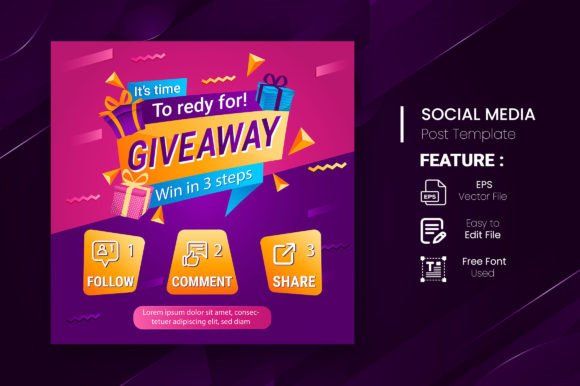
Giveaway Quiz Contest for Social Media — Set 26
A quiz contest set with a clean, geometric layout — answer options arranged in a 2×2 grid rather than a vertical list. The grid format reads faster on mobile and works better for this-or-that and either/or question formats. Editable text blocks throughout.
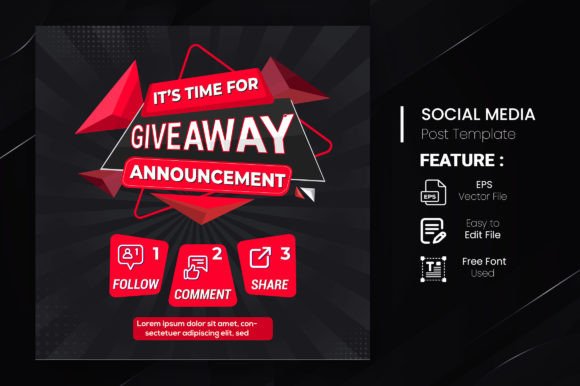
Giveaway Quiz Contest for Social Media — Set 25
A fourth quiz set with a softer palette — pastel backgrounds with rounded answer buttons. Better suited for lifestyle and food accounts than the high-contrast sets; the gentler aesthetic fits audiences who respond better to friendly than competitive framing.
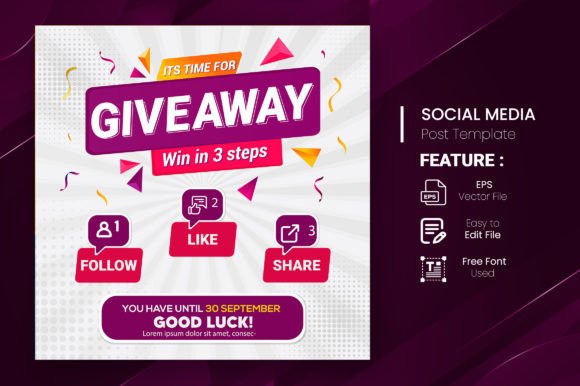
Giveaway Quiz Contest for Social Media — Set 17
A quiz template set with a prominent winner announcement area alongside the question format — useful for running a quiz where participants answer in comments and you announce the correct answer in a follow-up story. Includes both question and reveal slide formats.
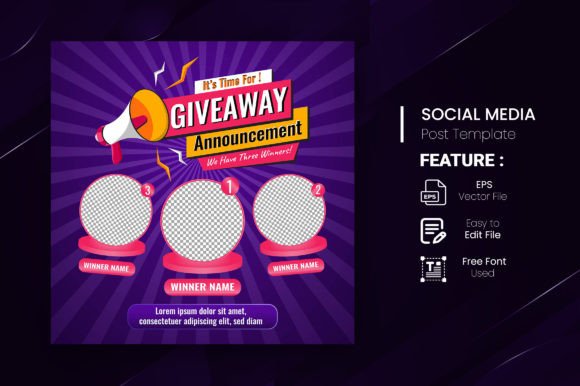
Giveaway Quiz Contest for Social Media — Set 21
A sixth quiz set with a minimalist layout — single colour background, large question text, and clean answer boxes with no decorative elements. Works for any niche without visual clash; the neutral design puts the question content front and centre.
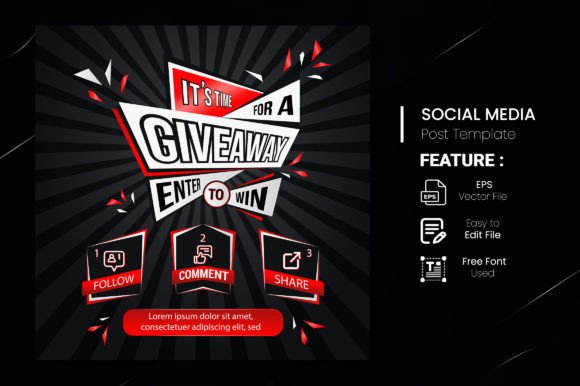
Giveaway Quiz Contest Post Template
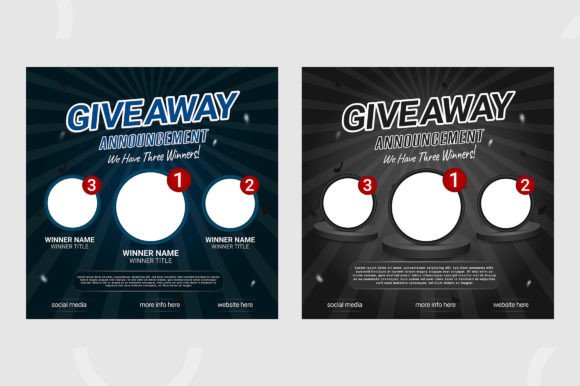
A quiz and contest post template (square format) — designed for feed posts that drive quiz engagement via comments rather than story replies. Includes a question slide and a separate ‘winner announced’ template for the follow-up post. Two colour variants included.
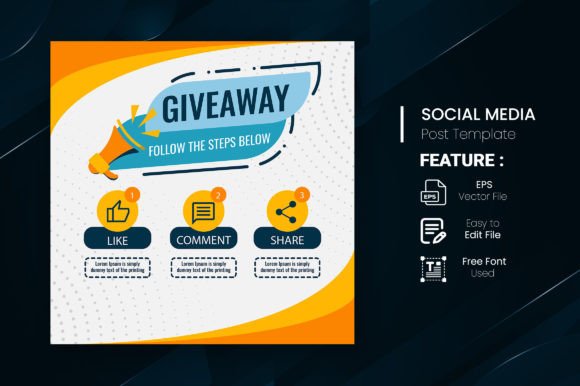
Giveaway Quiz Contest for Social Media — Set 6
A quiz template with a playful, illustrated style — decorative graphic elements around the question area and styled answer buttons with tick/cross indicators. Better for casual, entertainment-focused accounts than serious educational or brand content.
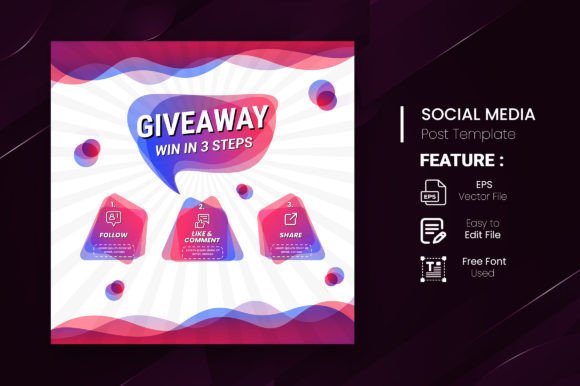
Giveaway Quiz Contest for Social Media — Set 11
A ninth quiz set with a split-screen layout — question on one half, answer options on the other. The horizontal division creates a clear visual separation that makes the answer options easier to read at smaller screen sizes. Available in multiple colour themes.
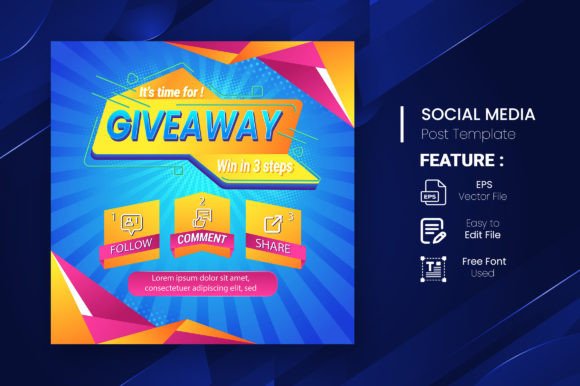
Giveaway Quiz Contest for Social Media — Set 12
A tenth quiz set with a vertical stacked layout — question at top, four stacked answer options below with alternating colours to differentiate them. The stacked format works well for longer answer text where horizontal space would be too narrow.
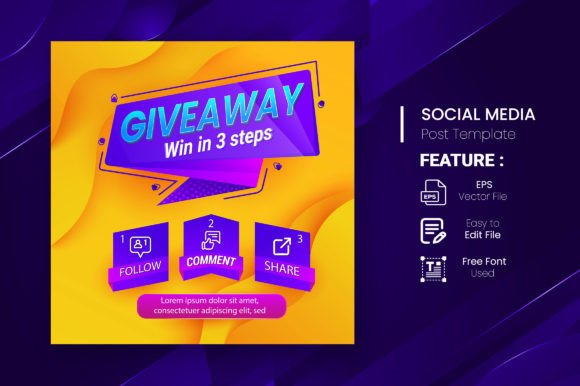
Giveaway Banner for Social Media Contest
A giveaway banner template for social media contest announcements — prize display area, entry instructions, and deadline fields in a bold promotional layout. Useful as the announcement post that precedes a quiz contest series. Multiple format sizes included.
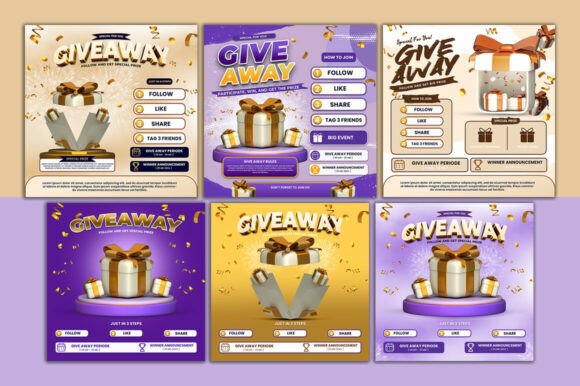
Giveaway Quiz Contest for Social Media — Set 19
A quiz set with a countdown-adjacent design — the template includes a deadline or time-limit field alongside the question, adding urgency. Good for flash quiz contests that close within 24 hours. The urgency framing consistently improves participation rates.
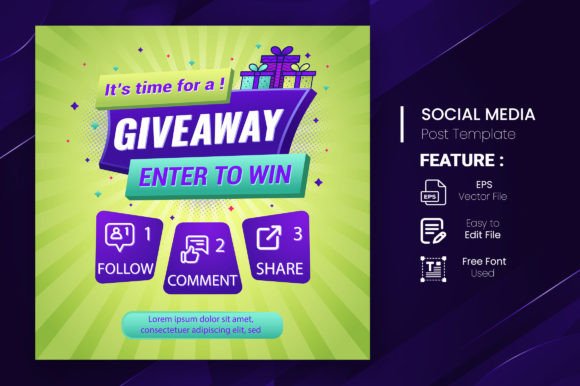
Giveaway Quiz Contest and Announcement
A combined quiz, contest, and announcement template pack — covers the full quiz campaign lifecycle: question post, mid-contest reminder, correct answer reveal, and winner announcement. Running these as a story series keeps the narrative thread cohesive.
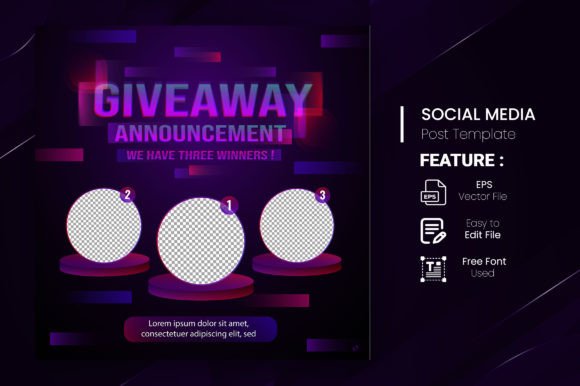
Browse All Quiz Story Templates →
Giveaway Quiz Contest for Social Media — Set 24
A fourteenth quiz set with a gradient background treatment — the colour transitions from one accent colour to another across the slide, which performs better in story placement tests than flat single-colour backgrounds at the same luminosity level.
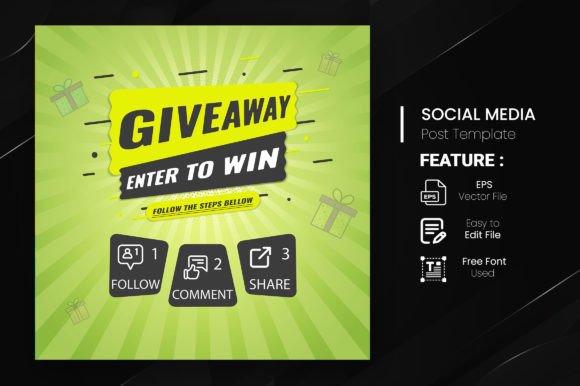
Giveaway Quiz Contest for Social Media — Set 23
A fifteenth quiz set with a trophy and prize iconography — the visual prize emphasis works better for high-value giveaway contests than for educational quiz formats. Best used when the reward is the primary motivation for participation.
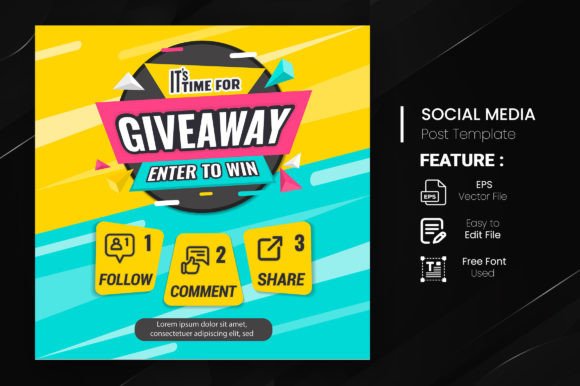
Giveaway Quiz Contest for Social Media — Set 7
A seventh quiz set with a dark-mode aesthetic — near-black background with bright accent text. Performs well in evening story slots when bright white templates feel jarring. Consistent visual identity with other dark-mode content on the same account.
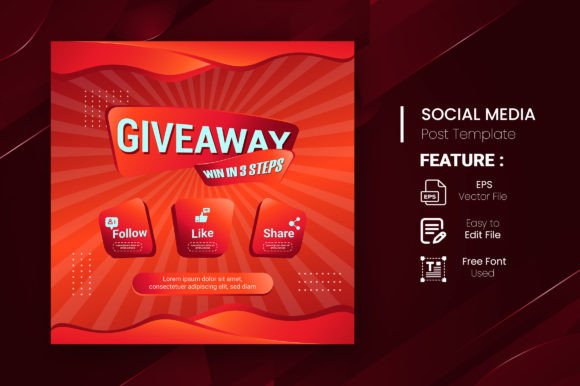
Giveaway Quiz Contest for Social Media — Set 9
A ninth-series quiz set with a bright yellow primary colour — high energy, attention-grabbing at thumbnail size. Works well for brand accounts using yellow as a brand colour; for neutral accounts, it reads as a generic contest template without additional customisation.
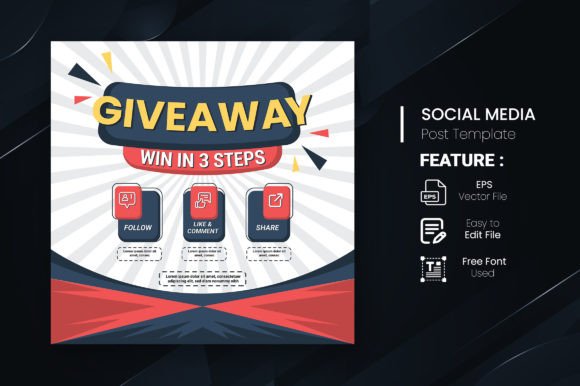
Giveaway Quiz Contest for Social Media — Set 14
An eighteenth quiz set with an outlined answer button style — the answer options use border-only buttons rather than filled backgrounds, which creates a lighter, more editorial feel. Good for accounts that want engagement without the promotional aesthetic of bold filled buttons.
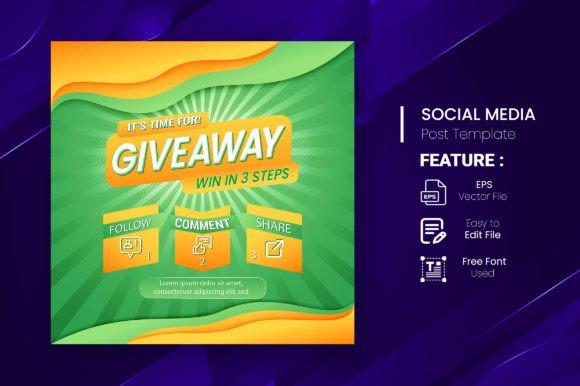
Giveaway Quiz Contest for Social Media — Set 4
A nineteenth quiz set with a retro-influenced design — bold typography, limited colour palette, and geometric shapes that reference 1970s–80s game show aesthetics. Strong visual differentiation from the standard modern quiz template style.
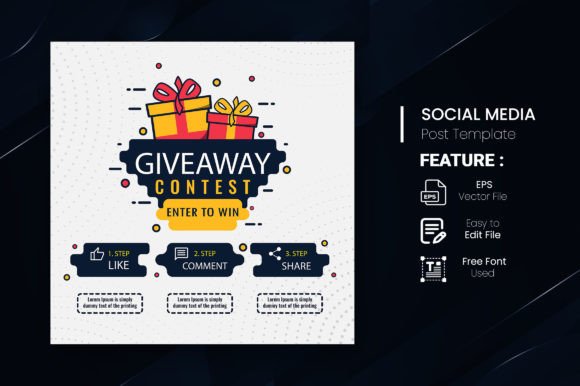
Giveaway Quiz Contest for Social Media
The original quiz contest template in the series — clean layout, balanced typography, broad colour palette options. This is the most versatile template in the set; if only one quiz template is needed, this is the best starting point.
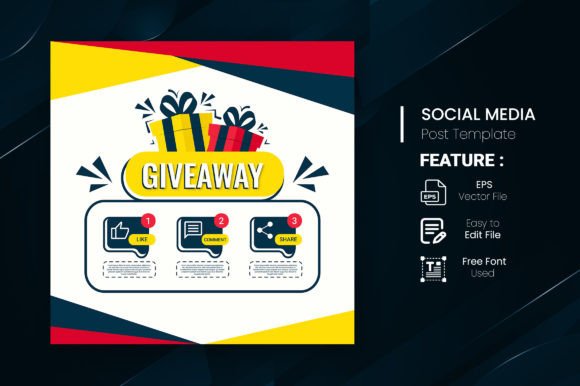
Giveaway Quiz Contest for Social Media — Set 5
A fifth quiz set with a rounded, friendly layout — soft corners on all elements, warm palette, and a ‘tap to answer’ micro-instruction built into the design. The friendlier visual tone reduces the barrier to participation for audiences unused to quiz content.
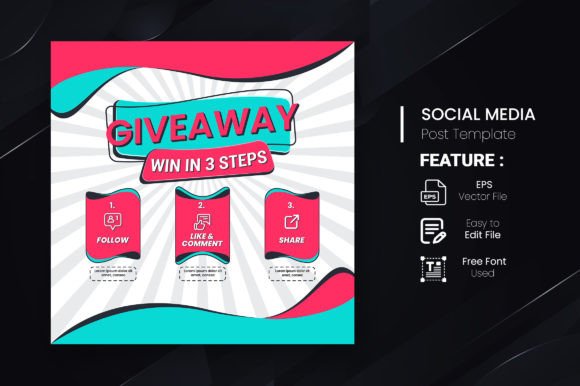
Giveaway Quiz Contest for Social Media — Set 13
A thirteenth quiz set with a bold announcement banner style — large prize or question text dominates the slide with supporting information in smaller type below. The hierarchy is designed for fast comprehension in a story feed where most slides get under 2 seconds of attention.
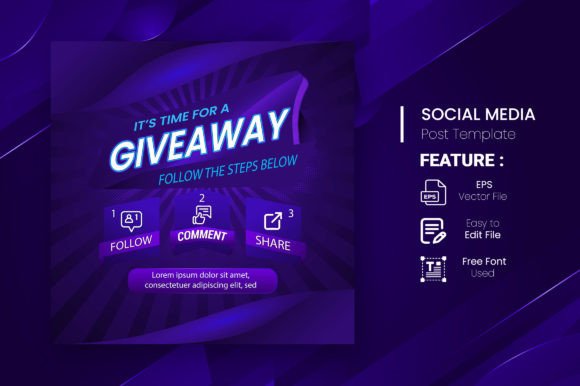
Giveaway Quiz Contest Post Template — Set 2
A second post-format quiz template — square layout with question and answer area designed for feed placement. The post format allows the quiz to accumulate comment answers over a longer window than a 24-hour story. Includes a matching story format for cross-platform distribution.
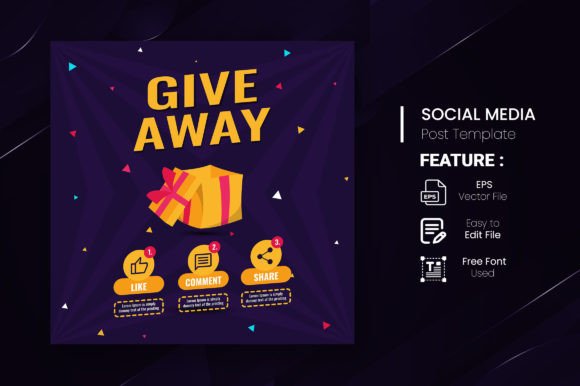
Giveaway Quiz Contest for Social Media — Set 10
A tenth quiz set with a confetti and celebration graphic treatment — the celebratory aesthetic works better for winner announcements and correct answer reveals than for initial question posts. Best used as the final slide in a quiz story series.
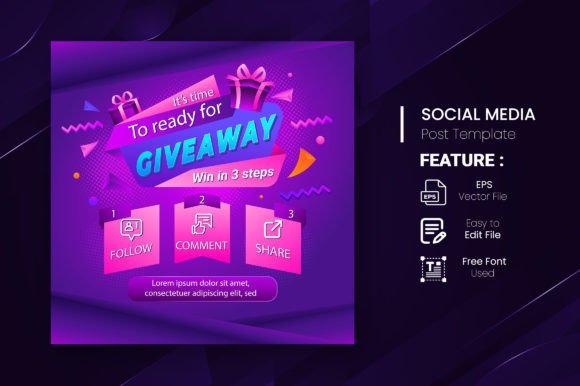
Giveaway Quiz Contest for Social Media — Set 3
A third quiz set with a split colour background — the slide is divided diagonally with two contrasting colours, one per answer option. The visual split reinforces the binary choice format and makes this-or-that questions immediately understandable without reading the text.
How to Run an Instagram Story Quiz That Gets Real Engagement
An instagram story template quiz generates engagement when the question is specific enough to have a clear correct answer but easy enough that most followers feel confident responding. Trivia questions about your niche outperform generic pop culture questions for account growth because the right audience self-selects — followers who answer correctly are exactly the people most invested in your content. Run the question slide first, then post the answer reveal as a follow-up story 24 hours later to catch everyone who saw the question.
For giveaway contests, the quiz format adds a qualification layer that filters for genuinely interested participants rather than giveaway hunters who follow-and-unfollow. Requiring a correct answer to enter means every entrant has read the question, visited your profile enough to know the answer, and engaged actively with the post. That participant quality difference is measurable in the retention rate of new followers after the contest closes.
This-or-That vs Q&A vs Quiz: Choosing the Right Story Interaction Format
Three story interaction formats use question slides in different ways. This-or-that (two options, no correct answer) is the lowest barrier to participation — any follower can respond because there’s no wrong answer. Q&A slides invite open-ended responses and generate the most comment content but require more effort from participants. Quiz formats have the highest barrier — there’s a correct answer — but generate the most screenshot shares and saves when the question is genuinely interesting.
Match the format to your current goal: this-or-that for growing a new account where any interaction helps, Q&A for deepening connection with an established audience, quiz for driving saves and shares from your most engaged followers. The templates above cover all three formats within the same visual system so you can rotate between them without the aesthetic changing.
The quiz format drives saves and shares because followers want to check the answer later — a story quiz with a delayed reveal gets reshared more than a quiz where the answer is visible immediately.
Frequently Asked Questions
What is an instagram story template quiz?
It’s a pre-designed story slide with a question area and answer options that you edit in Canva with your own question text. The design handles the visual layout — typography, colour, answer button styling — so you only need to write the question content and customise the colours to match your brand.
How do I make followers answer a quiz on Instagram stories?
Use Instagram’s native poll or quiz sticker layered over the template design, or invite answers via DM or comments in the story caption. The native quiz sticker shows participants whether they got the right answer instantly, which drives higher participation than comment-only formats.
Can I use these quiz templates for giveaway contests?
Yes — templates #7, #11, #13, and #23 are specifically designed for giveaway contest formats with prize display areas and entry instruction fields. All include commercial licences covering business account use.
What questions work best for instagram story quizzes?
Niche-specific trivia (product knowledge, industry facts, category expertise) outperforms general pop culture for account growth. This-or-that preference questions work best for personal brands. Brand-specific questions (‘Which product launched first?’) work for product accounts running a prize-incentivised quiz.
Do I need Canva Pro to edit these quiz templates?
Most work with the free Canva plan. Templates using Pro-only fonts or elements show a crown icon in Canva. The majority of templates above are editable on the free plan with font substitution if needed.
Key Takeaways: Instagram Story Template Quiz
- Quiz formats drive saves and shares — post the question, delay the answer reveal by 24 hours to maximise reach
- This-or-that = lowest participation barrier; Q&A = deepest engagement; quiz = highest share rate
- Templates #7, #11, #13, #23 include giveaway contest announcement layouts alongside the quiz format
- Use niche-specific questions, not general trivia — the right audience self-selects and retention after the contest is higher
- All 25 templates include commercial licences — usable on personal and business accounts