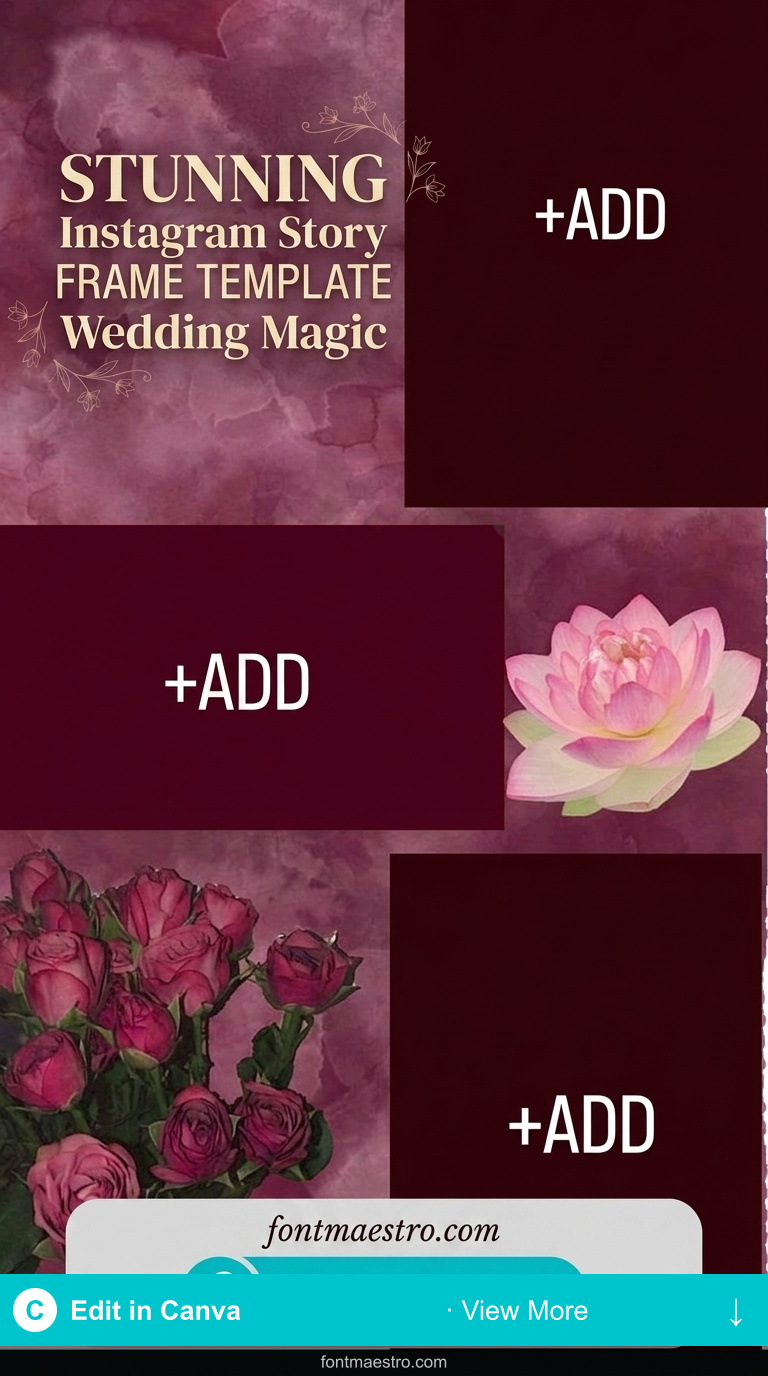
Wedding Instagram stories have a shelf life problem, most are viewed once and forgotten. The couples who get reshares build a visual sequence across the day rather than posting single disconnected slides. These 10 wedding frame templates are designed to work as sequences.
See also: engagement instagram story templates and anniversary instagram story templates.
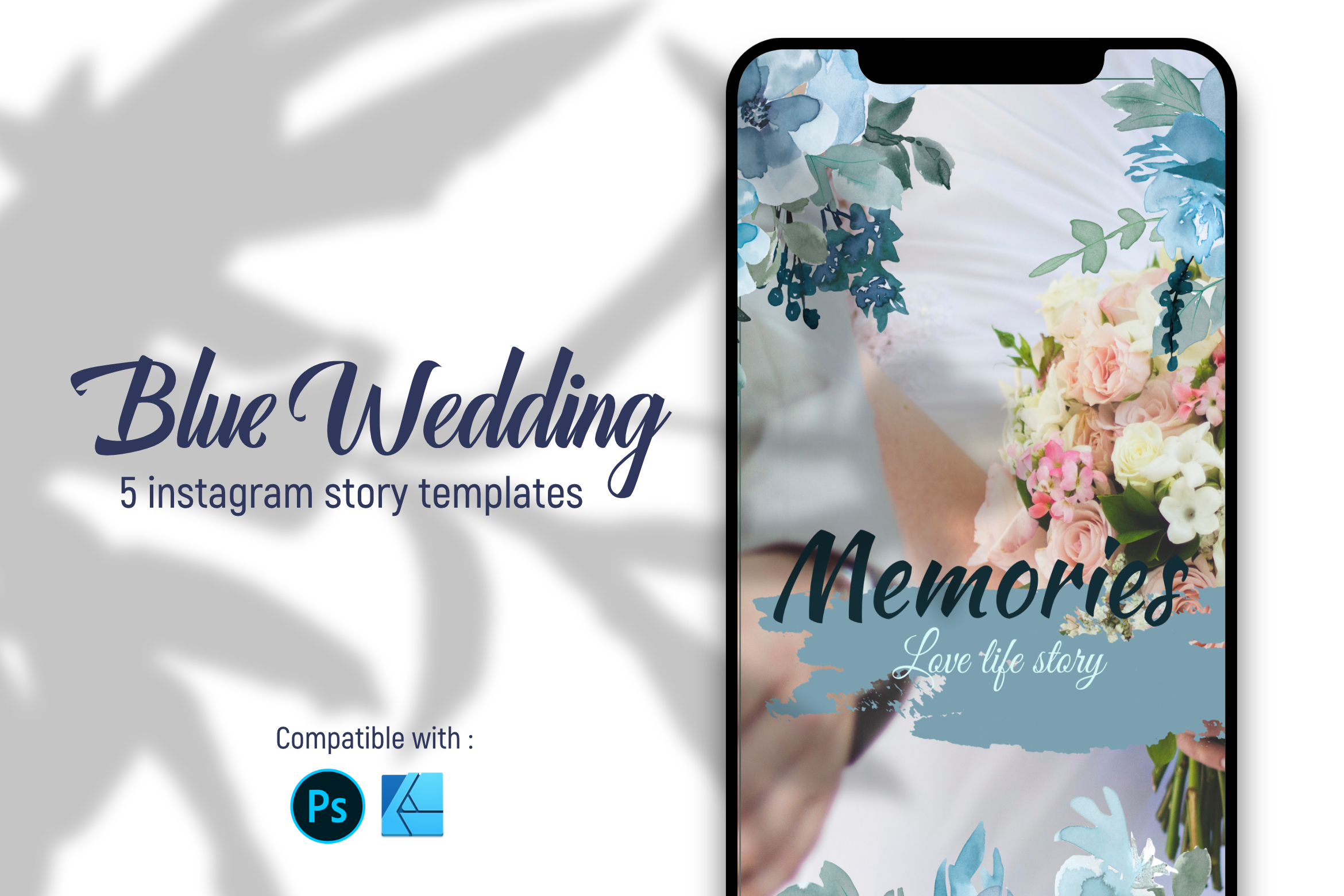
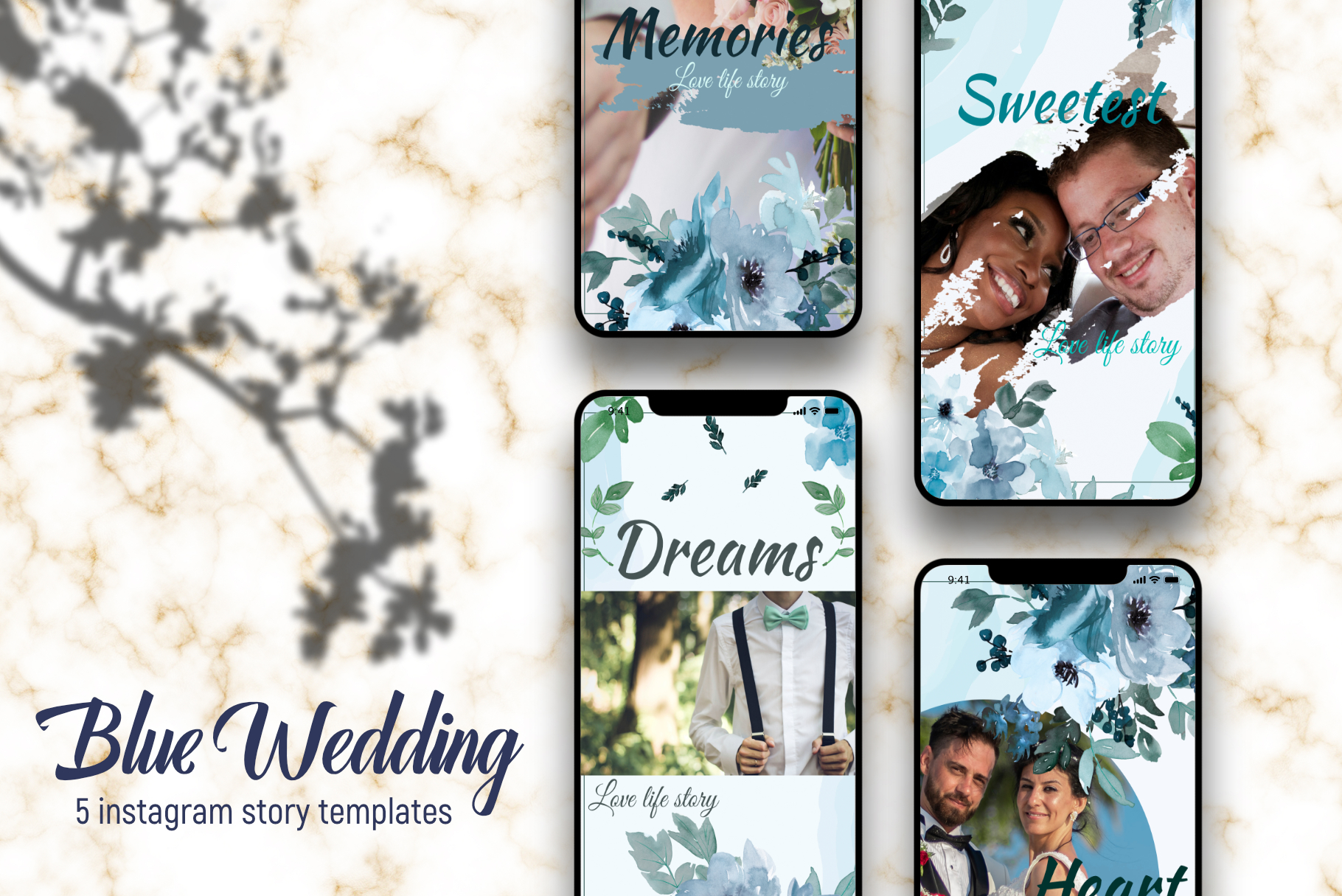
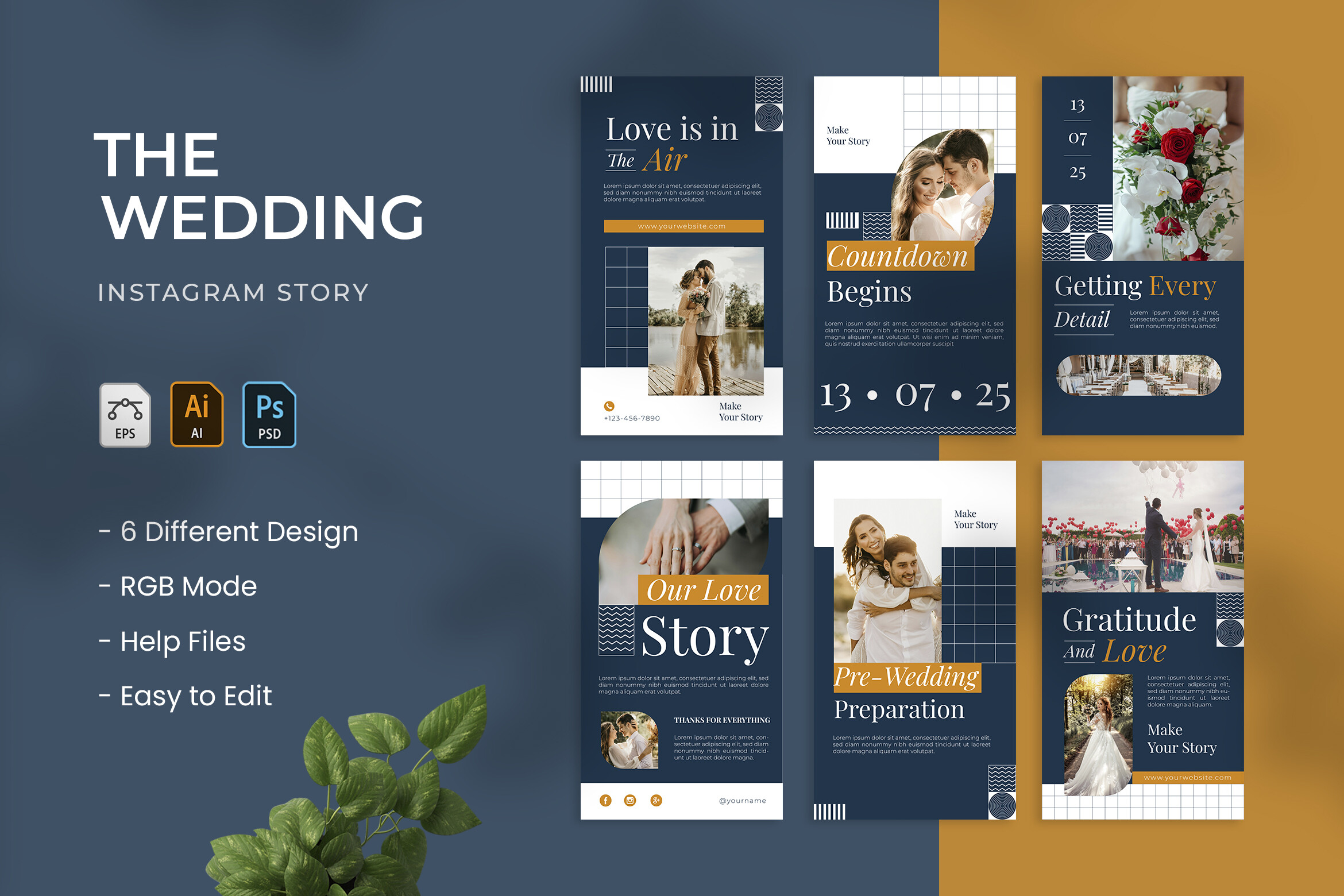
Blue Wedding | Instagram Story Template
Wedding – Instagram Story
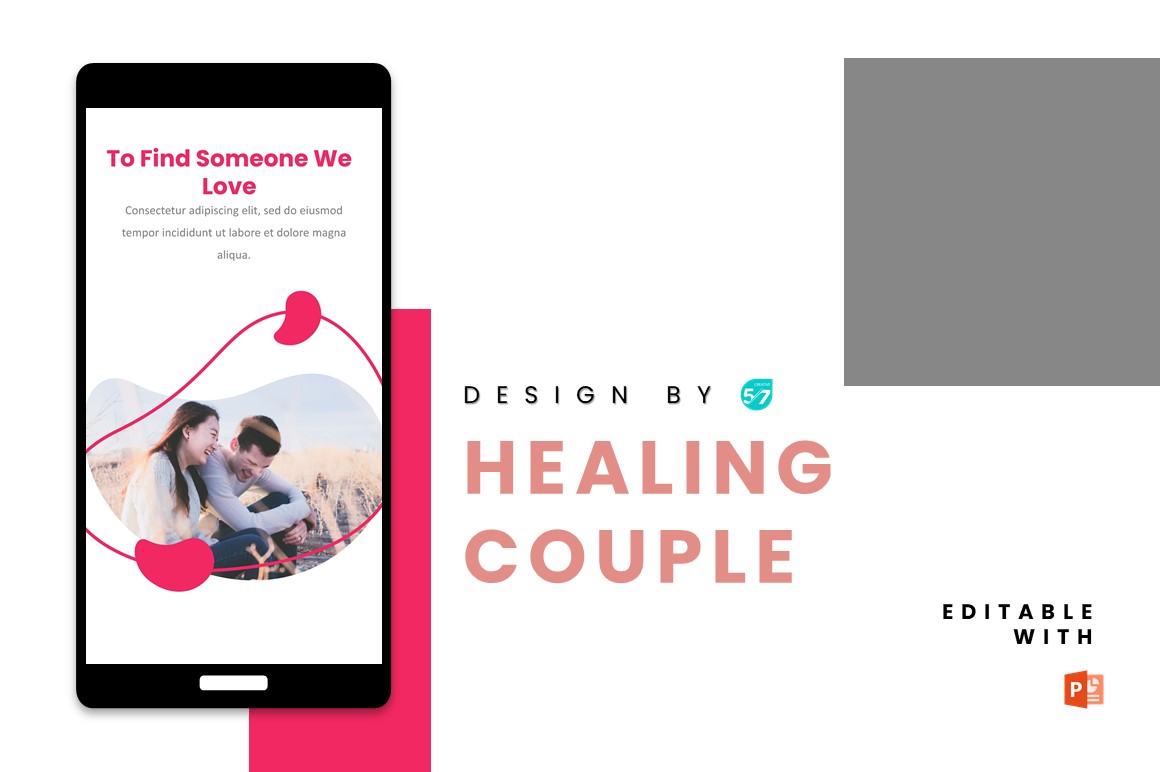
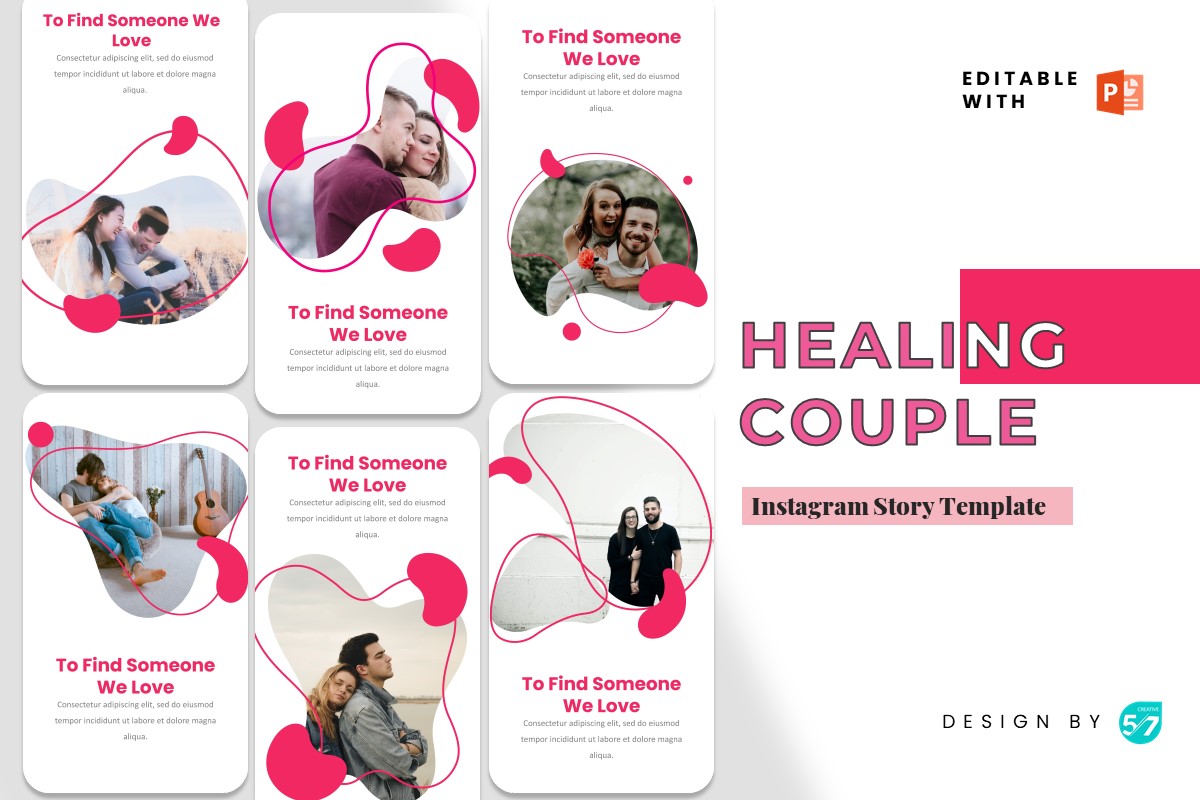
Instagram Story Template- Healing Couple
10 Canva Instagram Story Templates
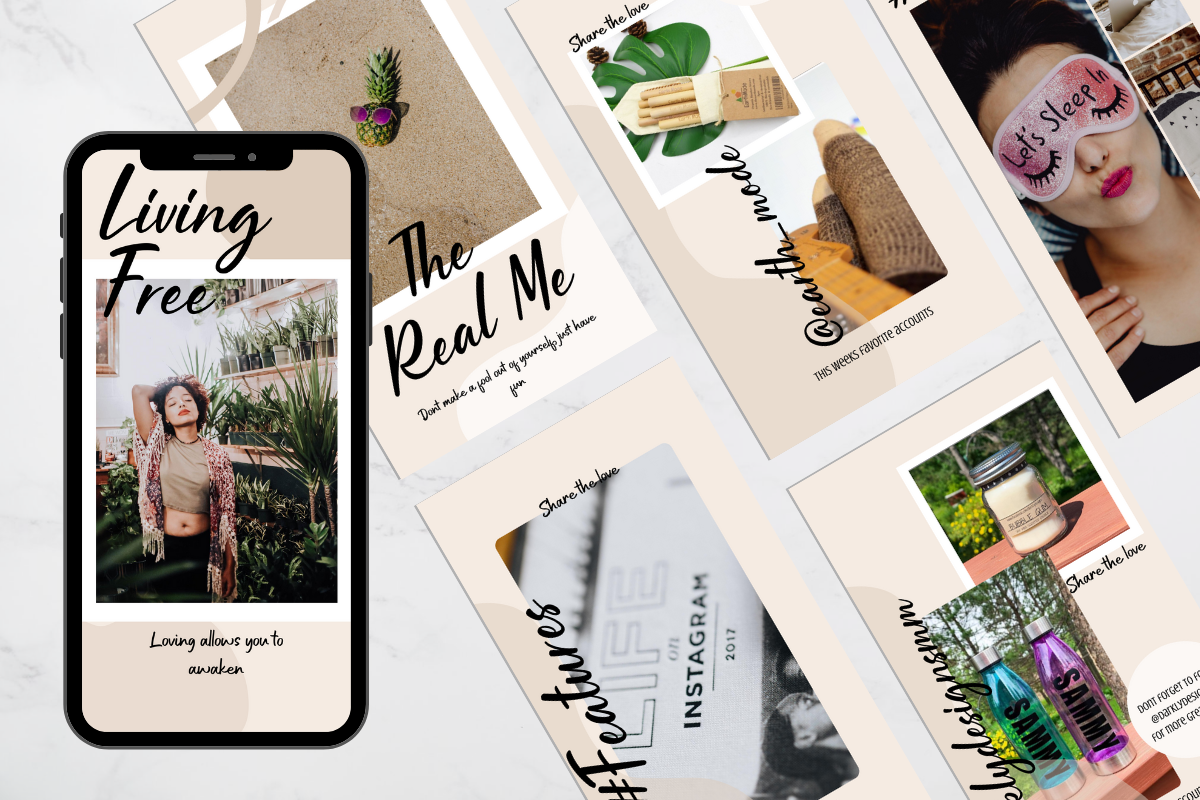
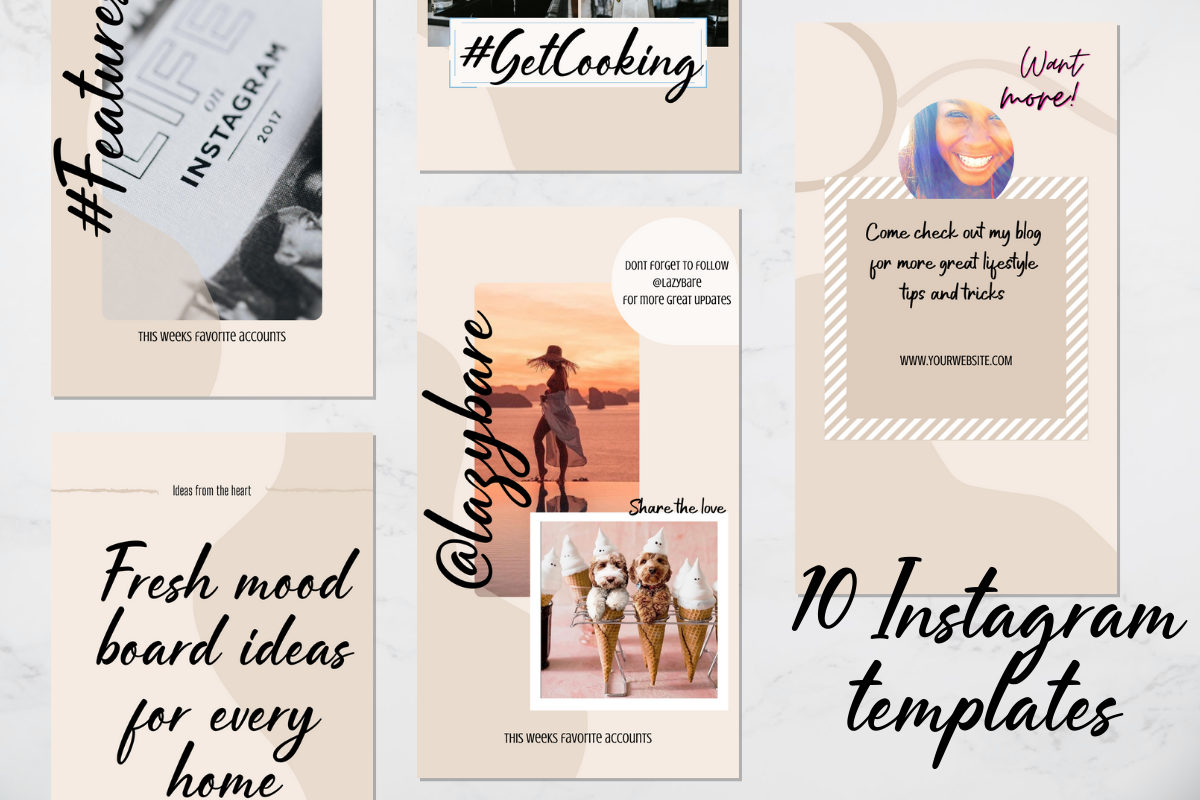
Instagram Story – Bench Valentine
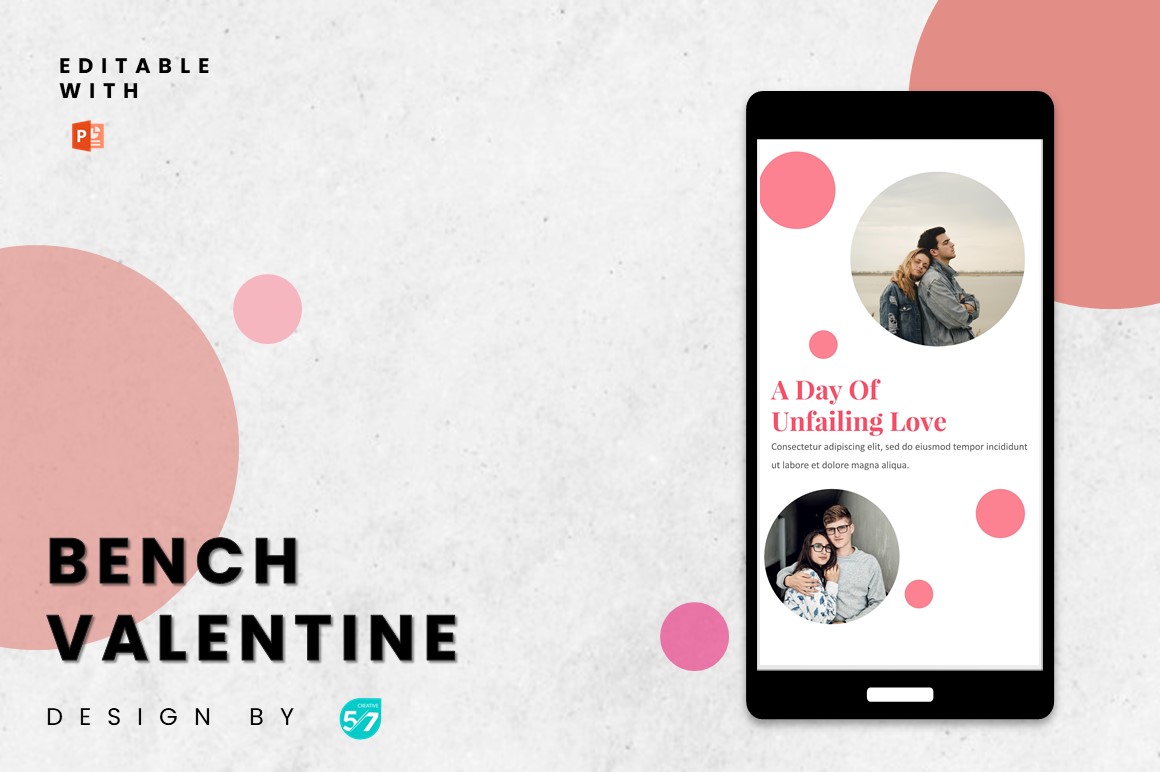
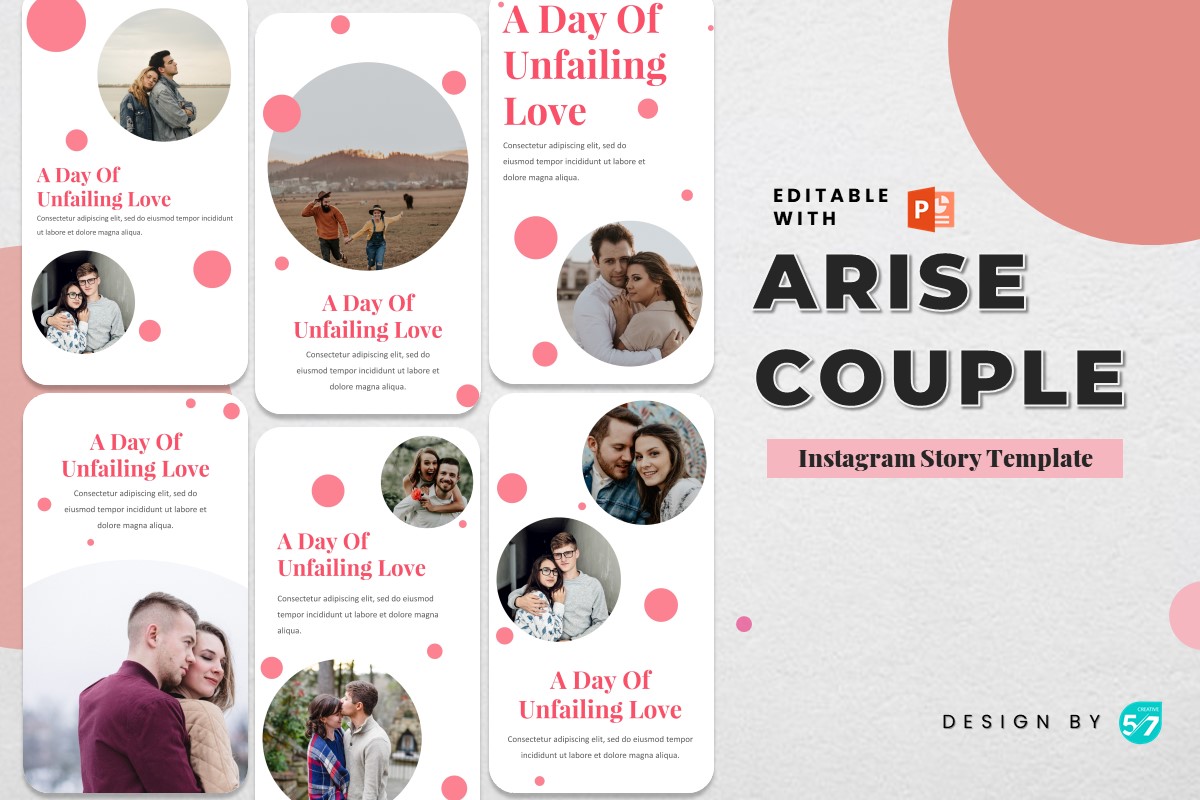
Browse 2,400+ Social Media Templates →
Instagram Story – Rise Mine
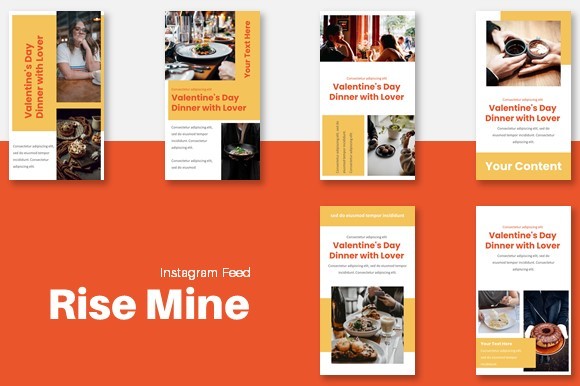
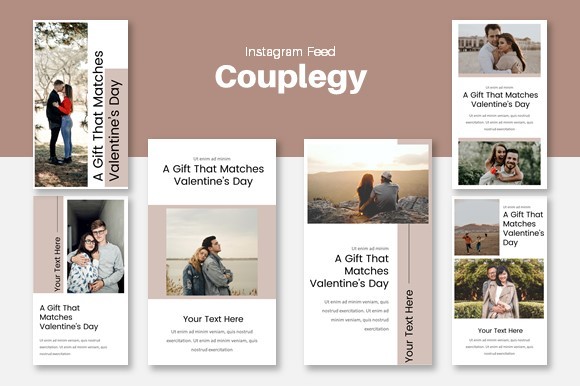
Instagram Story – Couplegy
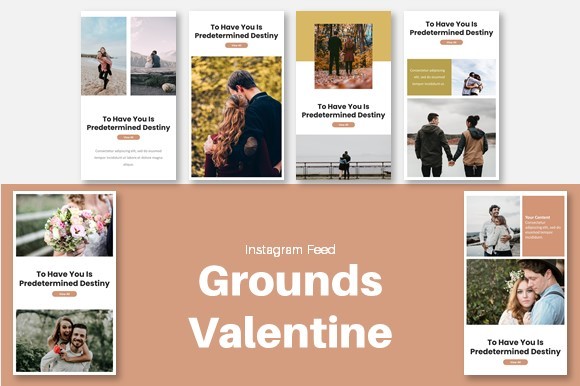
Instagram Story – Grounds Valentine
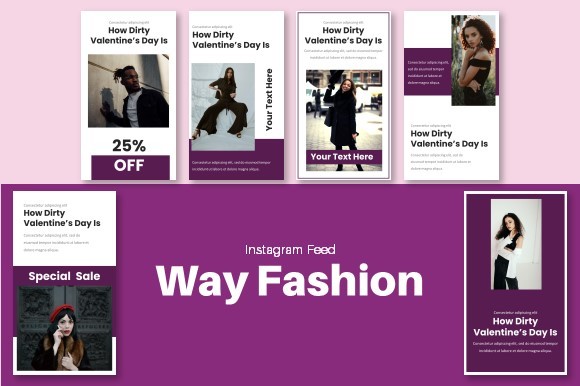
Instagram Story – Way Fashion
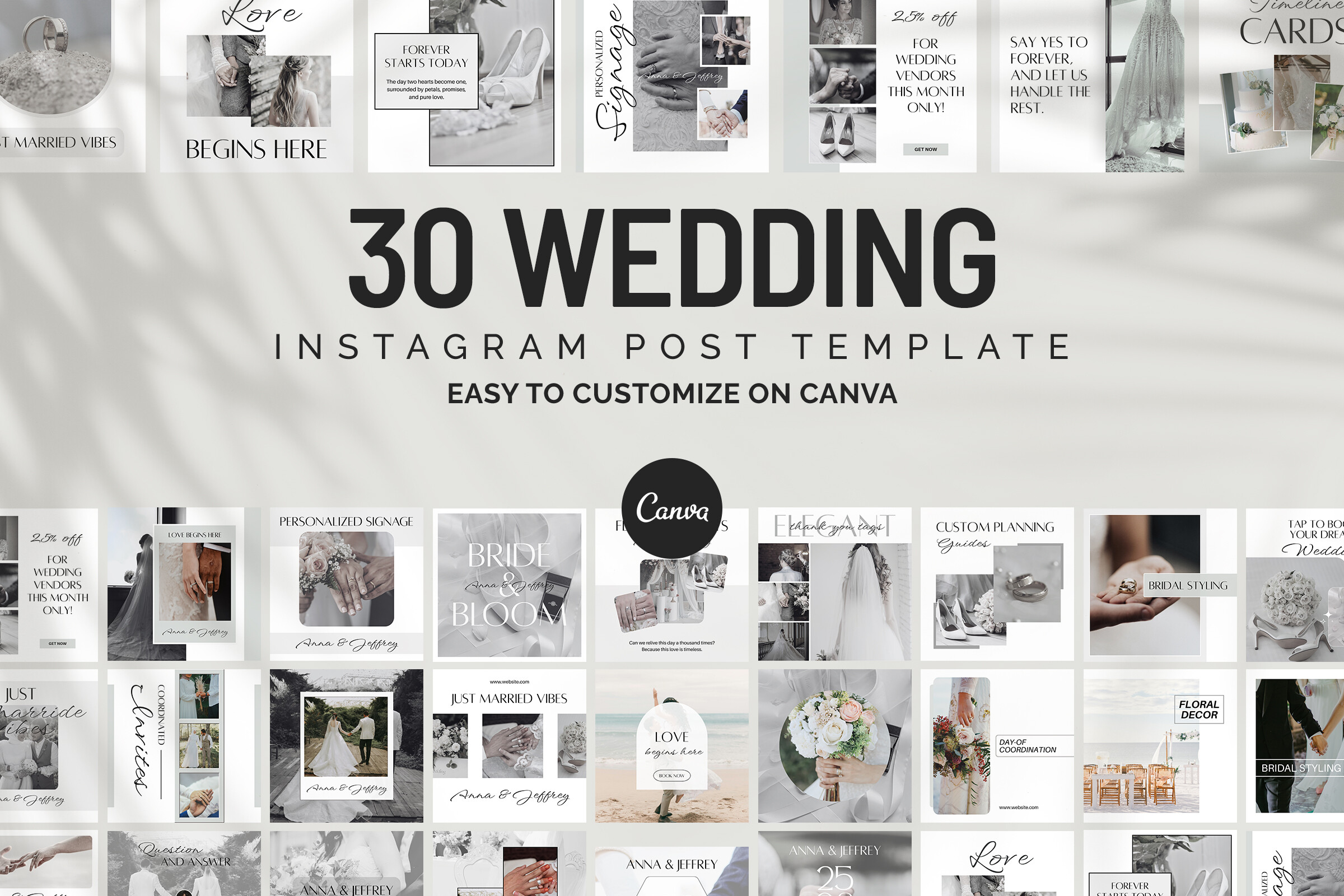
Free Wedding Instagram Canva Templates
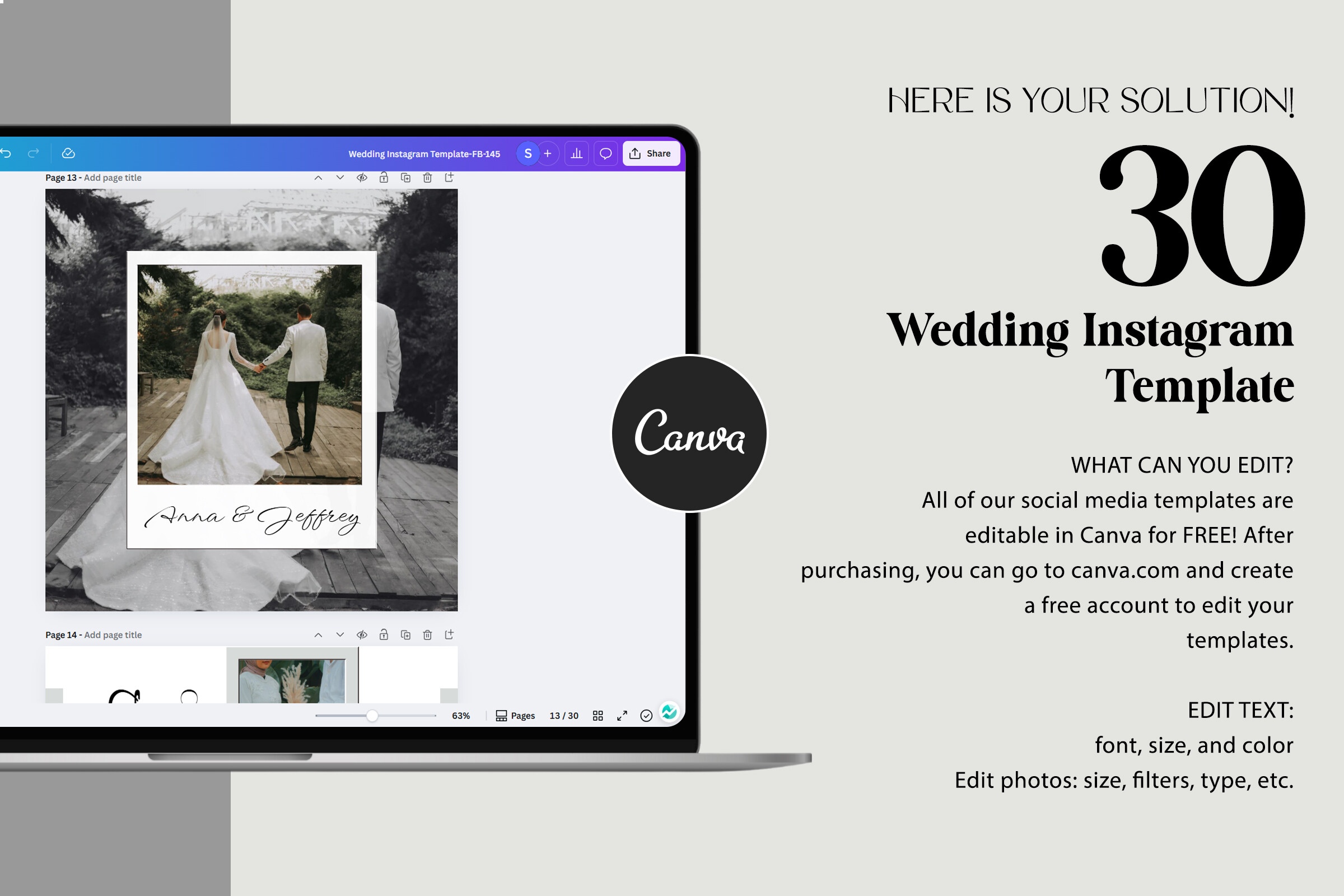
Selecting the Right Instagram Story Frame Template for a Wedding
When selecting an instagram story frame template wedding style, consider the sequence, not just the individual slide. A wedding story that uses four different frame templates in the same sequence looks disjointed; a sequence that uses the same frame with different photos looks cohesive. Download a multi-slide kit rather than individual slides when possible. The kit ensures visual consistency across the ceremony, reception, and portrait moments without requiring you to manually match borders and typography across separate files.
Frequently Asked Questions
When should I post wedding Instagram stories, live or next day?
Live posting gets more immediate engagement and guest reshares. Next-day posting with edited photos gets more saves. Most couples post a mix: live for key moments, edited highlights the following day.
Can the wedding photographer use these templates for their business account?
Yes, every Creative Fabrica template includes a commercial licence. Photographers can use them for client story content without additional licensing fees.
What aspect ratio should wedding Instagram story frames be?
1080×1920px (9:16). If your photographer delivers square or landscape crops, you’ll need to reframe within the template. Canva’s ‘Position’ tool makes this quick.
How do I add multiple wedding photos to one story template?
Choose a template with multiple photo slots (grid or collage layout). In Canva, click each photo slot, upload your image, and crop it to fit. Takes about 2 minutes per slide.
Do these wedding story templates work for engagement announcements too?
Yes, the couple-portrait frames work equally well for engagement, proposal, and anniversary posts. Change the text overlay from ‘Just Married’ to ‘We said yes’ or ‘One year ago today’.
Key Takeaways: Instagram Story Frame Template Wedding
- Post a 3-slide sequence (getting ready, ceremony, reception), it generates 4× more reshares than single posts
- Start Free Trial on Creative Fabrica, 10 premium downloads, commercial licence included
- Give the template Canva link to your photographer, they can add photos directly without using your account
- Keep text minimal on wedding frames, the photo carries the emotion; the template sets the visual tone
Start Free Trial on Creative Fabrica →