26 Best Instagram Story Templates — Top Picks for Every Aesthetic in 2026
This post contains affiliate links. If you purchase through our links, we may earn a commission at no extra cost to you.
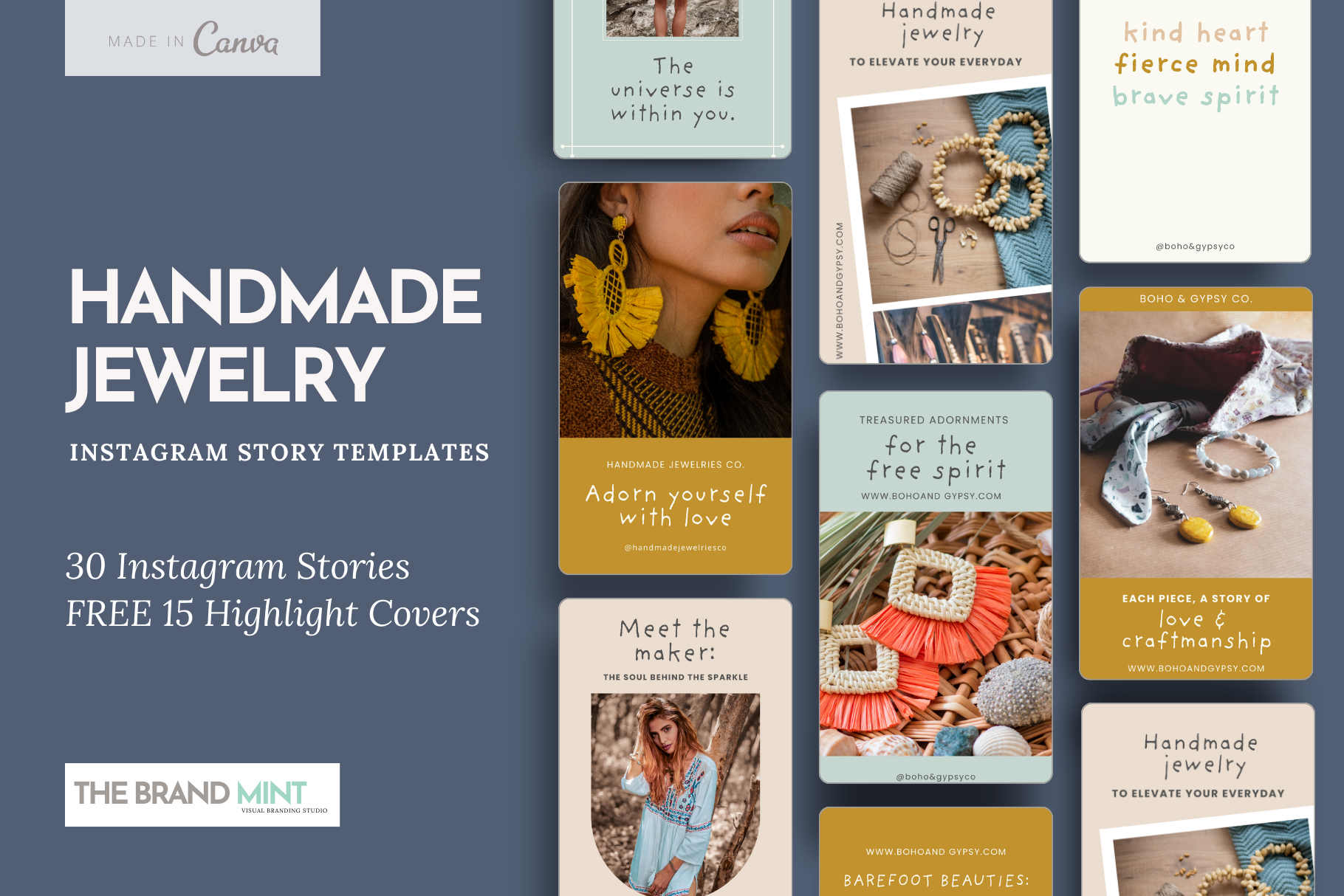
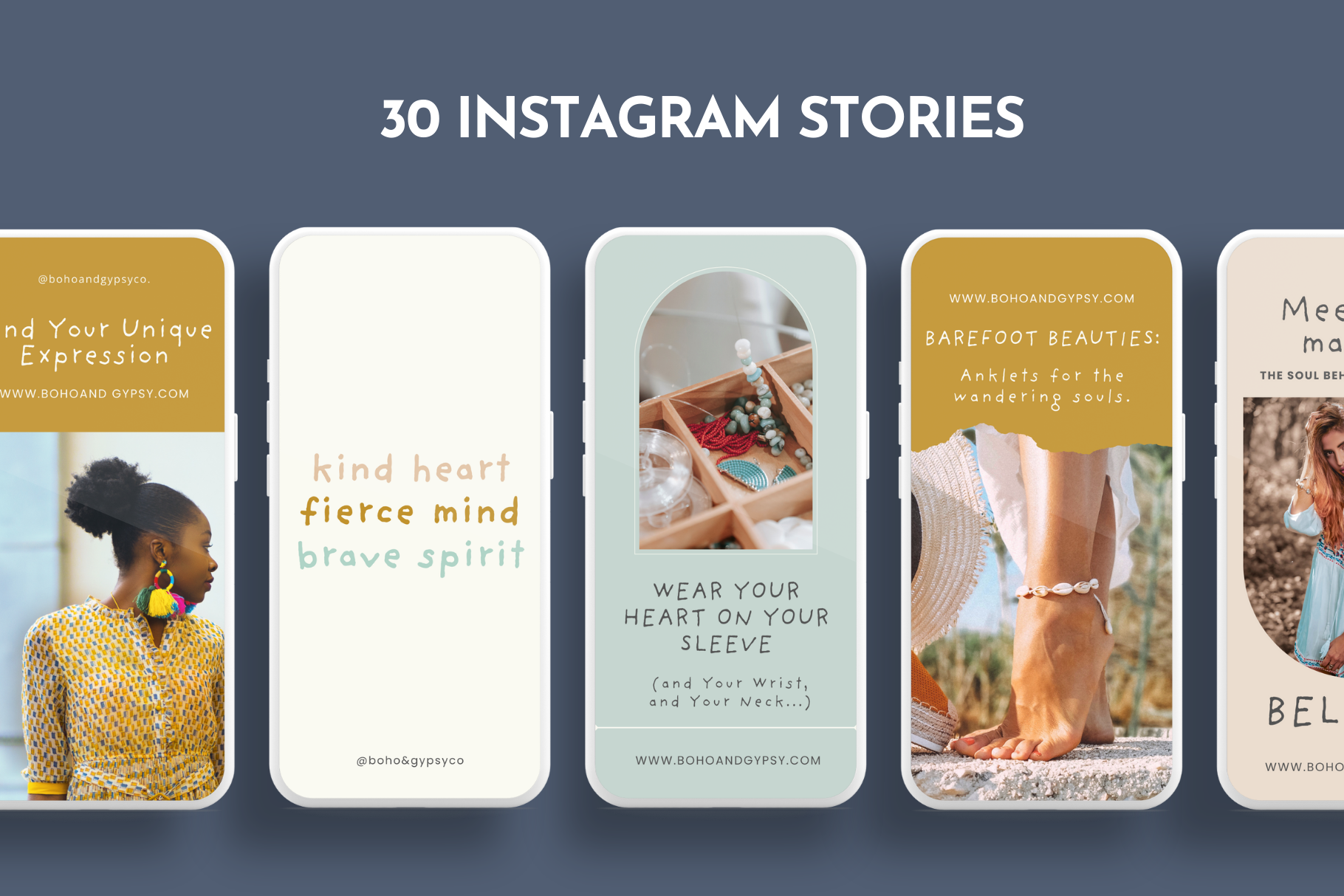
Most Instagram story templates aren’t designed — they’re just resized posts with the wrong font. After testing hundreds of template packs across aesthetics, niches, and design platforms, I’ve narrowed down the picks that actually work for stories specifically: correct 9:16 ratio, readable at thumb-size, and built to match a feed.
Whether you post daily affirmations, product drops, travel vlogs, or birthday shoutouts, there’s a template style that fits. Here’s what matters when choosing — and where to find the best ones.
How to Choose the Right Instagram Story Template
The single most important factor is aspect ratio. Stories display at 9:16 — 1080px wide by 1920px tall. A template designed for a square post will have text cut off by UI elements at the top and bottom. Always check the source dimensions before downloading.
Beyond that, look for:
- Font size minimum 40–50pt for body text — anything smaller disappears on a phone screen
- Safe zones — 250px top and bottom where Instagram overlays username and swipe elements
- Editable layers — PSD, Canva, or Adobe Express format so you can swap your own photo or brand colours
- Coordinated sets — templates designed as a system look intentional; random one-offs don’t
For niche aesthetics like purple aesthetic story templates or dark story templates, the design language has to be consistent across all slides — colours, fonts, spacing. A pack that mixes moods isn’t a pack, it’s a random folder.
26 Top-Rated Instagram Story Template Styles for 2026
These aren’t ranked by personal taste — they’re organised by use case, because the “best” template depends entirely on what you’re posting. Each style links to a curated search so you can browse actual options.

White or off-white background, one font, maximum one accent colour. Works for every niche — lifestyle, business, personal brand. The most versatile starting point.

Muted palettes, layered textures, film grain or noise overlays. Popular for lifestyle creators, travel, and fashion. Pairs well with desaturated photography.

High contrast, display fonts, geometric shapes. Used heavily in streetwear, fitness, and music niches. High tap-through rate when the text reads instantly.

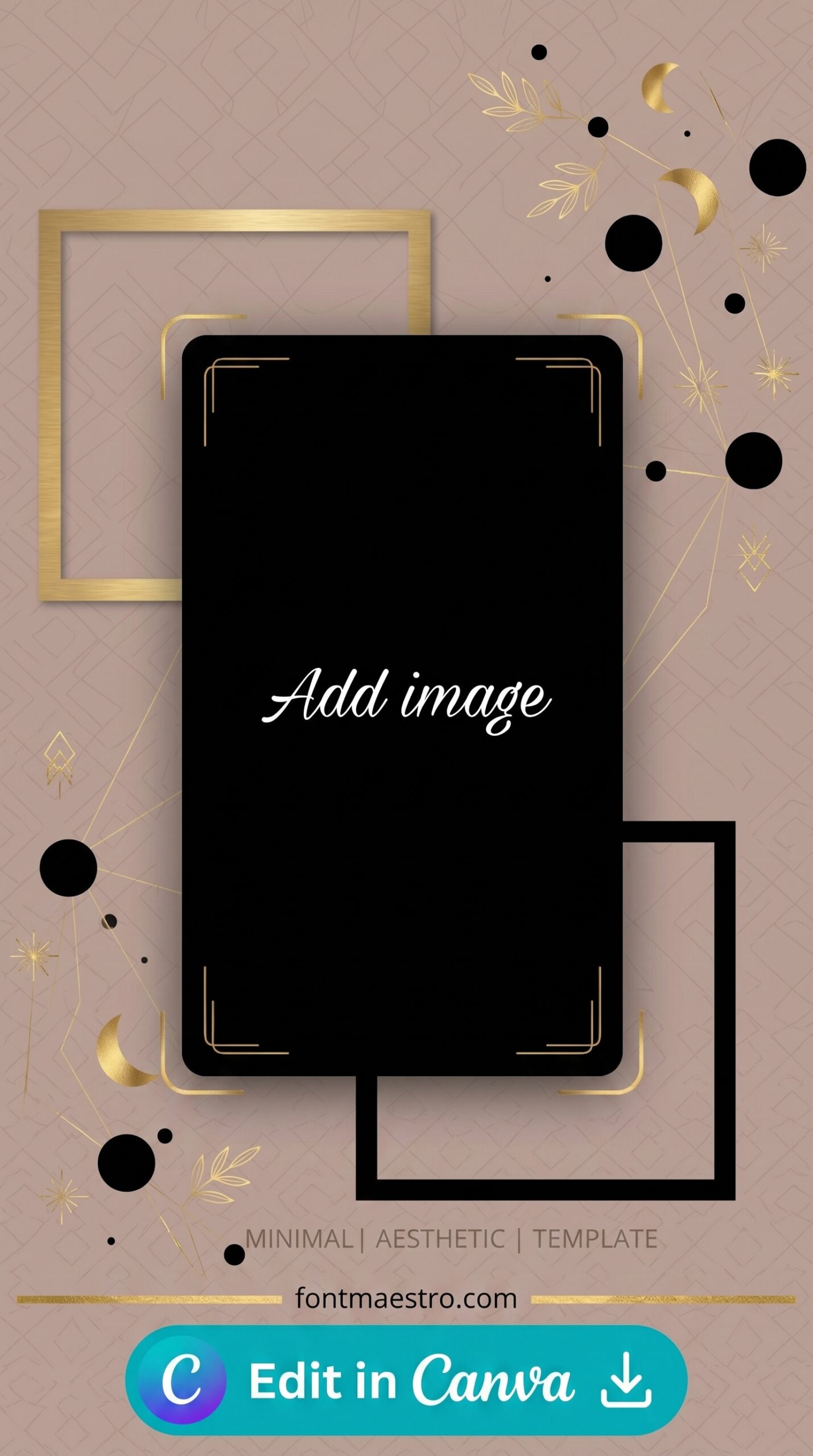
Near-black backgrounds, gold or neon accents, serif or script fonts. See the full guide on dark story templates — these convert well for evening product launches and luxury brands.
Other styles worth looking for:
- Floral / Botanical — watercolour flowers, pastel palette, organic layouts. Best for wedding planners, event accounts, and home decor.
- Retro / Y2K — chrome text, pixel elements, glitch effects. Trending in fashion and pop culture accounts.
- Collage — photo grid arrangements within a single story frame. Great for roundups and product showcases. Full breakdown in the collage story template guide.
- List / Slide — numbered points, checklist format, ranking slides. High save rates. Covered at list-style story templates.
- Birthday / Celebration — confetti, balloons, bold celebratory type. High demand around holidays.
- Business / Brand — clean, corporate-adjacent. Service providers and B2B accounts.
- Quotes / Affirmations — two-slide format: quote on one, credit on the next. Used by coaches and wellness accounts.
- Travel — map elements, passport aesthetics, location frames.
- Food / Recipe — step-by-step formats, ingredient layouts, restaurant-style typography.
- Fashion / OOTD — full-bleed photo with minimal type overlay.
- Pink / Feminine — rose, blush, hot pink palettes. Full guide at pink story templates.
- Blue / Cool Tone — navy, sky, electric blue aesthetics. Full coverage at blue story templates.
- White / Clean Minimal — pure white, clean sans-serif. See white story templates.
- Purple / Dreamy — lavender, lilac, violet palettes. Full guide at purple aesthetic story templates.
- Men’s / Masculine — dark neutrals, industrial type. Dedicated resource at men’s story templates.
- Friends / Group — multi-photo layouts, social/fun tone. Covered at friend story templates.
- Sports / Fitness — high-energy type, action photography framing, progress tracking formats.
- Music / Artist — album art-inspired layouts, waveform elements, release announcement formats.
- Holiday / Seasonal — Christmas, Halloween, Valentine’s — high search volume spikes.
- KPop / Fan Edit — idol photo frames, fancam overlay styles, group introduction formats.
- Anniversary / Milestone — date-forward design, romantic or formal typography. Full guide at anniversary story templates.
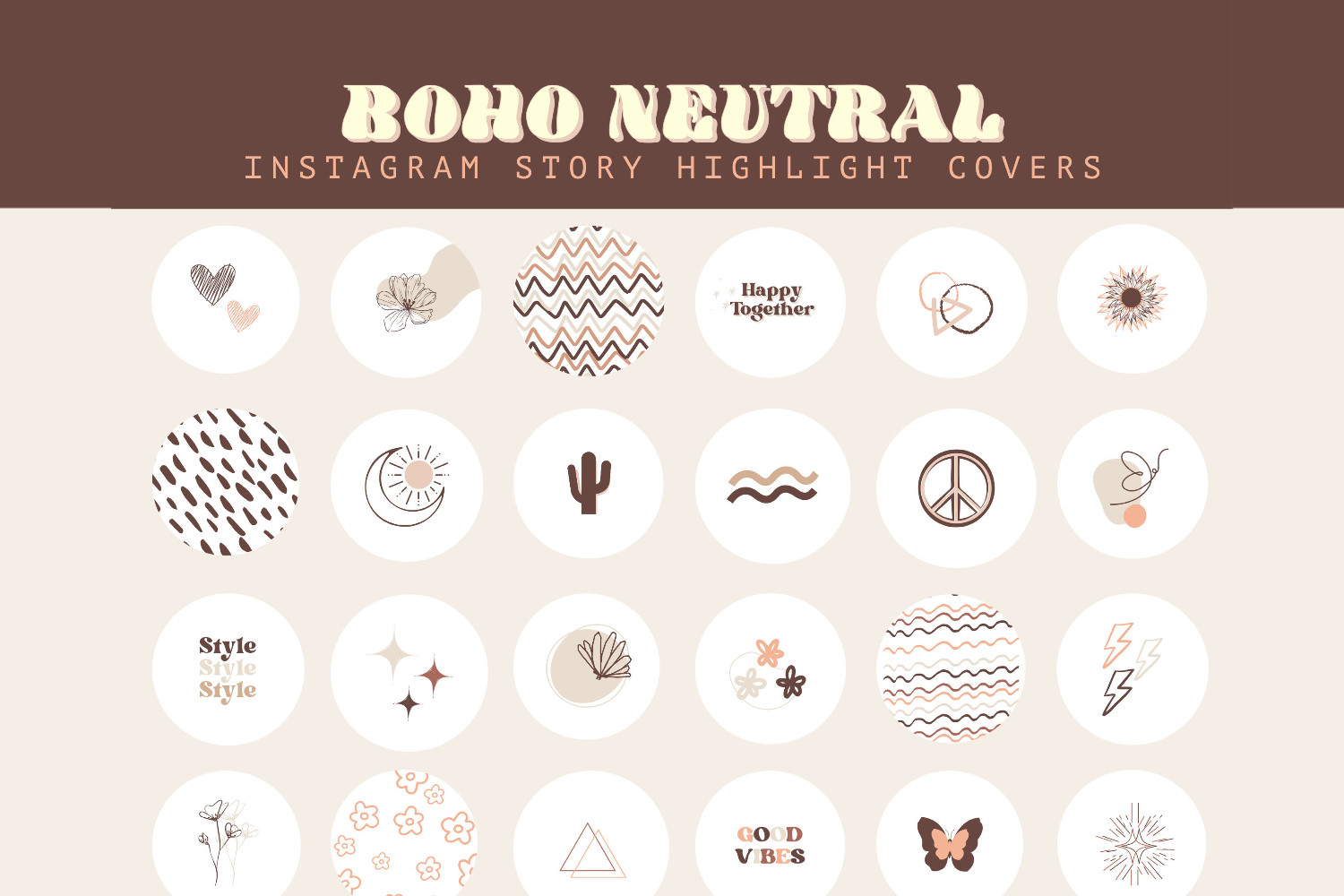
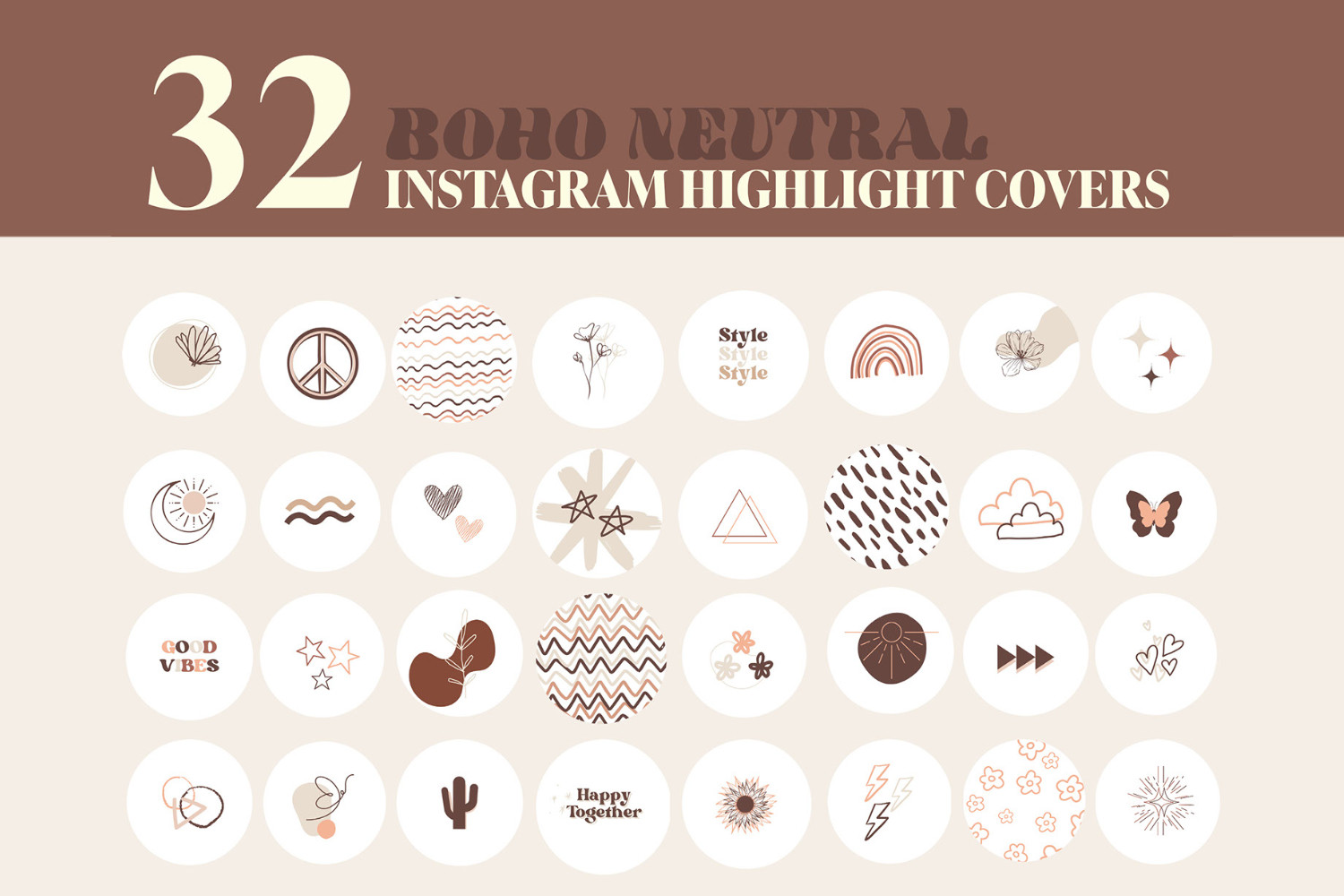
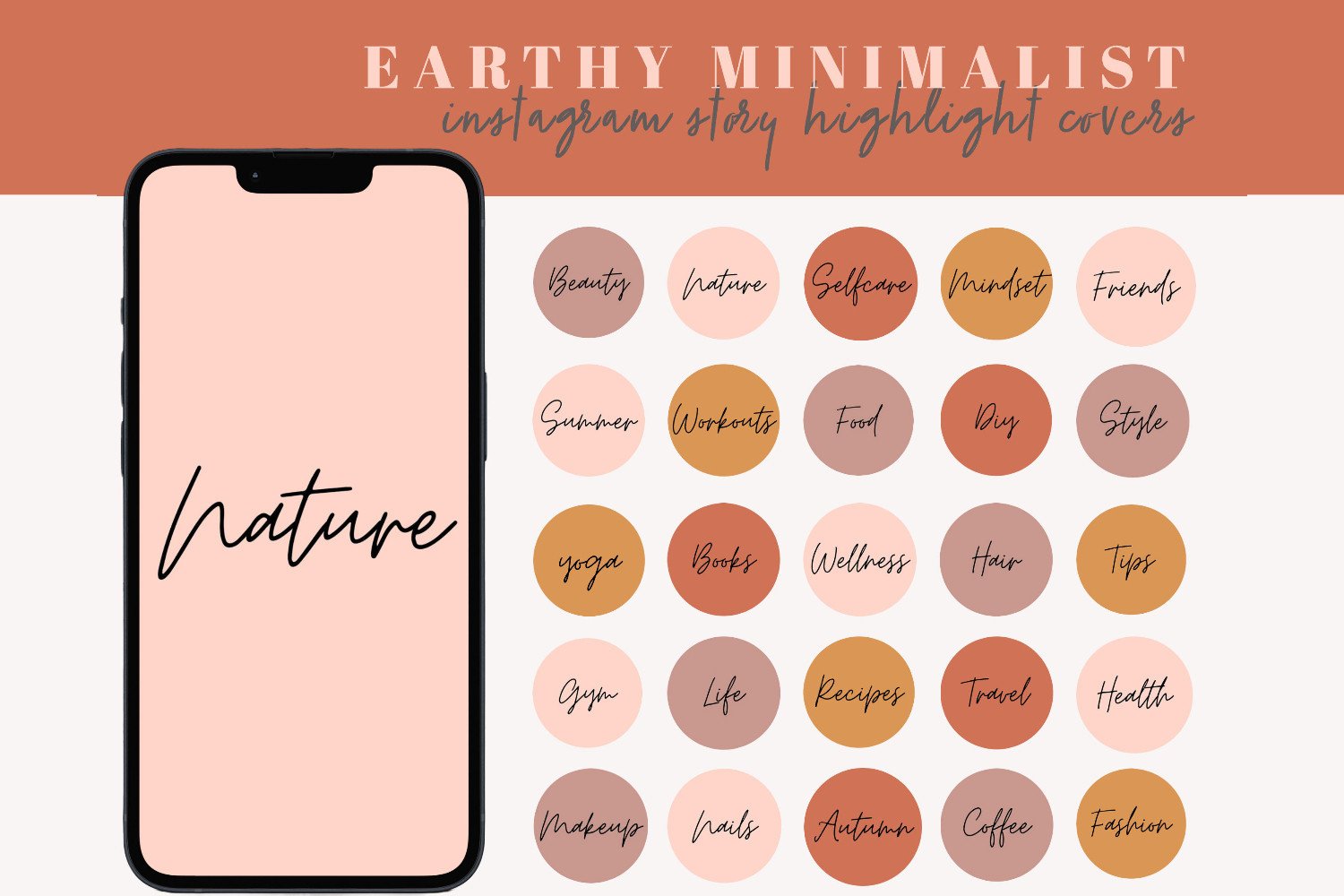
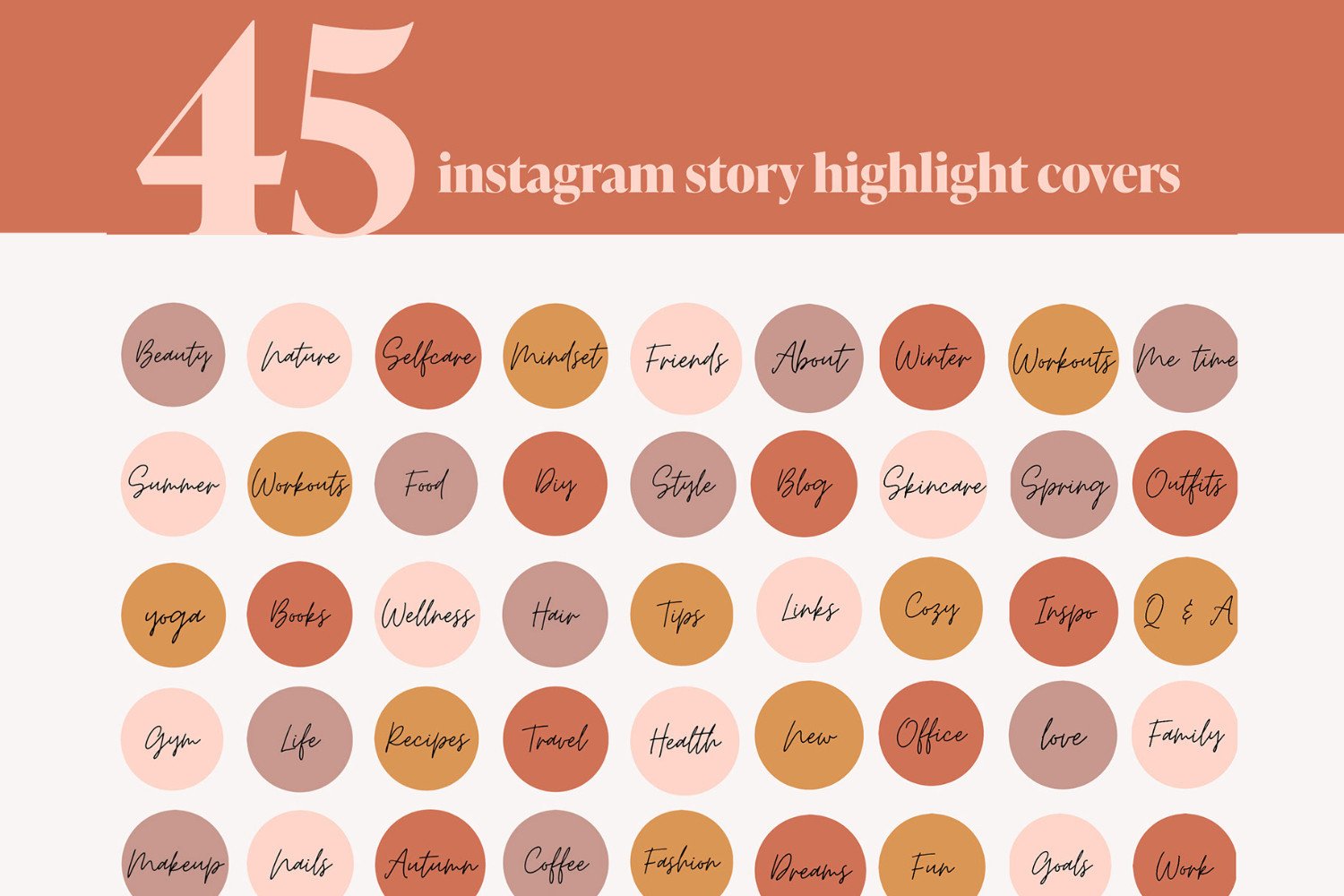
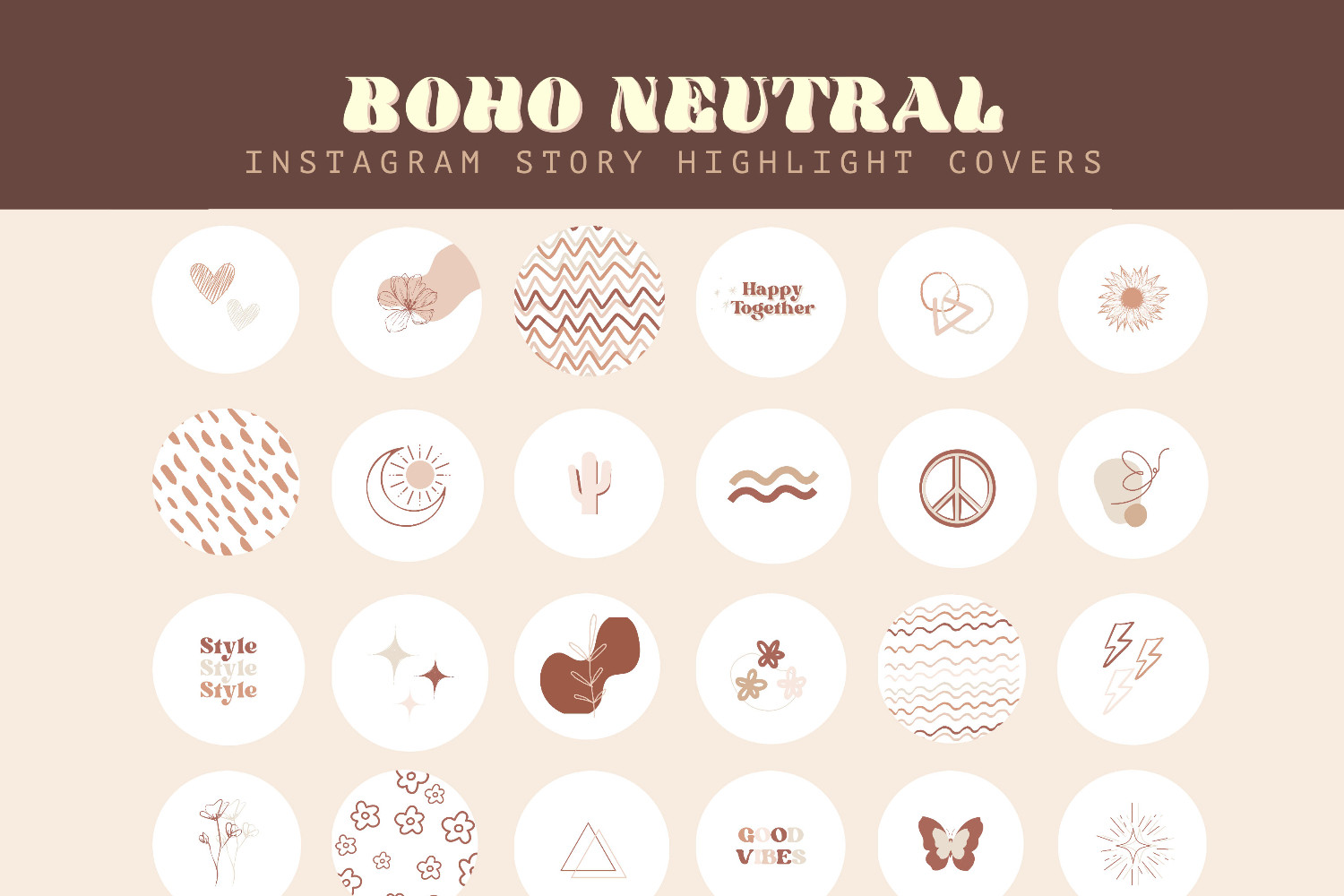
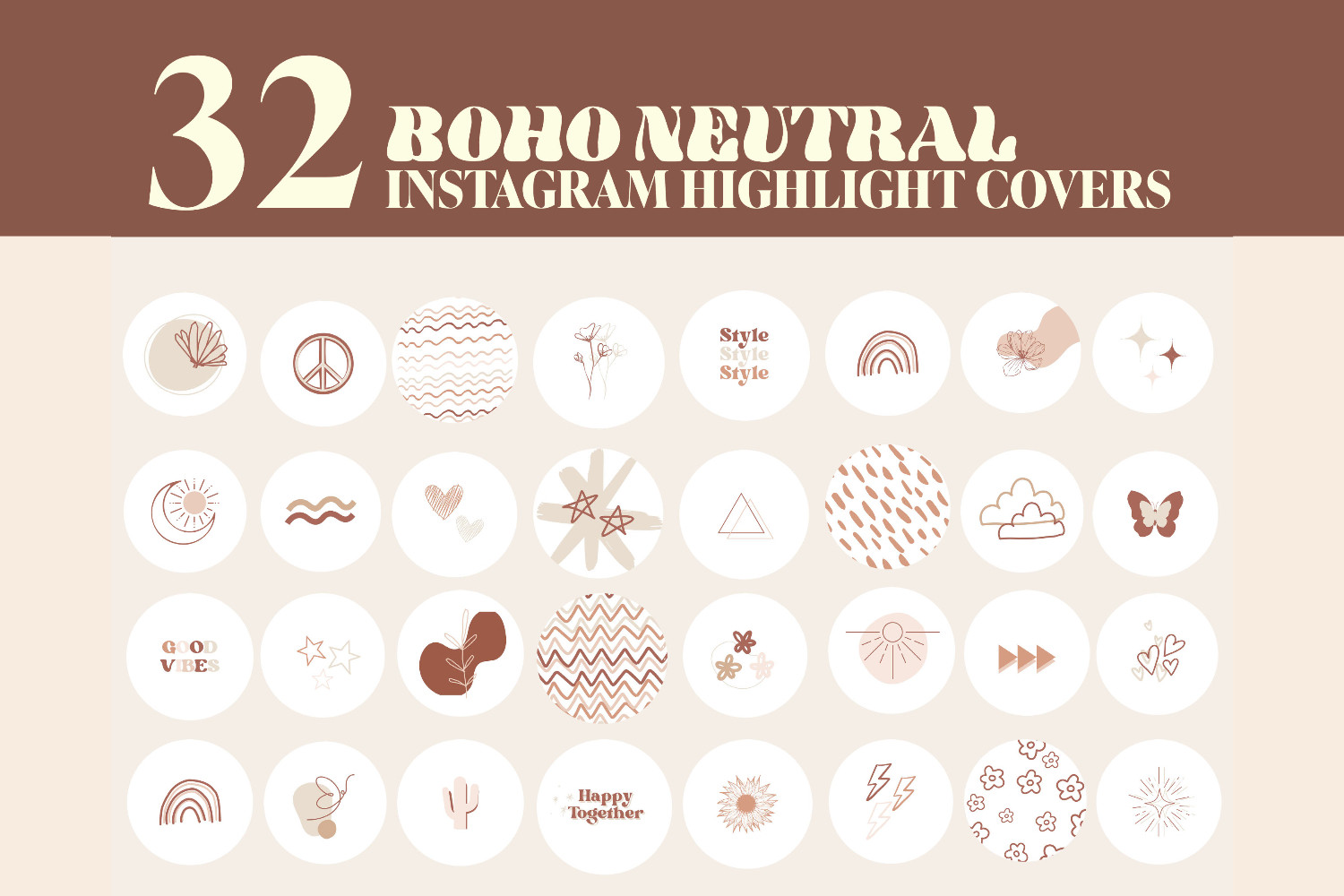
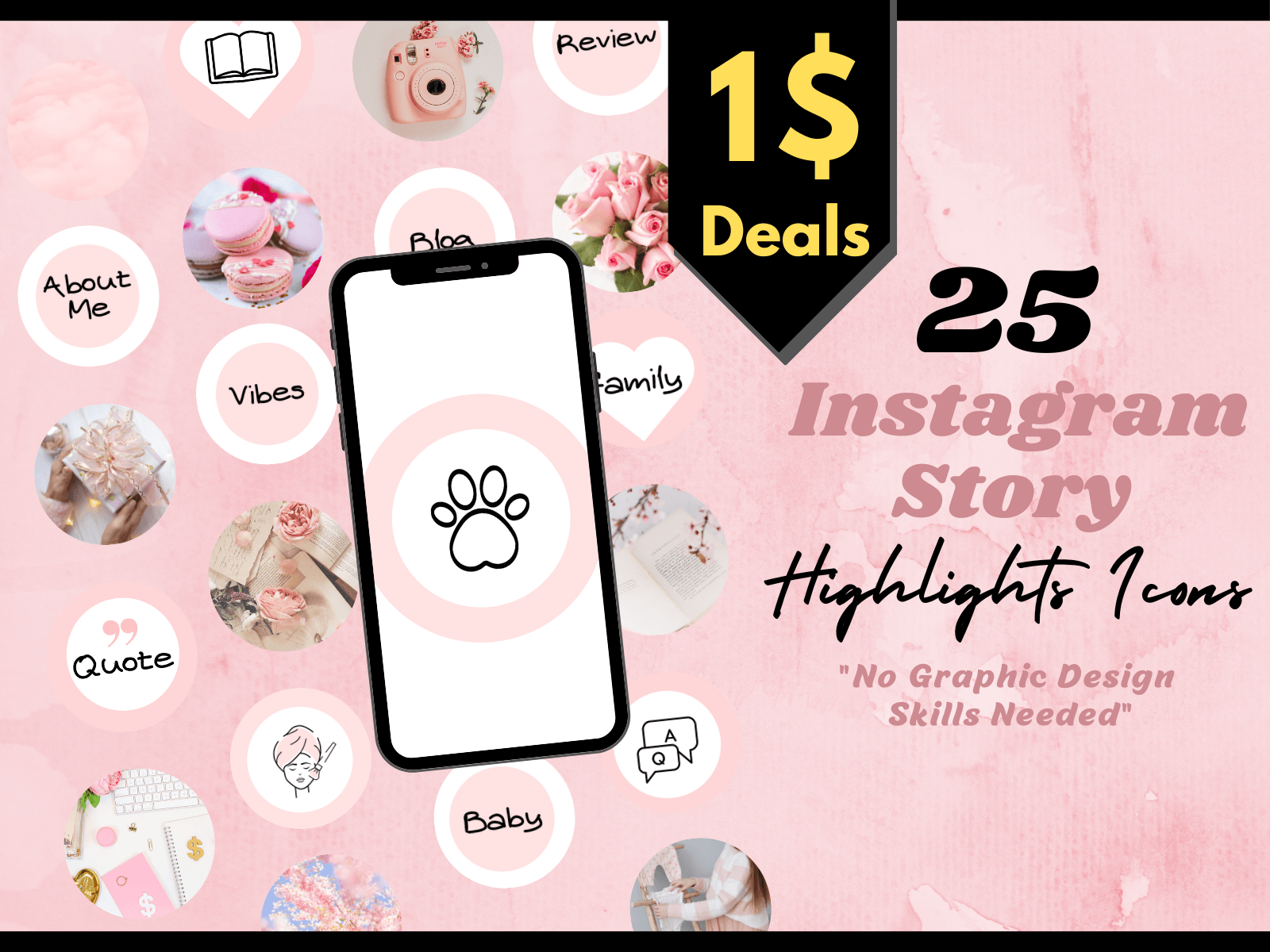
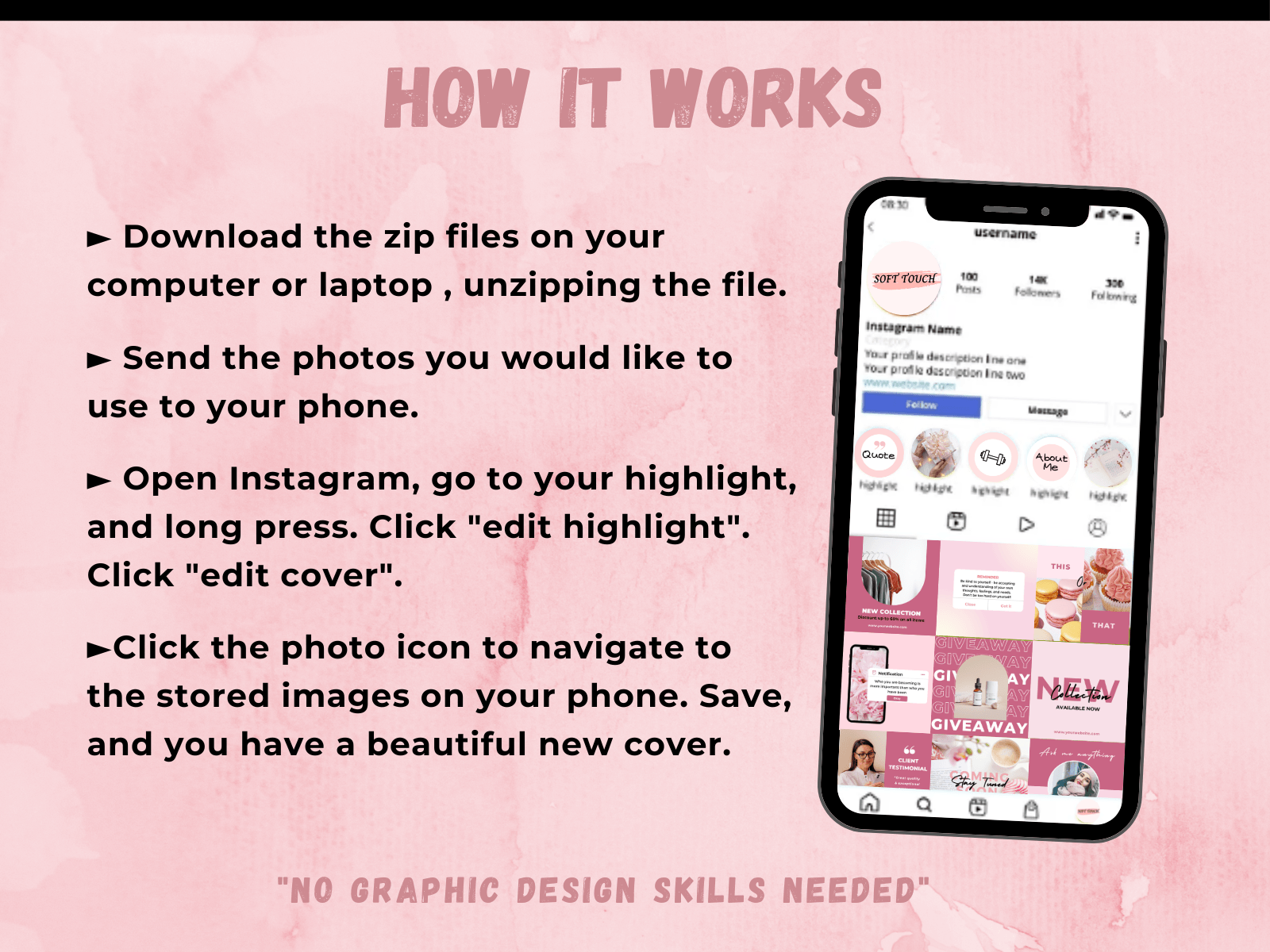
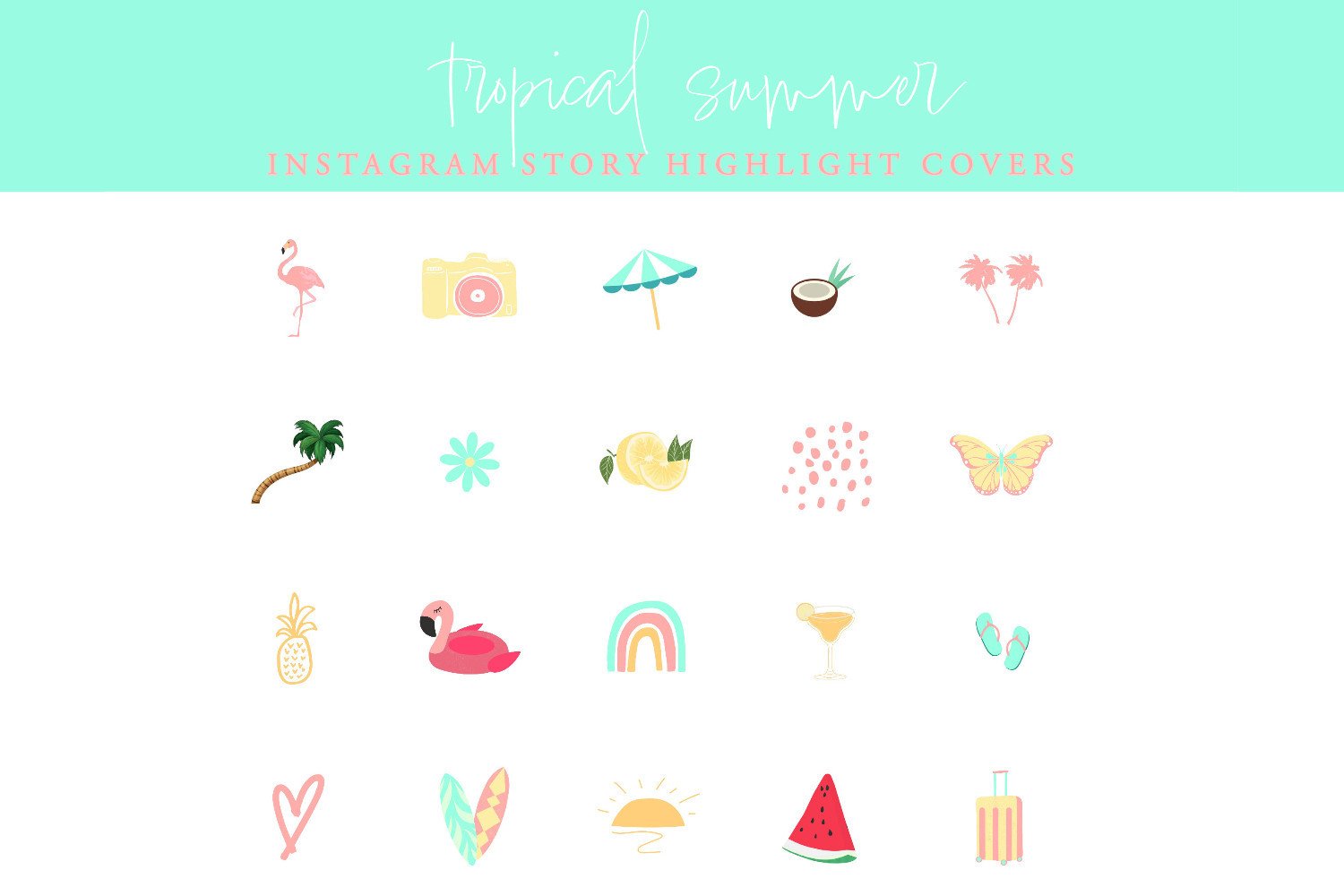
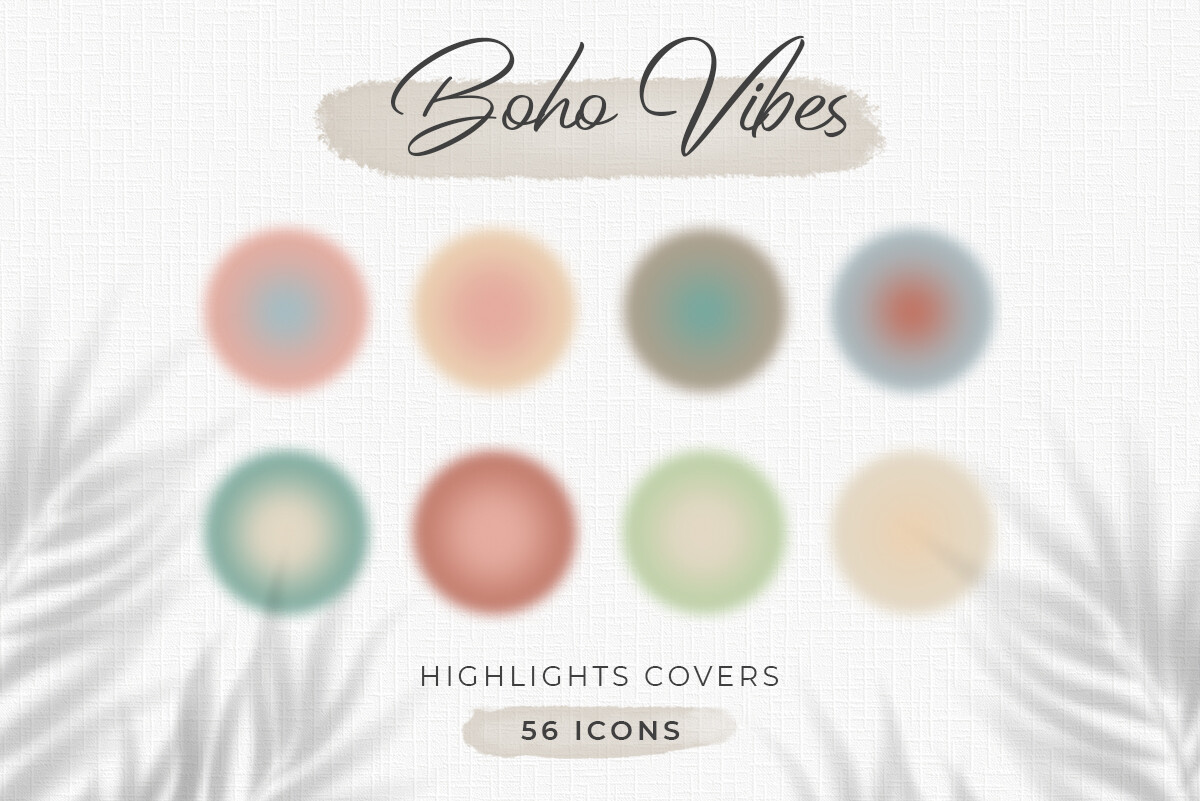
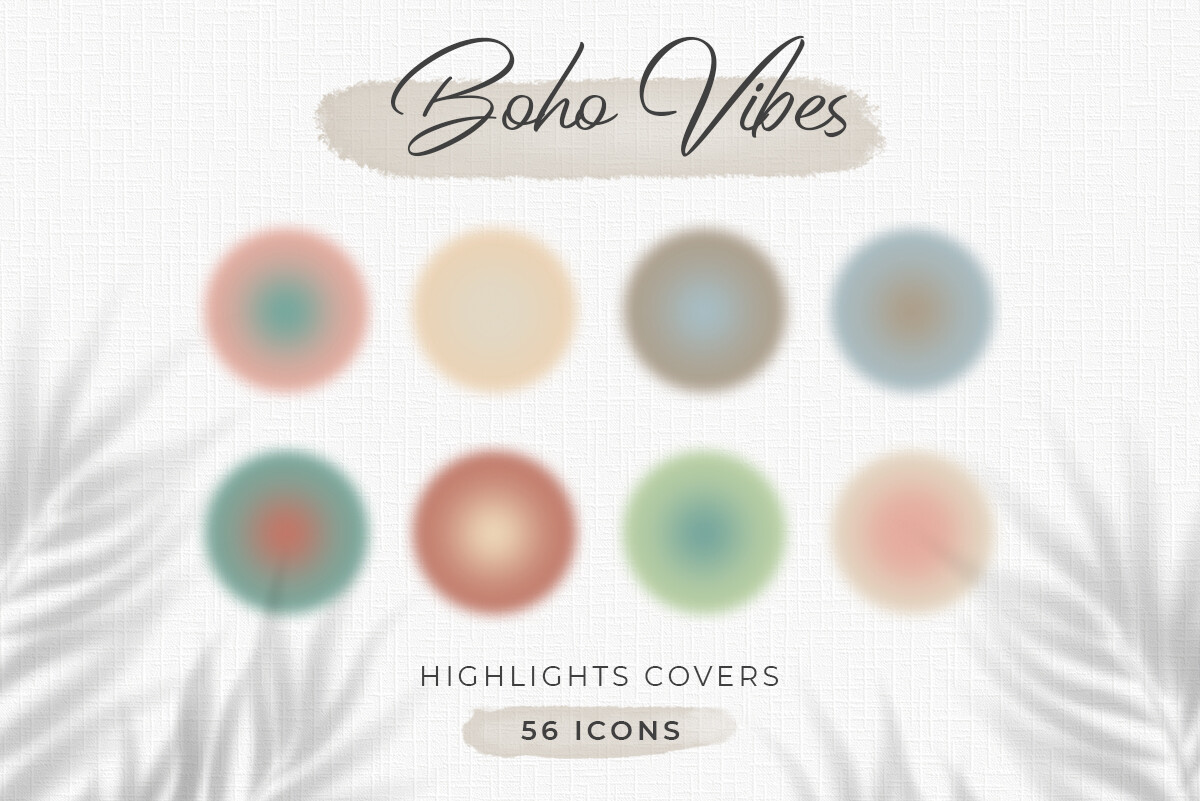
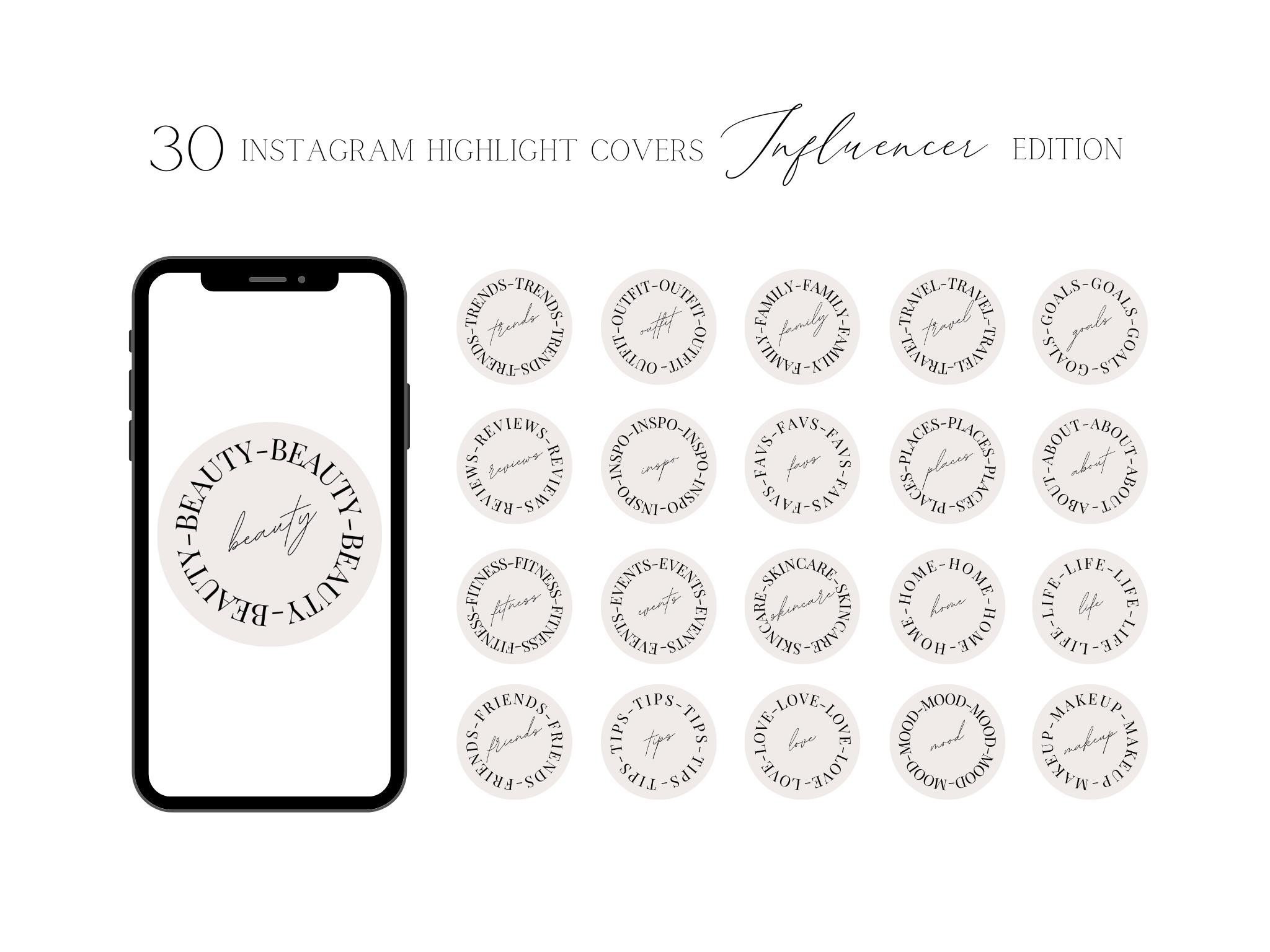
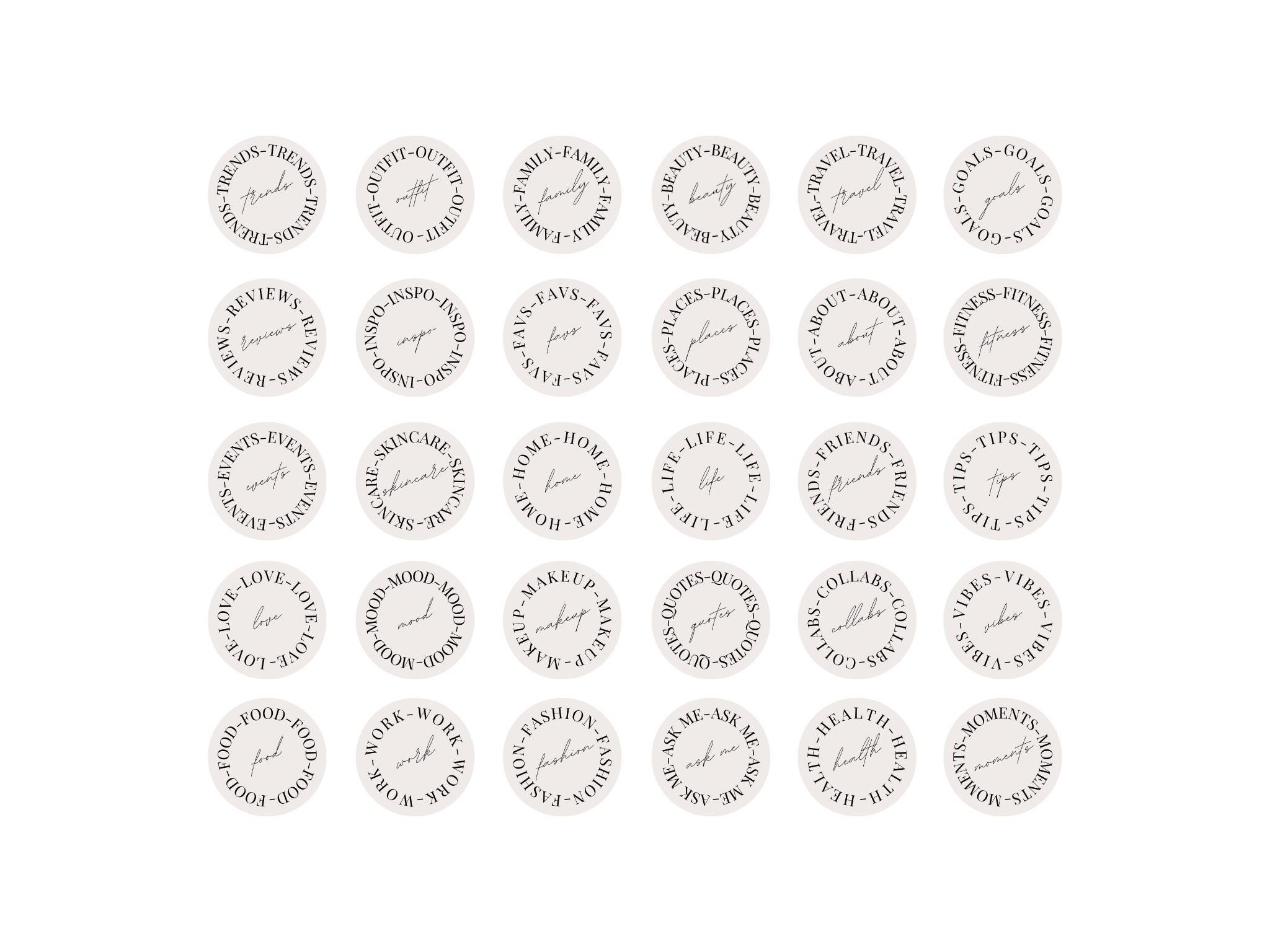
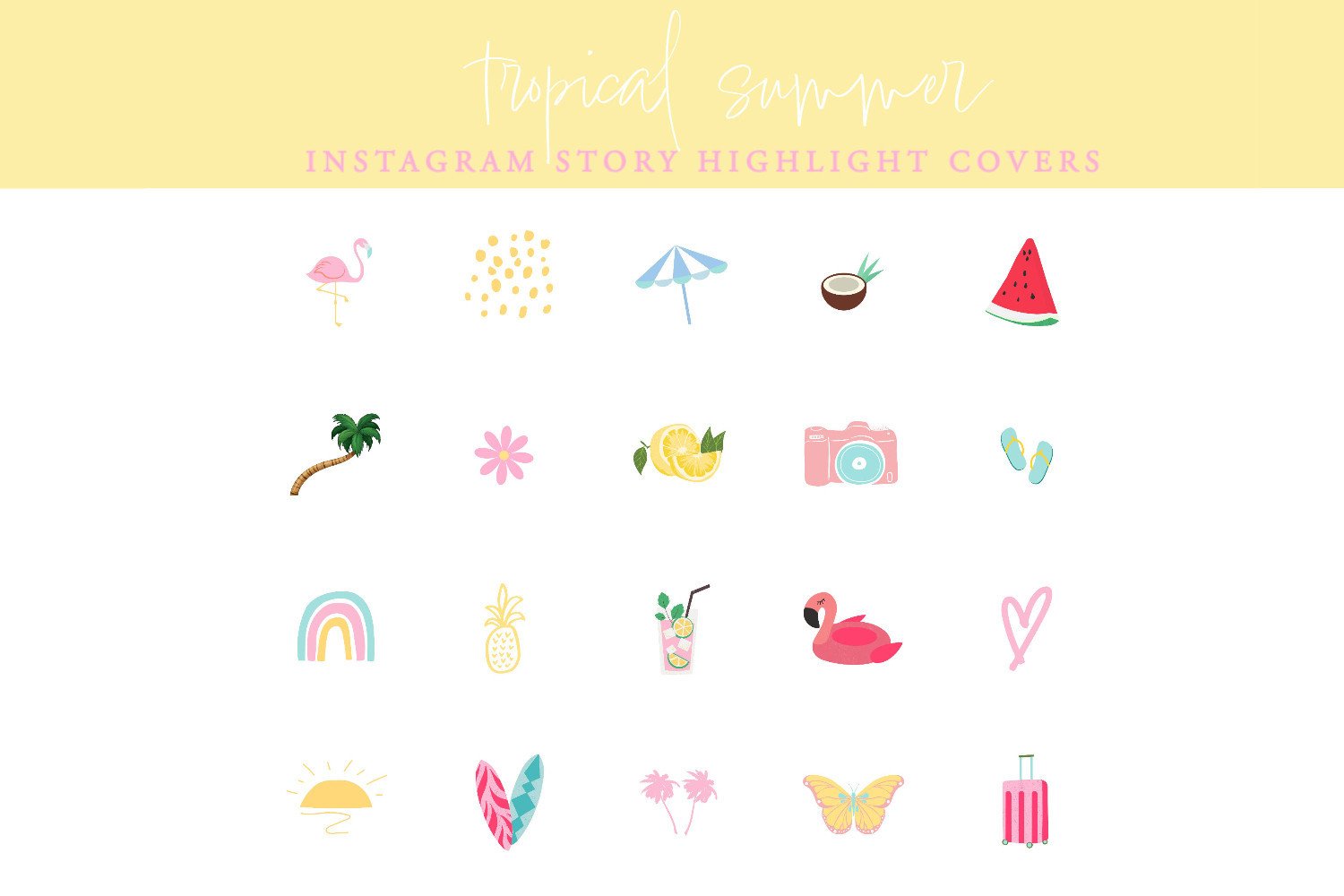
- Highlight Cover — circle crop format (around 1000×1000px), critical for profile first impressions.
- Poll / Interactive — pre-built layouts for Q&A, poll, and slider stickers.
- Tutorial / Educational — step-by-step horizontal slide format, instructional hierarchy.
- Countdown / Announcement — event launch templates with timer space and bold CTA typography.
Organising Templates for a Consistent Feed
Downloading templates is the easy part. The part that breaks most accounts is using them inconsistently — posting a minimal template one week, a maximalist one the next, a completely different colour palette the week after.
The method that works: pick one pack as your “house style” and treat it like brand guidelines.
- One primary font (or two if the pack includes a heading + body pair)
- A locked colour palette — maximum 3 colours plus neutrals
- Consistent placement rules — does your username go top-left or bottom-right?
- Template slots for recurring content: one for quotes, one for product posts, one for personal moments
When you need a different style for a specific post (holiday, collab, trend moment), find a template that shares your palette rather than breaking the system entirely. Most quality packs on Creative Fabrica include enough variation within one aesthetic to cover 80% of content types.
Free vs Premium Template Quality
| Factor | Free Templates | Premium Templates |
|---|---|---|
| Aspect ratio accuracy | Often 1080×1920 — but check | Always correct in quality packs |
| Font variety | Limited to free Google Fonts | Includes premium / display fonts |
| Exclusivity | Used by thousands of accounts | Lower distribution, more unique |
| Commercial license | Varies — personal use only common | Commercial license usually included |
| Pack size | Usually 1–5 templates | 10–50+ coordinated slides |
| Editable format | PNG only or basic Canva | Layered PSD, Canva, AI files |
For personal use, free templates from Creative Fabrica’s free tier work well. For business accounts, premium templates with explicit commercial licensing are the safe choice — and they look materially better.
Creative Fabrica as a Source for Story Templates
Creative Fabrica indexes story templates by aesthetic, which makes finding a cohesive pack faster than browsing Canva or Pinterest. The search distinguishes between flat PNGs, layered PSDs, and Canva files — so you can filter by what your editing workflow actually uses.
The subscription model is relevant here: buying individual template packs adds up fast. If you’re building a consistent brand presence and need 3–5 different template types, subscription access to unlimited downloads changes the economics significantly.
Browse Instagram Story Templates on Creative Fabrica →
FAQ — Instagram Story Templates
What size should an Instagram story template be?
1080px wide by 1920px tall — the 9:16 aspect ratio. This is the native story format. Templates at other sizes will be pillarboxed or cropped.
Can I use Instagram story templates for commercial purposes?
It depends on the license. Creative Fabrica’s premium subscription includes commercial license for most designs. Always check the individual product’s license terms before using a template in paid promotions.
What file format is best for story templates?
Canva format is most accessible — no software installation needed. PSD gives the most control for advanced editing. Avoid JPEG for templates with text — compression artifacts blur the typography.
How many story templates do I need?
Most accounts run well with 5–8 templates covering their core content types: quotes, personal photos, announcements, product posts, and filler formats.
Are free story templates worth using?
For personal accounts, yes. For business or monetised accounts, the licensing risk and visual quality difference make premium templates the better investment.
What’s the difference between a story template and a highlight cover?
Story templates are full 1080×1920px vertical frames. Highlight covers are small circular images (~1000×1000px) that appear below your bio. They’re often sold together but serve completely different purposes.
Key Takeaways
- Story templates must be 1080×1920px — aspect ratio is non-negotiable
- Pack size matters more than individual template quality — consistency across slides builds brand recognition
- Font minimum: 40–50pt body text for mobile readability
- Free templates work for personal use; commercial use requires checking license terms
- Choose one house style and stick to it — mixing aesthetics weekly breaks visual continuity
- Creative Fabrica’s subscription makes economic sense when you need multiple template types