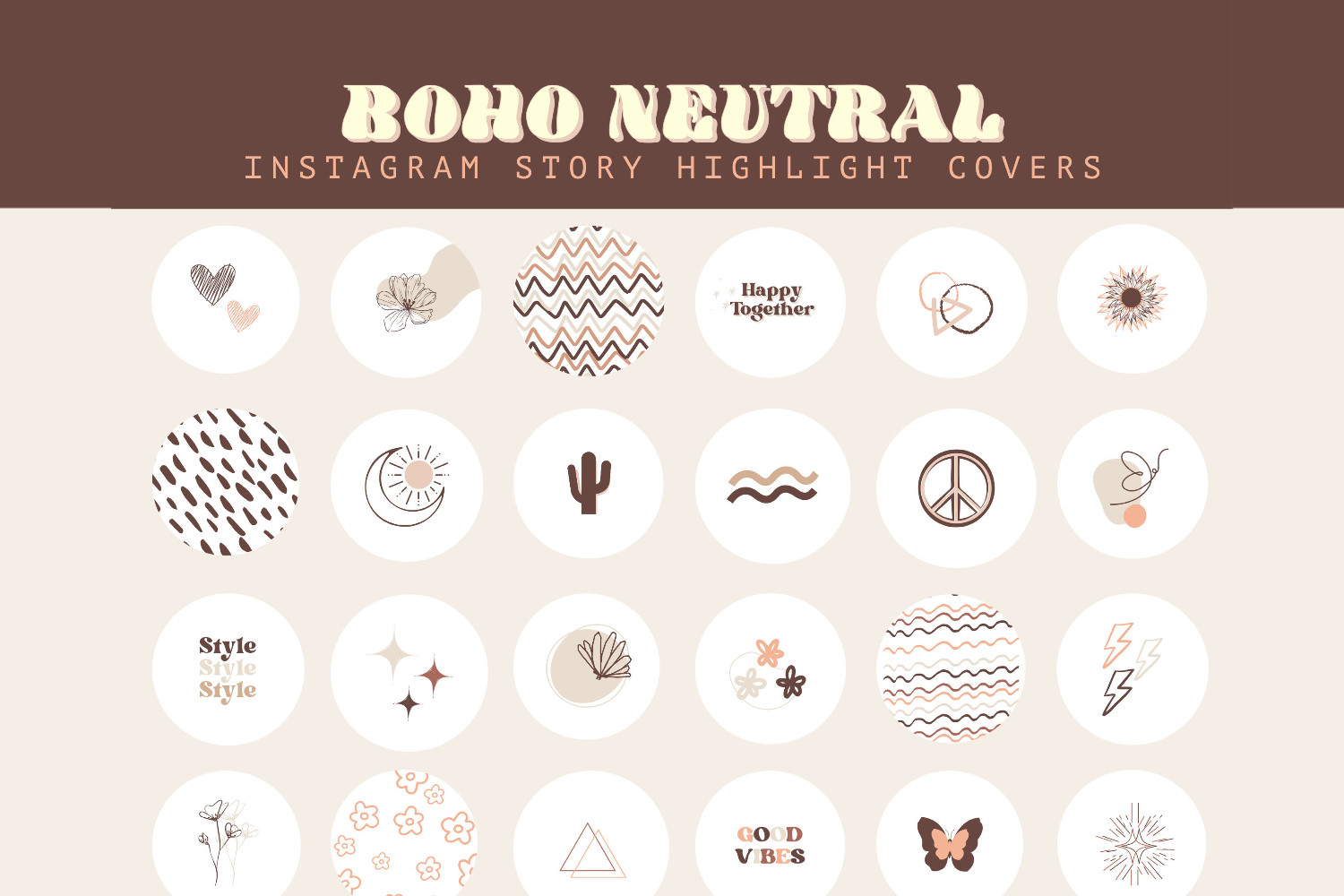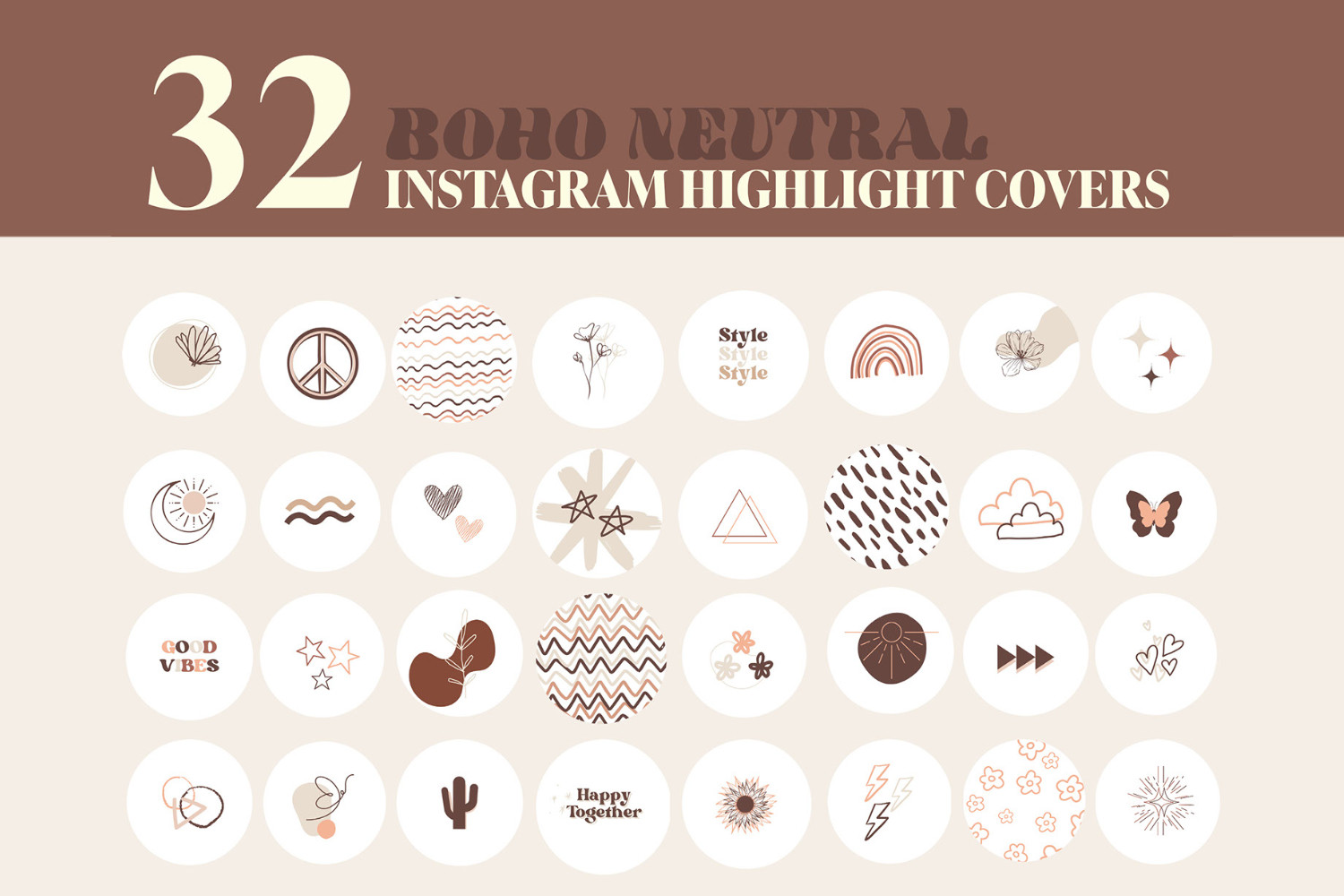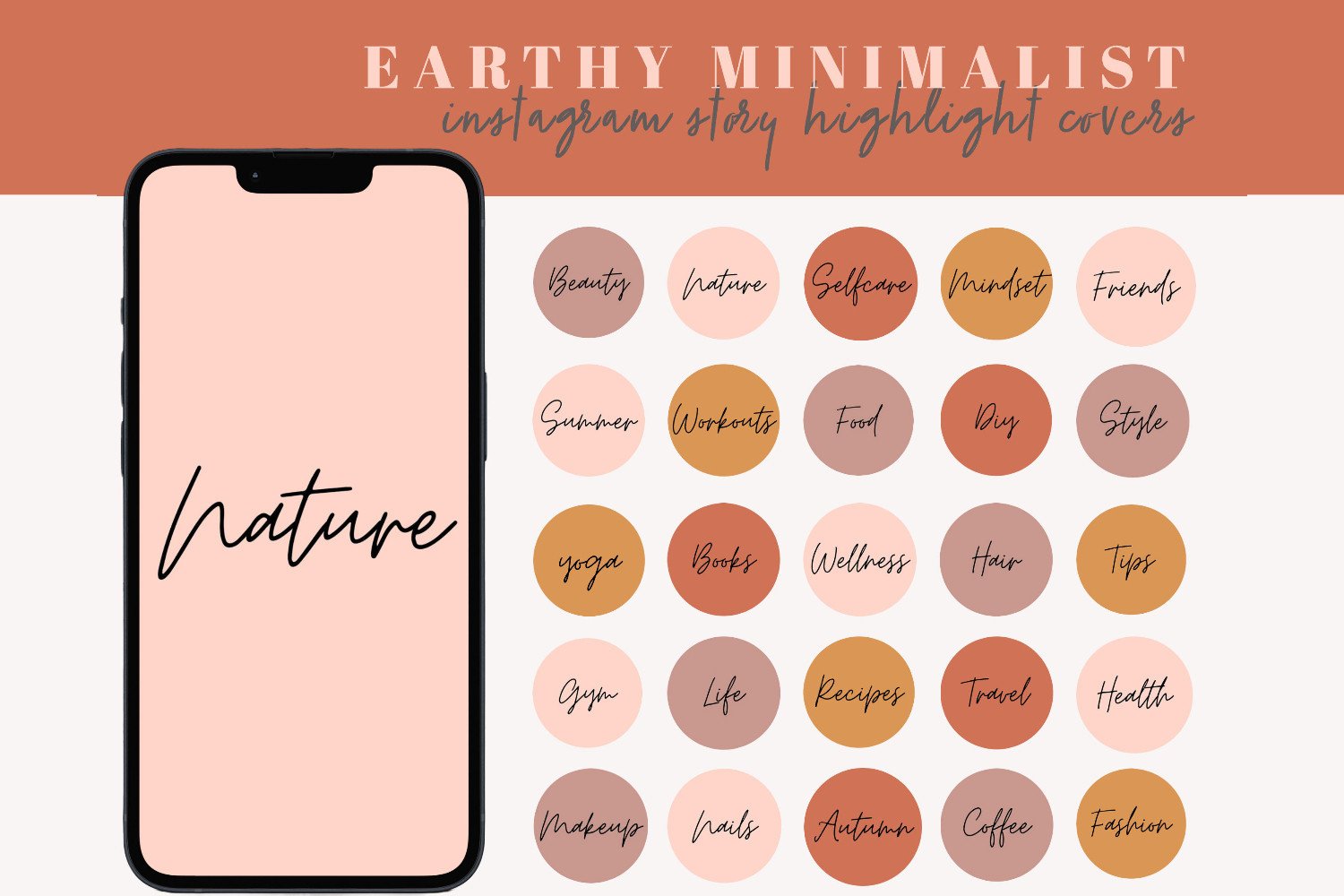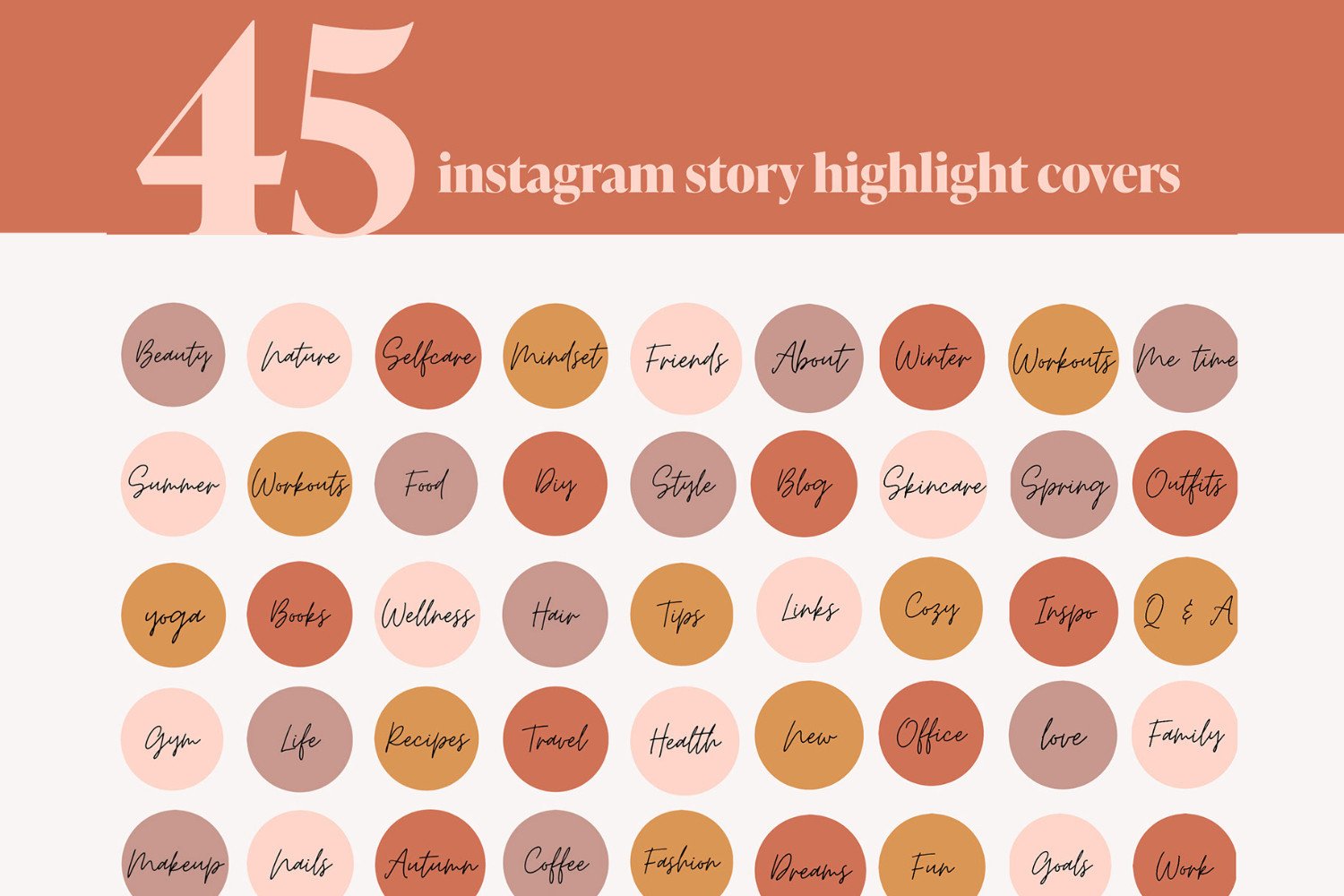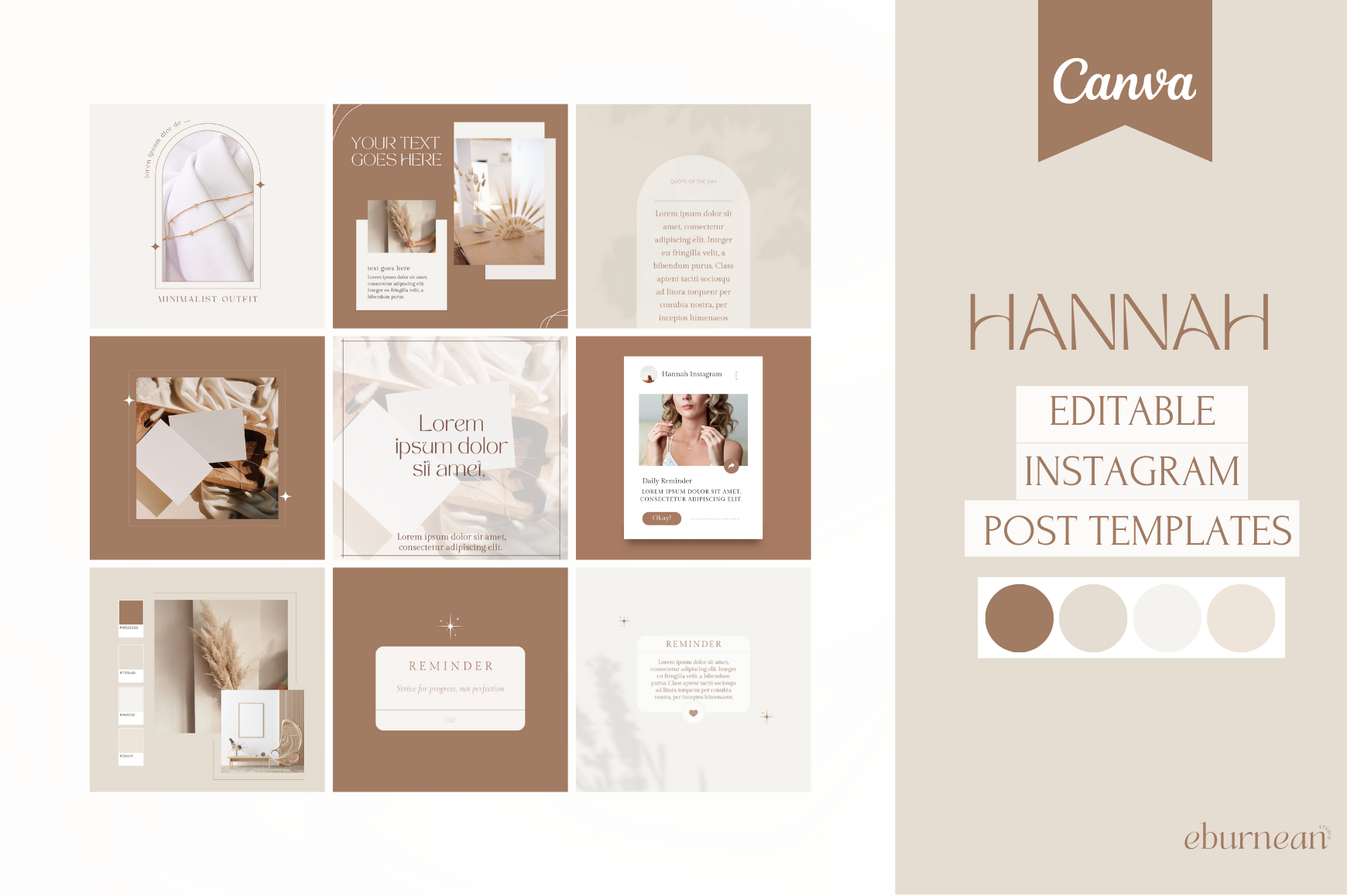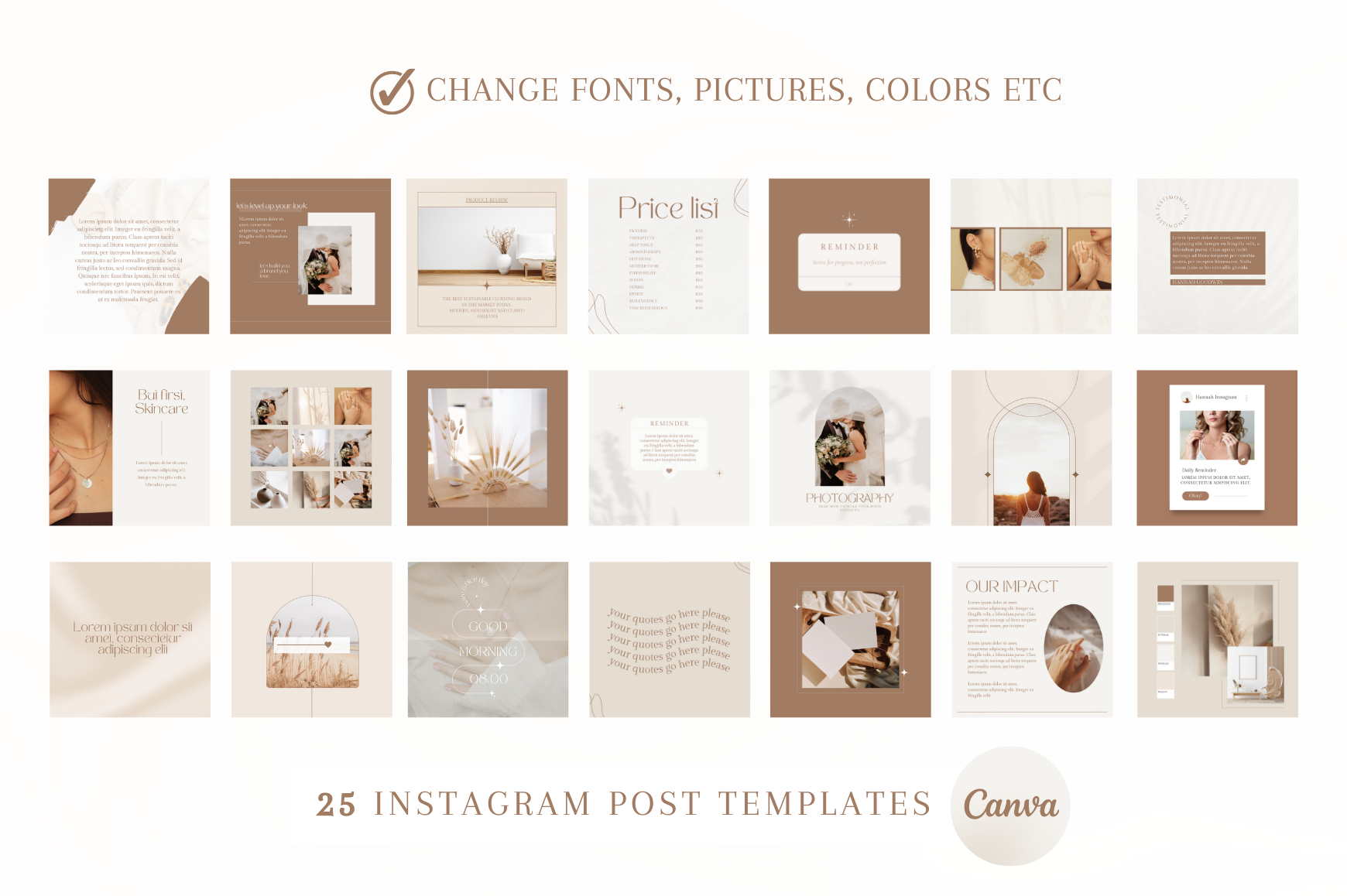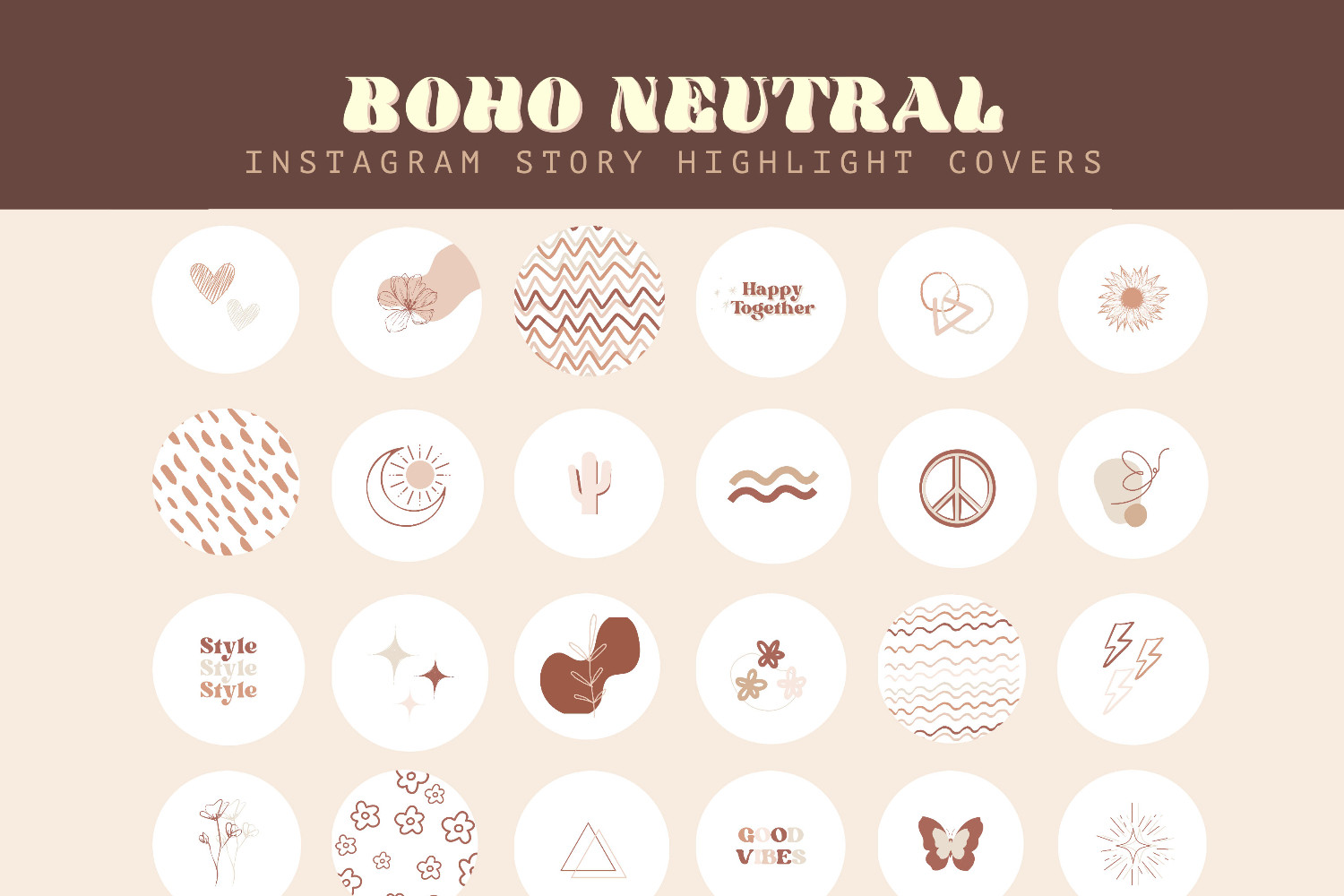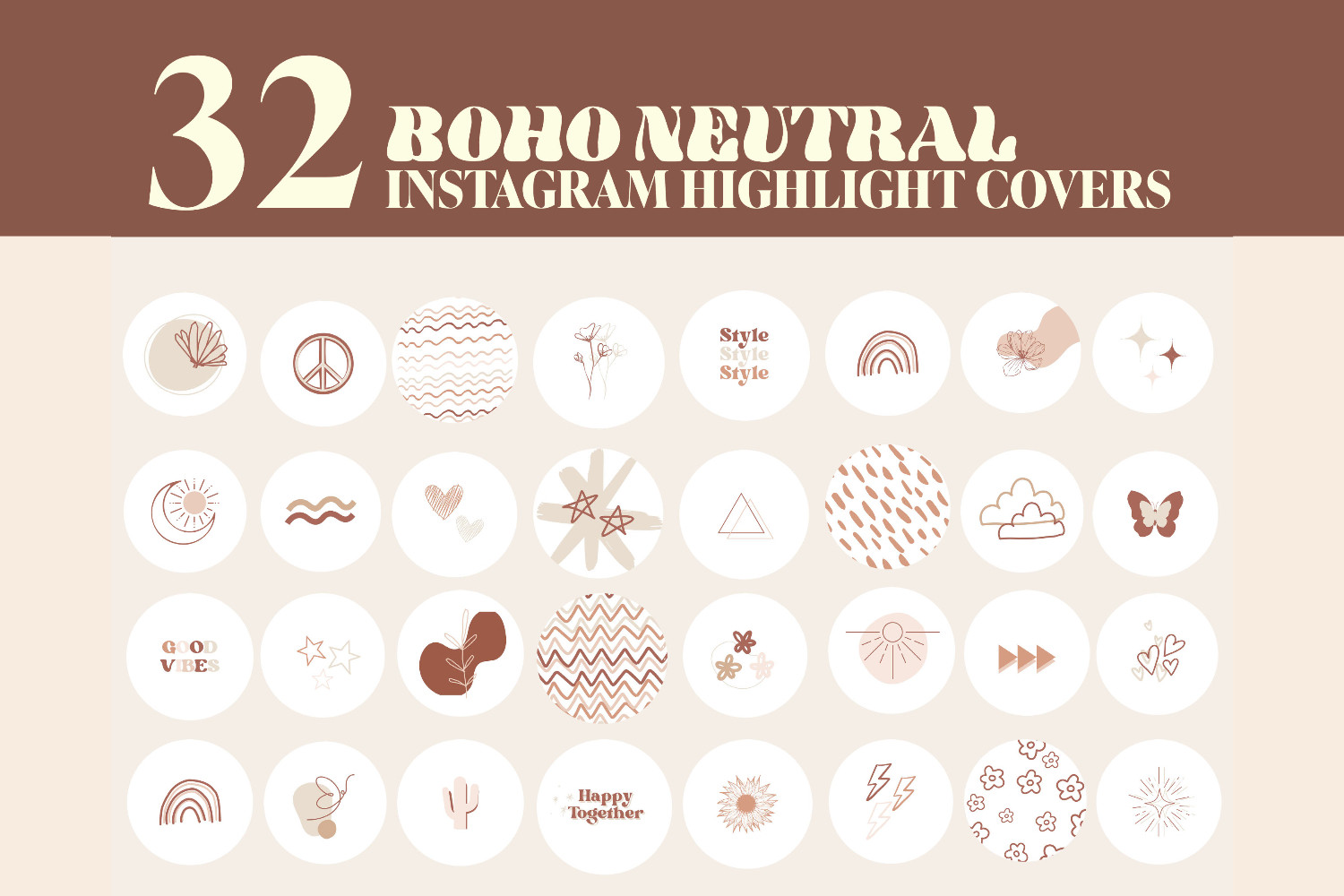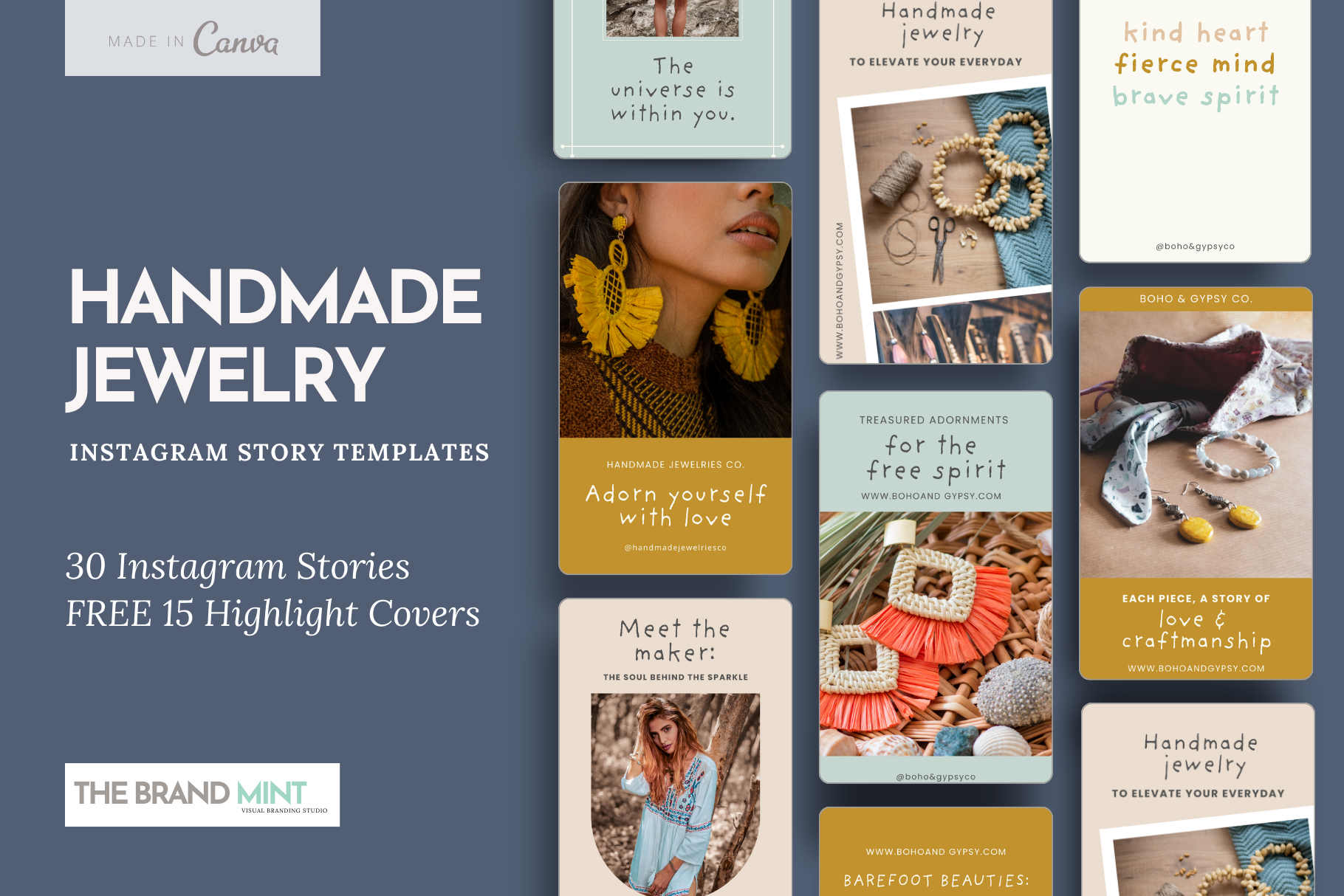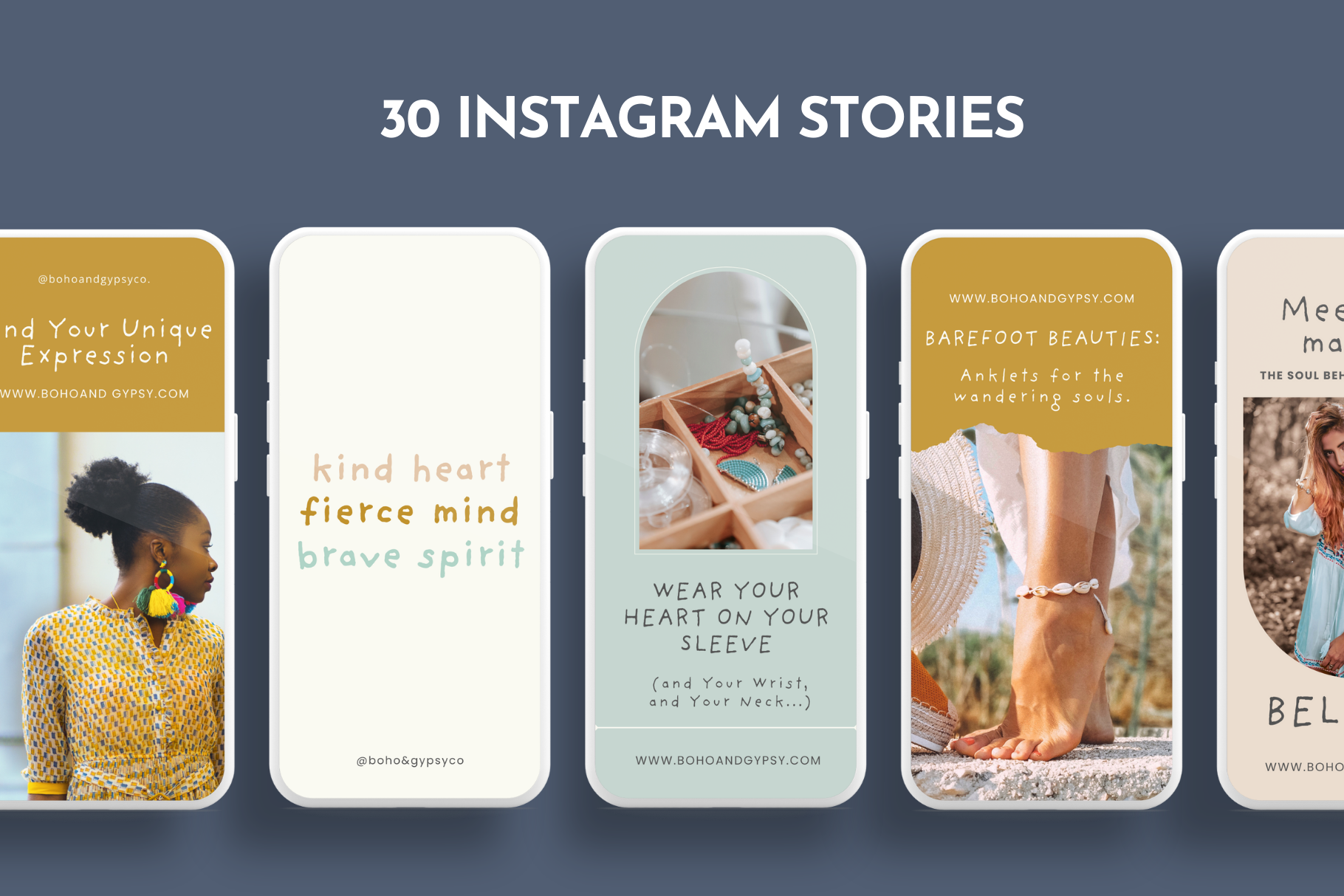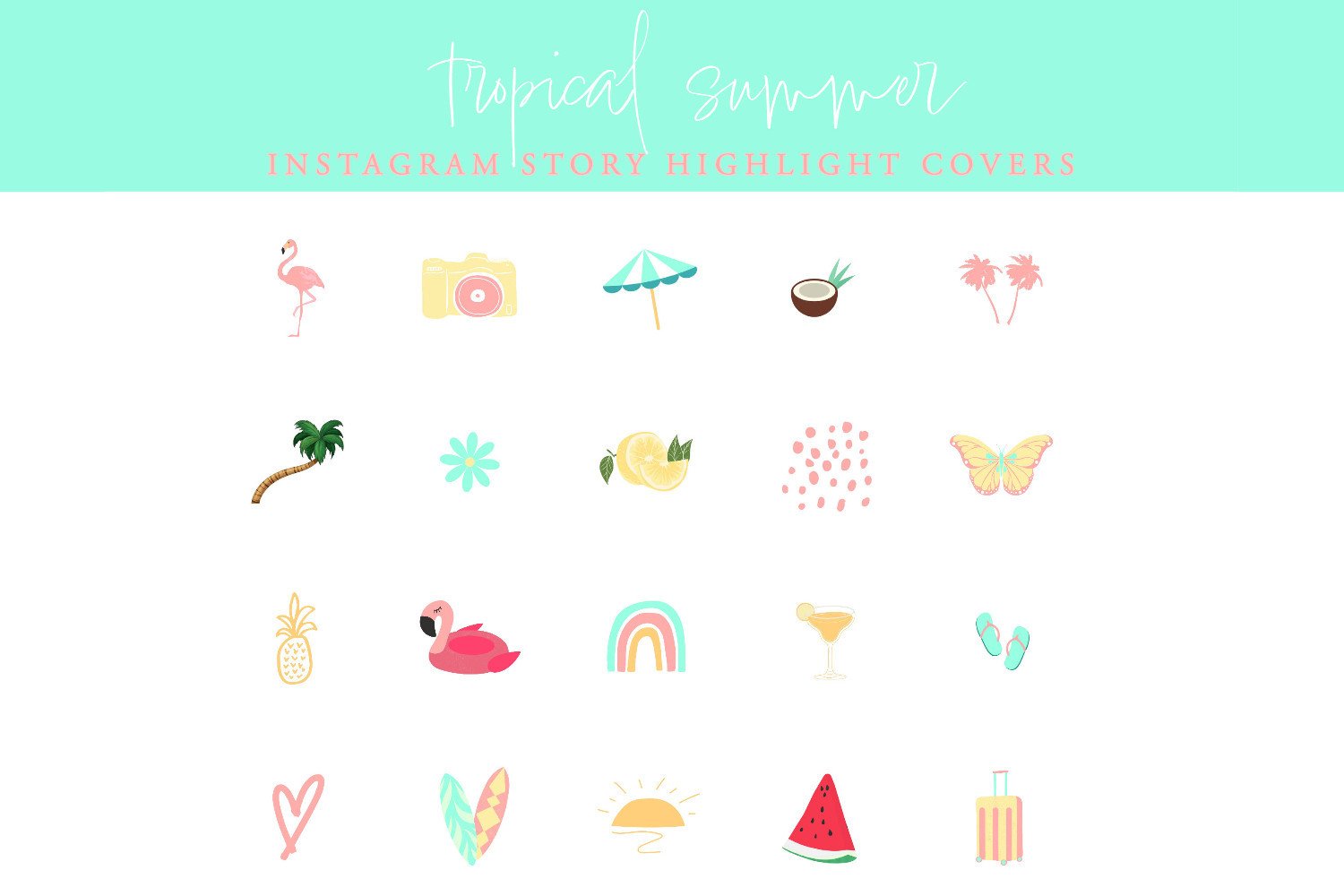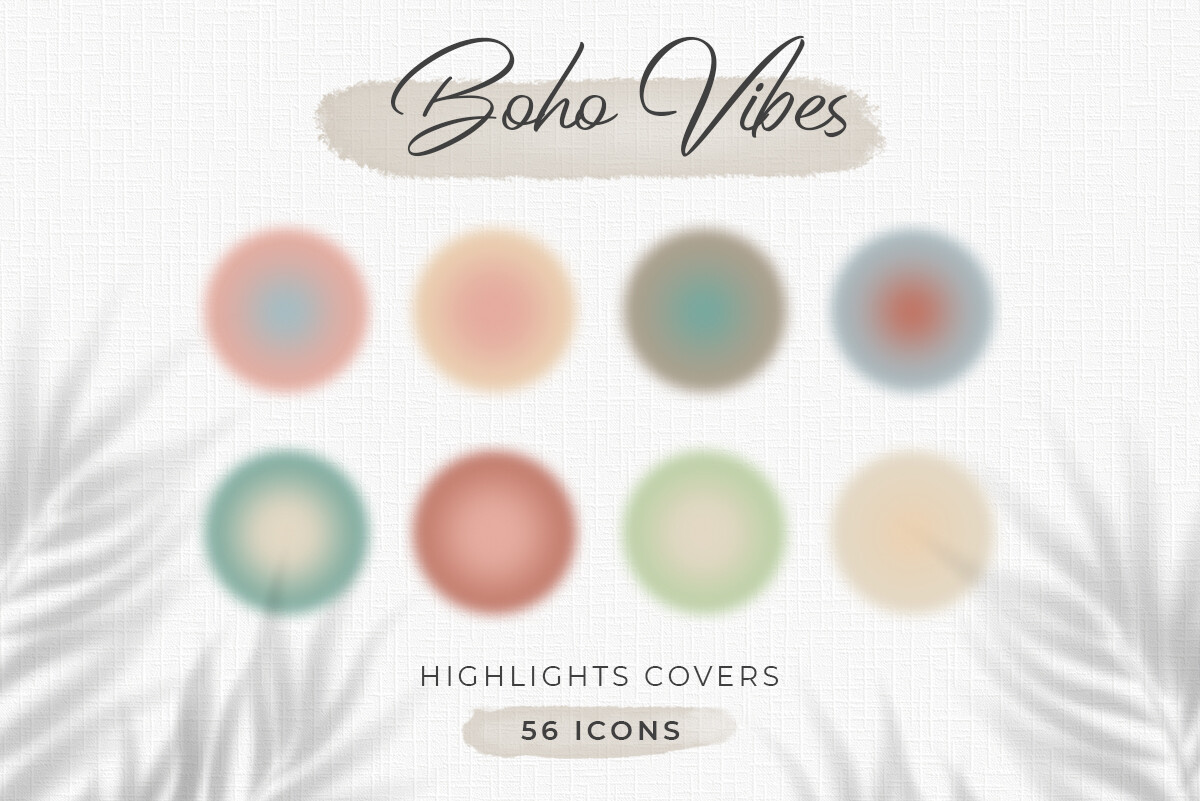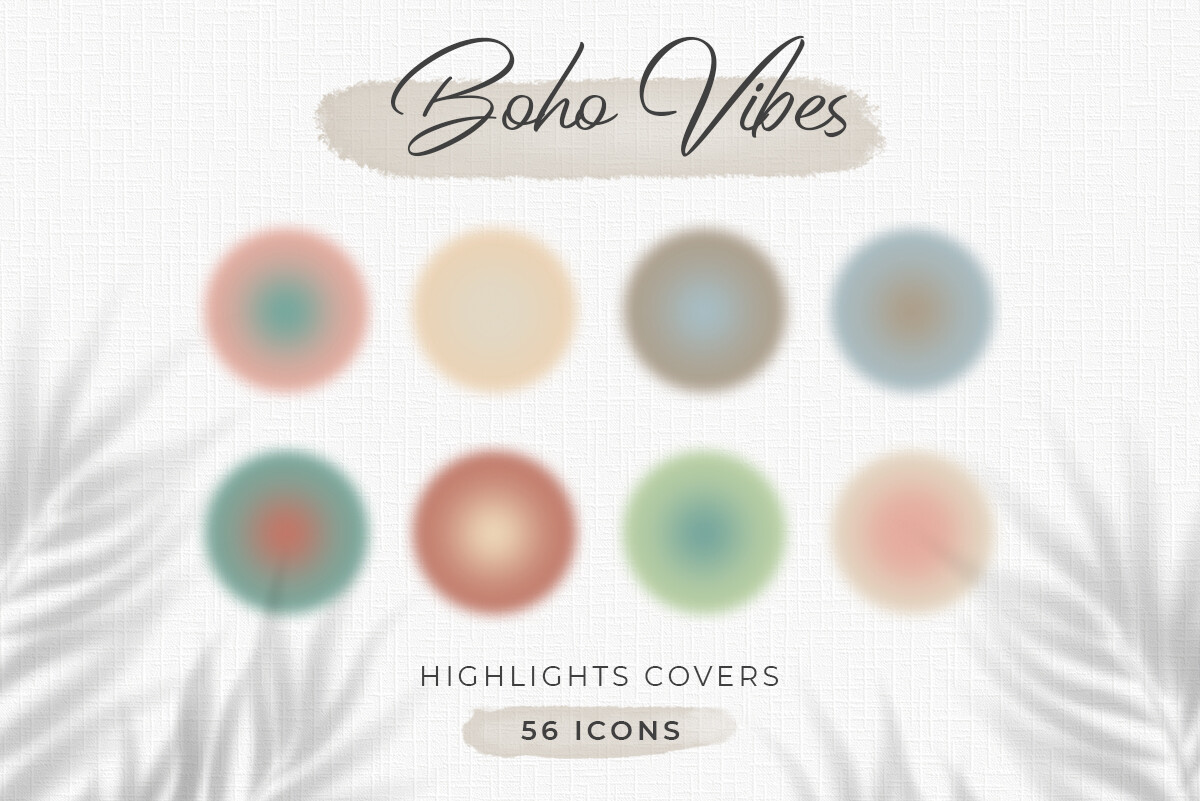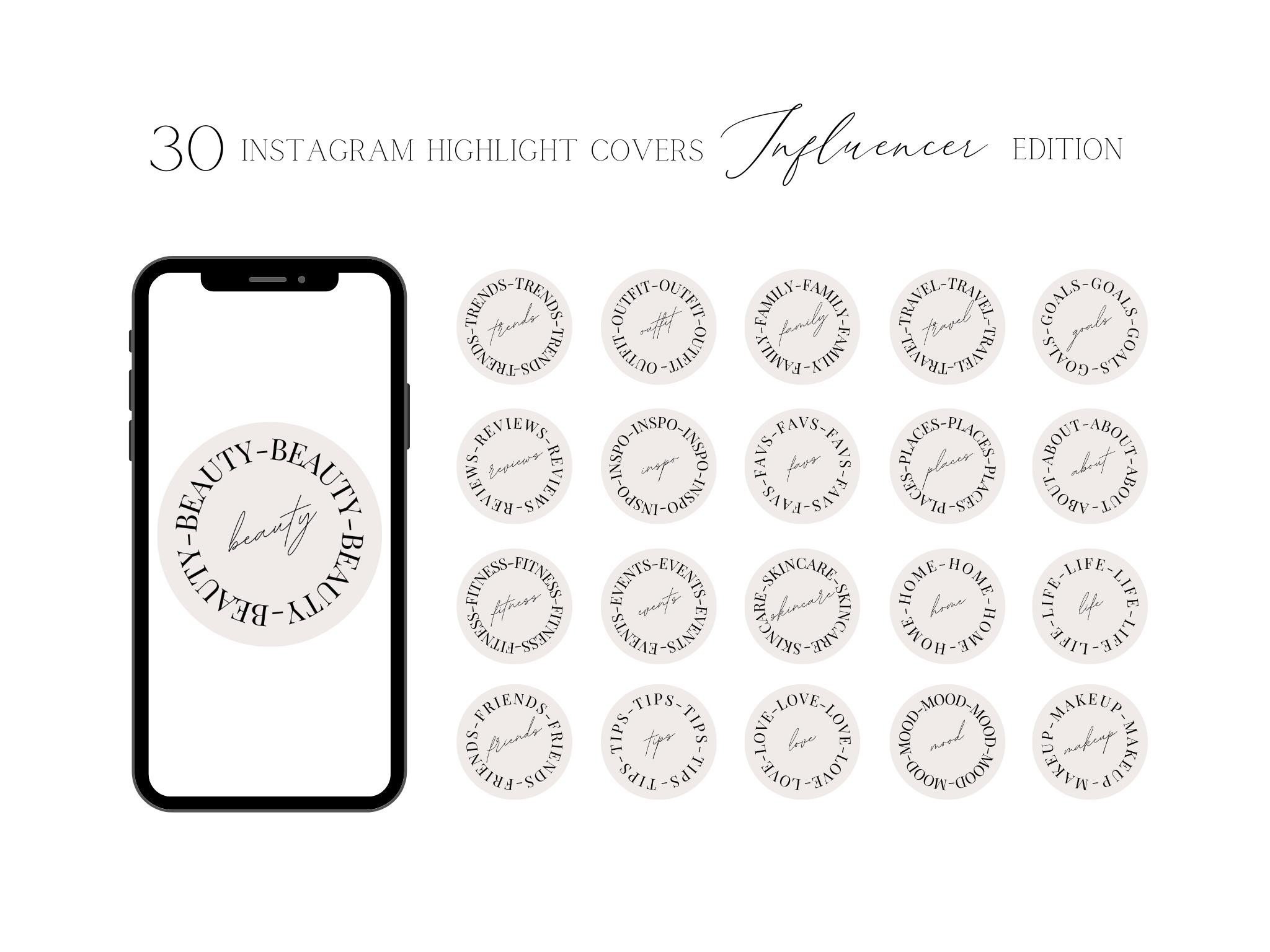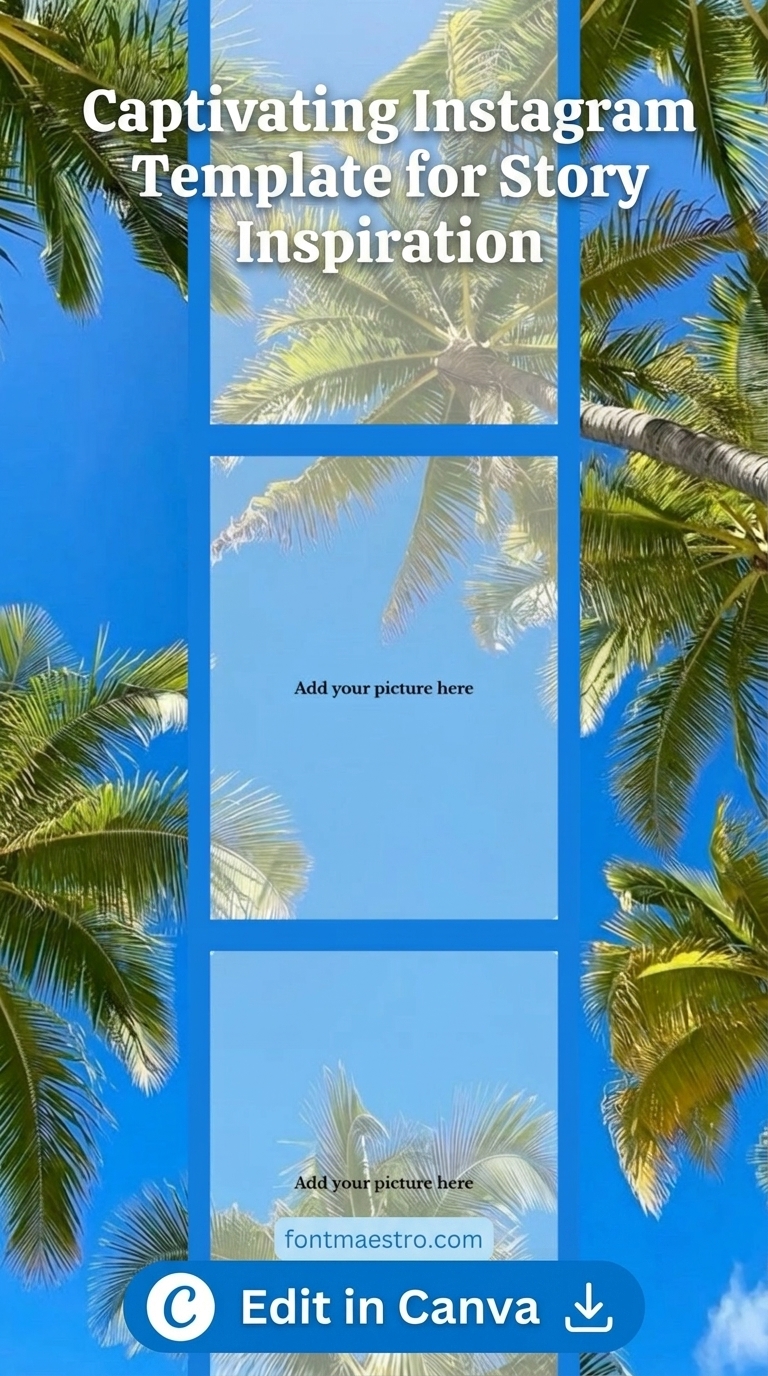
instagram story template transform stories easy use aesthetic editable

20 Best Instagram Story Templates for an Aesthetic Feed in 2026

Instagram story templates are one of the highest-leverage tools for visual consistency on the platform. A creator who posts without a template uses a different design for every story. A creator who posts with a consistent template family builds visual recognition — followers learn to identify their content immediately, before reading any text.

The challenge is finding the right template for the right aesthetic. There are thousands of options, most of them indistinguishable from each other. This guide maps the 20 best instagram story templates across every major aesthetic category — so you can find the direction that fits your content identity, not just the template that looks good in a preview.

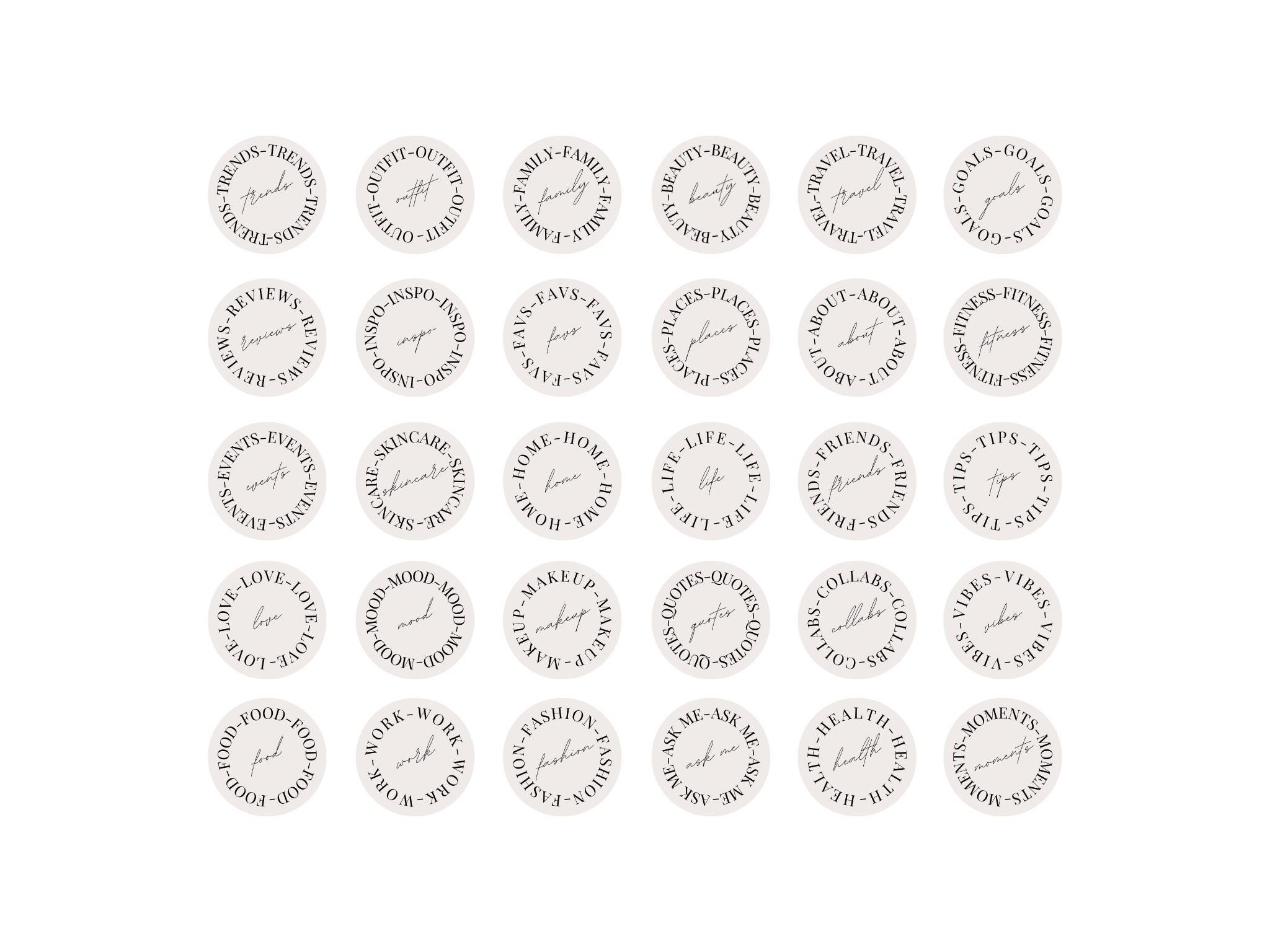
instagram story template transform stories easy use aesthetic editable

Quick Answer: The best instagram story template for most creators starts with a single-colour base and a clean sans-serif or thin serif font. Colour choice depends on content type: white or neutral for editorial and lifestyle, dark for music and drama, pink for feminine-coded content, blue for professional and calm aesthetics, and purple for moody and dreamy feeds. Each of these directions has a dedicated guide below. All styles available on Creative Fabrica with instant download and commercial licence.

What Makes a Good Instagram Story Template?

Three things, in order of importance: legibility, brand coherence, and visual interest. A template that sacrifices legibility for design complexity fails the first test — if the text or photo cannot be read clearly in three seconds, the template is working against the content, not for it.

Brand coherence means the template looks like it belongs to the same visual family as your other posts. Not identical — varied — but clearly from the same design system. Colour palette, font choice, and structural approach should stay consistent enough that a viewer who sees your story immediately recognises it as yours.

Visual interest is last because it matters least. A legible, branded template that is slightly boring performs better than a visually complex template that breaks either of the first two criteria. Complexity is not visual interest — restraint is.

Creators who use a single template family for 90 days see a measurably higher story completion rate than creators who switch templates weekly, because consistency trains the algorithm to surface content to the same viewer repeatedly.

How Do You Choose the Right Instagram Story Template Aesthetic?

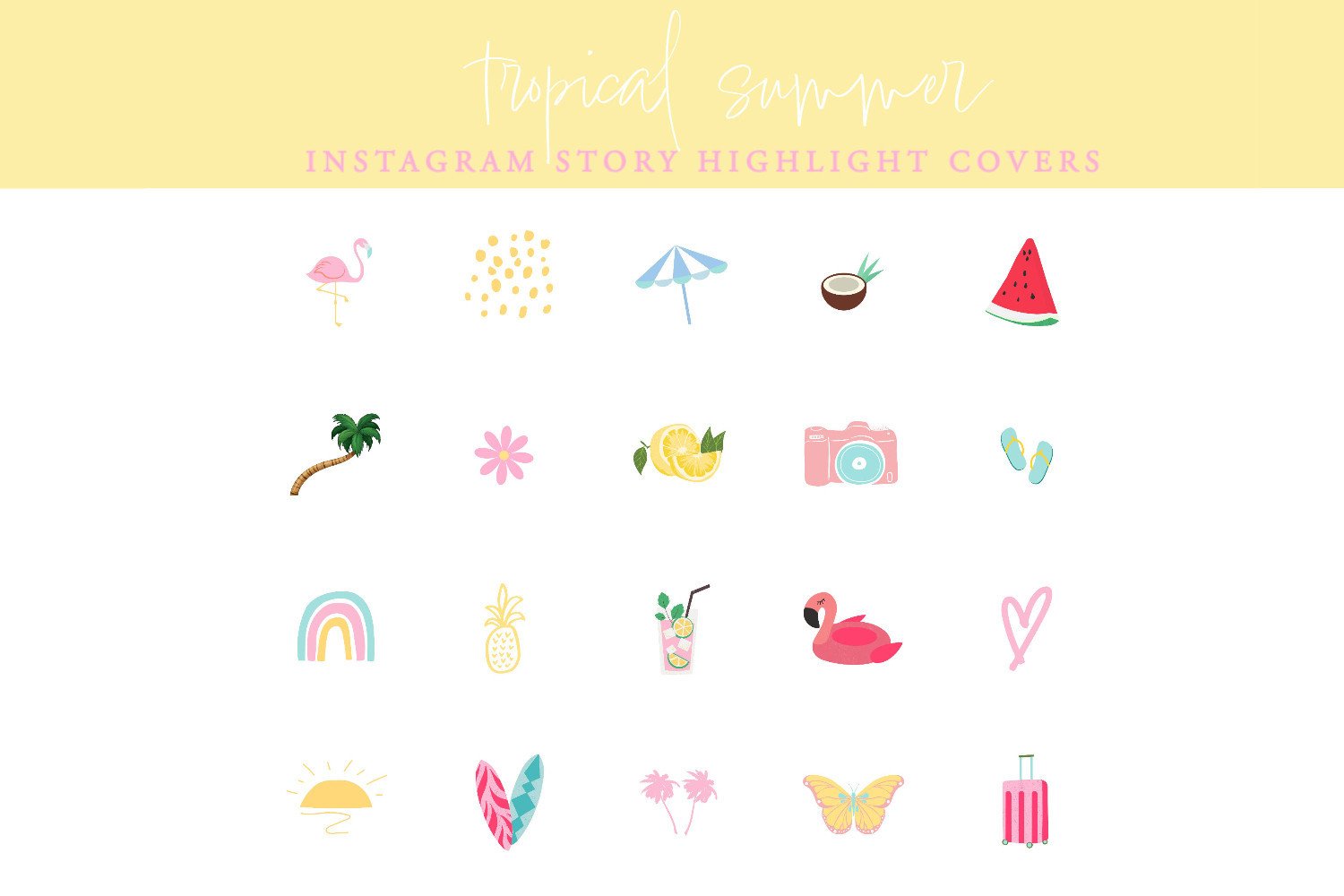
instagram story template stylish easy use elevate content editable

The aesthetic should match the content type, the audience, and the platform behaviour in that specific niche. Here is a direct mapping:

  • Lifestyle, wellness, personal brand: White minimal, warm ivory, soft blush, or lavender templates. Thin serif or flowing script.
  • Fashion, editorial, luxury: Stark white, deep navy, dusty rose, or dark charcoal. Clean sans-serif or classic serif.
  • Music, alternative, drama: Dark templates — true black, plum, deep violet. Gothic or bold display fonts.
  • Male personal brand, gym, sport: Dark minimal, monochrome, industrial. Bold condensed sans-serif.
  • Friendship, group content: Collage formats, polaroid layouts, warm neutral backgrounds. Casual handwritten or rounded sans-serif.
  • Celebration, anniversary, milestone: Floral, gold foil, romantic script. Elegant serif or flowing script.
  • Educational, thought leadership: White or cream with clear typographic hierarchy. Clean sans-serif for readability.
  • Video creators, Reels: High-contrast CTA templates with play-button elements. Bold display font.

Which Instagram Story Template Style Is Right for Your Niche?

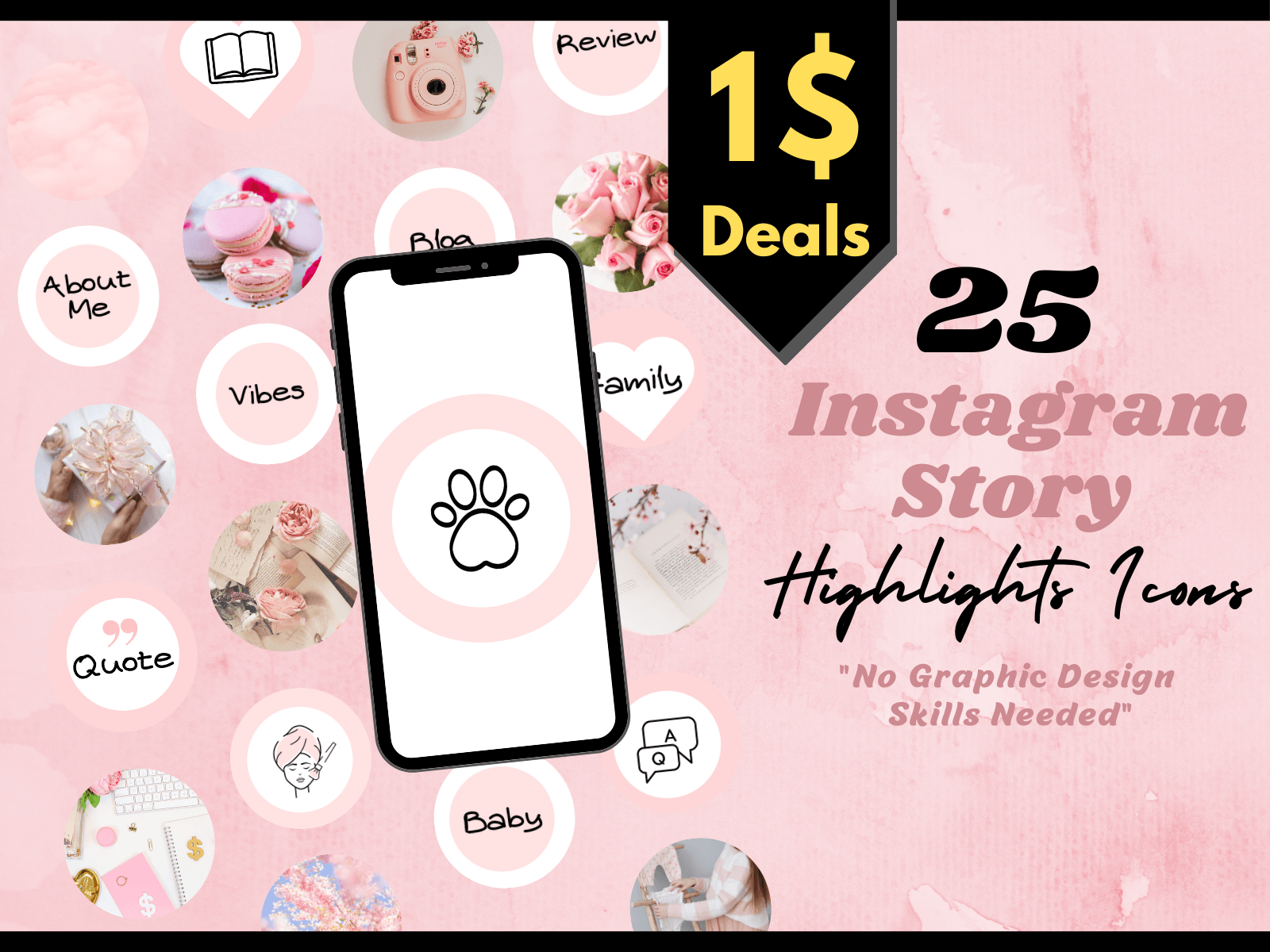
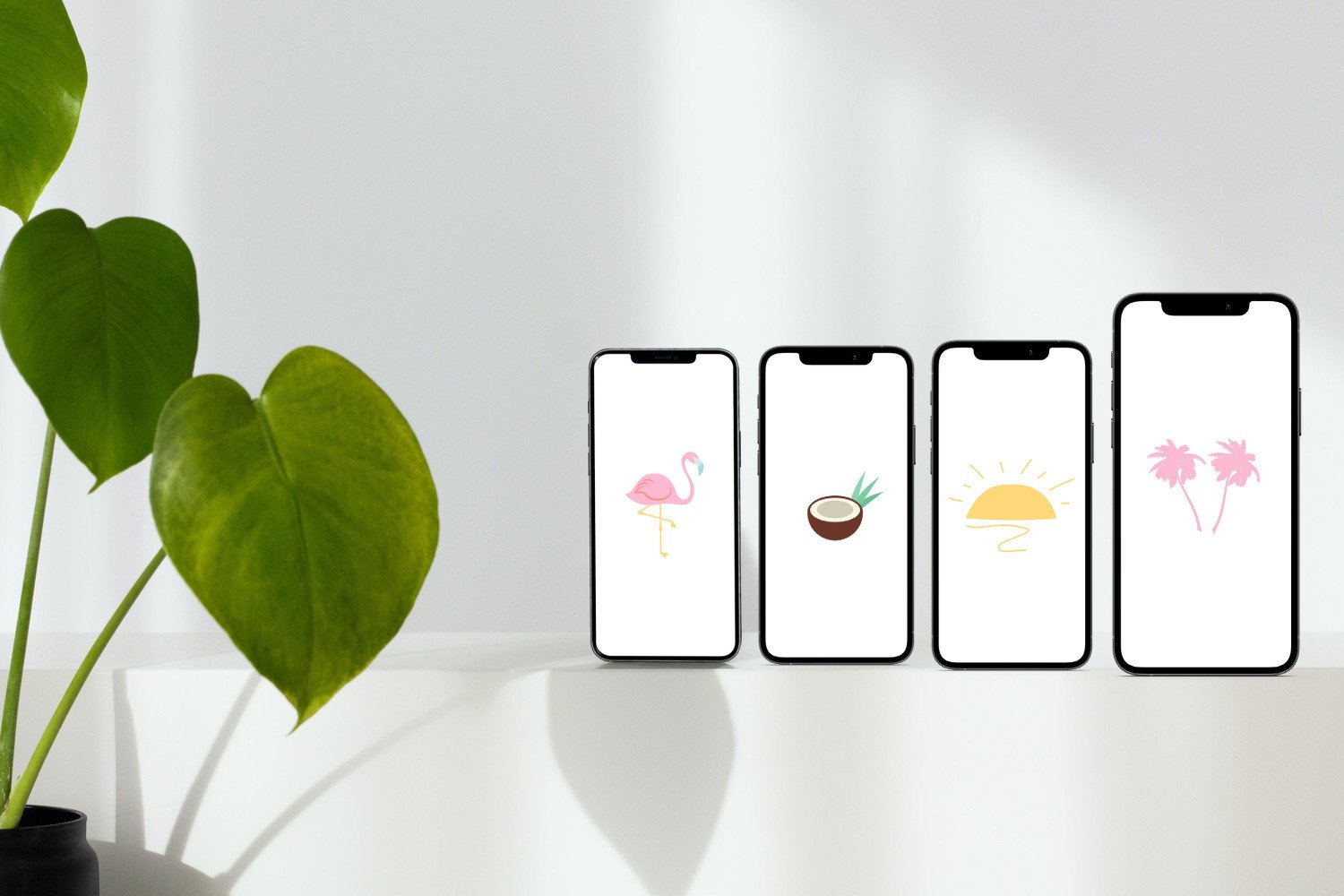
instagram story template creative designs ideas stand out editable

Here are the dedicated guides for each major aesthetic direction — each one covers 20–26 specific template styles with design criteria, font pairings, and content niche matching:

What File Format Should an Instagram Story Template Be?

Canva format is the easiest entry point — browser-based editing, no software to install, direct export at 1080×1920. Most Creative Fabrica templates come in Canva format by default. The limitation is layer control — complex photo compositing or advanced blending modes work better in Photoshop.

PSD format gives full layer control: individual elements are independently editable, blending modes work as expected, and you can apply effects to specific layers without affecting the full composition. Use PSD if you are creating client deliverables or need precise photo integration with the template.

Avoid JPEG-only templates entirely. A flat JPEG cannot be edited — it can only be overlaid or cropped. For text changes, colour adjustments, or photo swaps, a JPEG template requires rebuilding the design from scratch.

All templates below are fully editable Canva or PSD files from Creative Fabrica — open in your preferred editor, customise text and photo placement, export at 1080×1920. The All Access plan includes a commercial licence for business and client accounts.

Browse Instagram Story Templates on Creative Fabrica →

Frequently Asked Questions

What size is an Instagram story template?

1080×1920 pixels, 9:16 aspect ratio. This is the native full-screen format for Instagram stories on all current phone screen sizes. Export at a minimum of 72dpi; 150dpi or higher for crisper text rendering on modern high-resolution screens.

How often should I change my Instagram story template?

Keep a single template family for a minimum of 4–6 weeks before switching. Visual consistency is a signal — frequent template changes tell both the algorithm and your audience that your account identity is unstable. Vary content type and photo within the same template; do not vary the template structure itself.

Can I use Creative Fabrica templates for commercial accounts?

Yes. Templates downloaded on the All Access plan include a commercial licence, which covers business accounts, client work, and branded content. Check the individual licence on free-tier downloads if using for commercial purposes.

What is the difference between a story template and a story filter?

A story template is a pre-designed layout — background, font placement, graphic elements — that you add your own content to. A story filter is an effect applied over your camera feed in real-time. Templates are for designed content; filters are for live or photo-based stories. The two can be combined.

Do Instagram story templates work for Reels covers?

Story templates (1080×1920) are the correct format for Reels covers too — the aspect ratio is the same. A story template designed as a bold visual announcement works well as a Reels cover image to communicate the content topic before the viewer presses play.

Key Takeaways

  • Instagram story templates on Creative Fabrica start on the free plan — the full range of aesthetic directions is accessible without cost
  • 20 top picks covered across 12 dedicated aesthetic guides: purple, dark, pink, blue, white, men, boys, anniversary, friends, collage, Reels, and list styles
  • The right template depends on content type and niche — lifestyle needs white or neutral, drama needs dark, and group content needs equal-slot collage formats
  • Consistency over 4–6 weeks outperforms variety — one template family builds recognition, rotating templates confuses both the algorithm and your audience

Similar Posts

Leave a Reply

Your email address will not be published. Required fields are marked *