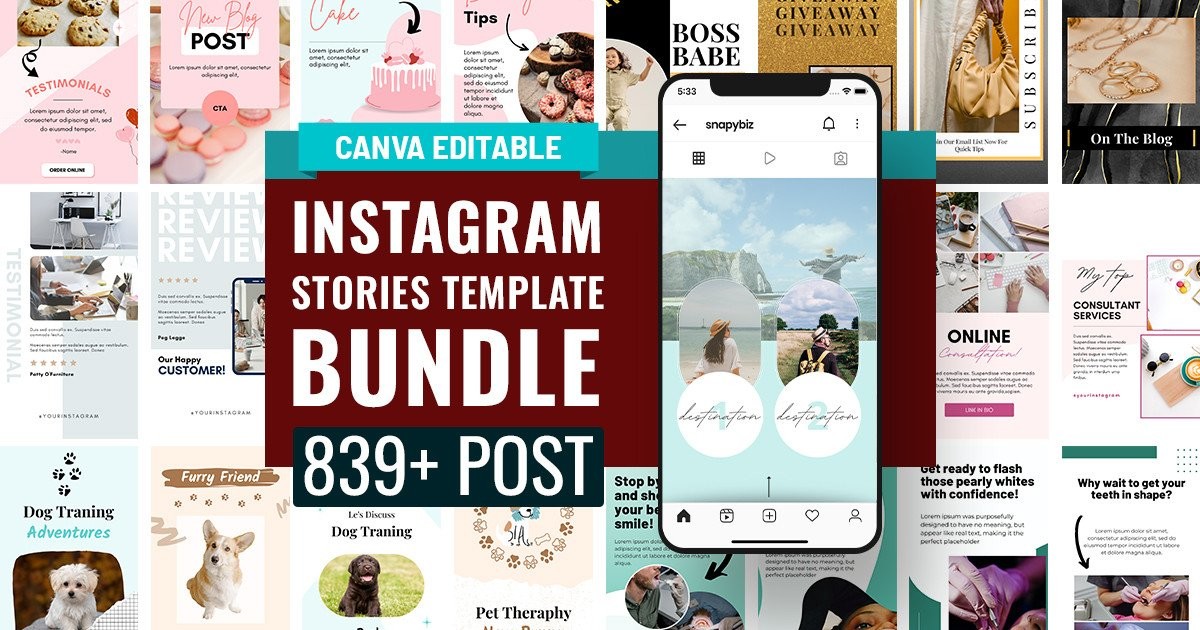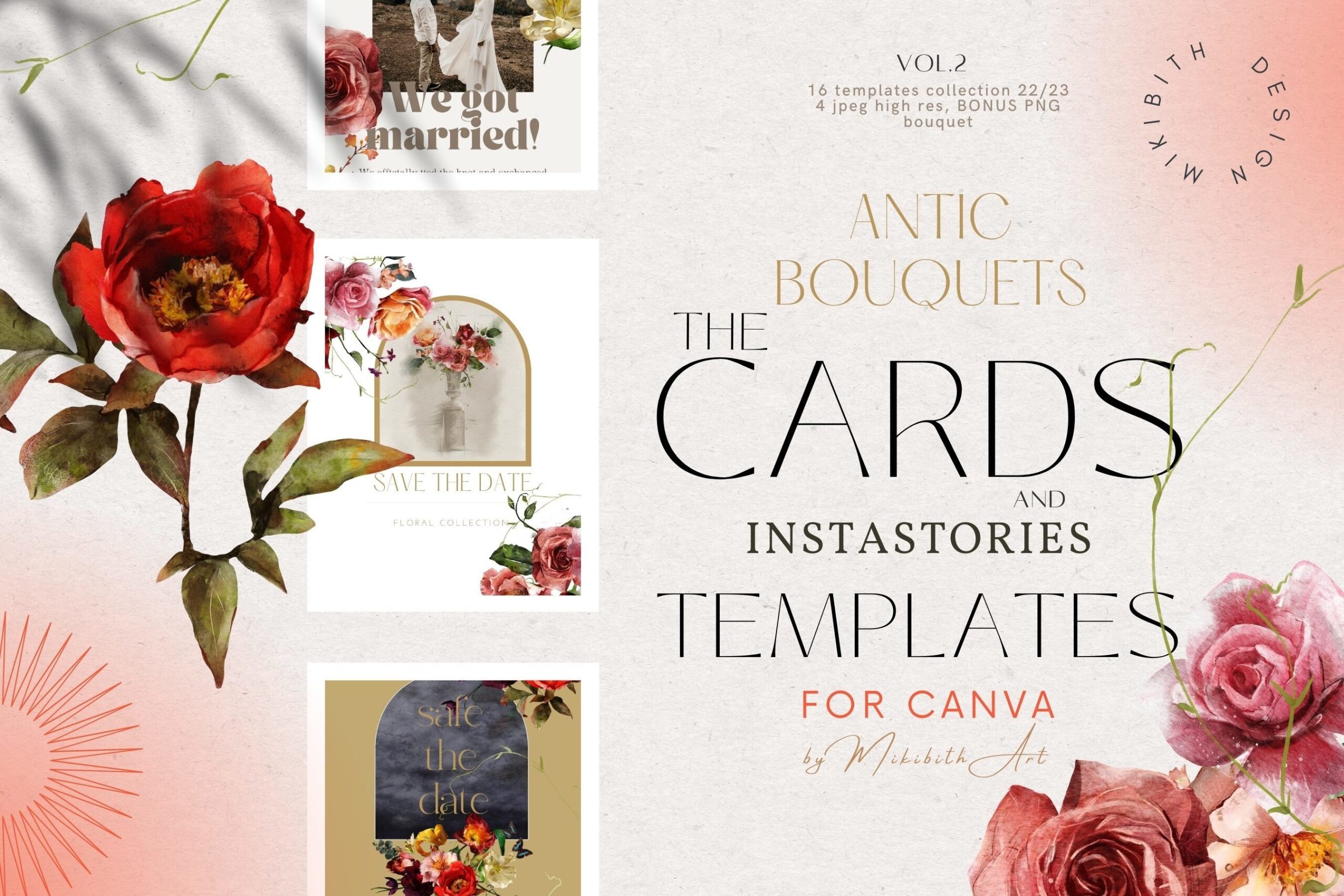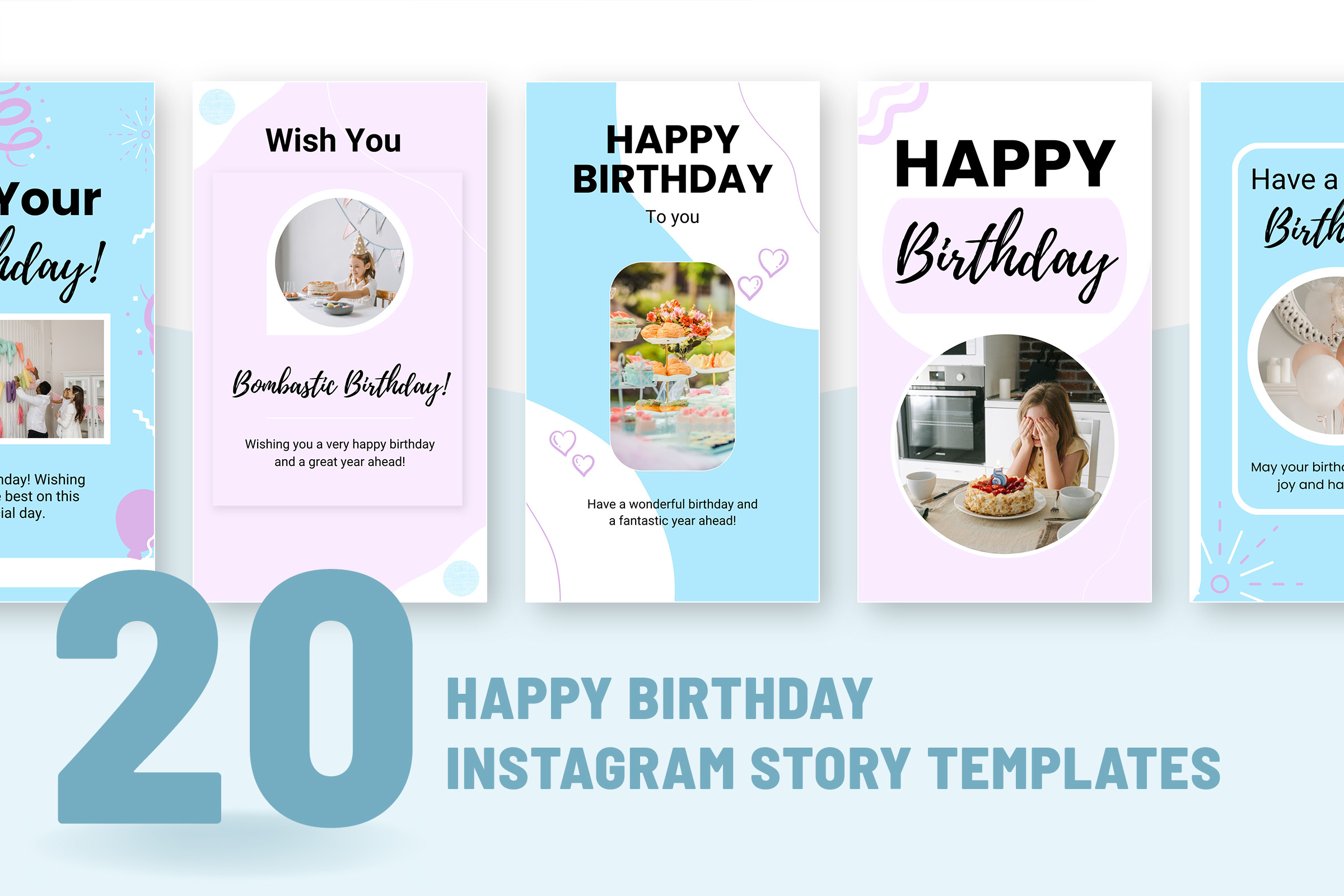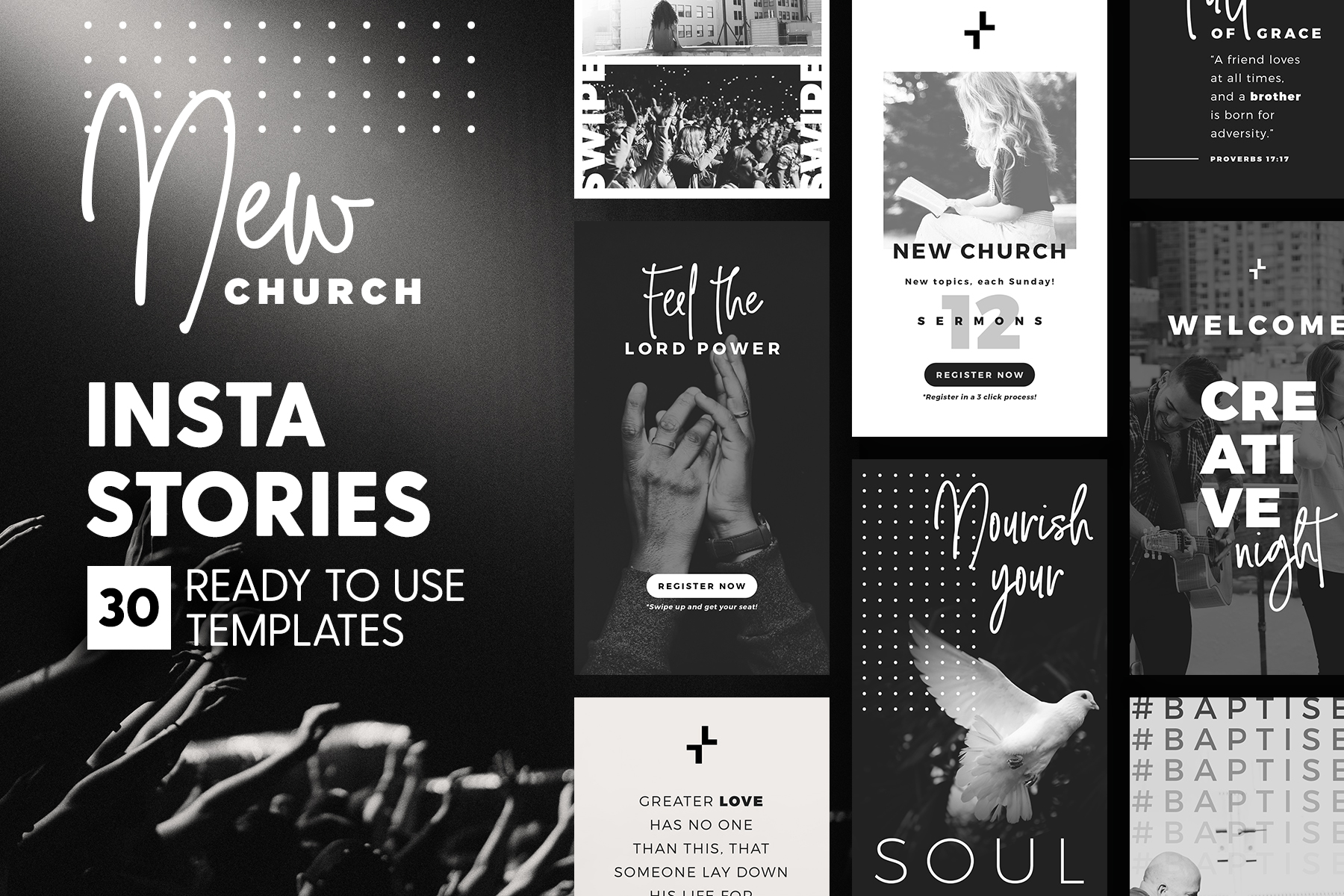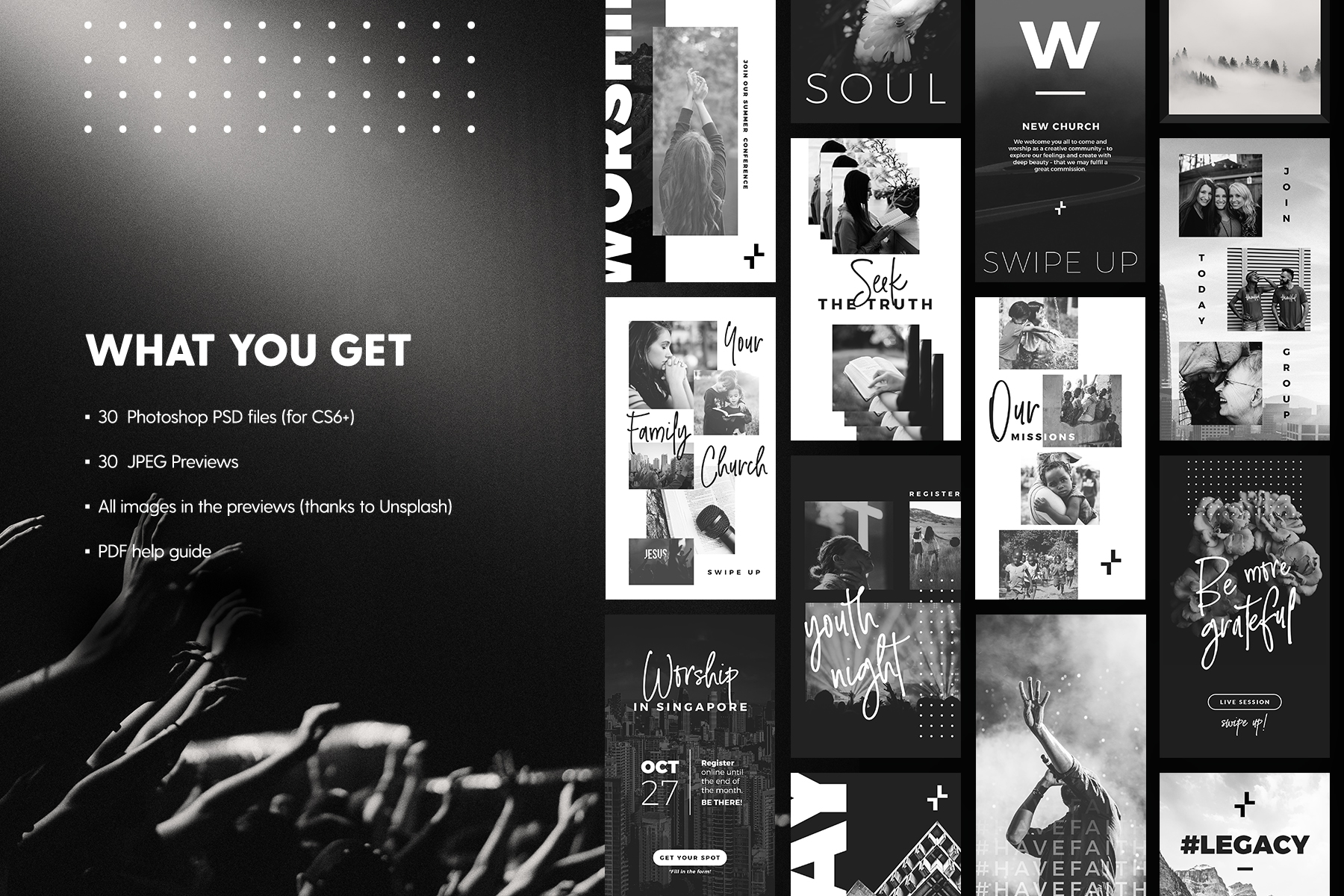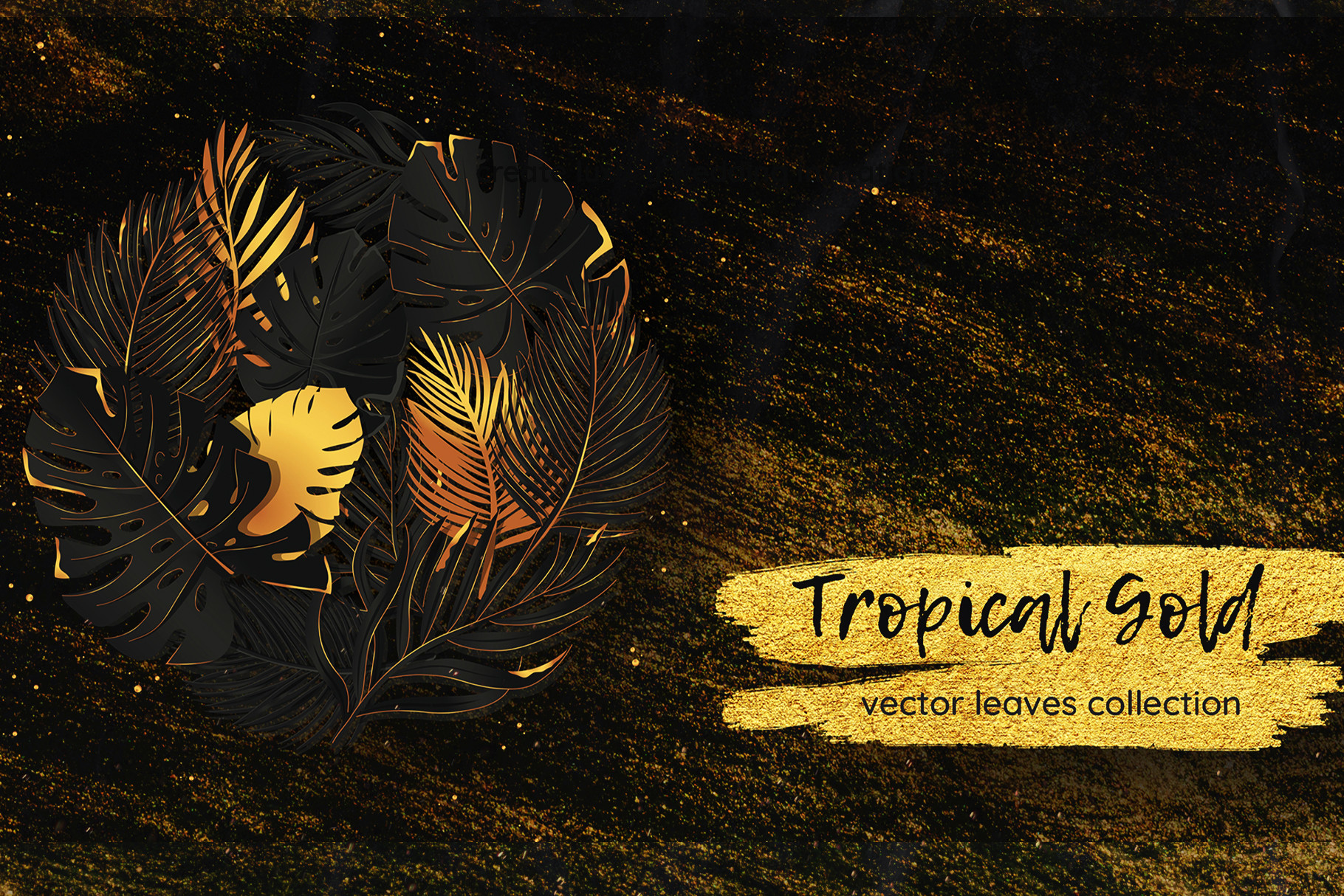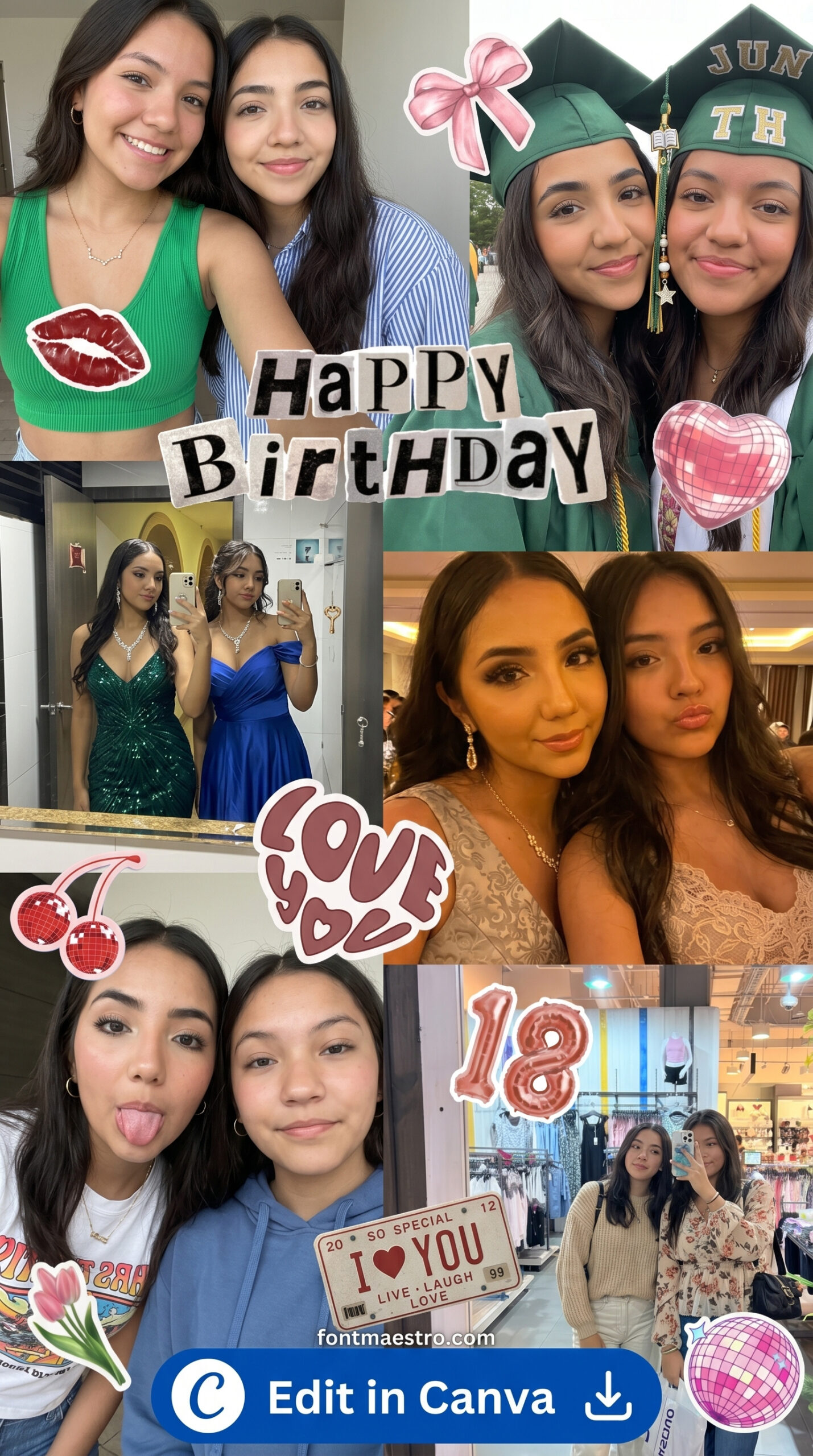
birthday collage template instagram story pink bow aesthetic printable editable

Stop Using Random Birthday Collage Templates — 7 Instagram Story Layouts That Actually Work

Disclosure: This post contains affiliate links. If you purchase through our links, we may earn a small commission at no extra cost to you.

The collage template that looked sharp in the preview turned into a visual noise dump the second you added your actual photos. Four tiny frames, text that overlaps the Instagram UI, and a font hierarchy that competes with everything at once. It’s not your photos — it’s the template.

Most birthday collage templates are built for mockup screenshots, not for actual Instagram Story playback. They ignore the 250px safe zone at the top and 350px at the bottom where Instagram overlays its UI. They cram four photos into a 1080×1920 canvas that realistically fits two cleanly. The typographic hierarchy is decoration, not communication.

Below are 7 templates that actually account for story format — correct aspect ratio, readable safe zones, and enough visual breathing room to let your photos carry the moment.

Which Birthday Collage Template Works Best for Instagram Story?

The most versatile pick is a 2–3 photo layout with a single dominant text element and no background pattern competing with the images. It loads fast, reads clearly at thumb size, and works whether you’re posting from a phone gallery or exporting from Canva.

Look for templates that keep decorative elements (bows, florals, confetti) in the outer margin, not between photo frames — that’s the difference between a clean collage and visual clutter.

Browse Birthday Story Templates →

What Makes a Birthday Collage Template Work on Instagram Story Format?

Before picking any template, run it against these four criteria. A template that fails two or more will look worse with real photos than the mockup suggests.

Criteria What to look for Red flag Score weight
Safe zone compliance No key elements in top 250px or bottom 350px Title text starts at the very top edge High
Photo frame count 2–3 frames maximum for a readable layout 4+ frames crammed into one canvas High
Typographic hierarchy One dominant text element, everything else secondary Three font sizes competing at equal weight Medium
Decoration placement Florals and bows in outer margins only Decorative elements overlapping photo areas Medium
Contrast ratio Text legible at 375px display width (mobile) Light text on medium background with no shadow Medium
Editability Canva or PSD with unlocked layers Flattened JPEG with no editable version High

The single biggest predictor of a collage template that performs on Stories: fewer photo frames than you think you need. Two photos, well-placed, outsave four photos every time.

7 Birthday Collage Templates for Instagram Story Worth Downloading in 2026

Each file below is an editable template — most are available in Canva format, some as layered PSD. You drop in your photos, adjust the name text, export at 1080×1920px, and it’s ready to post. Commercial licence is included on the All Access plan, which matters if you’re making these for clients. All sourced from Creative Fabrica, starting on the free plan.

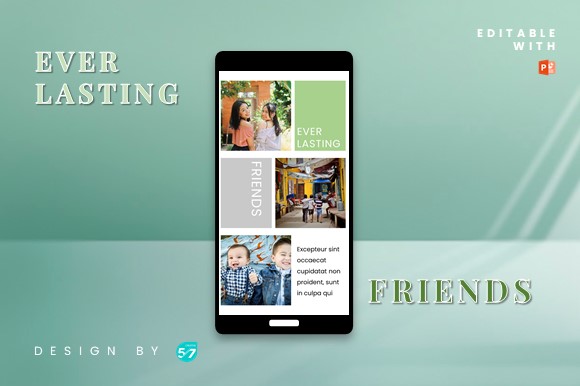
birthday collage template instagram story pink bow aesthetic printable editable

Best for Aesthetic Pink Birthday Stories

Soft pink palette with a single bow graphic anchored top-centre, well above the UI safe zone. Two portrait photo frames, left-right balanced with even gutters. The “Happy Birthday” script sits at mid-canvas — visible without competing with the images. Clean contrast ratio, reads fine on both OLED and standard displays.

Get This Template →

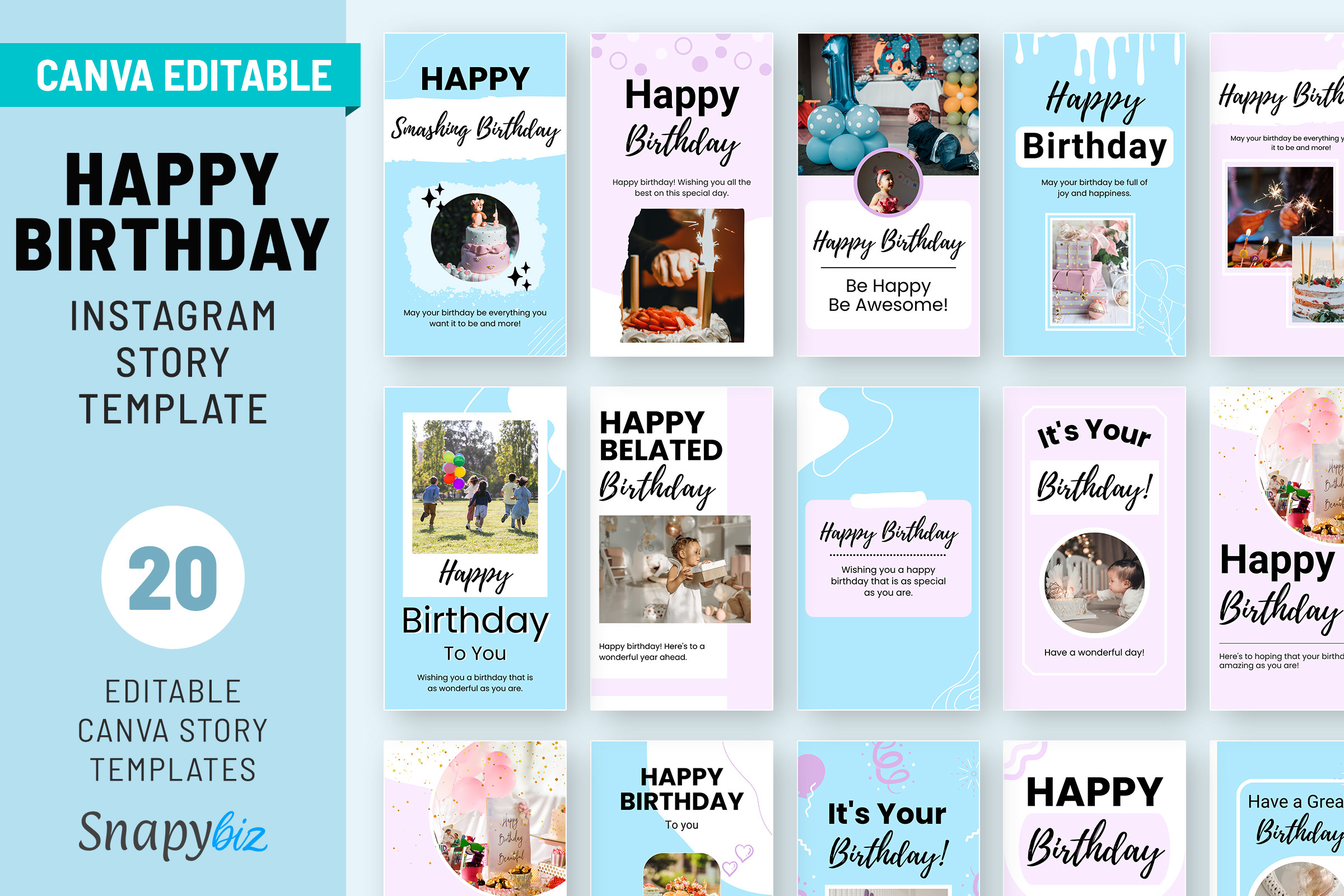
birthday collage template instagram story pink bow cheerful design editable

Best for Cheerful Pink Bow Designs

Script headline at the top third with a large bow illustration below it — decorative element is in the outer margin, not touching photo frames. Two portrait photos stacked vertically with a thin white border. Typographic hierarchy is correct: one dominant display font, one supporting sans-serif for the date. No kerning issues at mobile scale.

Get This Template →

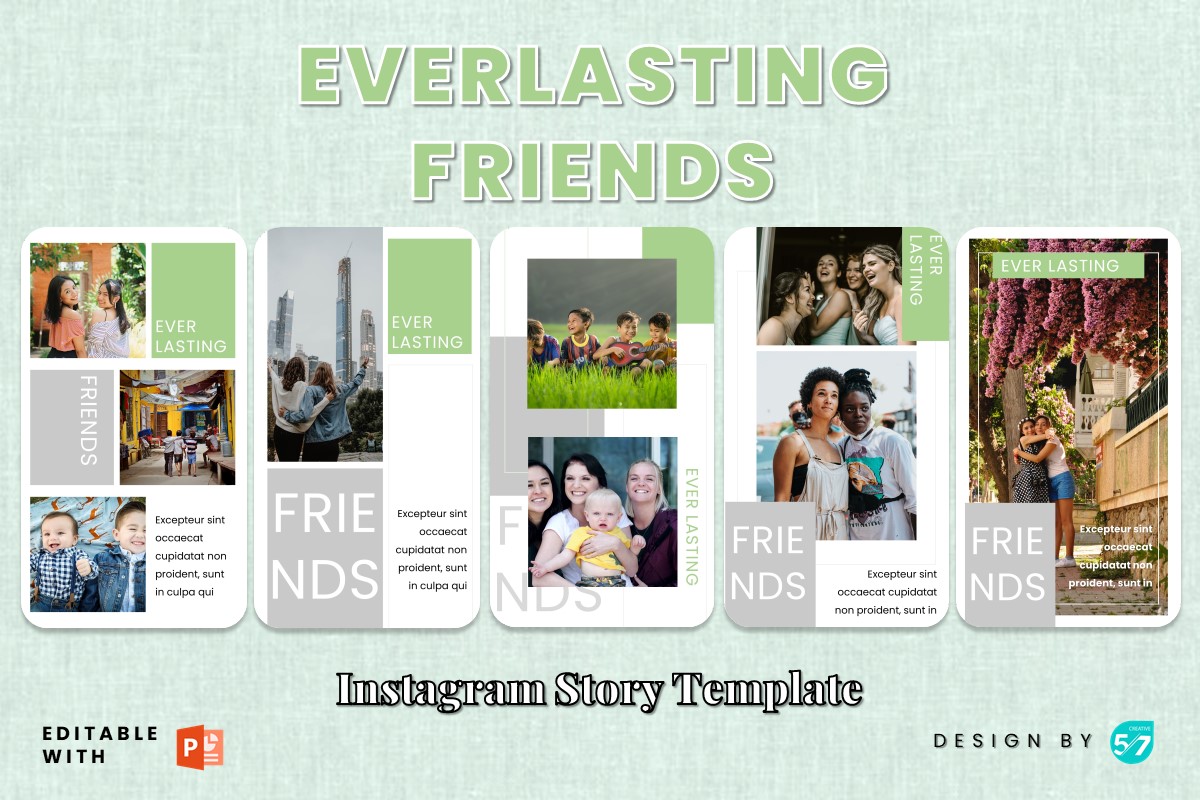
birthday collage template instagram story creative layout social media printable

Best for Creative Multi-Photo Layouts

Asymmetric grid — one large hero frame on the left, two smaller frames stacked on the right. That asymmetry gives the layout a magazine feel rather than a grid dump. Works best when your hero photo has a clear focal point (face or object centred). If all three photos have similar focal points, it loses the hierarchy. Pick this one carefully.

Get This Template →

birthday collage template instagram story fun playful celebration editable

Best for Fun Playful Birthday Stories

Illustrated characters and confetti in the upper third, photo collage in the lower two-thirds. The illustration gives it a distinct identity even before anyone looks at the photos — the kind of story people swipe back to. Illustration style is casual, not precious. That’s intentional. Too polished and it reads like an ad.

Get This Template →

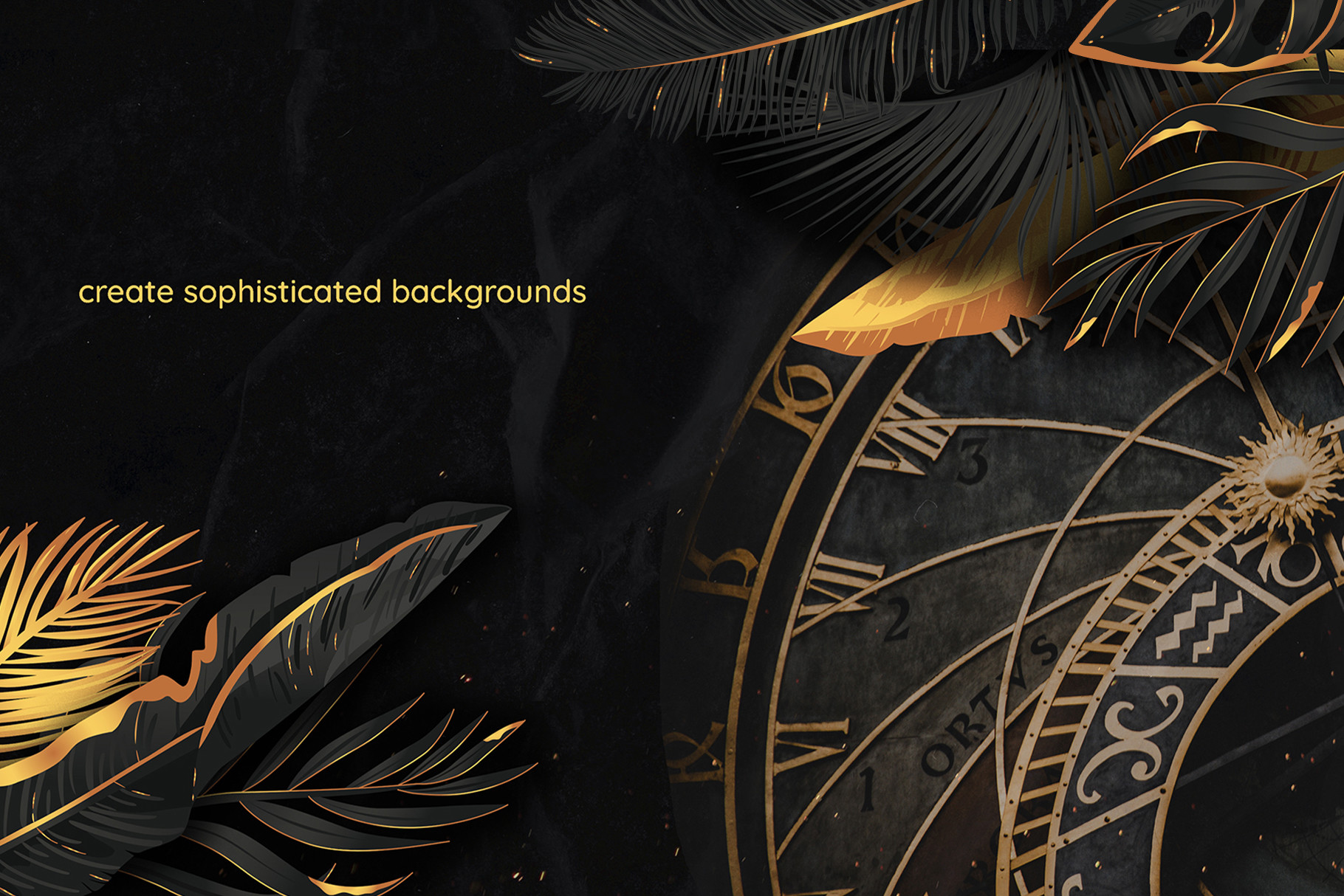
birthday collage template instagram story aesthetic black elegant printable editable

Best for Aesthetic Black Elegant Stories

Dark background with gold serif headline — contrast ratio is strong enough to read without glasses in direct sunlight. Two circular photo frames with white stroke borders, centred. The gold-on-black typographic hierarchy is the cleanest in this list. Only weak point: circular crops eat portrait photos alive. Works best with square or landscape source images.

Get This Template →

birthday collage template instagram story vibrant joyful celebration editable

Best for Vibrant Joyful Celebrations

Three-photo layout with a banner text element spanning the full canvas width. The banner creates a natural visual anchor at the mid-point, splitting the story into “photos” and “message” zones. Saves rate well for banner layouts because the text reads even when the thumbnail is small. One note: the font on the banner is wide-tracked — if your name is longer than 8 characters, it wraps to two lines and the layout breaks.

Get This Template →

How Do You Make a Birthday Collage Template Actually Work?

The template is the starting point, not the finish line. Three things consistently hurt collage story performance after download:

  • Wrong photo crop going in. A 16:9 landscape photo dropped into a portrait-oriented frame will centre-crop and cut off faces. Crop your source photos to match the frame ratio before importing.
  • Replacing the default font with a free system font. System fonts like Arial or Georgia have different x-heights than the display fonts the template was designed around. The spacing breaks. Use the font the template was built with, or swap to something with the same weight class.
  • Exporting at the wrong resolution. For Instagram Story, export at exactly 1080×1920px. Don’t let Canva auto-scale. Instagram will re-compress anything that’s not native resolution and you’ll see visible artefacts on text edges.

Looking for more Instagram story design options? Our aesthetic black birthday story templates covers minimalist dark-theme styles, and there are more options in the Instagram templates collection for other occasions and moods.

Frequently Asked Questions

What size is a birthday collage template for Instagram Story?

1080×1920 pixels (9:16 aspect ratio). Keep important elements out of the top 250px and bottom 350px — Instagram overlays its UI (profile name, reactions, reply bar) in those zones.

Can I use these templates commercially?

Templates downloaded on the Creative Fabrica All Access plan include a commercial licence — you can use them for client work or sell finished designs. Free plan downloads do not include commercial rights. Check the individual product licence if you’re unsure.

Do I need Canva to edit these templates?

Most templates on Creative Fabrica come in Canva format, PSD (Photoshop), or both. Canva’s free tier is sufficient to edit and export most templates — you don’t need Canva Pro for basic photo replacement and text edits.

Why does my collage look messy after adding photos?

Usually a frame-ratio mismatch or too many frames. Your source photo is a different aspect ratio than the template frame — it auto-crops and cuts the focal point. Either crop your photos first, or switch to a template with frames that match your photo proportions.

How many photos should a birthday collage Instagram story have?

Two or three. Four photos at Story resolution gives each frame roughly 270px wide — too small to be legible. Two photos at the same canvas width gives each frame around 500px, which is enough to see faces clearly and still have room for text.

For seasonal holiday content, our Easter Instagram story templates with Jesus themes covers faith-based designs for Holy Week and Easter Sunday.

Key Takeaways

  • Birthday collage templates on Creative Fabrica start on the free plan — no subscription required to try before you buy
  • Limit collage frames to 2–3 for readable Instagram Story layouts — four frames at 1080px wide shrinks each photo below 270px
  • Keep all key design elements out of the top 250px and bottom 350px safe zones to avoid Instagram UI overlap
  • Export at exactly 1080×1920px native resolution — auto-scaling in Canva adds visible artefacts on text edges

Similar Posts

Leave a Reply

Your email address will not be published. Required fields are marked *