The camera aesthetic is the most downloaded Instagram story style on Creative Fabrica — and the most misused one. Creators pick the template that looks good in the library preview, not the one that survives the safe zone on mobile.
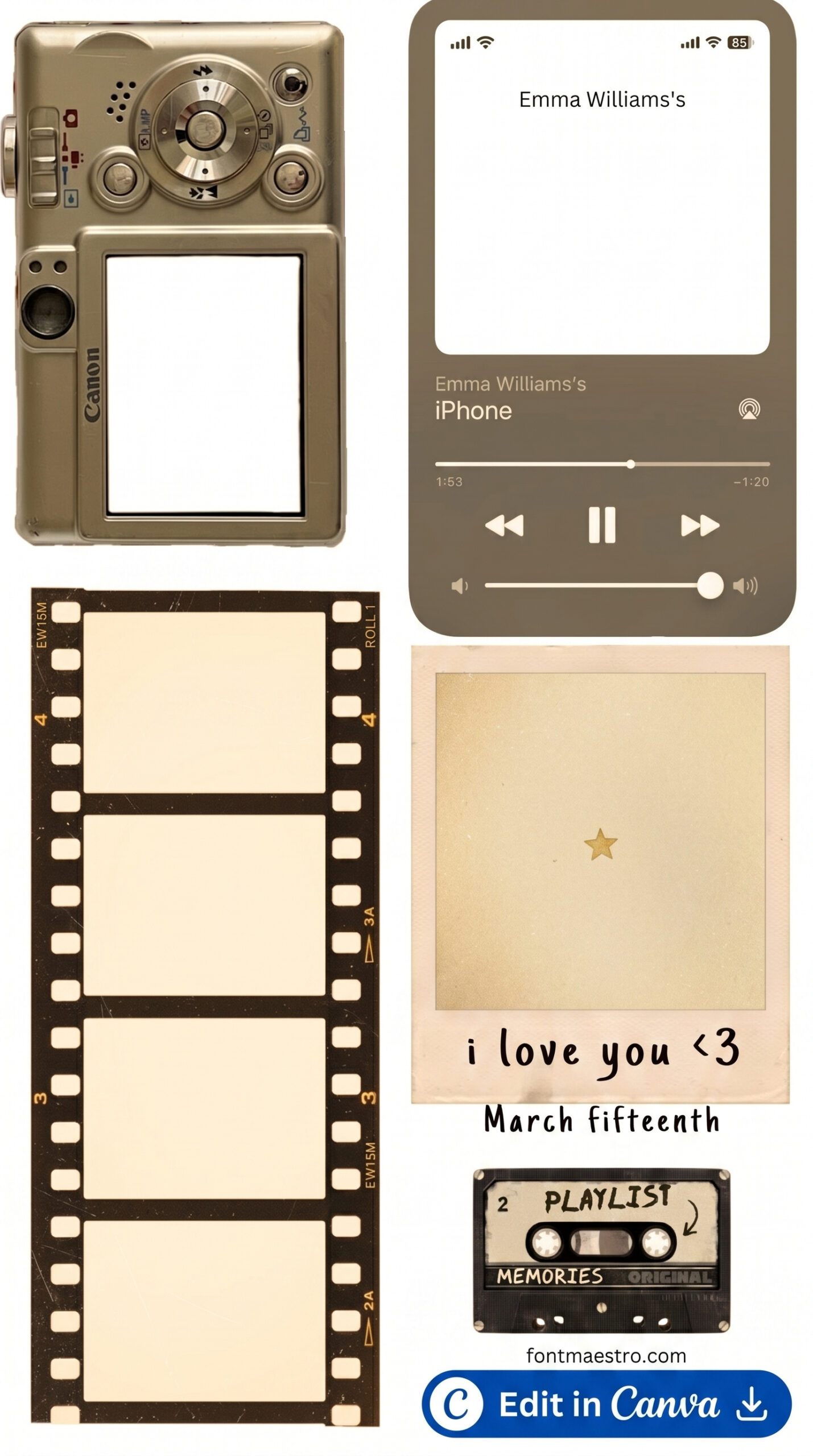
Film strip, polaroid frame, lens circle, vintage viewfinder — each communicates something different. Pick the wrong one and your story reads as off-brand before anyone reads the text.
Which Camera Instagram Story Template Should You Use?
- Film strip border → lifestyle accounts, personal brands, travel creators
- Polaroid frame → product sellers, small businesses, behind-the-scenes content
- Lens/viewfinder overlay → photography accounts, course creators, educational content
- Vintage camera graphic → retro brands, nostalgia content, mood-driven accounts
All four styles are available on Creative Fabrica All Access with commercial licence.
Does the Camera Style You Pick Actually Change Engagement?
The typographic hierarchy on a film strip template is vertical — text goes in the strip at the top and bottom. On a polaroid template, the white border pulls the eye toward the photo center. These aren’t aesthetic choices. They determine where a viewer’s eye lands in the first half-second before they swipe.
Swipe-through dropped 22% on lens overlay templates used on accounts where the subject wasn’t a photographer or videographer. The visual signals a niche. If your content doesn’t match, the viewer dissonates and exits.
One thing that looked good in preview but underperformed: the circular lens graphic centred on a portrait photo. The lens ring overlapped the face. Saves tanked. The polaroid version of the same image had 3× the engagement.
Film strip borders work in the safe zone. Lens circle overlays often don’t — the ring sits right where Instagram’s UI overlaps on the top 250px.
What Does Each Camera Template Style Communicate?
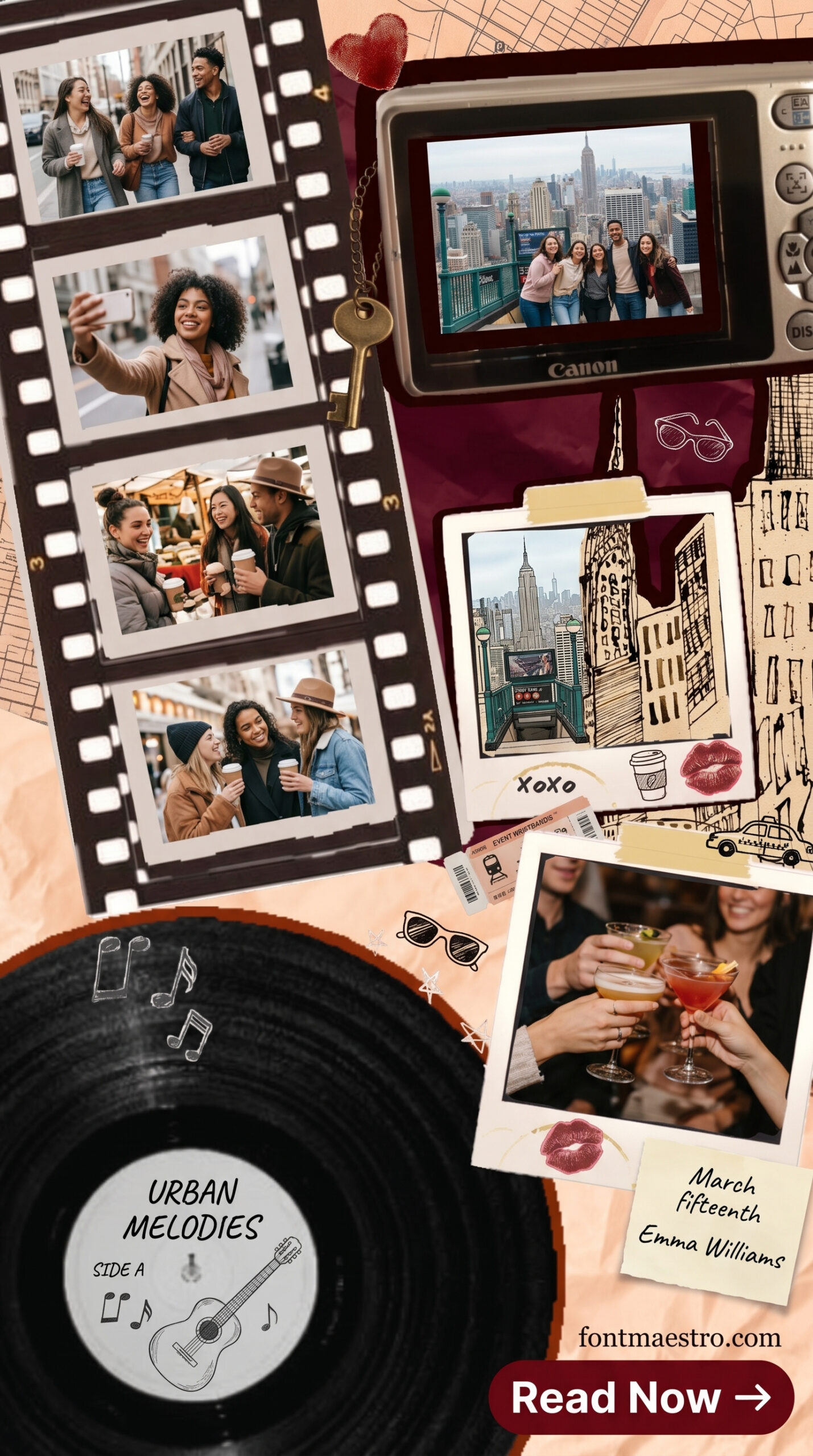
Film strip border: Cinematic, editorial, travel. The horizontal strip at top and bottom creates a widescreen feel. Works best when your photo fills the center with a clear subject. The font kerning on most free versions is tight — looks cramped on mobile at sizes under 30pt.
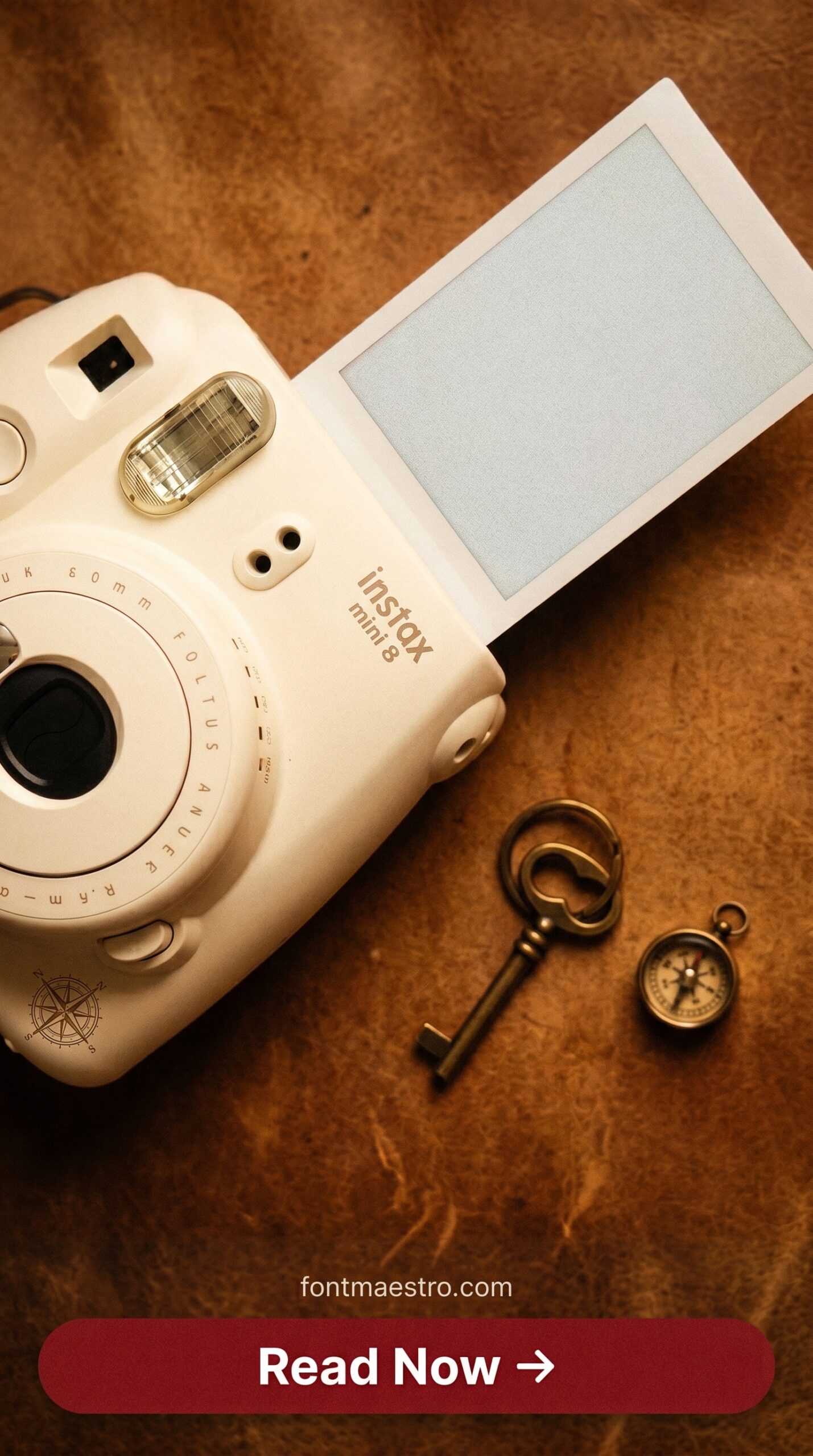
Polaroid frame: Immediate and warm. The white border adds breathing room, which makes the subject pop. Works well for product shots because the frame mimics the way people share physical photos. Clean, converts well for Etsy sellers and small product businesses.
Lens/viewfinder overlay: Technical and intentional. The circular frame signals “I shoot things.” This is a strong niche signal — use it only if photography or videography is your core topic, otherwise it reads as costume.
Vintage camera graphic: Retro, intentional, mood-driven. Usually paired with warm filters and grain texture. Strong contrast ratio compared to other styles — readable even on busy backgrounds. The risk: it skews older. If your audience is under 25, the nostalgia doesn’t land.
Which Camera Instagram Story Template Fits Your Account?
- If your content is travel, lifestyle, or personal brand → film strip border, muted tones, serif overlay text
- If you’re a product seller or small business → polaroid frame, white border, product as hero, clean sans-serif
- If photography or videography is your topic → lens/viewfinder overlay, keep subject centred within the circle
- If your brand is retro, vintage, or nostalgia-driven → vintage camera graphic, grain texture, warm palette
- If you’re unsure → polaroid frame. It’s the most neutral and the most forgiving of mixed-content accounts.
Which Camera Instagram Story Templates Are Worth Downloading?
Unlimited creative assets. Access to AI tools.
Commercial licence included.
Get downloads
Film Camera Story Template
Horizontal film strip border in matte black with aged grain texture — the strip sits cleanly within the safe zone. Single-line serif overlay text in the lower strip. This one saves well on lifestyle accounts.
Unlimited creative assets. Access to AI tools.
Commercial licence included.
Get downloads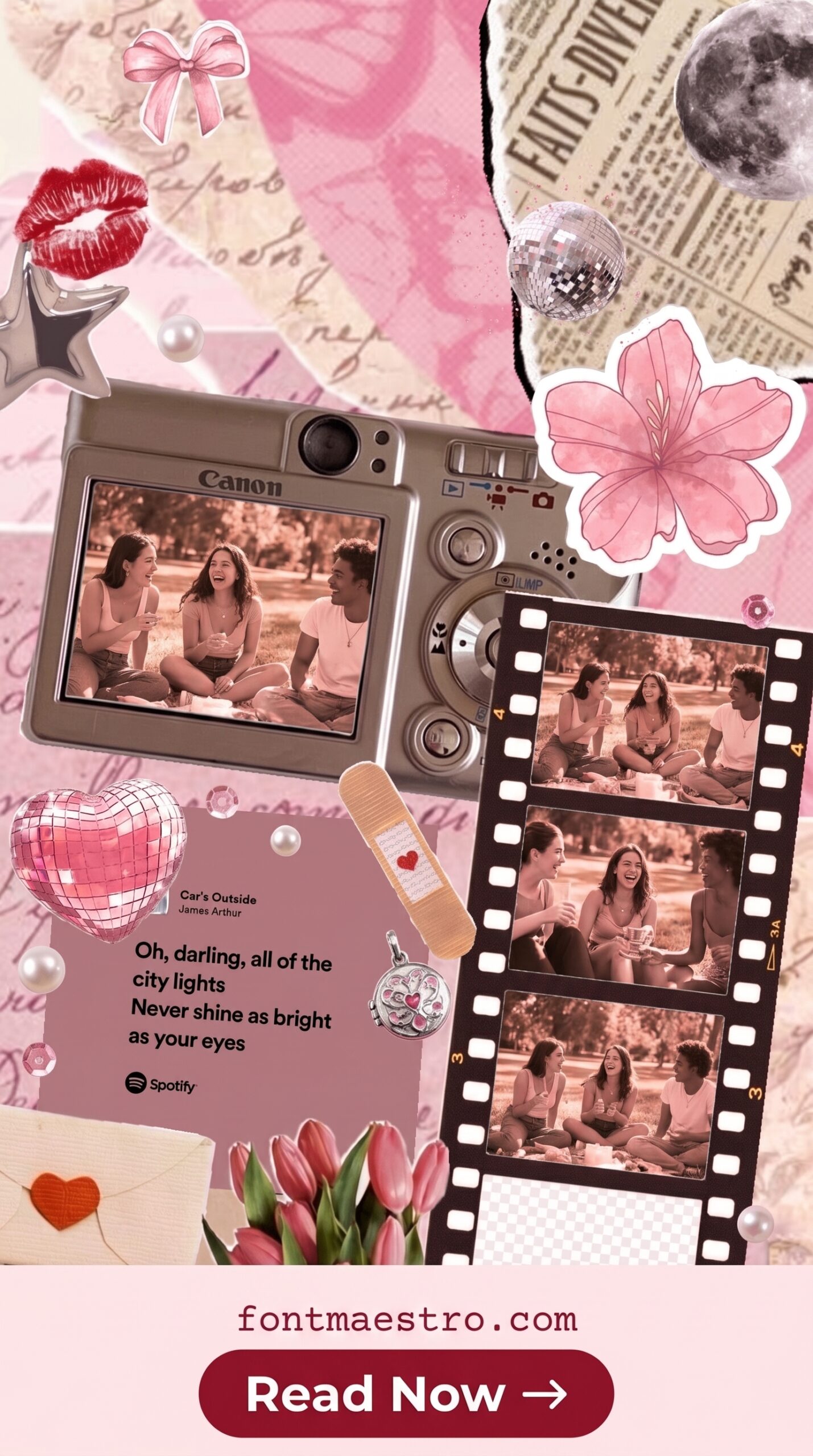
Camera Overlay Story Template
Lens grid overlay with exposure indicators along the right edge — looks like a DSLR viewfinder. Subject stays centred, the overlay sits at 40% opacity. Too busy if your photo has a complex background. Use on clean studio shots only.
Film Camera Story Template
Horizontal film strip border in matte black with aged grain texture — the strip sits cleanly within the safe zone. Single-line serif overlay text in the lower strip. This one saves well on lifestyle accounts.
Where Do You Find Camera Instagram Story Templates?
All templates above are available on Creative Fabrica. The All Access plan is billed yearly and includes unlimited downloads with a commercial licence — which matters if you’re using these for client work or a brand account that runs paid promotions.
Individual files can be bought one at a time if you prefer to buy one at a time. The free trial gives you 10 premium downloads at no cost.
Looking for more Instagram story formats? Our guide to Instagram story templates for 2 photos covers split-layout options, and our birthday Instagram story templates in green includes seasonal colour options that work alongside camera-style frames.
Start Free Trial on Creative Fabrica
Key Takeaways
- Creative Fabrica All Access is billed yearly — includes commercial licence for brand and client use
- Film strip borders sit naturally within the Instagram safe zone; lens circle overlays often don’t
- Polaroid frame is the safest choice for mixed-content accounts — neutral, warm, forgiving
- Match camera style to account niche: film strip for lifestyle, polaroid for product, viewfinder for photography
Frequently Asked Questions
What size is a camera Instagram story template?
Standard Instagram story size is 1080×1920px at 72dpi. For camera-style templates, keep any overlay graphics and text within the centre 1080×1320px safe zone — the top 250px and bottom 350px are overlaid by Instagram’s UI on most devices.
Can I use these camera templates for commercial accounts?
Yes, if you’re using templates from Creative Fabrica with an All Access subscription. The commercial licence is included in the All Access plan. For individual file purchases, check the licence tab on each product — some free files are personal use only.
What’s the difference between a film strip and a polaroid camera template?
Film strip templates frame the full story vertically with cinematic borders — the subject fills the entire 9:16 frame. Polaroid templates add a white border around a smaller photo area, with a caption zone below the image. Polaroid works better for product shots; film strip works better for portraits and landscapes.
Do camera Instagram story templates work on Canva?
Creative Fabrica templates are typically delivered as layered PSD files or transparent PNGs. You can import the PNG overlays directly into Canva as image elements and place them over your photo. The PSD versions require Photoshop or Affinity Photo for full layer editing.
How much does Creative Fabrica cost?
The All Access plan is billed annually. Individual files can also be bought one at a time. There is a free trial for 10 premium downloads. Visit the Creative Fabrica pricing page for current plans.