Quick Answer
The Instagram story template safe zone is the central area of a 1080×1920 px canvas where text, logos, and key visuals must stay — roughly 250 px from the top and 350 px from the bottom — to avoid being cropped by the Instagram UI on any device. Using a pre-made template with built-in safe zone guides is the fastest way to get it right every time.
What Is the Instagram Story Safe Zone?
When Instagram displays a story, the app overlays your username, profile photo, and action buttons on top of the image. If your design elements — text, logo, CTA — sit too close to the edges, they get hidden or cropped. The safe zone is simply the region guaranteed to be visible.
 Pin it
Key insight: Instagram stories are 1080 × 1920 px (9:16 ratio). The safe zone starts ~250 px from the top and ~350 px from the bottom — leaving a 1080 × 1320 px visible area for your main content.
Exact Dimensions & Margins
Here are the numbers every designer needs to know:
- Canvas size: 1080 × 1920 px
- Top margin (UI overlay): ~250 px — profile photo, name, time
- Bottom margin (UI overlay): ~350 px — “Send message” bar, swipe-up area
- Safe content area: 1080 × 1320 px (center of the canvas)
- Side margins: keep at least 50–75 px from left and right edges
 Pin it
Most professional story templates on Creative Fabrica already include safe zone guidelines baked in, so you never have to measure manually.
Instagram Story Templates — Creative Fabrica
Thousands of story templates with safe zones built in. Works with Canva, Photoshop, and Illustrator.
Best Templates with Safe Zone Built In
The quickest way to get the safe zone right is to start with a template designed for it. Here are the styles that work best:
Unlimited creative assets. Access to AI tools.
Commercial licence included.
Get downloads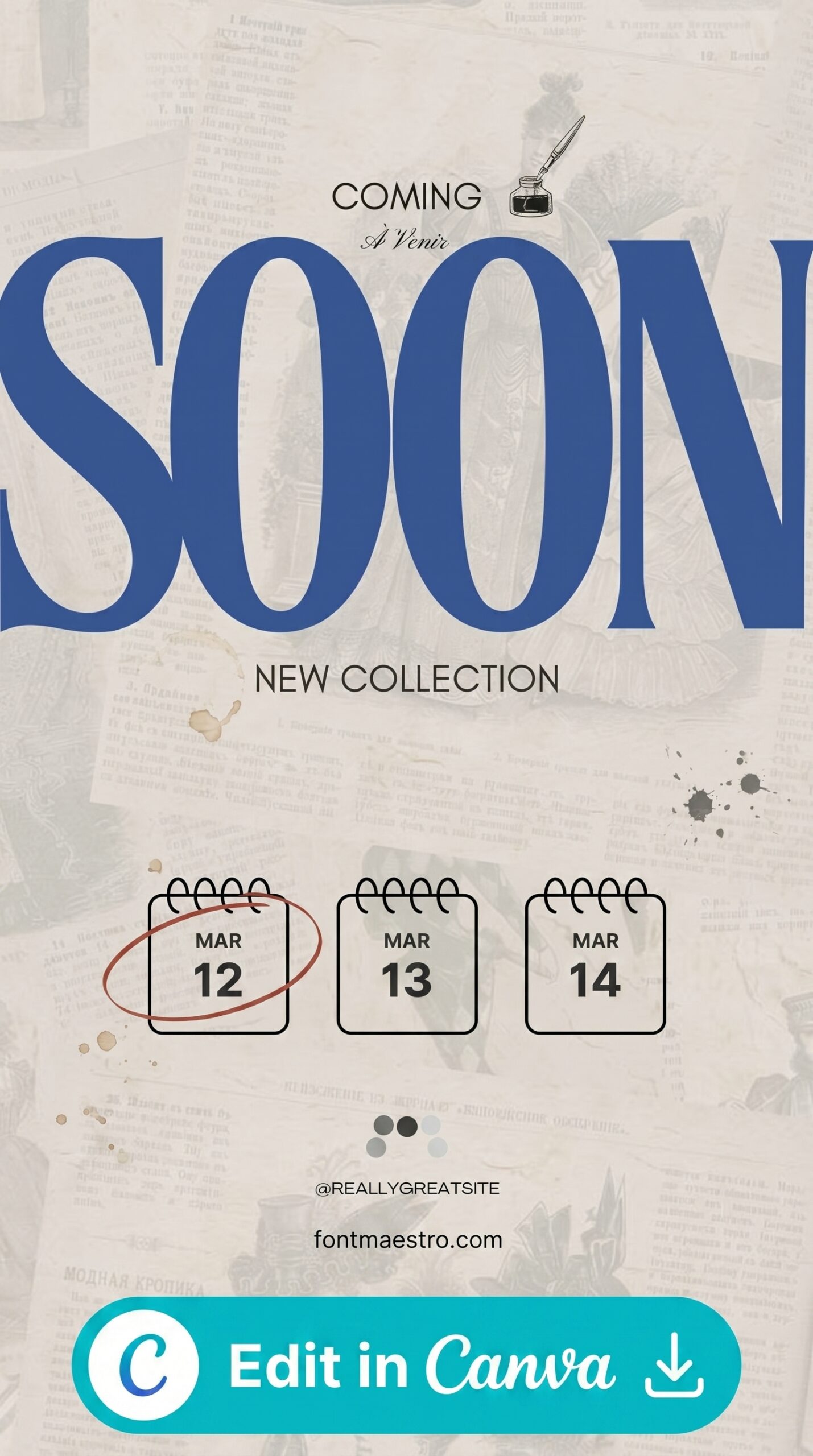
Aesthetic Minimal Templates
Clean layouts with centered text blocks — naturally safe by design. Perfect for lifestyle and beauty brands.
Design Tips to Stay Safe
 Pin it
Even with a template, these habits keep your stories looking professional:
- Enable the safe zone guide layer — most professional templates include a locked guide layer; keep it visible while editing, hide it before export.
- Never place text in the top 250 px or bottom 350 px — Instagram UI will cover it on many devices.
- Keep logos and CTAs in the center 60% of the canvas — this gives you comfortable margin even on older phone screen ratios.
- Test on a real device before publishing — upload to your drafts and preview in the Instagram app.
- Use high-contrast text — even within the safe zone, light text on busy backgrounds can be unreadable; add a semi-transparent overlay behind text blocks.
 Pin it
Pro tip: Create a master template file with the safe zone marked as a locked guide layer. Duplicate it for every new story — you’ll never accidentally design outside the safe zone again.
If you’re working with two-photo layouts specifically, our story instagram template 2 foto guide covers how divider width and frame alignment interact with the safe zone. For character-themed stories, our Hello Kitty Instagram story templates all stay within the safe zone guidelines. If you want a different aesthetic entirely, our camera Instagram story templates guide breaks down which frame style — film strip, polaroid, or lens overlay — keeps your key elements inside the safe zone.
 Pin it
Creative Fabrica Plans
All templates shown in this article are available on Creative Fabrica. Here’s what each plan includes:
| Plan | Price | What You Get |
|---|---|---|
| Free Trial | Free plan | 10 premium downloads to start |
| All Access Yearly | Billed yearly | Unlimited downloads, commercial license |
| Single Purchase | One file at a time | Individual template, no subscription |
See All Creative Fabrica Plans →
Frequently Asked Questions
What size is the Instagram story safe zone?
The safe zone within an Instagram story is approximately 1080 × 1320 px — centered on a 1080 × 1920 px canvas, with ~250 px reserved at the top and ~350 px at the bottom for Instagram’s UI elements.
Does Canva have an Instagram story safe zone template?
Canva’s story templates are sized at 1080 × 1920 px but don’t always mark the safe zone. For templates with the safe zone guide layer built in, Creative Fabrica offers a much larger and more professional selection.
What happens if I design outside the safe zone?
Instagram overlays your profile photo, username, and action buttons over the top and bottom areas. Any text, logo, or CTA placed there will be partially or fully hidden — making your story look broken or unprofessional.
Do I need to worry about the safe zone on desktop?
Stories are primarily a mobile format. Desktop viewers see slightly different cropping. Always design for mobile first — the safe zone guidelines above ensure your content looks correct on all devices.
Are Creative Fabrica templates safe-zone compliant?
Most professional story template packs on Creative Fabrica are designed to the 1080 × 1920 px standard with content centered in the safe area. Always check the preview to confirm before purchasing a single-item template.
Key Takeaways
- The Instagram story safe zone is the central 1080 × 1320 px of a 1080 × 1920 px canvas
- Keep all text, logos, and CTAs at least 250 px from the top and 350 px from the bottom
- Use templates with a built-in safe zone guide layer to eliminate guesswork
- Always preview on a real device before publishing
- Creative Fabrica’s All Access plan gives unlimited access to professionally designed story templates