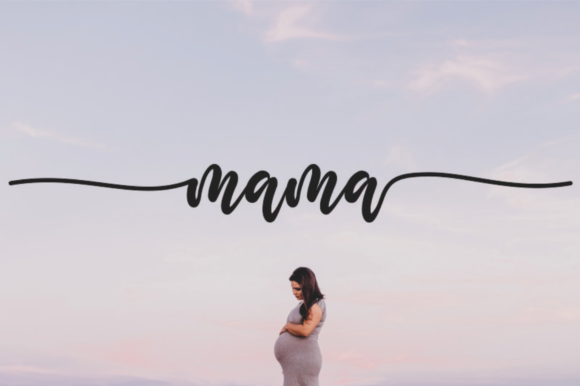
Download this fontOn Creative Fabrica — instant download
About Setting Fires
Setting Fires reads as ordinary in a list and holds up once it is open, which is the order we would rather have it. 180 saves is a quiet kind of recommendation, and it is the only one we can read off the listing. Dharmas Studio is the name on the listing. It stands at 5.0 out of 5 across 2 reviews, and we read the low scores first when there are any.
The join between letters is the whole craft in a script face, so we look at a word with a repeated letter before judging anything else. Use it where the font has to disappear behind the thing you are actually making. We check two things before any download like this: the preview at full size, and whether the licence covers what you plan to do with it.
Setting Fires Specifications
| Font name | Setting Fires |
|---|---|
| Designer | Dharmas Studio |
| Font type | Script and Calligraphy Fonts |
| Format | Digital download |
| Rating | 5 out of 5 |
| Reviews | 2 |
| Saved by | 180 makers on |
| Last review | 2021-11-08 |
How to use this font
- Download the font from Creative Fabrica and unzip it — you normally get OTF and TTF of the same face, plus a licence file.
- Install the OTF if your software gives you the choice: it carries the alternates and ligatures that make a script face look handwritten.
- Restart the app you design in — Canva, Photoshop, Cricut Design Space and Word all read the font list once, at launch.
- Read the licence before a paid job: personal and commercial use are priced apart, and a logo often needs the extended one.
Download Details
- Format: Digital download
- Files: listed on the Creative Fabrica page for this font
- Licence: whichever licence Creative Fabrica shows for this file — check it there before you sell what you make
Download this fontOpens the Creative Fabrica page for this font