About Opaline Notes
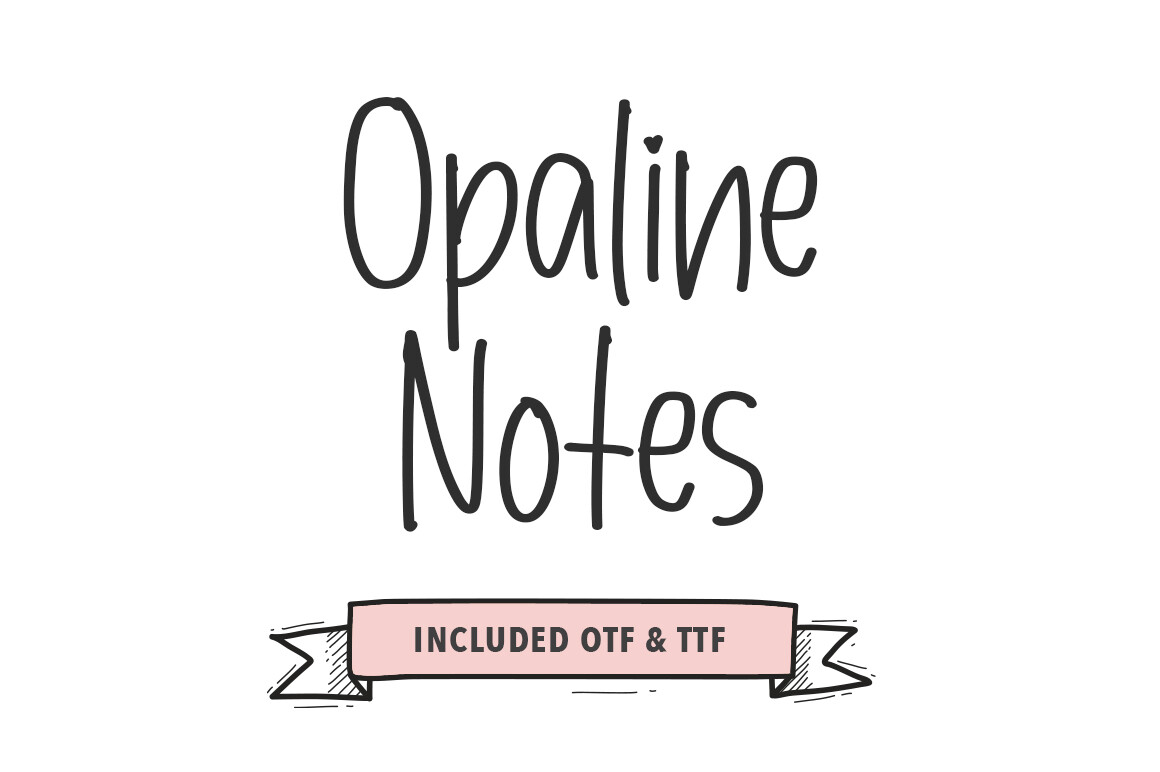
If aesthetic is what you came for, start here — Opaline Notes is the plainest reading of that request on the Script and Calligraphy Fonts shelf. 6 saves mean nobody has tested it for you. We still think it holds up. Pretty Glyphs made it. Nobody has reviewed it, which we do not hold against a new file — but it does mean the preview is the only honest evidence.
Type your own words in the preview box before you decide: script fonts look beautiful in the designer's sample and fall apart in all caps or with a double letter. Our own plan for it is alternates, because that is where this kind of font does the least arguing with you. Open it big before you commit. At thumbnail size every font on this shelf looks equally good, which is the problem with thumbnails.
Opaline Notes Specifications
| Font name | Opaline Notes |
|---|---|
| Designer | Pretty Glyphs |
| Font type | Script and Calligraphy Fonts |
| Format | Digital download |
| Saved by | 6 makers on |
How to use this font
- Download the font from Creative Fabrica and unzip it — you normally get OTF and TTF of the same face, plus a licence file.
- Install the OTF if your software gives you the choice: it carries the alternates and ligatures that make a script face look handwritten.
- Restart the app you design in — Canva, Photoshop, Cricut Design Space and Word all read the font list once, at launch.
- Read the licence before a paid job: personal and commercial use are priced apart, and a logo often needs the extended one.
Download Details
- Format: Digital download
- Files: listed on the Creative Fabrica page for this font
- Licence: whichever licence Creative Fabrica shows for this file — check it there before you sell what you make