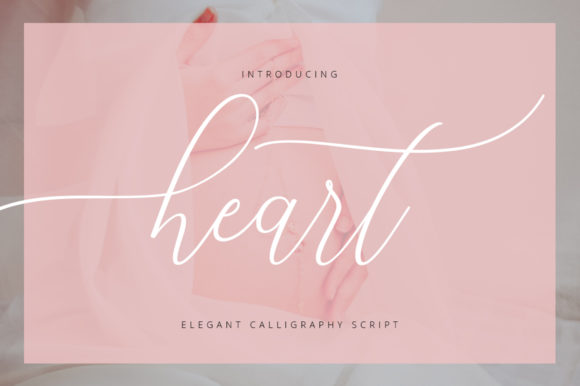
Download this fontOn Creative Fabrica — instant download
About Highlight
Highlight is our bcaligraphy font pick, and it is a pick rather than a default — we looked at the shelf twice before leaving it on. Preketek texs made it. It is quiet on saves so far, so take this as our opinion rather than the crowd's. There are no reviews on it yet, so judge it by the preview and not by a score that does not exist.
Type your own words in the preview box before you decide: script fonts look beautiful in the designer's sample and fall apart in all caps or with a double letter. We keep it filed mentally under beauty font, which is the use that needs the least adjusting afterwards. The licence tab and the full-size preview are the whole of our due diligence here, and they take about a minute between them.
Highlight Specifications
| Font name | Highlight |
|---|---|
| Designer | Preketek texs |
| Font type | Script and Calligraphy Fonts |
| Format | Digital download |
How to use this font
- Download the font from Creative Fabrica and unzip it — you normally get OTF and TTF of the same face, plus a licence file.
- Install the OTF if your software gives you the choice: it carries the alternates and ligatures that make a script face look handwritten.
- Restart the app you design in — Canva, Photoshop, Cricut Design Space and Word all read the font list once, at launch.
- Read the licence before a paid job: personal and commercial use are priced apart, and a logo often needs the extended one.
Download Details
- Format: Digital download
- Files: listed on the Creative Fabrica page for this font
- Licence: whichever licence Creative Fabrica shows for this file — check it there before you sell what you make
Download this fontOpens the Creative Fabrica page for this font