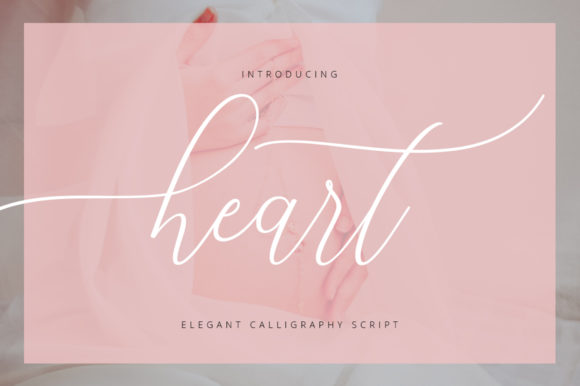
Download this fontOn Creative Fabrica — instant download
About Feather
Feather is our aesthetic pick, and it is a pick rather than a default — we looked at the shelf twice before leaving it on. Credit goes to Writelounge. With 25 saves it has barely been seen, and that is neither a good nor a bad sign on a catalogue this size. No reviews either way, so the preview is doing all the work on this one.
The join between letters is the whole craft in a script face, so we look at a word with a repeated letter before judging anything else. We keep it filed mentally under branding font, which is the use that needs the least adjusting afterwards. The licence tab and the full-size preview are the whole of our due diligence here, and they take about a minute between them.
Feather Specifications
| Font name | Feather |
|---|---|
| Designer | Writelounge |
| Font type | Script and Calligraphy Fonts |
| Format | Digital download |
| Saved by | 25 makers on |
How to use this font
- Download the font from Creative Fabrica and unzip it — you normally get OTF and TTF of the same face, plus a licence file.
- Install the OTF if your software gives you the choice: it carries the alternates and ligatures that make a script face look handwritten.
- Restart the app you design in — Canva, Photoshop, Cricut Design Space and Word all read the font list once, at launch.
- Read the licence before a paid job: personal and commercial use are priced apart, and a logo often needs the extended one.
Download Details
- Format: Digital download
- Files: listed on the Creative Fabrica page for this font
- Licence: whichever licence Creative Fabrica shows for this file — check it there before you sell what you make
Download this fontOpens the Creative Fabrica page for this font