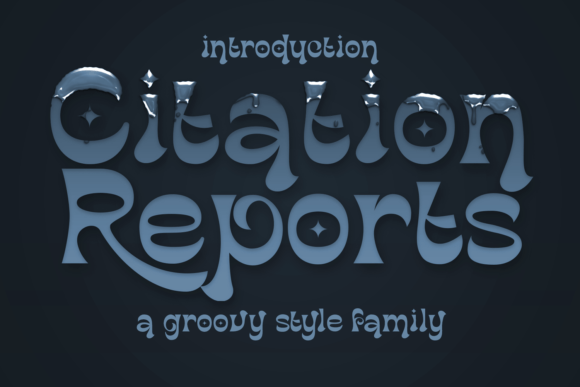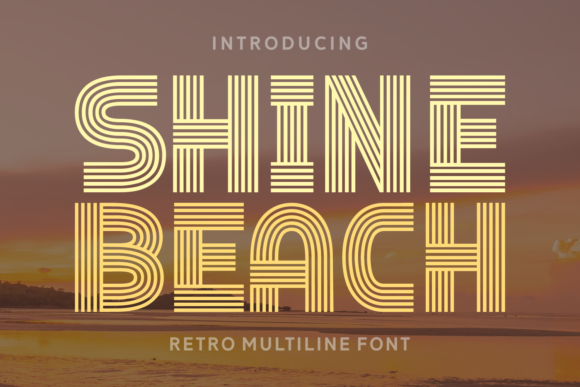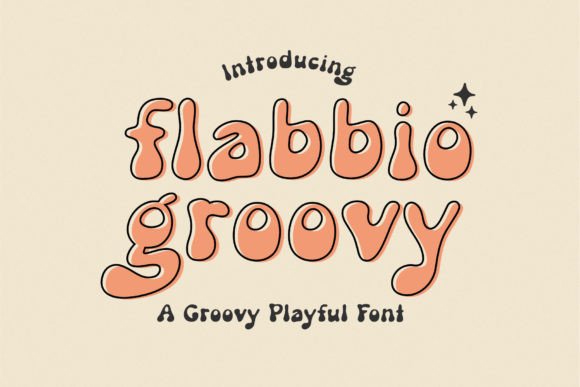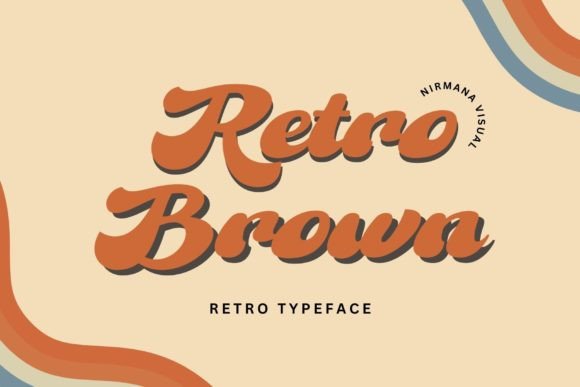
About Whoa
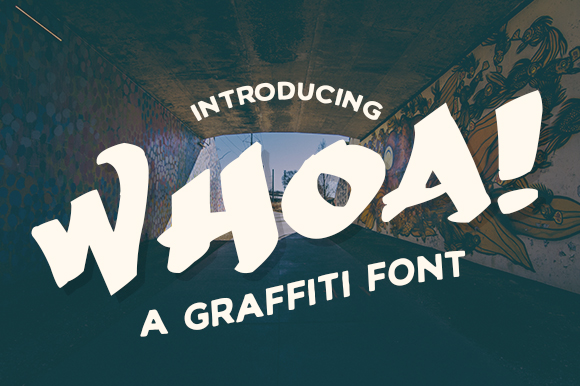
We keep Whoa here because it is the plain, dependable version of what this shelf is for — and the plain version is the one that gets used. Creative Fabrica Freebies made it. It has 1,046 saves behind it — enough that we trust the demand, not just our own taste. The listing shows 5.0 out of 5 on 8 reviews, which is better evidence than the thumbnail.
Check the capitals and the spacing between them — display type lives or dies on how a short word in caps sits together. This is a safe default rather than a statement piece, and most jobs want the safe default. With a score that steady we would download it without much thought — still, open the preview full size first, because that is where the detail either holds up or does not.
Its home here is Display and Poster Fonts — open that shelf if you would rather compare a few before choosing. Related wording on the shelf: headline, vintage, retro and slab. Same shelf, different phrasing, and the sort options above work across all of it. The wording people arrive with is vintage fonts commercial license, display fonts, vintage fonts canva, number fonts vintage and retro canva fonts, and we would rather shelve for those requests than for how a thumbnail looks in a grid.
Whoa Specifications
| Font name | Whoa |
|---|---|
| Designer | Creative Fabrica Freebies |
| Font type | Display and Poster Fonts |
| Format | Digital download |
| Rating | 5 out of 5 |
| Reviews | 8 |
| Saved by | 1046 makers on Creative Fabrica |
| Last review | 2026-06-29 |
| Where to get it | Creative Fabrica |
How to use this font
- Download the font from Creative Fabrica and unzip it — you normally get OTF and TTF of the same face, plus a licence file.
- Install the OTF if your software gives you the choice: it carries the alternates and ligatures that make a script face look handwritten.
- Restart the app you design in — Canva, Photoshop, Cricut Design Space and Word all read the font list once, at launch.
- Read the licence before a paid job: personal and commercial use are priced apart, and a logo often needs the extended one.
Download Details
- Format: Digital download
- Files: listed on the Creative Fabrica page for this font
- Licence: whichever licence Creative Fabrica shows for this file — check it there before you sell what you make