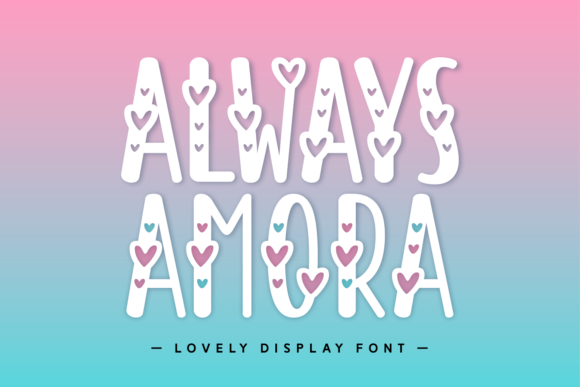
Download this fontOn Creative Fabrica — instant download
About Feeling Beachy
Ask for cricut font and you get a hundred near-misses; Feeling Beachy is one of the few that answers the question as asked. Manjalistudio is the name on the listing. Unreviewed so far — read that as untested rather than as a verdict. 142 people have saved it over there, which tells us the idea works for more than just us.
If you want one use for it, take cute: that is the direction the designer clearly had in mind, and it is the one we would follow. A display font only has to work big, so we judge it at poster size and ignore how it looks in a paragraph — that is not its job. Before downloading, give the preview a full-size look and read the licence tab — two clicks, and they answer most of what the listing leaves unsaid.
Feeling Beachy Specifications
| Font name | Feeling Beachy |
|---|---|
| Designer | Manjalistudio |
| Font type | Display and Poster Fonts |
| Format | Digital download |
| Saved by | 142 makers on |
How to use this font
- Download the font from Creative Fabrica and unzip it — you normally get OTF and TTF of the same face, plus a licence file.
- Install the OTF if your software gives you the choice: it carries the alternates and ligatures that make a script face look handwritten.
- Restart the app you design in — Canva, Photoshop, Cricut Design Space and Word all read the font list once, at launch.
- Read the licence before a paid job: personal and commercial use are priced apart, and a logo often needs the extended one.
Download Details
- Format: Digital download
- Files: listed on the Creative Fabrica page for this font
- Licence: whichever licence Creative Fabrica shows for this file — check it there before you sell what you make
Download this fontOpens the Creative Fabrica page for this font